Pop-Up Diorama
- Model
- Nano Banana 2
- Image
- 1408 × 768 px
Prompt
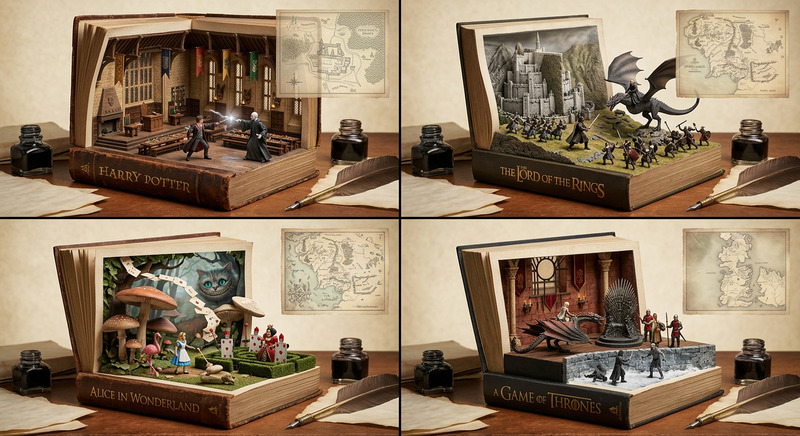
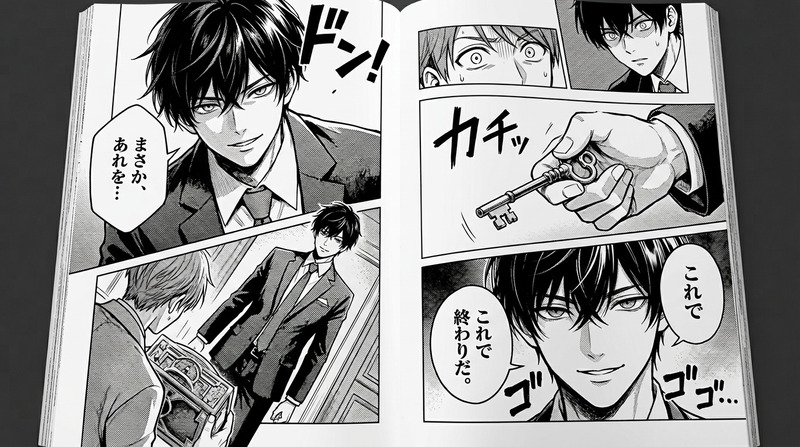
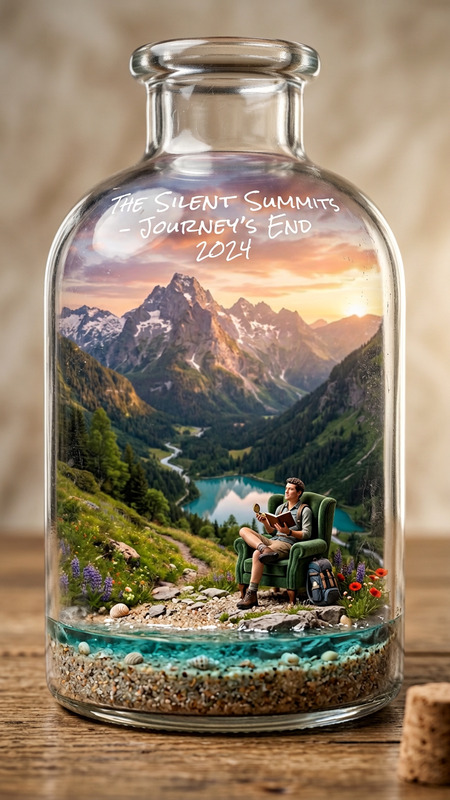
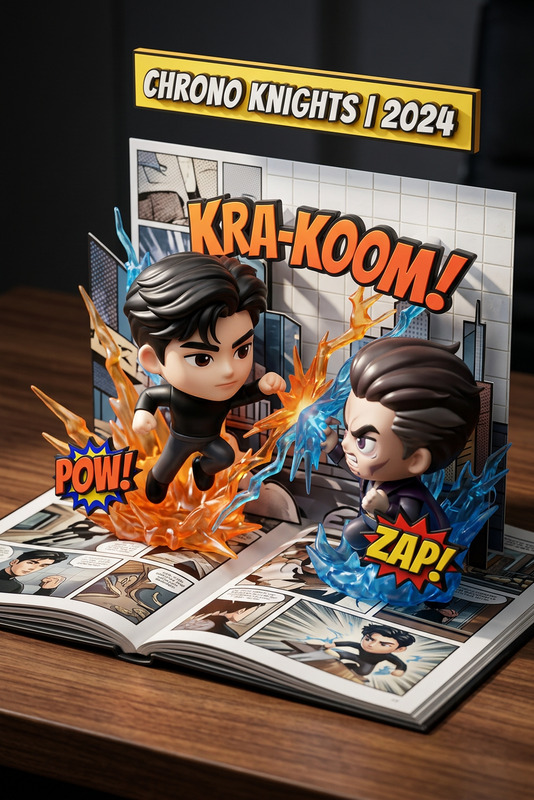
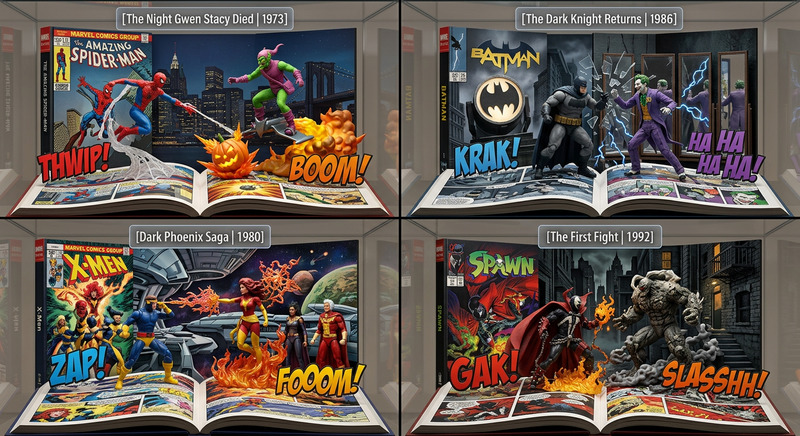
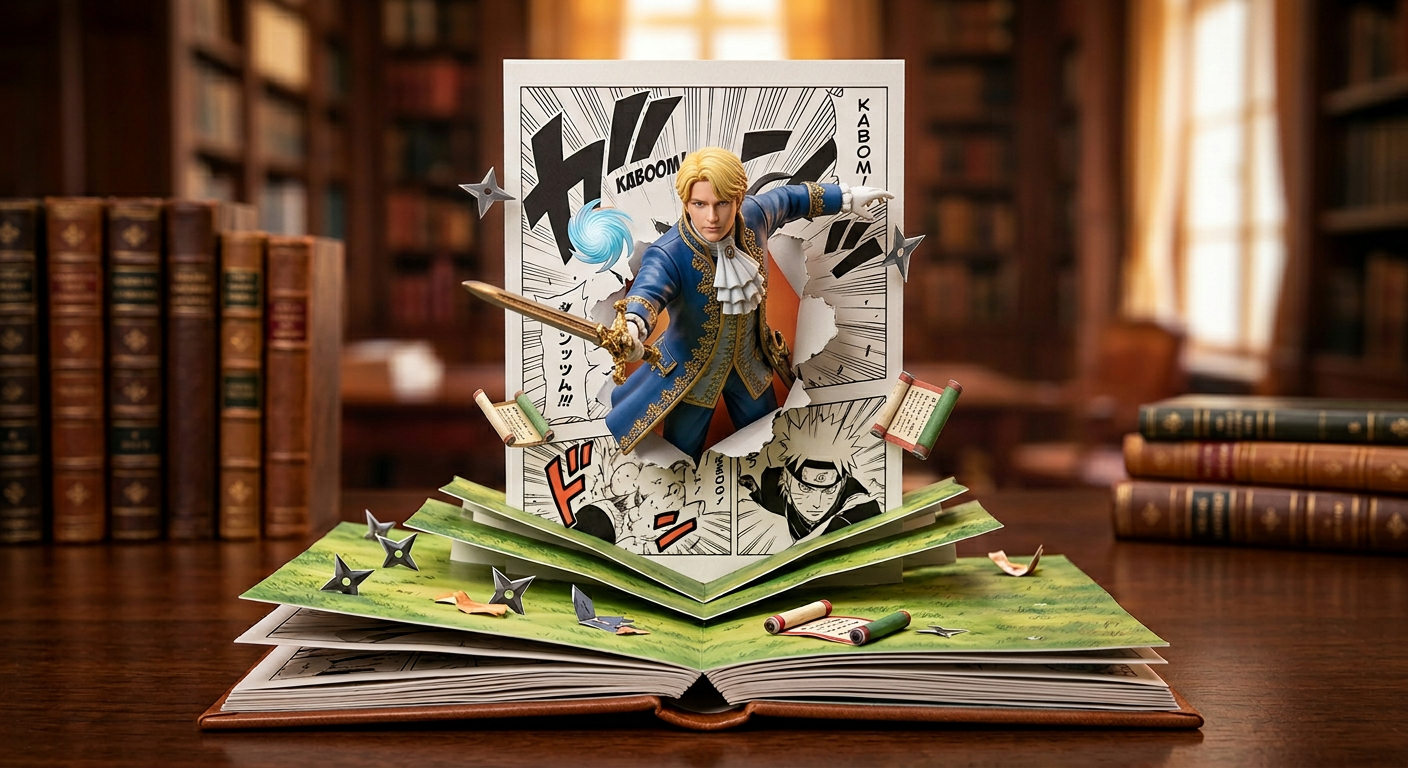
High-end “pop-up book” style diorama with main subject. Scene placed on a table surface with a blurred, out-of-focus library background. A vertical manga panel (flat printed paper) serves as the backplate, from which Naruto bursts outward in a dynamic mid-air pose. The character is rendered as a full 3D plastic/resin figure, creating strong contrast with the flat paper background. The base incorporates themed elements like grass, debris, or open-book styling inspired by the series. Lighting follows toy photography style (softbox, vibrant colors, soft shadows, glossy highlights). Ultra-detailed, cinematic composition.
Any aspect ratio
Overview
Transform your creative ideas into vivid pop-up diorama videos with the Pop-Up Diorama template from our AI Image Editor model series. Using nano-banana-2, this template brings your scenes to life with exquisite detail and cinematic flair.
What It Does
This template allows you to craft high-end dioramas, featuring subjects like Naruto, placed dynamically against a manga-inspired backdrop. The main character is rendered as a full 3D plastic figure for striking contrast. The composition is enhanced with vibrant colors and soft shadows, ideal for product photography and artistic storytelling.
Who It's For
Designed for graphic artists, content creators, and marketers needing visually compelling materials, the Pop-Up Diorama template aids in producing striking promos. It's especially suitable for designers involved in product launch videos or those crafting standout social media content.
Summary
With its ability to merge the tangible and virtual, this template takes your projects to the next level. Explore its capabilities with the image-to-video conversion or integrate it into thematic presentations to captivate audiences with three-dimensional storytelling.
How To
Choose Your Template

Customize Your Scene

Generate and Download

Use Cases
Marketing Campaigns
- Dynamic storytelling for ads
- Unique product presentations
Educational Content
- Interactive history lessons
- Science dioramas
Social Media Content
- Instagram reels featuring collectibles
- Creative TikTok presentations
Best Practices
Balance Elements
Ensure your 3D character and backdrop complement each other to create a seamless, engaging scene.Optimize Lighting
Use softboxes and proper lighting techniques to maintain a toy photography style, highlighting details effectively.Test Different Angles
Experiment with various camera angles to find the most impactful composition for your diorama.