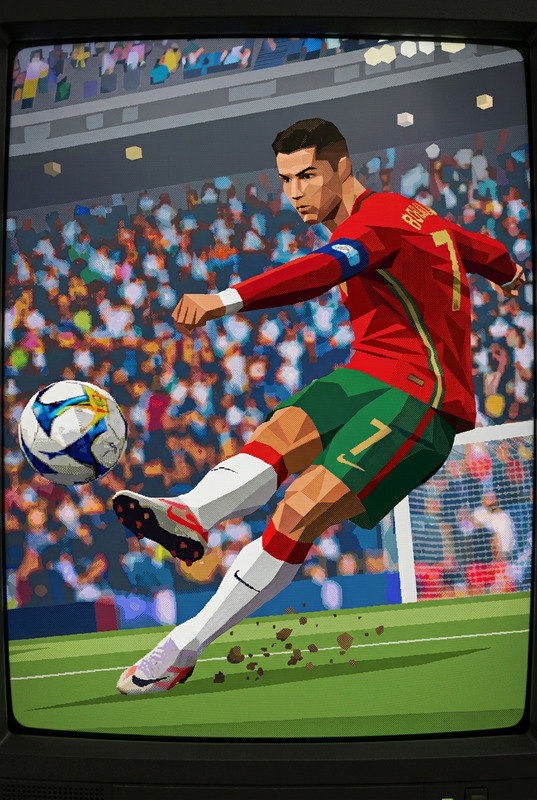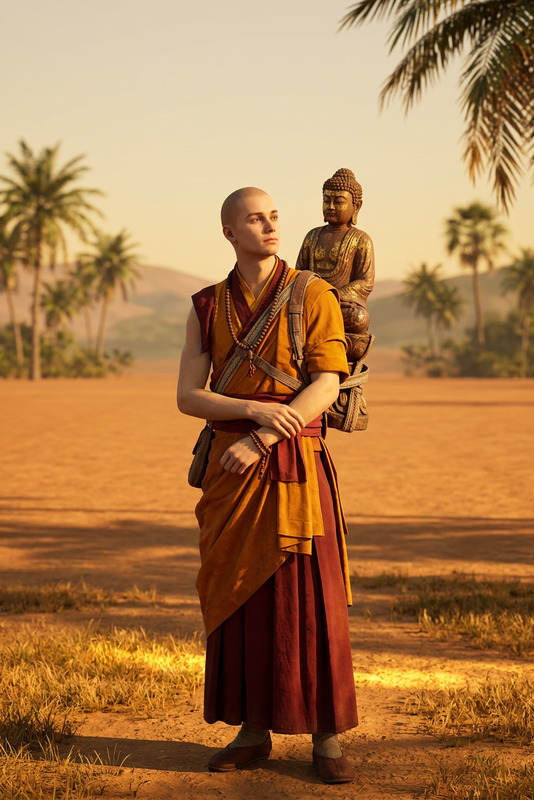
Pixel Quest
- Model
- Nano Banana 2
- Image
- 768 × 1376 px
Prompt
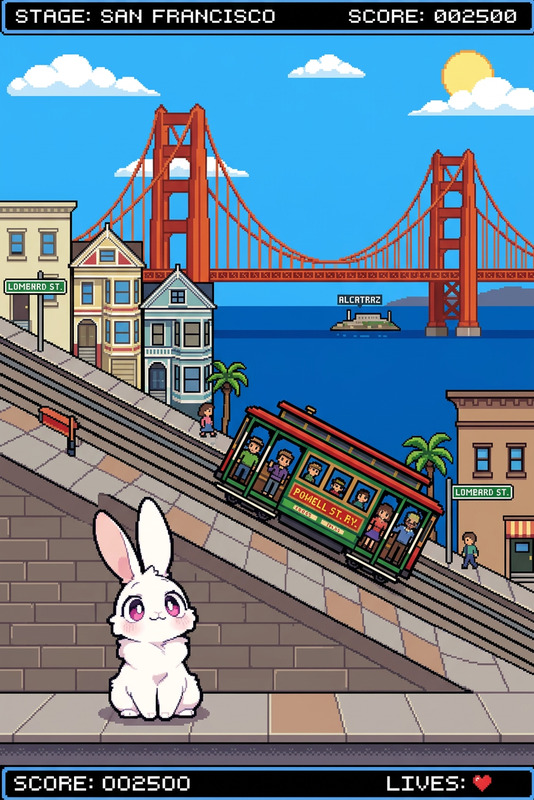
Using the subject(s) in the uploaded image as inspiration, create a single frame image from a story-driven 2D side-scrolling pixel art game. Translate the image's themes, colors, or subjects into the game world. The scene should capture a climactic, victorious moment in a non-violent, uplifting, or humorous way. Style should be detailed retro pixel art (16-bit), with clear silhouettes and a cohesive color palette. The image should be vertical and show the full game screen. Include a classic HUD at the top with a funny, original game title inspired by the image. The frame should feel like gameplay in progress, with a character, environment, and a clear sense of action or objective. All elements must be contained within the game screen.
Any aspect ratio
Overview
Pixel Quest is an AI Image Editor template that transforms your images into vibrant, story-driven scenes from a 2D side-scrolling pixel art game. Designed for those who appreciate retro aesthetics, this tool brings your visuals to life with a non-violent, uplifting twist. Whether you're a game designer or a creative enthusiast, Pixel Quest adds a nostalgic touch to your artwork.
What It Does
With Pixel Quest, you can convert any uploaded image into a detailed retro pixel art frame that resembles gameplay in a classic 16-bit style game. The template ensures all elements—character, environment, and objective—are clearly rendered within the frame. It incorporates a humorous game title and HUD, transforming your content into a captivating, cohesive game screen.
Who It's For
Pixel Quest is perfect for creatives in the gaming industry, digital artists, and influencers focused on tech and design content. It's also ideal for educators looking to make instructional materials more engaging. By blending artistic vision with AI-driven image editing, users can craft impactful visuals that resonate with audiences who cherish the charm of retro games.
Summary
Step into the world of retro gaming art with Pixel Quest. Create exhilarating pixel art scenes that capture the essence of gameplay without the need for complicated software. This template provides an accessible way to enhance your visual communications, whether for personal projects or professional presentations. Discover how AI Image Upscaler perfectly complements your pixel art by enhancing details without losing the retro feel.
How to Use Pixel Quest
Choose Your Image

Customize Your Settings

Generate and Download

Use Cases
Game Development Mockups
- Extend game universes with stylized visuals
- Create concept art for game pitches
Social Media Content
- Craft unique content for Instagram or TikTok
- Share nostalgic moments or "Throwback Thursday" visuals
Educational Materials
- Create visually striking slides for presentations
- Design educational posters with a retro twist
Best Practices
Select High-Quality Source Images
For the best results, choose images with clear themes and contrasting colors. This sharpens the clarity and detail in the pixel art transformation.Balance the Humor and Style
To maintain audience engagement, ensure the HUD and game title are entertaining yet do not distract from the main scene.Integrate Story Elements
Incorporate recognizable elements from your source images to enhance storytelling, adding depth and context to the pixel art scene.