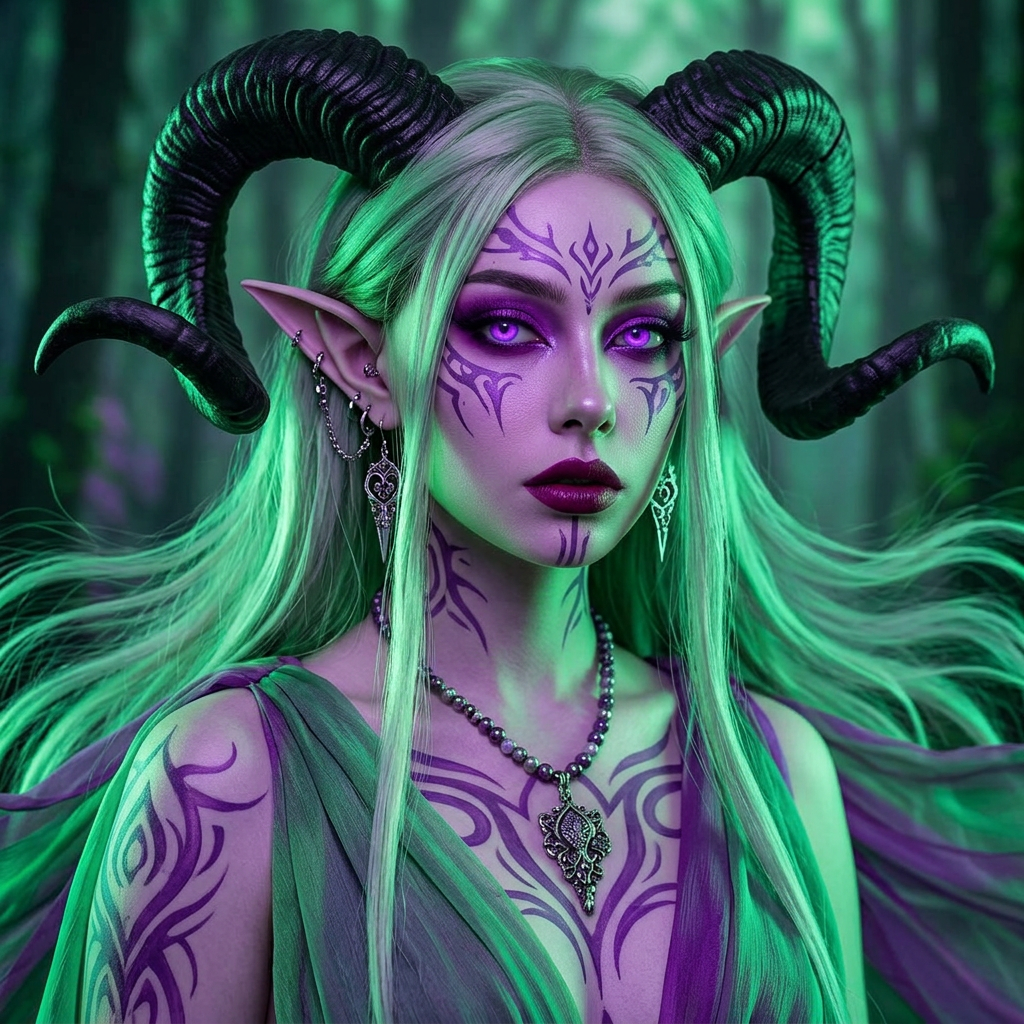
Verdant Horned Oracle
- Model
- Nano Banana 2
- Image
- 1024 × 1024 px
Prompt
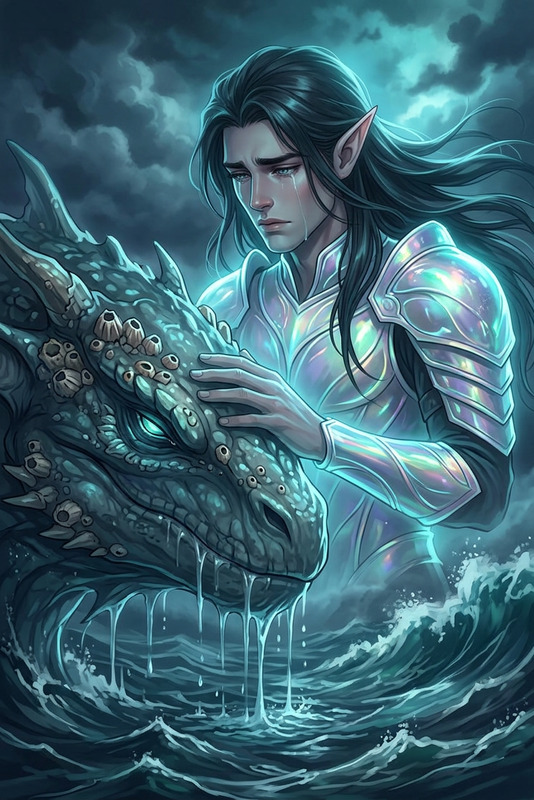
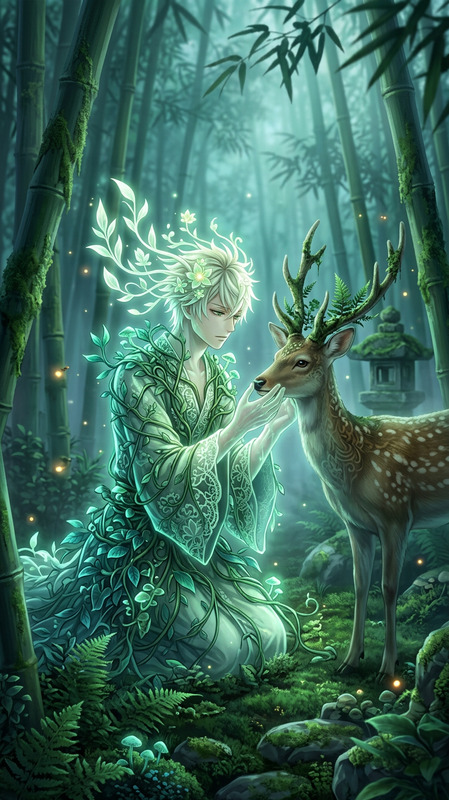
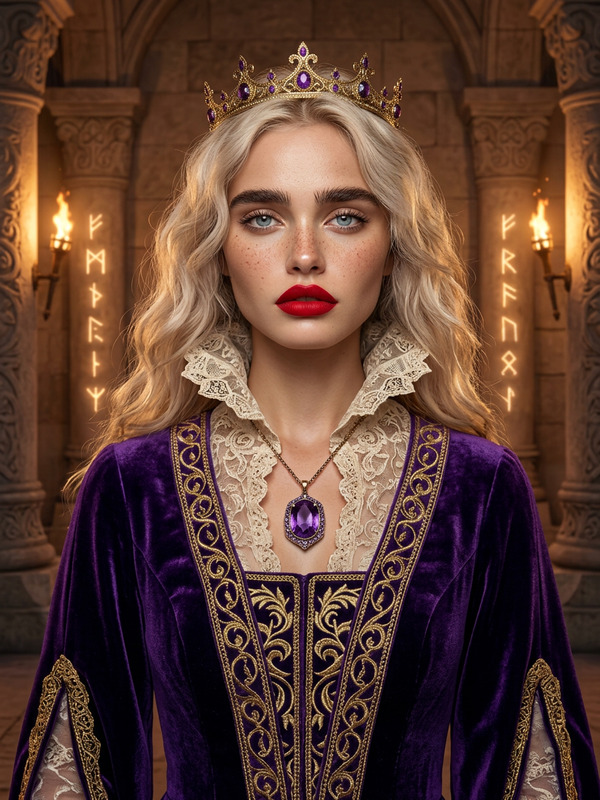
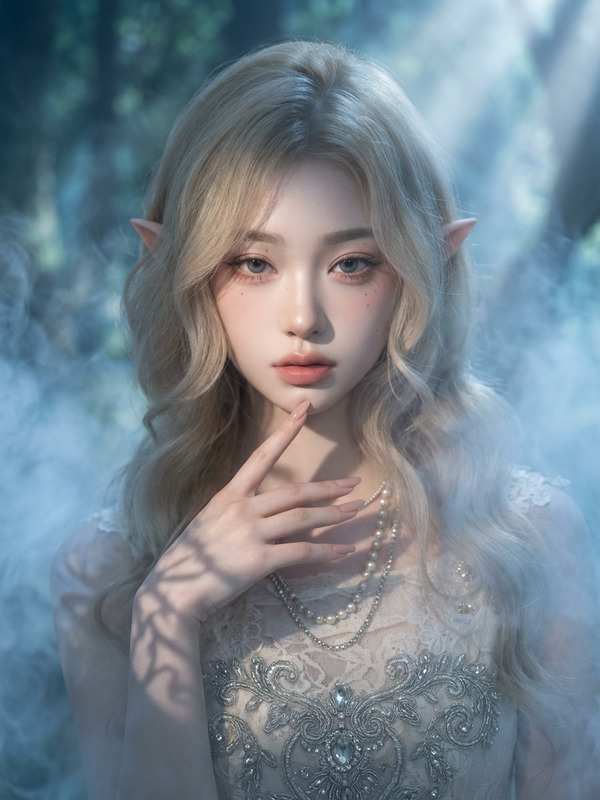
Close-up dark fantasy portrait of the subject as an elf with large black ram horns, long pointed ears, and flowing light green hair. Pale skin with intricate purple tribal tattoos, glowing purple eyes, dark lipstick, and bold eye makeup. Adorned with ornate earrings, multiple piercings, and a beaded necklace with a detailed pendant. Wearing green and purple flowing attire. Dramatic neon green and purple lighting, high contrast, ethereal glow, mystical dark fantasy atmosphere, highly detailed digital painting.
Any aspect ratio
Overview
Transform your images with a touch of dark fantasy using the Verdant Horned Oracle template. This AI Image Editor configures your subject as an elf adorned with striking features like large black ram horns and glowing purple eyes. The intricate details are meticulously crafted for a high contrast, mystical aura.
What It Does
The Verdant Horned Oracle template brings a fantasy element into your visual creations. It enhances images with elements such as pointed elf ears, elaborate tribal tattoos, and flowing green attire, all under dramatic lighting conditions. This tool is excellent for creating detailed digital artwork without the need for extensive editing skills.
Who It's For
This tool is ideal for digital artists, fantasy enthusiasts, and creators looking to add a mystical dimension to their projects. Whether you’re working on book covers, concept art, or adding a fantasy flair to profile pictures, this editor can provide the detailed, ethereal look you desire.
Summary
Use the Verdant Horned Oracle to transform ordinary images into extraordinary pieces of dark fantasy. This template leverages the AI Image Editor capabilities, matching intricate details with high-quality aesthetics. It's perfect for creating vivid fantasy scenes and enhancing visual storytelling.
How to Use
Choose Template

Customize

Generate

Use Cases
Digital Art & Concept Design
- Inspired character design
- Book and game art creation
Social Media & Marketing
- Stand out profile pictures
- Compelling ad creatives
Personal Projects
- Custom portraits
- Themed gifts
Best Practices
Lighting and Contrast
Ensure the contrast settings highlight the subject's features and blend with the background to create a cohesive look.Color Coordination
Stick to the green and purple theme to maintain the aesthetic balance and accentuate the mystical feel.Attention to Detail
Focus on fine details like tattoos and jewelry to enrich the overall depth and realism of the image.