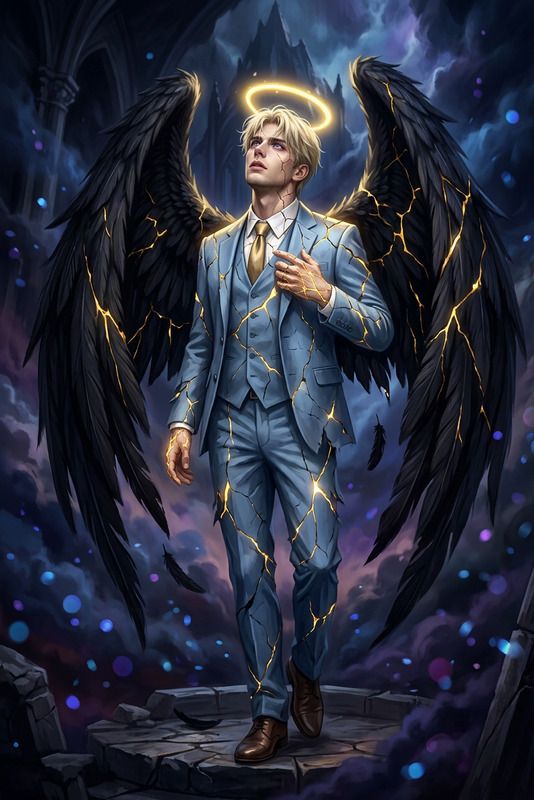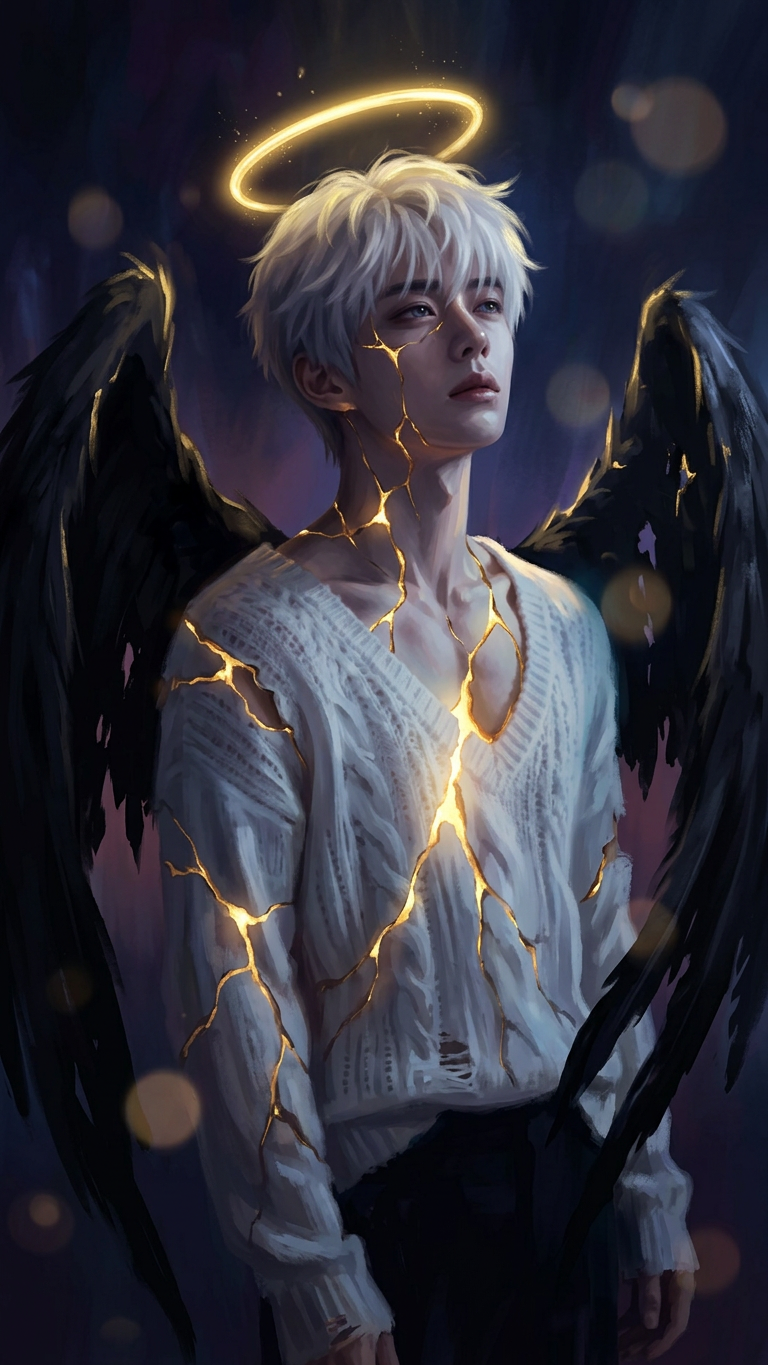
Kintsugi Seraph Ascendant

Kintsugi Seraph Ascendant

ai-image-editor

1 clip
6 uses

Any aspect ratio

Prompt

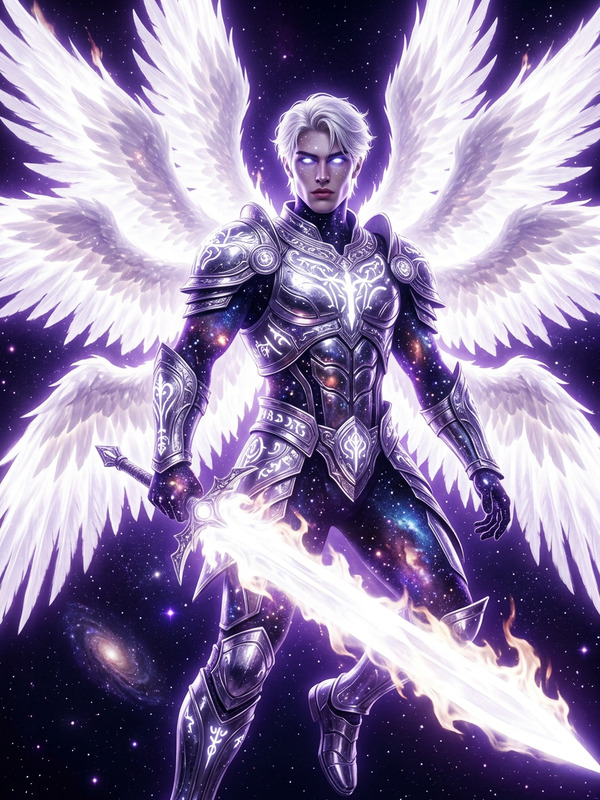
Dark fantasy portrait of the subject as a broken angel with black wings, full body, looking upward. Body cracked with glowing golden light like kintsugi, radiant halo above. Low-key lighting with strong gold highlights against deep blue, purple, and black tones, soft bokeh orbs in background. Highly detailed painterly style, ethereal, dramatic, cinematic mood.

AI Image Editor Template: Turn Any Image Into a Studio-Quality Visual in Minutes

Transform raw screenshots, product shots, portraits, and marketing assets into polished, on-brand visuals using this AI Image Editor–based template in Magic Hour. Ideal for creators, marketers, founders, and teams who need fast, consistent visuals without a full design stack.


What This Template Does

This template shows you how to use Magic Hour’s AI Image Editor to:

  • Clean up and enhance existing photos or graphics
  • Change or remove backgrounds for a studio look
  • Remove unwanted objects or distractions
  • Refine faces, clothing, and lighting
  • Generate multiple on-brand variations for A/B testing
  • Prepare images for ads, landing pages, pitches, decks, and social

Because it’s built on AI Image Editor, you can start from any existing image (photo, screenshot, mockup, frame from a video) and quickly iterate to a polished, publish-ready asset.


How to Remix This Template in Magic Hour

You can treat this template as a starting point and create your own version in a few minutes:

  1. Open the template in Magic Hour
    Start from the existing AI Image Editor–based template in your Magic Hour workspace.

  2. Swap in your own source images

  3. Edit with natural language instructions
    Use the AI Image Editor layer to describe what you want changed, e.g.:

    • “Change the background to a clean white studio setup.”
    • “Make lighting softer and more cinematic.”
    • “Remove the coffee cup and center the laptop.”
    • “Turn this casual selfie into a professional headshot style image.”
  4. Refine details and remove distractions
    For precise cleanup and reshaping, you can also rely on:

  5. Generate alternative versions for testing
    Duplicate the template inside Magic Hour and quickly produce:

    • Different color schemes or backgrounds
    • Multiple crops and aspect ratios (e.g., story, feed, banner, thumbnail)
    • Style variations for different campaigns
  6. Upscale, sharpen, and finalize
    Before export, improve quality and clarity with:

Once you’ve customized the template, save it as your own reusable “brand visual system” inside Magic Hour for future campaigns and automations.


Powerful Use Cases for Creators & Teams

This AI Image Editor template is designed for practical, repeatable workflows:

1. Marketing & Growth

  • Turn quick product snapshots into polished ad creatives
  • Create on-brand hero images for landing pages and pricing pages
  • Clean up visuals for case studies, decks, and pitch materials
  • Generate multiple image variants for growth experiments and A/B tests

Combine it with:

2. Brand & Design Systems

  • Normalize lighting, color, and background across a whole asset library
  • Align UGC and scrappy internal photos with your brand look
  • Rapidly create styleframes and mockups for design reviews

Useful complementary tools:

3. Founders & Startup Builders

  • Turn low-budget photos into investor-ready visuals for decks
  • Cleanly showcase prototypes, hardware, dashboards, and app screens
  • Assemble assets for launch pages and Product Hunt in a single session

Helpful additions:

4. Creators, Influencers & Content Teams

  • Upgrade phone photos into professional content for sponsorships
  • Standardize your “channel look” across thumbnails, shorts, and posts
  • Create reusable template layouts for series and episodes

Pair it with:


Example Workflows You Can Clone

Use these as concrete blueprints to remix the template inside Magic Hour:

A. Product Page Image Upgrade

  1. Start from your raw product shot.
  2. Use AI Image Editor to:
    • Remove background and replace with a clean gradient
    • Enhance contrast and sharpen edges
    • Add subtle shadows for depth
  3. Upscale with AI Image Upscaler.
  4. Export variants for your ecommerce page, hero section, and ads.

B. Professional Headshot From a Casual Photo

  1. Import a casual selfie or webcam shot.
  2. In AI Image Editor, describe your target look:
    • “Business-casual headshot, soft studio lighting, neutral background.”
  3. Refine facial details with AI Face Editor or AI Headshot Generator if desired.
  4. Export versions for LinkedIn, portfolio, and press kit.

C. Social Campaign Visual Set

  1. Use AI Photo Generator or AI Art Generator to create a base concept image.
  2. Edit with AI Image Editor into multiple platform-specific variants.
  3. Generate story, feed, and thumbnail versions with Thumbnail Maker.
  4. Optionally animate key visuals using:

Extend This Template Across Magic Hour

Once you’ve dialed in a visual style with AI Image Editor, you can reuse it across other Magic Hour products:

This lets you keep a consistent visual language from static images to motion and voice.


When to Use This Template vs Other Magic Hour Tools

Use this AI Image Editor–based template when:

  • You already have a base image and want to improve or adapt it
  • You’re cleaning up real photos, products, or screenshots
  • You need fast, repeatable visual polish across many assets

You might start or complement with:


Best Practices for High-Performance Visuals

To get the most out of this template:

  • Work from the highest-quality source you have – better inputs yield better AI edits.
  • Describe intent clearly – short, specific language (“clean white studio background, soft shadows”) typically outperforms vague prompts.
  • Design for the channel – plan different crops and emphasis for ads, social, email, and product pages.
  • Keep a “visual system” – once you like a look, duplicate and reuse this template so your brand assets stay consistent over time.

Use this AI Image Editor template as your base, remix it for your own stack, and gradually turn it into a fully reusable visual system for your product, brand, or channel inside Magic Hour.

More Like This