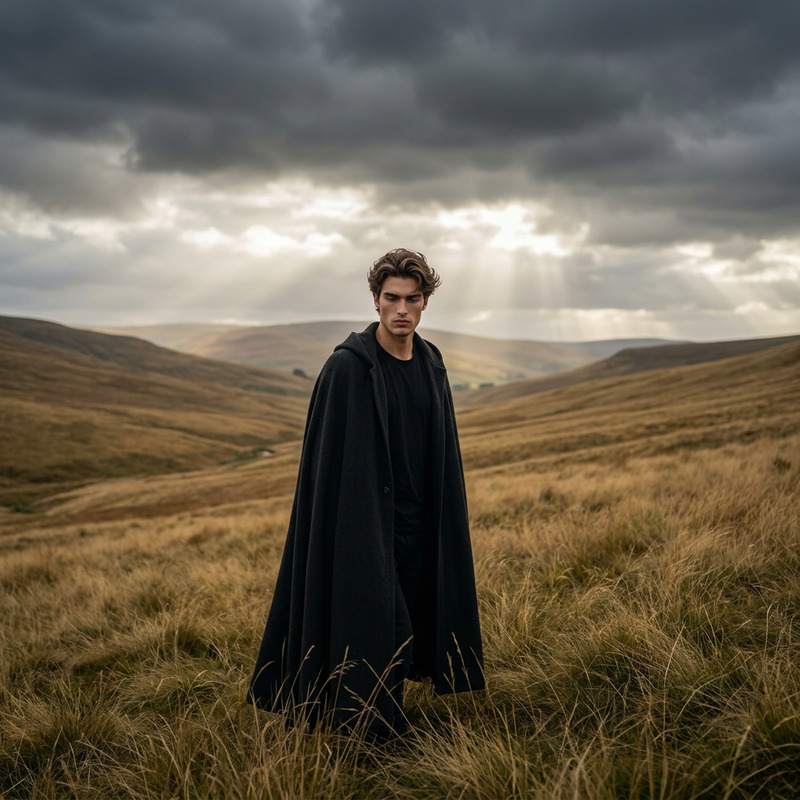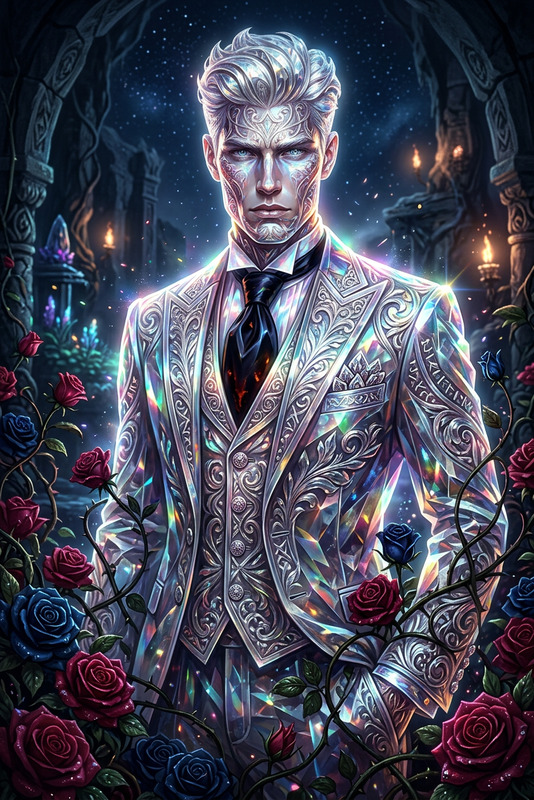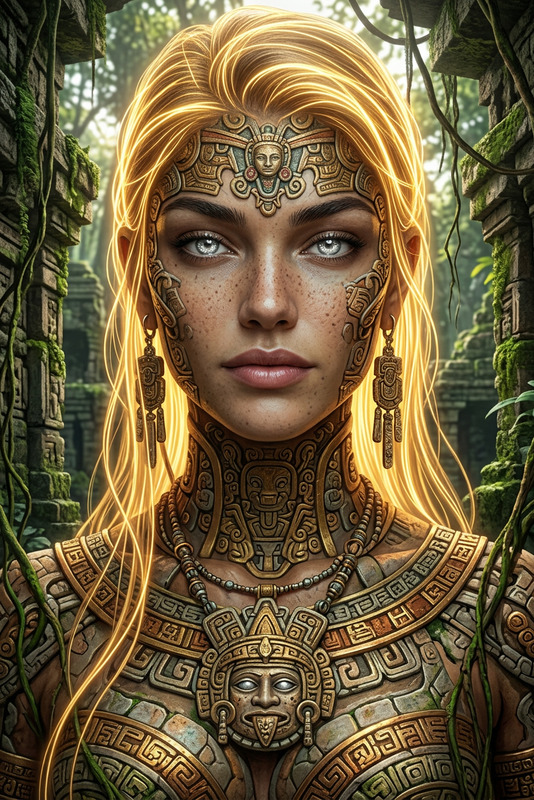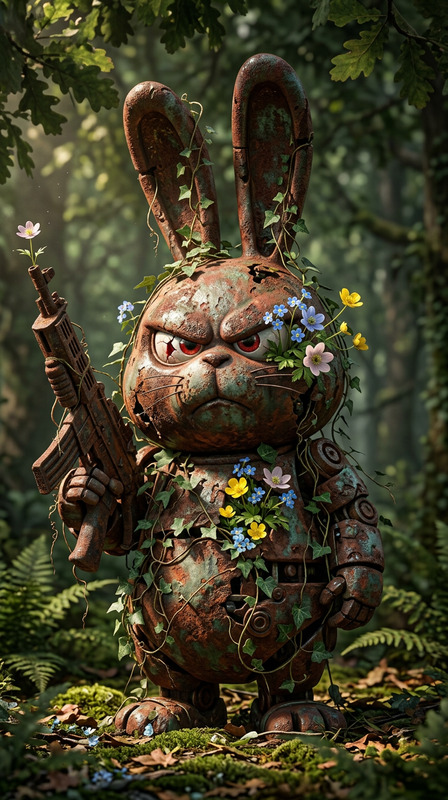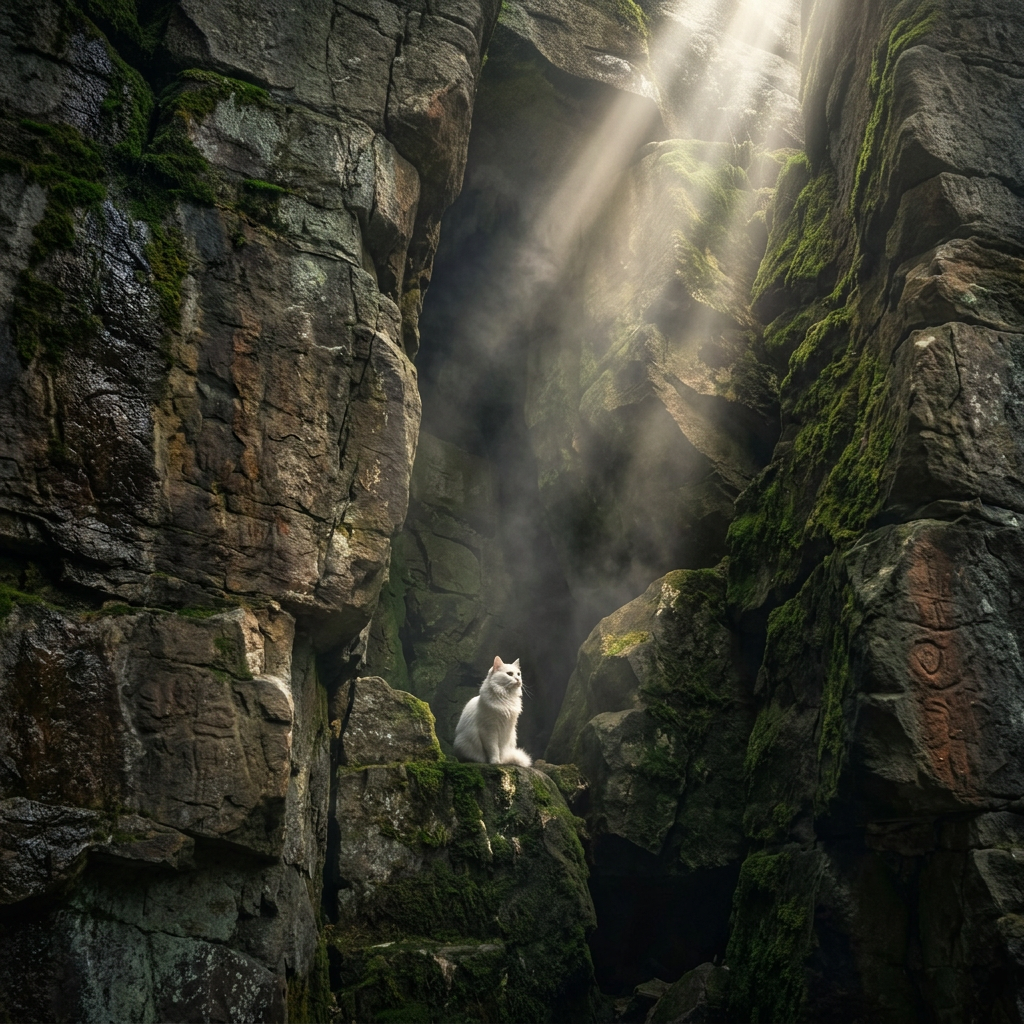
Sanctuary Within the Stone
- Model
- Nano Banana 2
- Image
- 1024 × 1024 px
Prompt
A solitary subject perched within a deep, shadowy moss-covered cleft of an ancient rugged rock cliff. Massive weathered stone walls rise dramatically around the subject, their surfaces layered with damp textures, cracks, and lush green moss. Powerful shafts of divine sunlight pierce through the darkness from above, illuminating drifting mist and revealing parts of the hidden cavern with cinematic contrast. The subject appears small against the monumental scale of the ancient rock formation, creating a mystical atmosphere of isolation, reverence, and discovery. Moody natural lighting, rich earthy tones, volumetric light rays, ultra-detailed textures, cinematic fantasy realism, serene and spiritual mood.
Any aspect ratio
Overview
"Sanctuary Within the Stone" is a sophisticated AI Image Editor template designed to transform images into scenes echoing mystical and spiritual vibes. It builds on the nano-banana-2 model to deliver high-resolution, ultra-detailed edits with a fantasy realism texture. Whether you're working with images of nature, spirituality, or myth, this template helps bring your vision to life with profound cinematic quality.
What It Does
This template uses the power of AI Image Editor technology to enhance images by applying cinematic fantasy realism and intricate textures. It meticulously renders deep shadowy clefts, moss-covered stone cliffs, and volumetric light rays, creating an atmosphere of spiritual serenity and discovery within your images.
Who It's For
"Sanctuary Within the Stone" is ideal for creators and editors specializing in mystical, natural, or spiritual themes. Photographers, filmmakers, and content creators who wish to emphasize a narrative of reverence and isolation in their visuals will find this template invaluable. It's also well-suited for enhancing images for use in explainer videos or personal art projects.
Summary
With this template, your images can be transformed into visually stunning compositions, capturing the grandeur of nature and the spiritual mood of isolation. Utilize it to deliver profound, richly detailed imagery that resonates with viewers, enhancing your projects with a mystical narrative quality.
How to Use
Choose your template

Customize your image

Generate your masterpiece

Use Cases
Mystical Nature Photography
- Accentuate natural light effects
- Highlight textures and shadows
- Create a serene, tranquil atmosphere
Spiritual Art Projects
- Emphasize isolation and reverence
- Combine natural and fantasy aesthetics
- Craft visually compelling narratives
Film and Cinematic Concepts
- Detail-oriented texture rendering
- Dramatic lighting effects
- Realistic yet fantastical scenery
Social Media Content
- Engage audiences with detailed visuals
- Create intriguing narratives visually
- Boost aesthetic appeal
Best Practices
Prioritize High-Quality Inputs
Use high-resolution images as inputs to fully benefit from the detailed textural rendering capabilities.Focus on Lighting
Experiment with lighting adjustments to capture the desired mood and emphasize the volumetric light rays.Combine With Other Tools
Consider combining results with the AI Clothes Changer or AI Image Upscaler for enhanced results across characters and scenes.