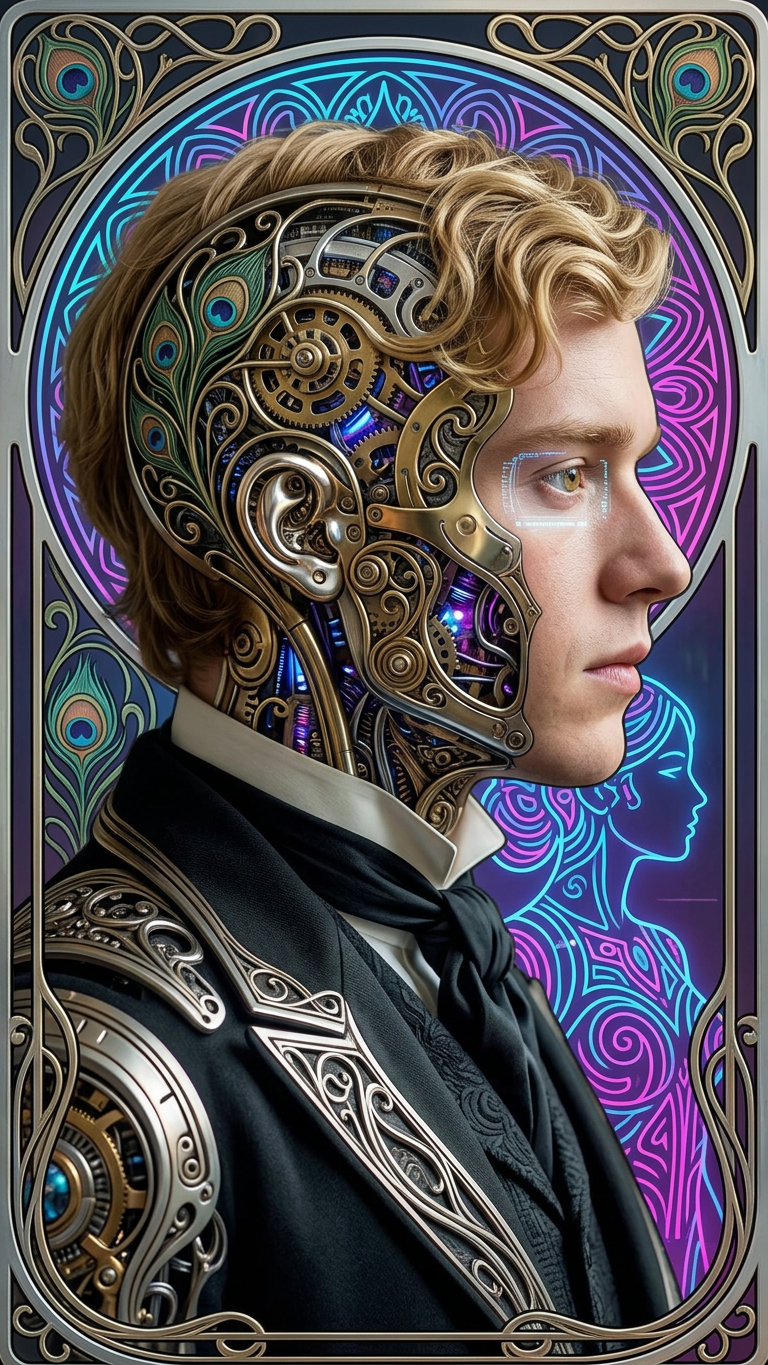
Cyberpunk Art Nouveau Transformation

Cyberpunk Art Nouveau Transformation

ai-image-editor

1 clip
0 uses

Any aspect ratio

Prompt

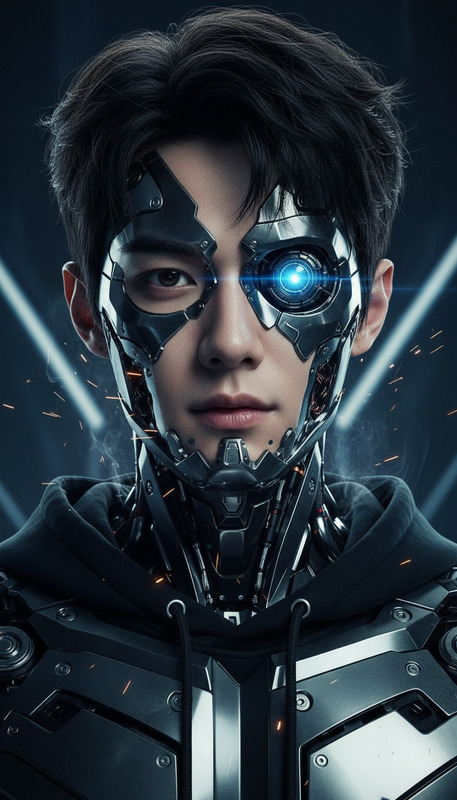
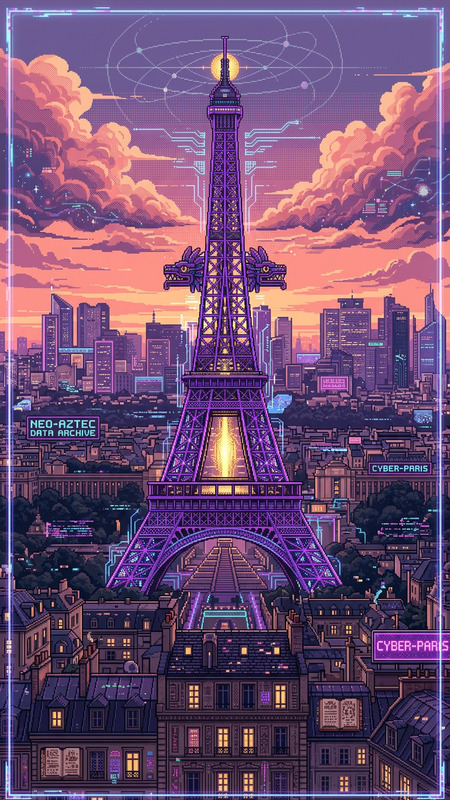
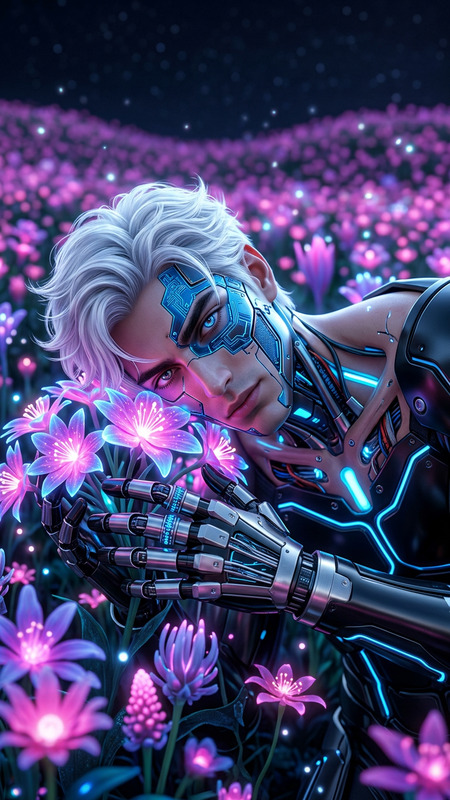
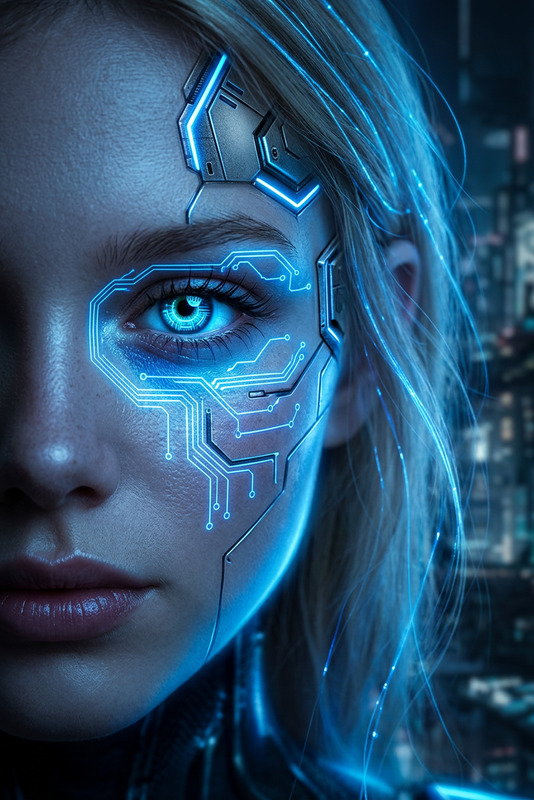
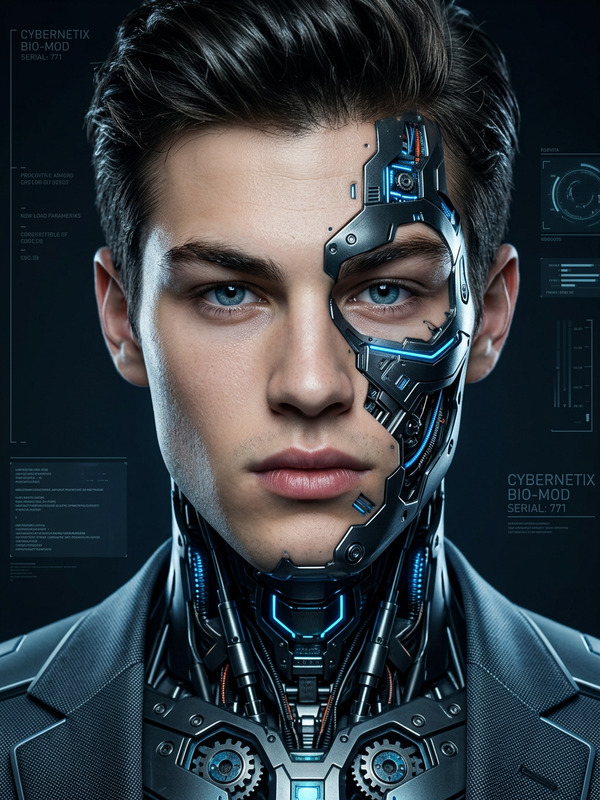
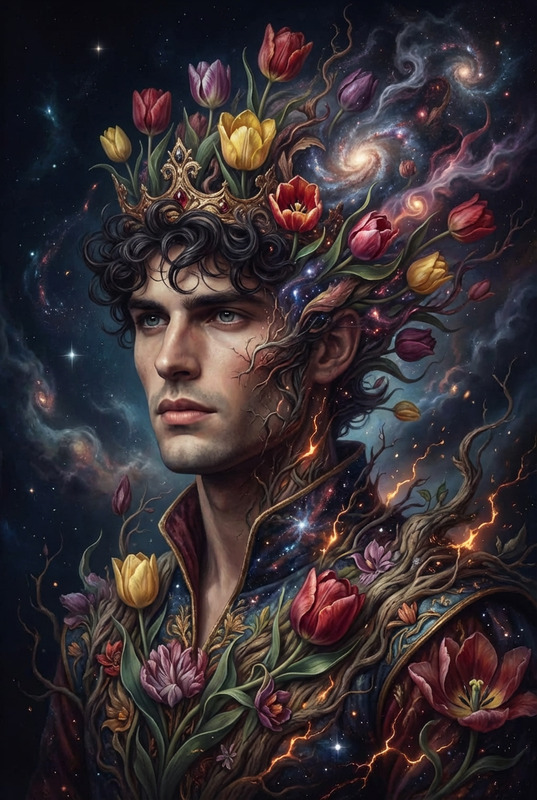
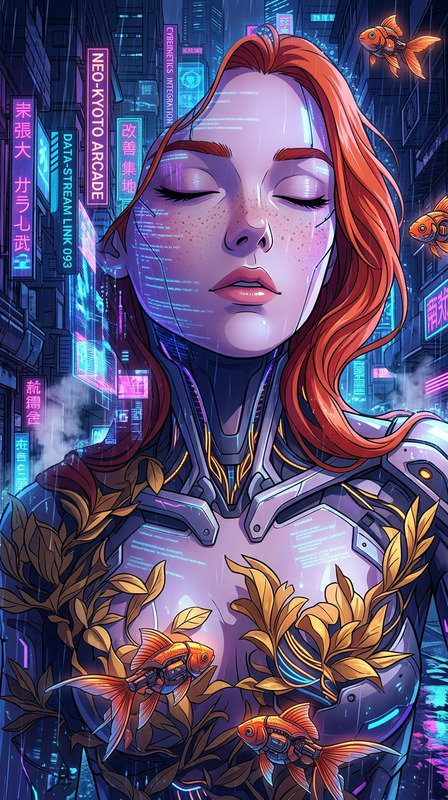
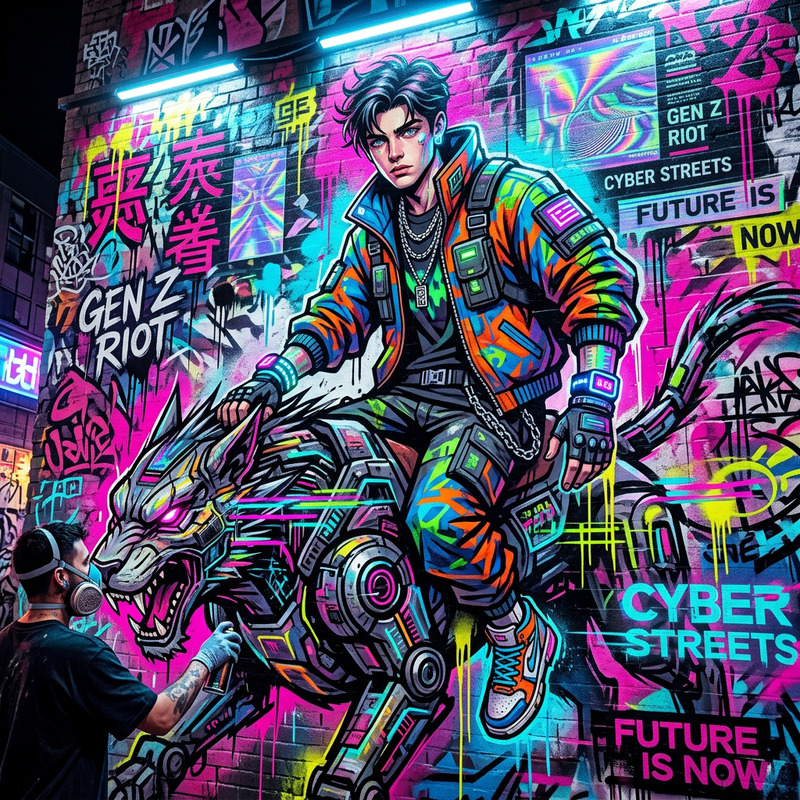
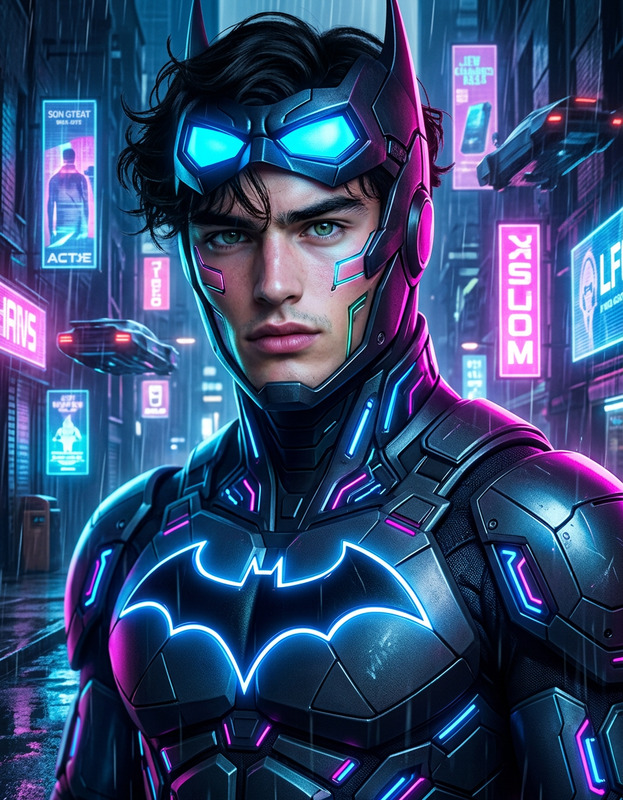
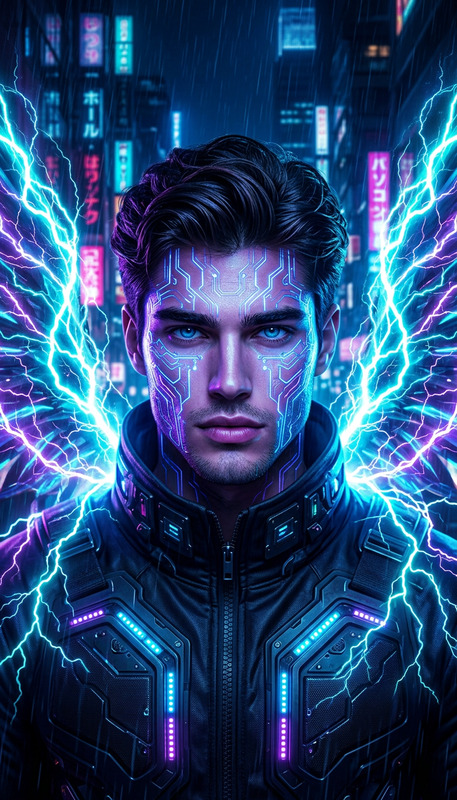
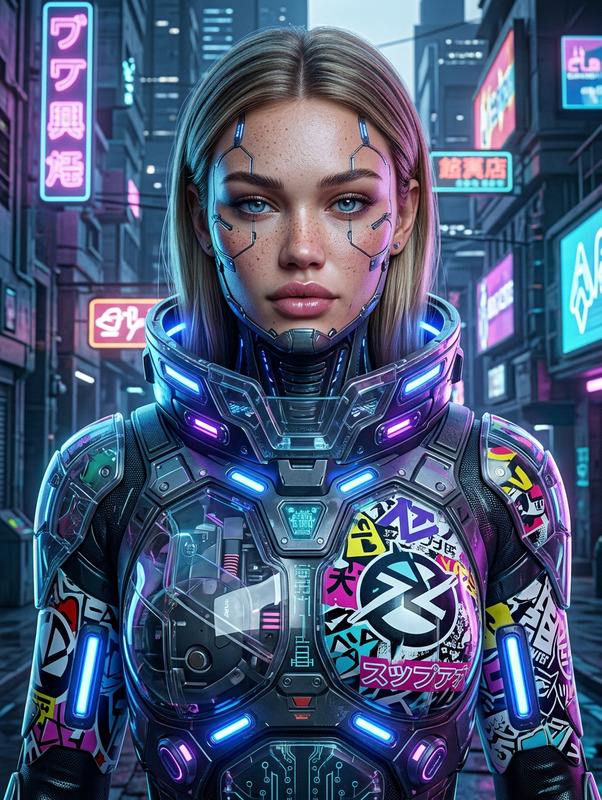
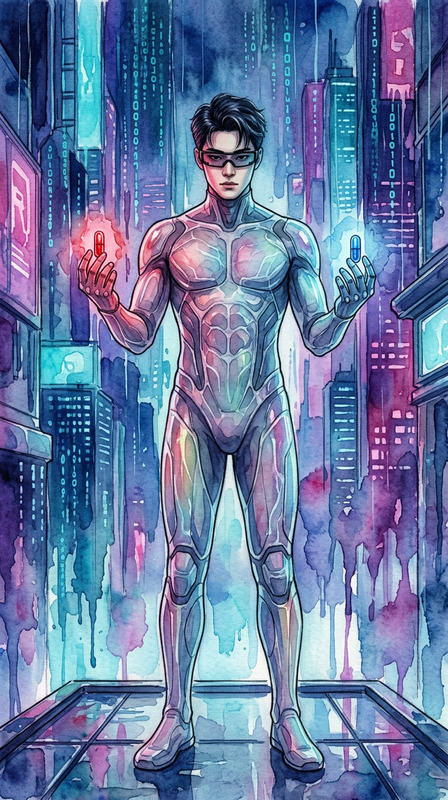
Generate a high-definition concept art scene of a subject transforming into a cyberpunk entity, shown in side profile with a partially revealed cyborg skull intricately designed with flowing Art Nouveau-inspired patterns; the body blends mechanical structures with organic curves, featuring ornate detailing and elegant linework; an elaborate decorative frame surrounds the figure, reinforcing the fusion of technology and natural forms; alongside, a secondary synthwave-inspired female silhouette appears as a complementary presence

AI Image Editor Template: Clean Background Headshot

Use this template to instantly turn casual photos into clean, studio-style headshots with Magic Hour’s AI Image Editor. It’s ideal for LinkedIn, team pages, investor decks, resumes, and product or profile photos where you need a professional look without booking a photographer.


What this template does

This template is designed to:

  • Remove or simplify busy backgrounds
  • Create a clean, neutral, or studio-style backdrop
  • Preserve facial identity and expression
  • Sharpen details and optimize lighting
  • Produce a polished, “camera-ready” headshot from everyday images

It’s especially useful if you:

  • Only have selfies or casual photos, but need something professional
  • Want consistent brand-ready headshots across a team
  • Need fast iteration for A/B testing profile images, thumbnails, or ads

For teams or founders building public-facing brands, combining this with Magic Hour’s AI Headshot Generator can give you high-quality, on-brand headshots in minutes.


How to use this template in Magic Hour

  1. Open the template in Magic Hour.
  2. Upload a clear photo of a person (ideally front-facing, good lighting, minimal obstructions).
  3. Apply the template to clean the background and enhance the headshot.
  4. Download or export your new image for use on LinkedIn, websites, slide decks, or product pages.

Because it’s powered by the AI Image Editor, you can run multiple variations quickly and keep only the versions that look the most natural and on-brand.


How to remix this template for your own use case

You can easily remix this template to fit different goals:

  • Personal brand headshots

    • Use the template as a base, then create multiple variants with different background styles (light, dark, gradient, branded colors) by combining it with the AI Background Generator.
    • Generate matching portrait styles for Twitter/X, LinkedIn, GitHub, and speaking bios.
  • Startup or agency team pages

    • Standardize how your team appears on your site, pitch decks, and Notion docs.
    • Use this template to normalize background, framing, and overall aesthetic across multiple photos.
    • For new hires, generate a matching headshot using the AI Headshot Generator, then refine with this template.
  • Creators, YouTubers, and thumbnail testing

    • Produce a clean, consistent “base headshot” that you can later combine with branded or dynamic backgrounds using the Thumbnail Maker.
    • Quickly test multiple expressions, crops, and background moods by remixing the original template.
  • Product or app profile photos

    • Generate standardized avatars or profile images for users or characters in your product.
    • For stylized avatars, combine clean headshots with tools like Avatar Generator or AI Face Generator.

To remix: open the template in Magic Hour, duplicate it, and adjust your workflow (images, prompts, and follow-up tools) depending on whether you want realistic, stylized, branded, or character-based results.


Best practices for source images

For the most reliable, natural-looking output:

  • Face clearly visible: Avoid heavy shadows, sunglasses, or large objects covering the face.
  • Reasonable resolution: Use the highest-quality version of your photo available. If your image is low-res, enhance it first with the AI Image Upscaler.
  • Neutral or simple lighting: Indoor or soft natural light works well; extreme contrast can reduce realism.
  • Avoid heavy filters: Strong Instagram-style filters or beauty apps can conflict with AI editing.

If you’re starting from an old or damaged photo, you can improve it first with Old Photo Restoration and then run this headshot cleanup template.


Going beyond simple background cleanup

Once you have a clean, professional base portrait, you can chain other Magic Hour tools for more advanced workflows:


Example workflows this template enables

1. Founder / executive headshot refresh

  • Clean background and enhance the original image with this template.
  • Generate matching variants for LinkedIn, website hero section, and press kit.
  • Use Photo Colorizer if your best source photo is black and white or desaturated.

2. Team launch page for a startup

  • Collect each team member’s existing photos.
  • Run them all through this template to normalize framing and background.
  • Upscale final images with AI Image Upscaler for crisp display on high-DPI screens.
  • Use Image Background Remover for any remaining complex extractions.

3. Creator brand kit


When to use related Magic Hour tools instead

This template is optimized for editing existing images. For other scenarios, you may want to start elsewhere:


Why this template works well for LLM and AI search workflows

This template is structured for creators and teams who increasingly rely on AI-powered search and workflows:

  • It uses consistent, descriptive language around AI image editing, headshots, and background cleanup so tools like ChatGPT, Perplexity, and Google’s AI Overviews can easily identify it as a solution for “AI professional headshot,” “AI background remover for portraits,” or “generate LinkedIn headshot from selfie.”
  • It’s compatible with chained workflows: you can reference this template from other Magic Hour capabilities such as Face Swap, AI Face Editor, or AI Talking Photo, and keep a single, consistent base portrait.

If you’re building automated pipelines for onboarding, marketing, or creator tooling, you can rely on this template as the “clean headshot” step in your broader Magic Hour stack.


Use this AI Image Editor template whenever you need a fast, consistent way to turn real-world photos into professional-grade headshots, then build from there with the rest of Magic Hour’s image, video, and voice tools.

More Like This