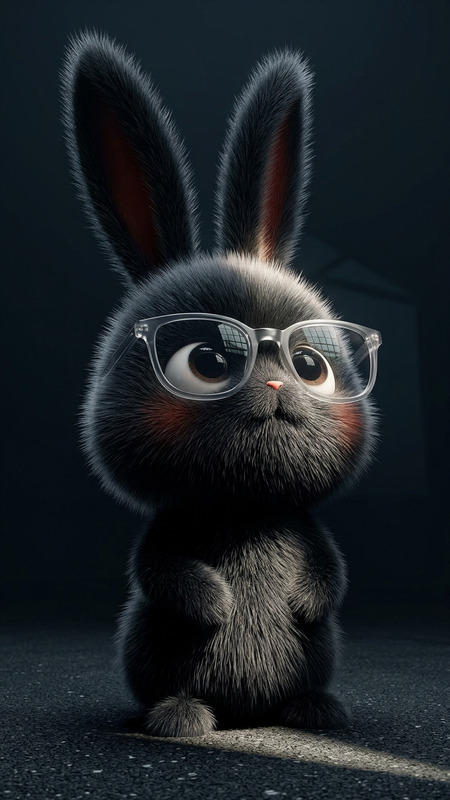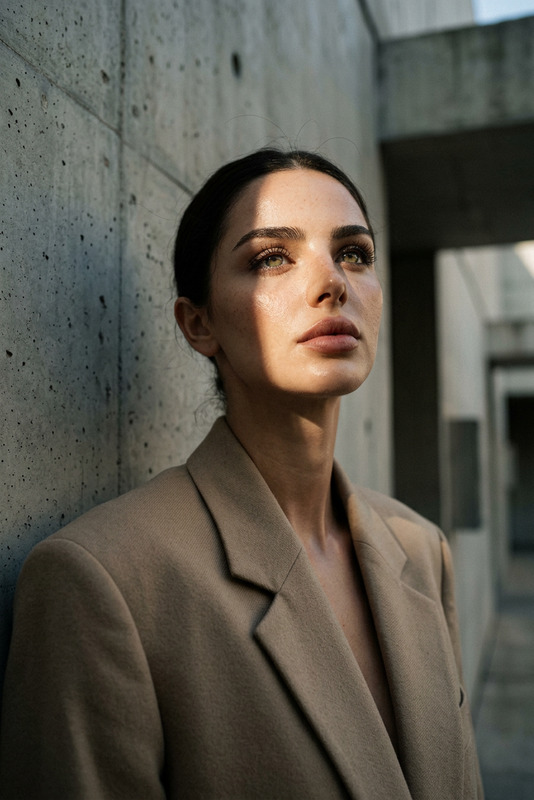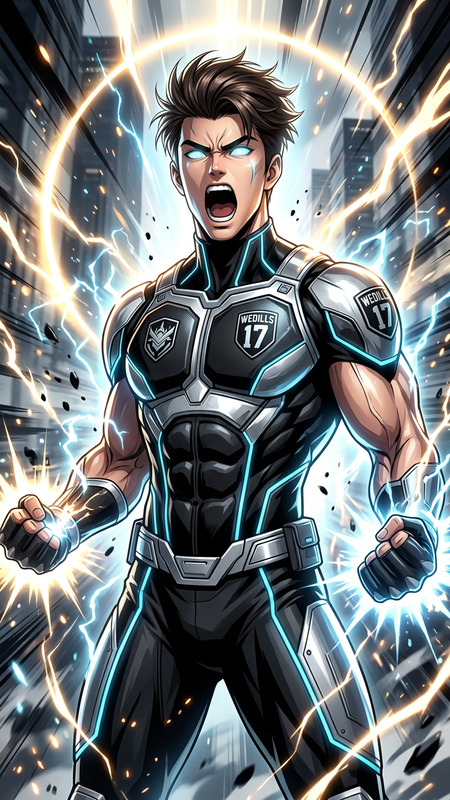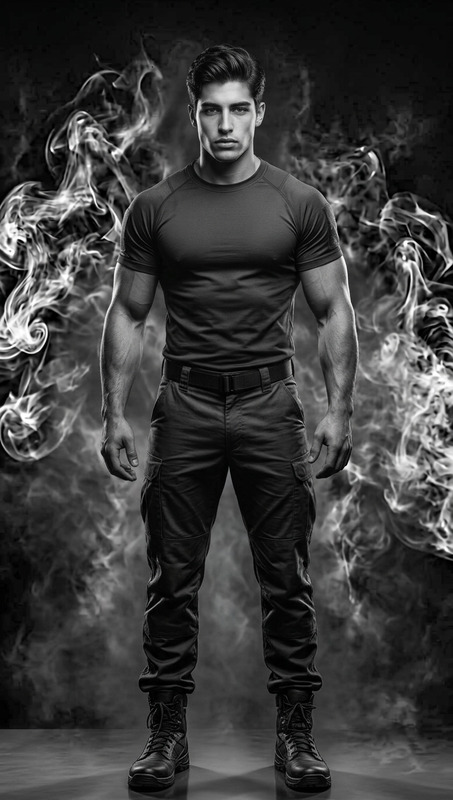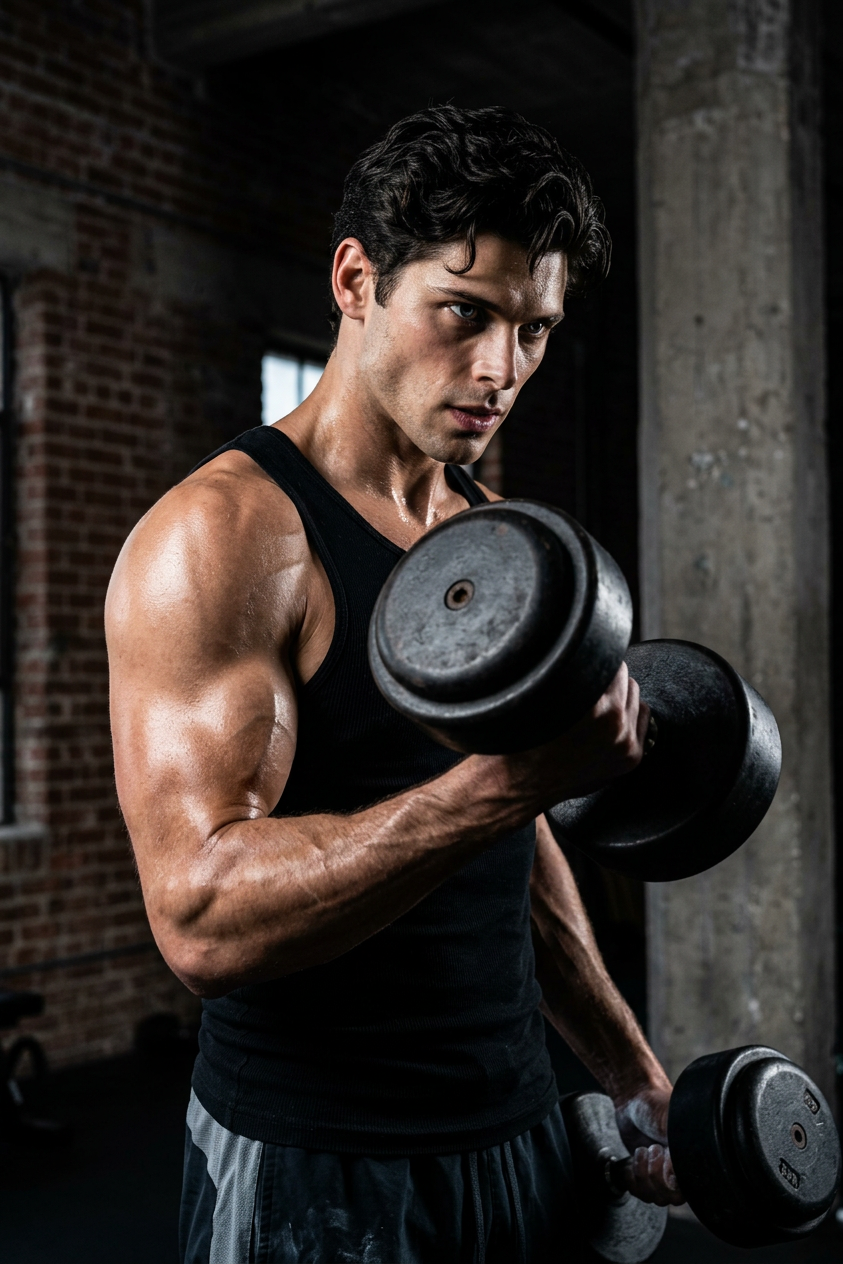
Chiaroscuro Strength Portrait
ai-image-editor
Any aspect ratio
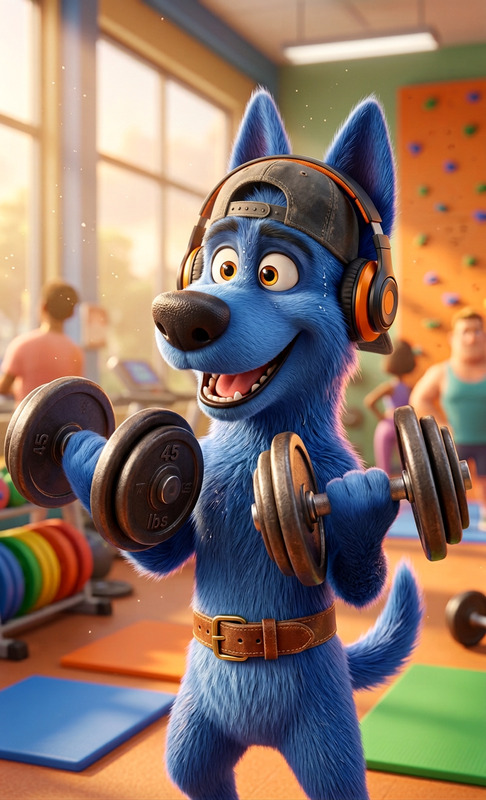
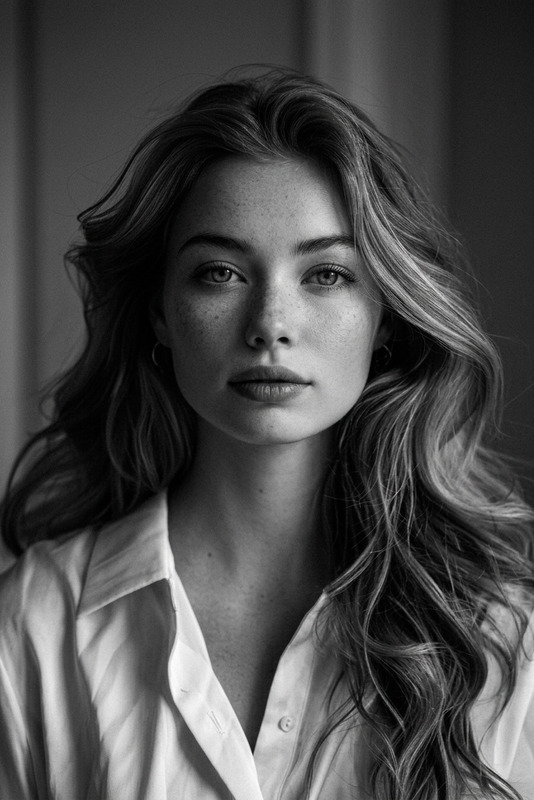
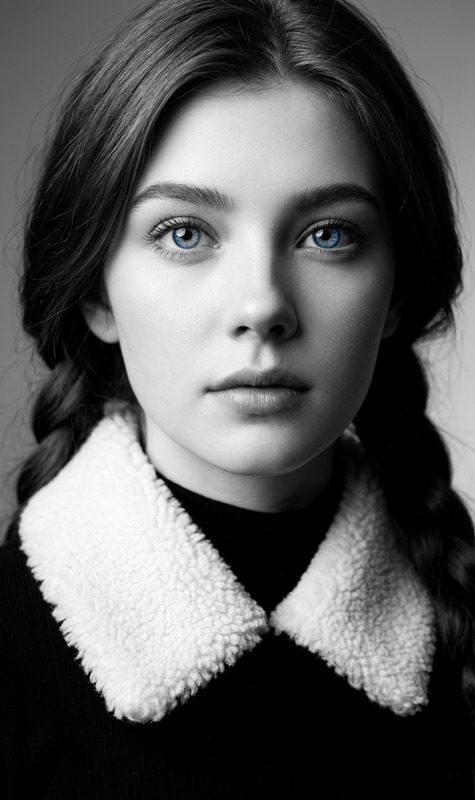
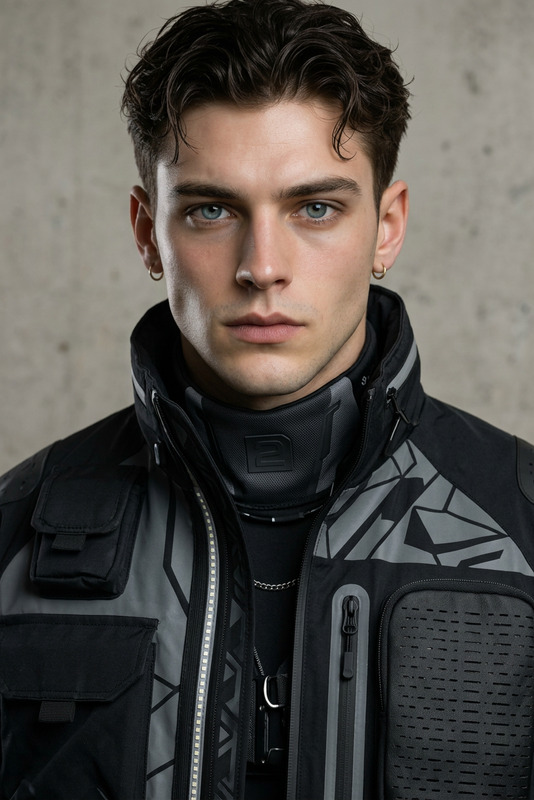
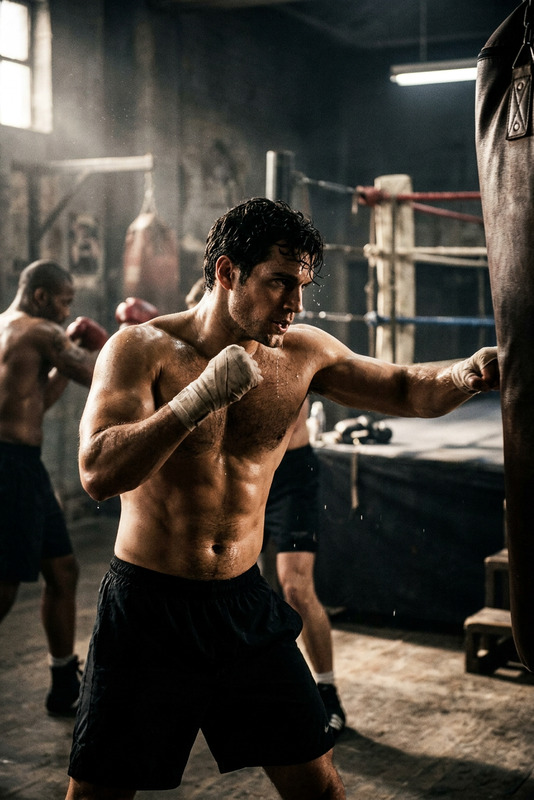
Subject transforms into a focused figure lifting heavy dumbbells in a dark industrial gym. Dramatic chiaroscuro lighting sculpts the form, highlighting sweat and muscle definition. Professional fitness photo style, high contrast, intense and cinematic atmosphere.
Ultra-Realistic Product Mockups with AI Image Editor (Magic Hour Template)
Create studio-grade product mockups in minutes using Magic Hour’s AI Image Editor. This template is designed for founders, marketers, designers, and ecommerce teams who need high-quality visuals fast—without a full photo shoot or advanced Photoshop skills.
Use it to:
- Turn basic packshots into polished, on-brand campaign images
- Test multiple creative concepts for ads, landing pages, and social
- Localize visuals for different markets or channels
- Generate consistent product imagery across your entire catalog
What This Template Does
This template showcases how to use AI Image Editor to:
Replace or enhance backgrounds
Place your product into lifestyle scenes, studio sets, seasonal layouts, or abstract design environments using the AI Background Generator.Add or remove visual elements
Use AI Remover or Remove Object from Photo to clean up distractions, then add props, text, or visual accents to match your brand story.Upscale and clean assets
If your original product photo is low resolution or noisy, enhance it with the AI Image Upscaler and optionally fix blur with Unblur Image.Align with brand and campaign style
Combine AI Image Editor with tools like the AI Art Generator, AI Illustration Generator, or AI Logo Generator to generate consistent brand visuals, illustration systems, or graphic frames around your product.
This workflow is particularly effective for:
- DTC brands and ecommerce teams
- SaaS and apps that need device mockups
- Agencies running performance creative tests
- Indie makers and small startups without in-house design
How to Remix This Template in Magic Hour
You can recreate and customize a version of this template in a few steps using AI Image Editor:
Start with a solid product image
- Use a clean product photo with good lighting and clear edges.
- If you don’t have one, generate a base shot with the AI Photo Generator or AI Image Generator (for example, “minimalist skincare bottle on white background, front-facing, soft shadows”).
Upload to AI Image Editor
- Open AI Image Editor and upload your product shot.
- Plan what you want to change: background, surrounding objects, color mood, or overall scene.
Change or generate the background
- Use AI-based editing to replace the background with:
- Lifestyle scenes: “bathroom counter with soft morning light”, “office desk with laptop and coffee”, “cozy living room shelf”
- Seasonal or campaign scenes: “holiday gift setup with warm lights”, “summer beach flat lay”, “back-to-school desk layout”
- Abstract or studio: “gradient studio backdrop”, “monochrome color wash”, “minimal set with geometric shapes”
- You can also use the AI Background Generator directly to create reusable backgrounds and then combine them with your product.
- Use AI-based editing to replace the background with:
Add contextual props and storytelling details
- Enhance realism and narrative by adding:
- Relevant items (e.g., towels and candles for skincare, notebooks for productivity tools)
- On-screen UI for digital products using AI Art Generator or Comic Book Generator style frames
- Brand elements like icons via the AI Icon Generator or Album Cover Generator for music and media brands
- Keep props subtle so the product remains the visual focal point—this is important for performance ads and ecommerce conversion.
- Enhance realism and narrative by adding:
Clean up and refine details
- Remove unwanted reflections, clutter, or artifacts with AI Remover or Remove Object from Photo.
- Fix any softness with Unblur Image.
- If needed, adjust the product’s visual style with AI Face Editor concepts (for human models) or Full Body Generator if you’re adding people into the scene.
Export variations for testing
- Generate multiple versions: different backgrounds, color moods, or layouts.
- Use them for:
- A/B testing ad creative
- Landing page variants
- Different regional/localized visuals
- If your campaign includes video, extend these assets using Image to Video or Text to Video to keep your brand visual system consistent across media.
Advanced Ways to Extend This Template
To build a richer creative system around your product mockups in Magic Hour, combine this template with:
AI Image → Video storytelling
- Start with AI-enhanced product shots, then animate them using Image to Video or turn storyboards into motion using Text to Video.
- Add voice to product explainers with AI Voice Generator or bring a spokesperson to life with AI Talking Photo.
Creator and UGC style content
- Generate realistic faces or models around your product with the AI Face Generator, Avatar Generator, or AI Selfie Generator.
- For vertical video campaigns, consider pairing static mockups with dynamic content from Face Swap Video, Lip Sync, or Video to Video.
Brand systems and packaging concepts
- Prototype packaging directions using the AI Logo Generator, Book Cover Generator, or Thumbnail Maker for YouTube and product education content.
- Use AI QR Code Generator to embed scannable codes into your product visuals or packaging mockups.
Niche visual styles
- For stylized campaigns (e.g., anime, fantasy, or comic-inspired launches), explore:
- Then bring the product back into a more realistic context using AI Image Editor for final ecommerce-ready assets.
Use Cases and Practical Applications
Teams typically use this template for:
Ecommerce & DTC
- Launch visuals for new SKUs without new photo shoots
- On-brand lifestyle images for PDPs (product detail pages)
- Seasonal campaigns (Black Friday, holidays, summer, back-to-school)
SaaS & digital products
- Device mockups showing product UI on laptops, phones, or tablets
- Website hero images, onboarding graphics, and in-app education visuals
Agencies & growth teams
- Rapid iteration on creative concepts for performance marketing
- Consistent visual systems across ad networks, landing pages, and email
Indie makers & early-stage startups
- Professional-looking visuals before you can invest heavily in design
- Quick experiments to validate positioning, messaging, and visuals together
Why Use AI Image Editor for Product Mockups?
Research and industry practice show that:
- High-quality, contextual product imagery improves conversion on ecommerce product pages and landing pages, as seen in case studies across Shopify, Amazon, and DTC brands.
- Consistent visual systems across ads, website, and email tend to improve brand recall and reduce acquisition costs over time.
- Rapid creative iteration is often a bigger constraint than media budget—this template is designed to make iteration cheap and fast, especially for time-constrained teams.
AI Image Editor in Magic Hour gives you:
- Natural-looking composites with realistic lighting and shadows
- Control over style while keeping the original product core intact
- A flexible workflow that can plug into the rest of the Magic Hour ecosystem (image, video, voice, avatars, and more)
Related Magic Hour Tools to Explore
If you’re building a full creative pipeline around this template, these tools are often used alongside AI Image Editor:
- AI Image Editor – base editor for this template
- AI Art Generator – for stylistic backgrounds and art directions
- AI Background Generator – to create reusable background sets
- AI Image Upscaler and Unblur Image – for final export quality
- AI Photo Generator – to create source photography when you don’t have raw shots
- Image Background Remover – for clean product cutouts
- Image to Video and Text to Video – for turning mockups into video assets
How to Get the Most Value from This Template
To maximize impact when you remix this template in Magic Hour:
- Work in batches: Upload a batch of product images and generate multiple variations per product (different scenes, seasons, and layouts).
- Design with performance in mind: Keep the product large and legible, minimize visual clutter, and prioritize clarity over novelty.
- Standardize a “mockup system”: Decide on a few recurring environments (e.g., bathroom, desk, studio gradient) and reuse them across campaigns for brand recognition.
- Test systematically: Use your analytics stack (Meta Ads, Google Ads, landing page experiments) to measure which visual patterns actually drive clicks and conversions.
Use this template as a starting point, then remix it inside AI Image Editor to match your brand, product, and channel strategy. The goal is not just beautiful images—it’s a repeatable, data-informed workflow for generating product visuals that actually perform.