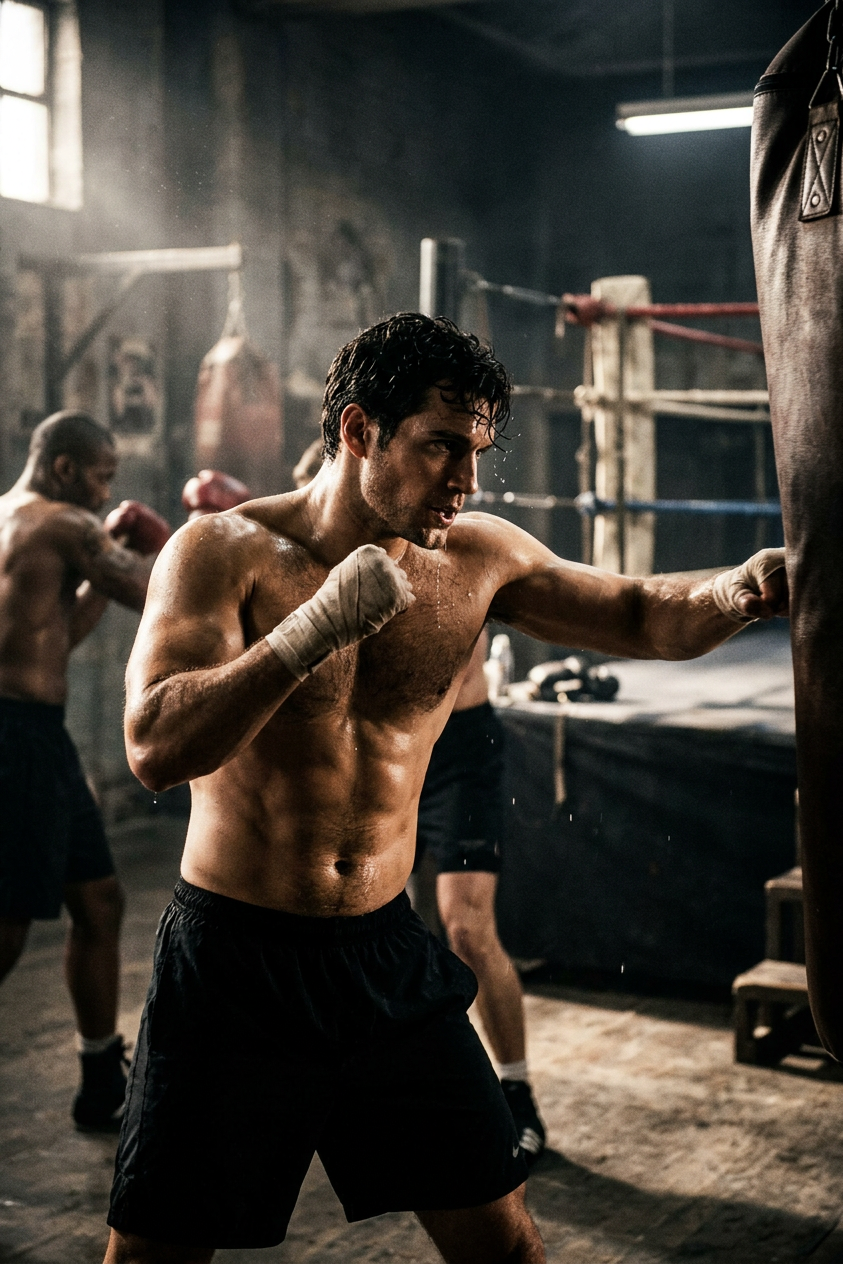
Gritty Boxing Training
ai-image-editor
Any aspect ratio
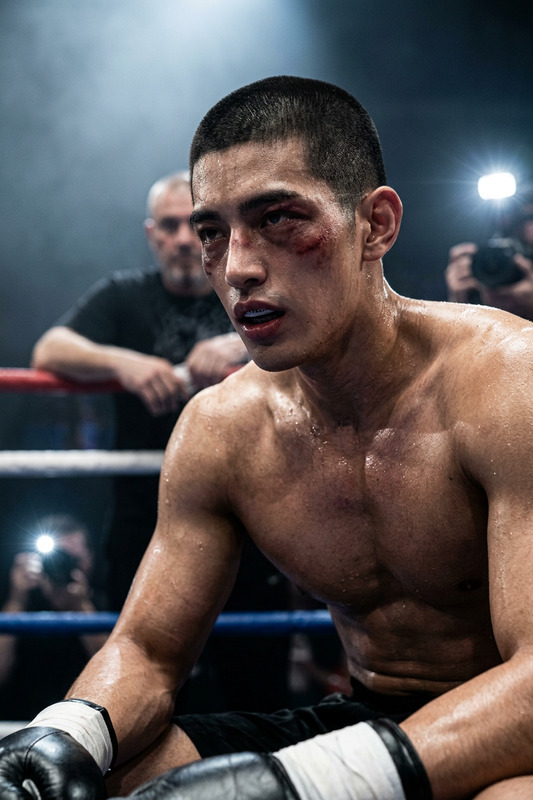
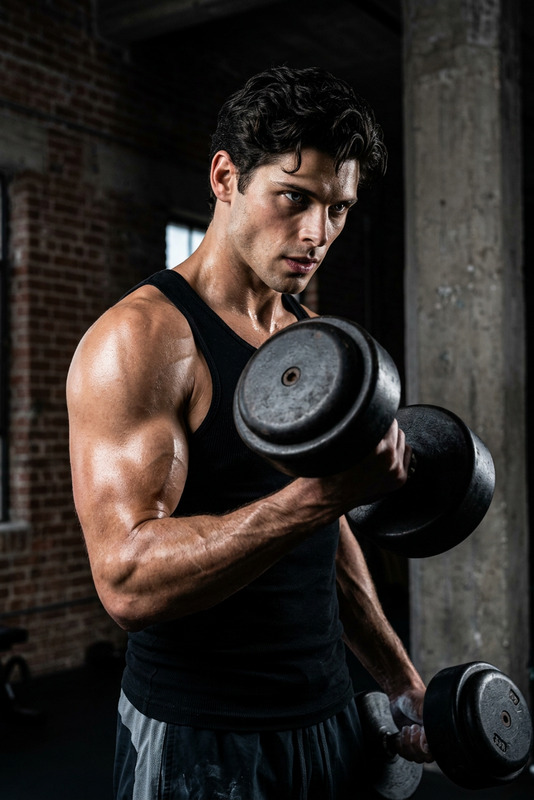
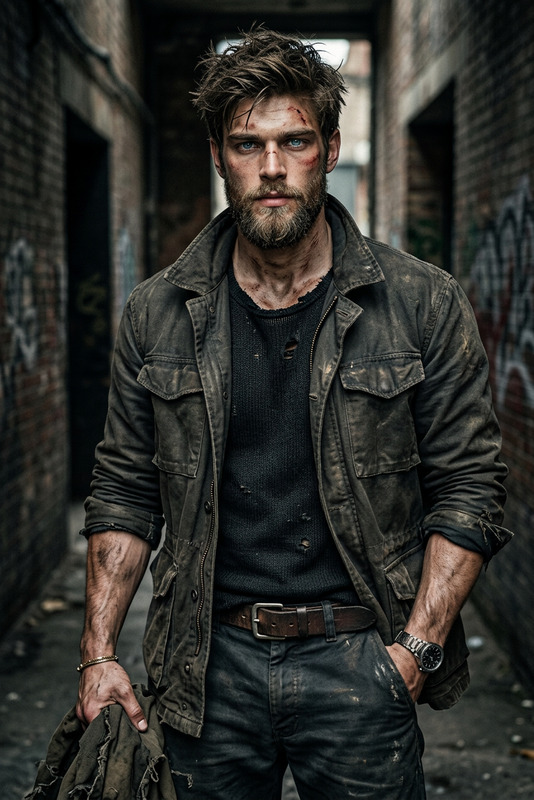
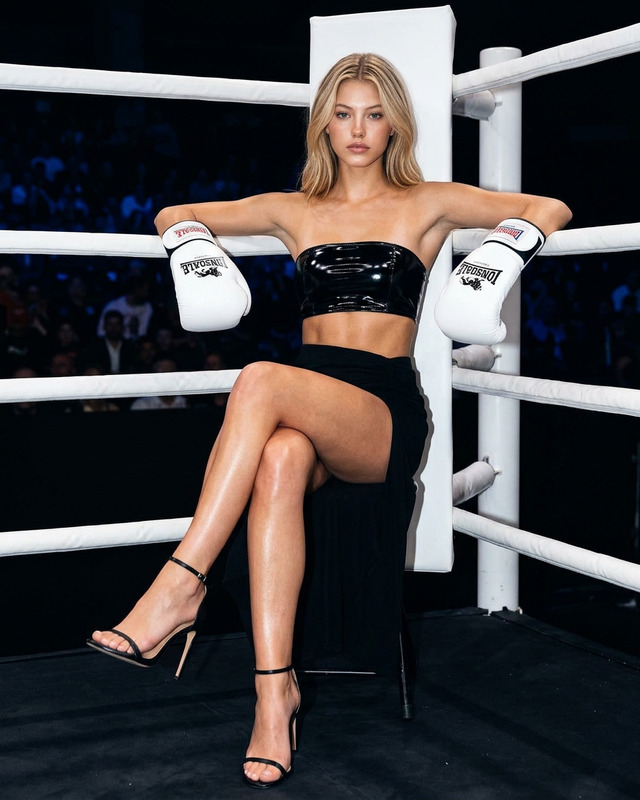
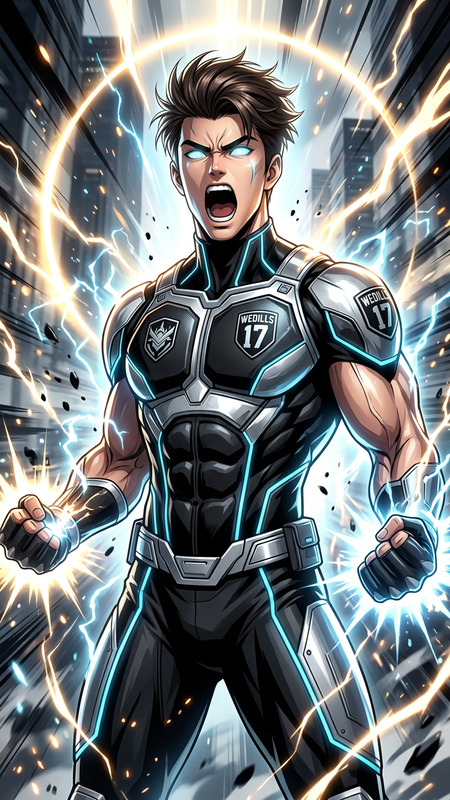
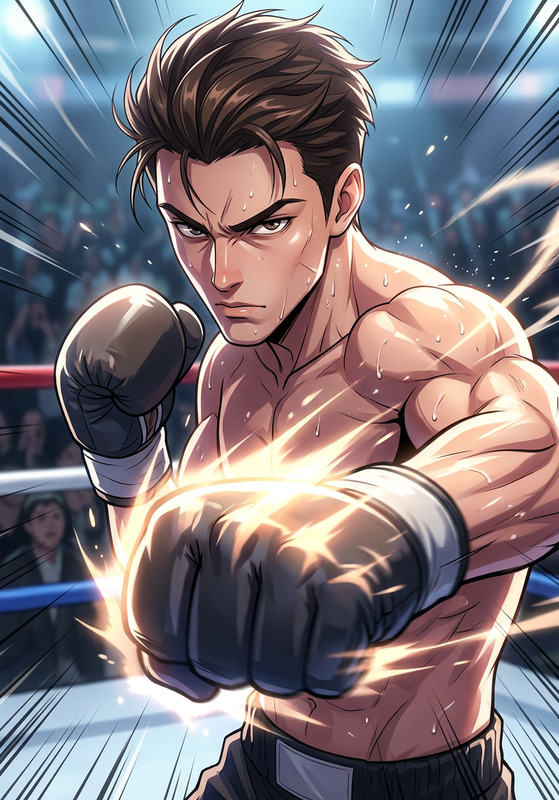
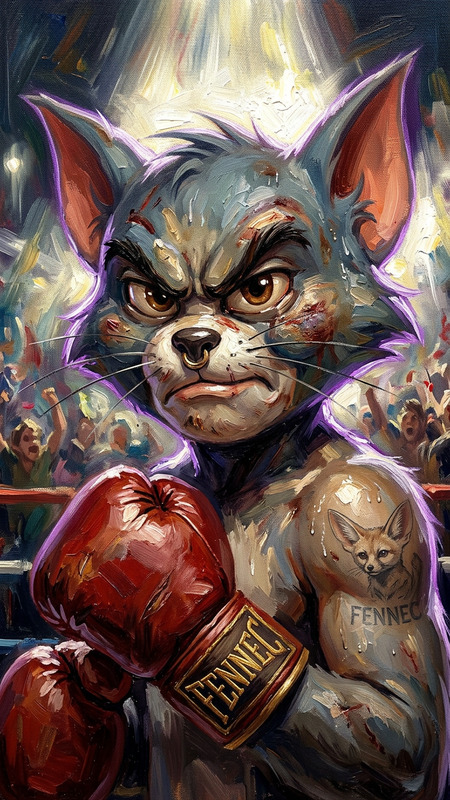
Subject transforms into an athlete in a rugged boxing gym, shirtless with a lean, defined physique. Subject performs intense training, sweat dripping, captured in cinematic style. Dramatic side lighting, gritty environment, high contrast, raw and powerful atmosphere.
AI Image Editor Template: Turn Any Photo into a Polished, On‑Brand Asset
This template is built with the AI Image Editor. It’s designed for creators and teams who need to quickly clean up, restyle, or repurpose images for campaigns, product pages, decks, and social content—without opening Photoshop.
Use it to:
- Remove or replace busy backgrounds for a cleaner, more professional look
- Fix small issues (unwanted objects, messy edges, lighting problems)
- Restyle images to match your brand or creative direction
- Prepare assets for use across video, ads, decks, and landing pages
What This Template Does
This template gives you a repeatable workflow for:
Background cleanup & replacement
- Make product shots look studio‑grade using the Image Background Remover
- Drop in new scenes or brand colors with the AI Background Generator
- Remove watermarks or text overlays with the Watermark Remover
Object and distraction removal
- Erase logos, people, or clutter from photos in seconds using the AI Remover or Remove Object from Photo
- Clean up UGC or event photos for use in decks, ads, and press kits
Face and portrait refinement
- Subtly retouch faces with the AI Face Editor
- Generate consistent, professional profile photos with the AI Headshot Generator
- Fix low‑res or noisy images using the AI Image Upscaler or Unblur Image
Brand and style transformations
- Convert photos into custom illustration styles via the AI Illustration Generator or AI Art Generator
- Turn assets into anime, manga, or comic styles for specific campaigns using:
How to Remix This Template in Magic Hour
You can create your own version of this template in minutes by combining the core AI Image Editor with other Magic Hour tools:
Start with your base image
- Upload a product photo, portrait, logo concept, or UGC image.
- If you don’t have a source image yet, generate one using:
Clean and refine the image
- Use the AI Image Editor to crop, adjust, and refine overall composition.
- Remove distractions and unwanted objects with the AI Remover or Remove Object from Photo.
- Fix blur or low resolution with the AI Image Upscaler or Unblur Image.
Control the background and environment
- Strip out the background using the Image Background Remover.
- Generate new on‑brand scenes with the AI Background Generator or build stylized environments with:
- AI Interior Design Generator
- Architecture Generator
- Fantasy Map Generator for fantasy/ip‑driven visuals
Style for your use case
- For marketing and brand design
- Turn your image into a hero asset with the Thumbnail Maker or Album Cover Generator.
- Create logos and icons around your image with the AI Logo Generator and AI Icon Generator.
- Design book, podcast, or report covers with the Book Cover Generator.
- For character and storytelling work
- Turn portraits into characters using the AI Character Generator, Animated Characters Generator, or Full‑Body Generator.
- Explore niche styles like Disney AI Generator, Dark Fantasy AI, Superhero Generator, and Graffiti Generator.
- For social and community content
- Turn images into memes with the AI Meme Generator.
- Generate emojis or stickers using the Emoji Generator.
- For marketing and brand design
Extend the image into video and motion (optional)
Once your image looks right, you can turn it into a video asset without leaving Magic Hour:- Animate a still image into a short clip with Image‑to‑Video or AI GIF Generator.
- Create a talking avatar from a portrait with AI Talking Photo and voice it with the AI Voice Generator or AI Voice Cloner.
- Turn your character into animation using
- Animation Templates
- Video‑to‑Video for stylistic video transformations
- Sync lip movements to your script with the Lip Sync Template.
Practical Use Cases for Teams
For marketers & growth teams
- Clean product shots for landing pages and ads
- Social visuals that match campaign themes (seasonal, IP‑based, or UGC‑heavy)
- Branded image sets for newsletters, paid campaigns, and A/B tests
For startups & founders
- Fast, professional team headshots via the AI Headshot Generator
- Deck and investor‑ready visuals using the Thumbnail Maker and Book Cover Generator
- Branded QR code imagery via the AI QR Code Generator
For creators & content studios
- Thumbnail systems for YouTube, TikTok, podcasts, and courses
- Character‑driven worlds combining the AI Character Generator, AI Fashion Generator, and AI Outfit Generator
- Cross‑platform asset pipelines: image → GIF → video → short explainer
Advanced Workflows and Combinations
If you want to push this template further, try chaining multiple Magic Hour tools around the core AI Image Editor:
Photo restoration + editing
- Restore old or damaged images with Old Photo Restoration or Photo Colorizer, then refine them in the AI Image Editor and upscale for print.
Sketch or line art to final asset
- Convert sketches into clean visuals with Photo to Sketch, style them using the AI Illustration Generator, and finalize with the AI Image Editor.
Fashion, product, and outfit workflows
- Prototype apparel and outfit concepts using
- Refine final shots in the AI Image Editor to match your brand’s visual guidelines.
Identity and avatar systems
- Build personal or brand avatars with the Avatar Generator or AI Selfie Generator.
- Edit, clean, and standardize avatar sets in the AI Image Editor for consistent profiles across platforms.
Tips for Better Results
- Start from the highest quality source available. Upscaling and unblurring help, but sharp, well‑lit photos give you more flexibility.
- Think in stages. Use the AI Image Editor for core cleanup and composition first, then add style with specialized tools (anime, comic, illustration, etc.).
- Design for the final channel. Thumbnails, ad creatives, and hero images each benefit from different crops and negative space. Adjust composition in the AI Image Editor with the final use in mind.
- Standardize your look. Reuse the same template flow (editor → background → style → upscaler) to keep campaigns visually consistent.
Where to Go Next
- Clean up and refine any image with the core AI Image Editor
- Explore visual generation tools like the AI Photo Generator and AI Art Generator
- Turn your edited images into animated assets with:
Remix this template by chaining these tools in the way that best fits your workflow. Once you’ve dialed in a flow that works for your brand or project, you can reuse it across campaigns to produce consistent, high‑quality images in minutes.