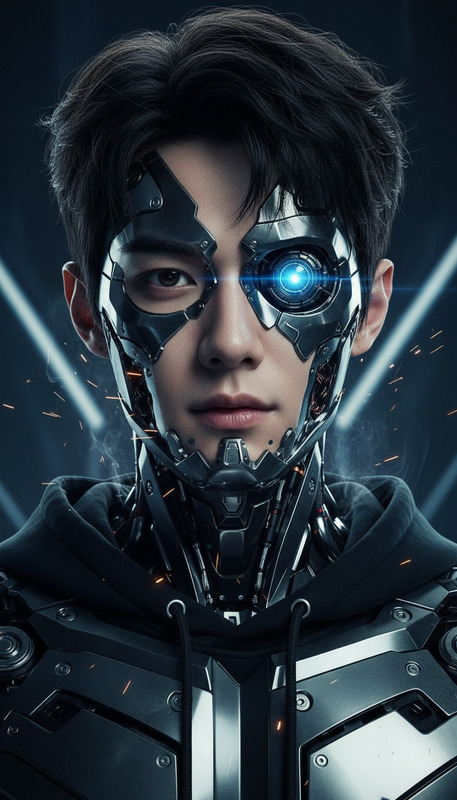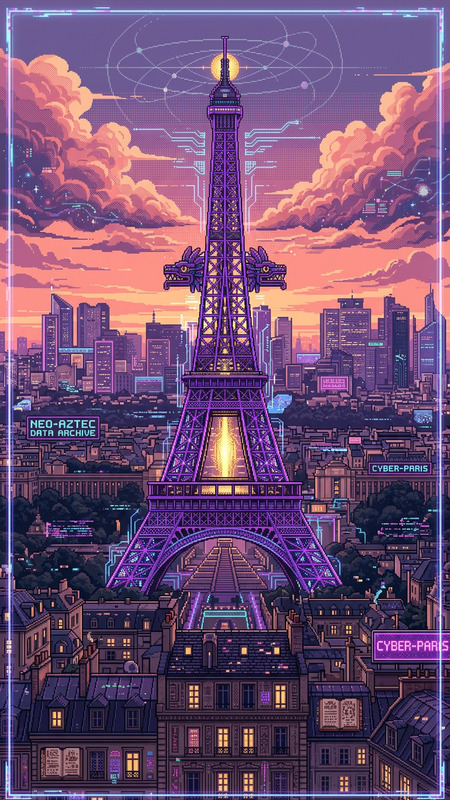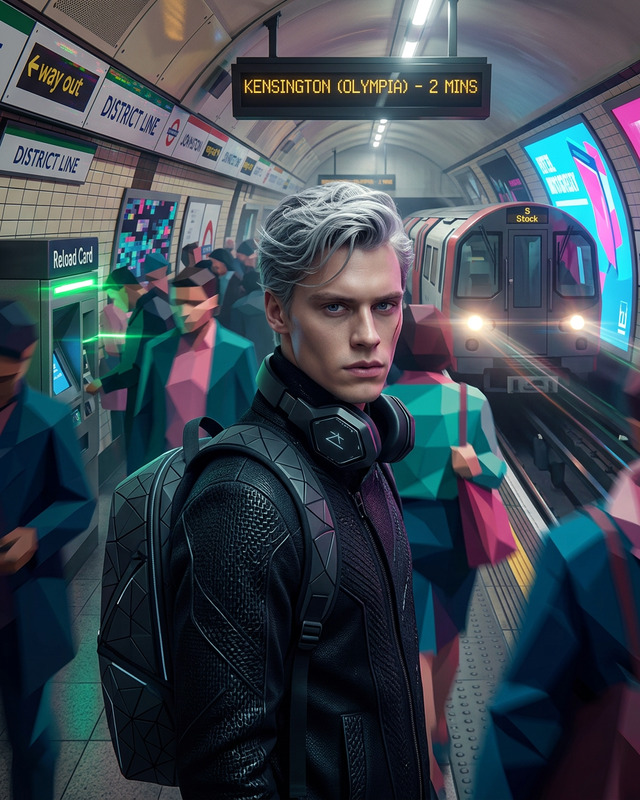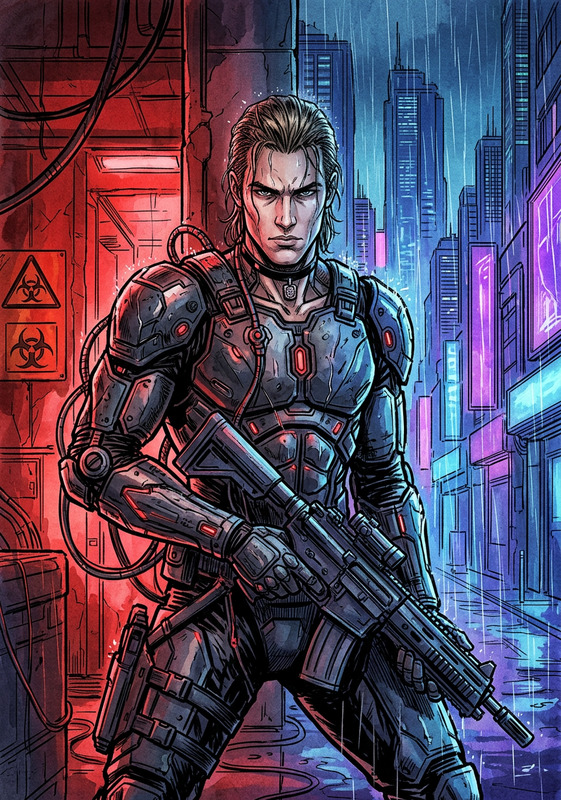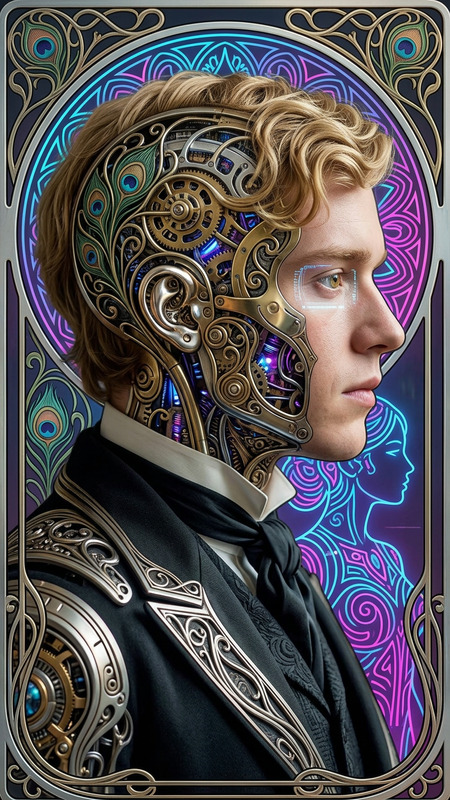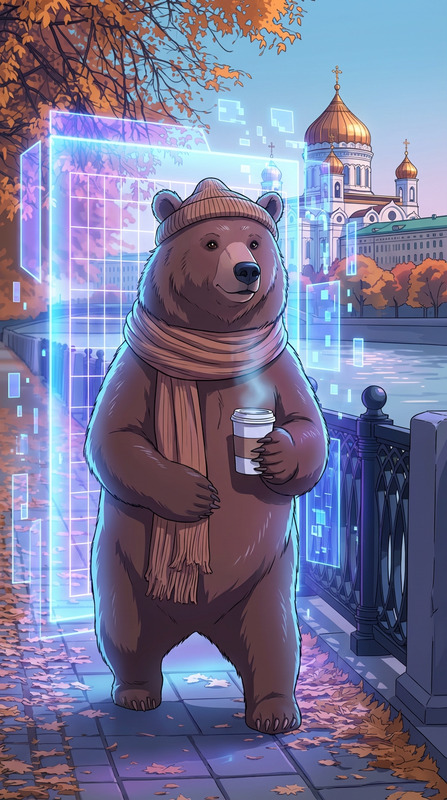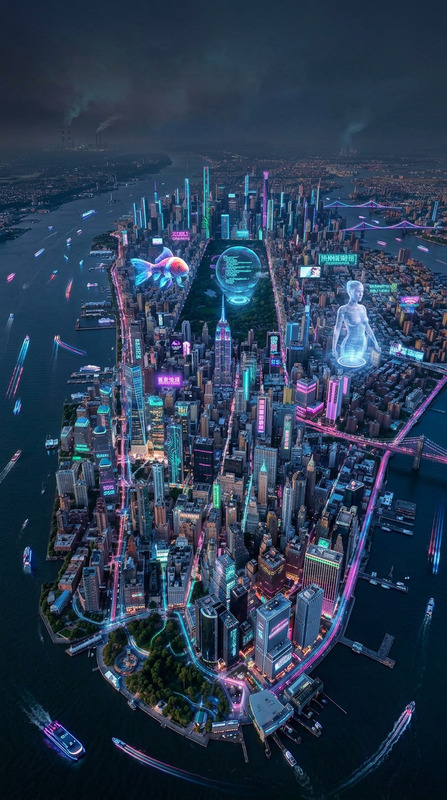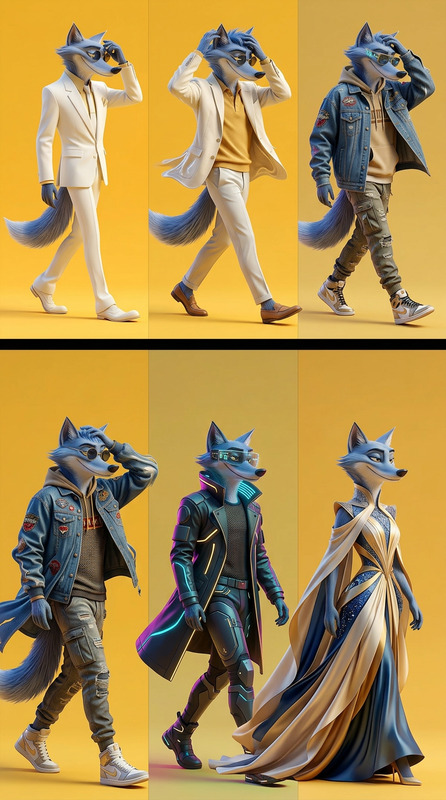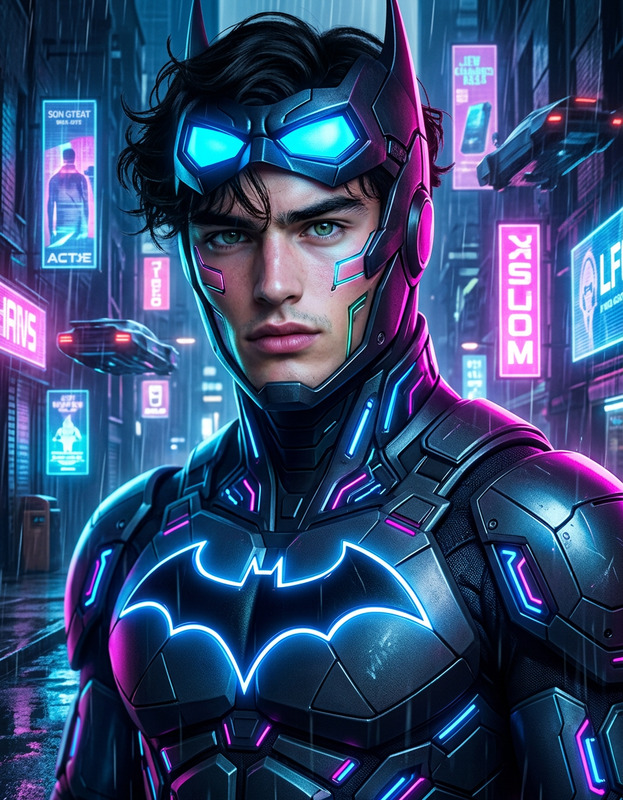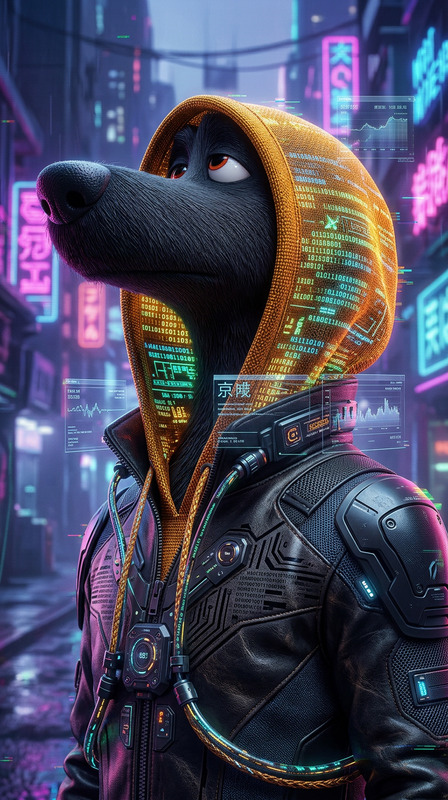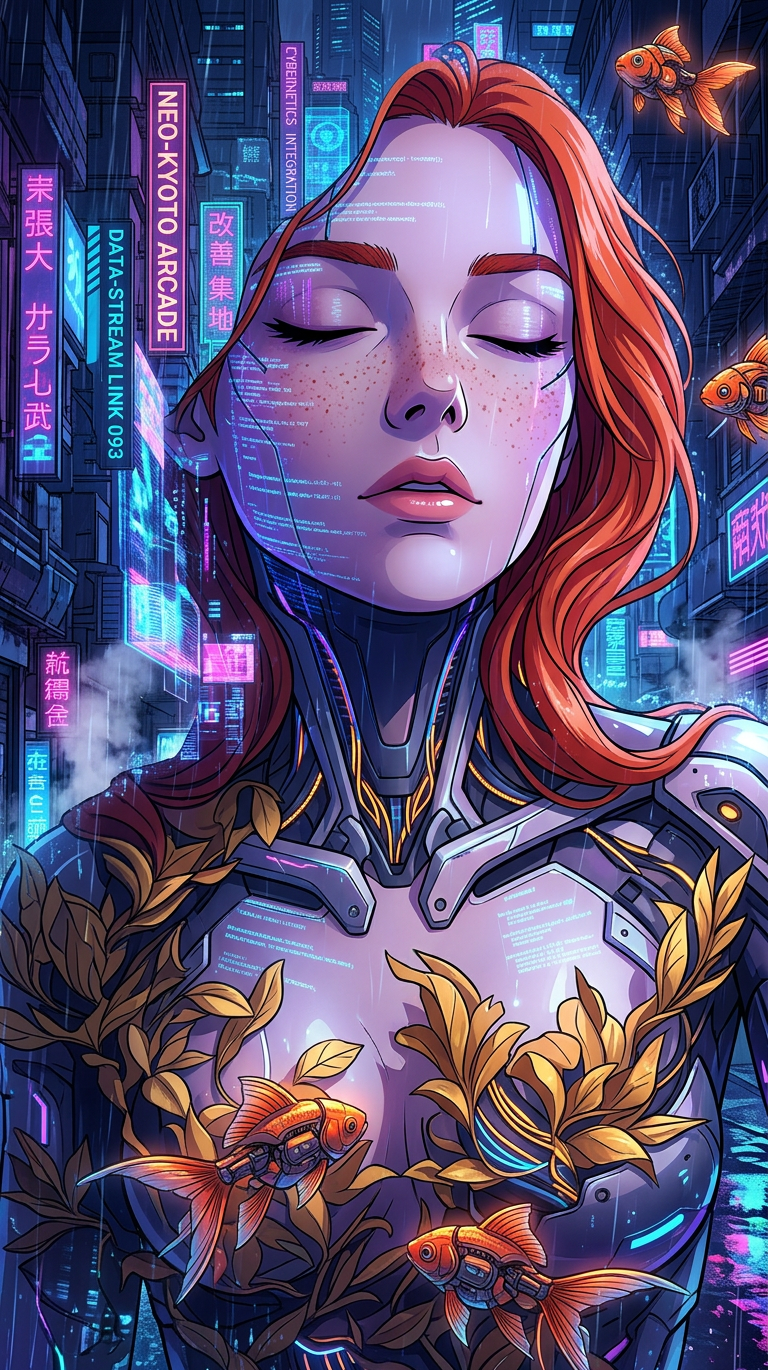
Cyberpunk Neo-Noir Anime Transformation
- Model
- Nano Banana 2
- Image
- 768 × 1370 px
Prompt
Cyberpunk neo-noir anime transformation, futuristic neon cityscape with glowing holograms and digital billboards, rain-soaked streets reflecting electric blue, magenta, and purple lights. Subject transforms into stylized anime character with sharp features, cel-shaded rendering, cybernetic enhancements. Dramatic low-key lighting, deep shadows, volumetric rain and fog, cinematic composition, ultra-detailed, dynamic atmosphere.
Any aspect ratio
Overview
Dive into a futuristic world with the Cyberpunk Neo-Noir Anime Transformation template. Designed to convert your images into a dynamic anime style, this template uses the AI Image Editor to deliver a visually striking transformation complete with cybernetic enhancements and rich, vibrant colors.
What It Does
This AI Image Editor template transforms ordinary photos into stylized anime scenes set in a cyberpunk neo-noir universe. With its focus on vibrant neon cityscapes, holograms, and intricate character designs, it creates an ultra-detailed and atmospheric effect. The transformation incorporates elements of cel-shading and dramatic lighting for a truly cinematic composition.
Who It's For
This tool is perfect for artists, designers, and content creators looking to explore the realms of anime and cyberpunk with their projects. Whether you’re enhancing a photo shoot or creating anime-style illustrations, this template provides a seamless solution. It's also ideal for social media enthusiasts aiming to catch eyes with unique visual storytelling.
Summary
Elevate your images with the Cyberpunk Neo-Noir Anime Transformation template. By leveraging advanced AI tools like nano-banana models, this template offers a rich and dynamic anime style transformation. Perfect for creating captivating, atmospheric compositions that capture the imagination.
How to Use
Choose the Template

Customize Your Transformation

Generate Your Image

Use Cases
Digital Art Projects
- Create unique artwork for exhibitions
- Use in art competitions
Social Media Content
- Increase engagement with captivating visuals
- Build a theme centered around cyberpunk aesthetics
Marketing Campaigns
- Generate visually arresting ads
- Enhance digital media campaigns
Best Practices
Select High-Resolution Images
For the best transformation results, always use high-resolution images to ensure fine details are captured effectively.Experiment with Lighting and Shadows
Adjust the lighting settings in the prompt to create more dramatic and lifelike transformations.Incorporate Textures
Add textures to the image for an added layer of realism, especially effective in depicting cybernetic enhancements.