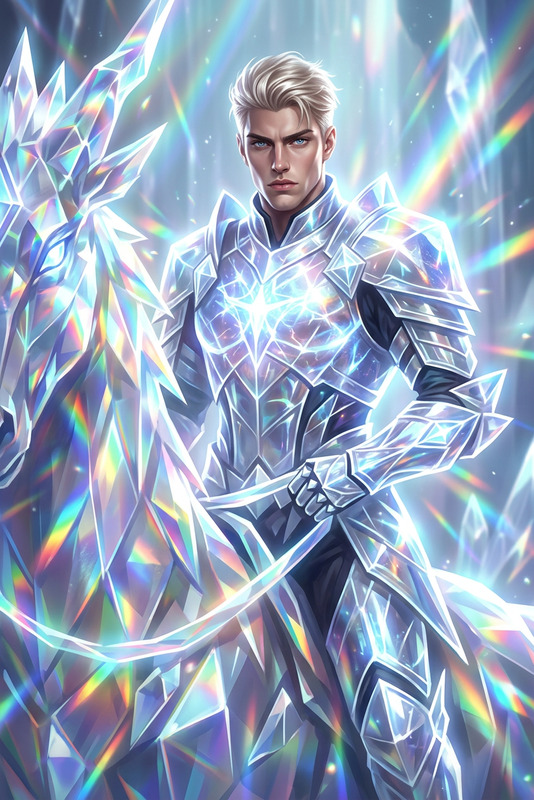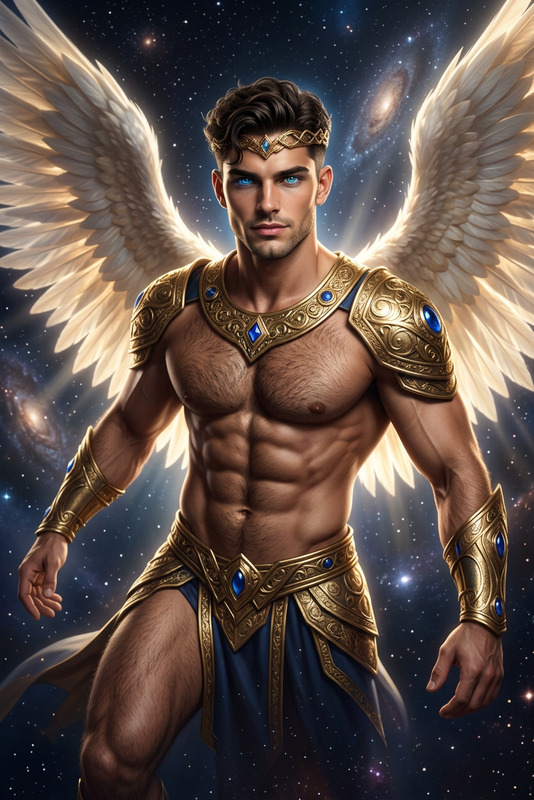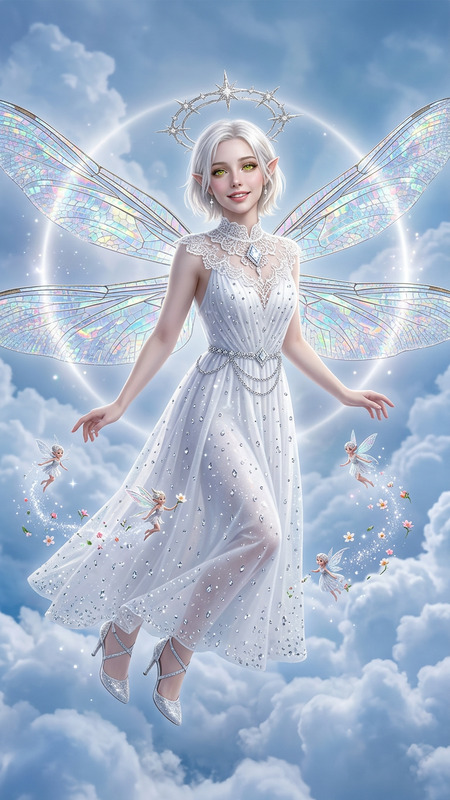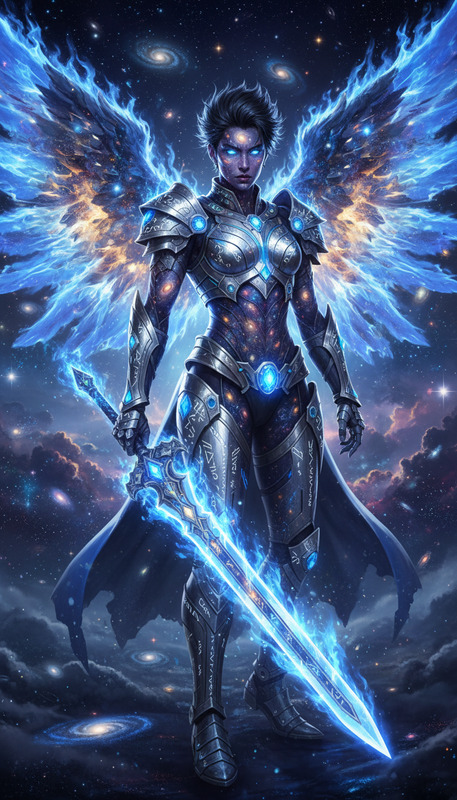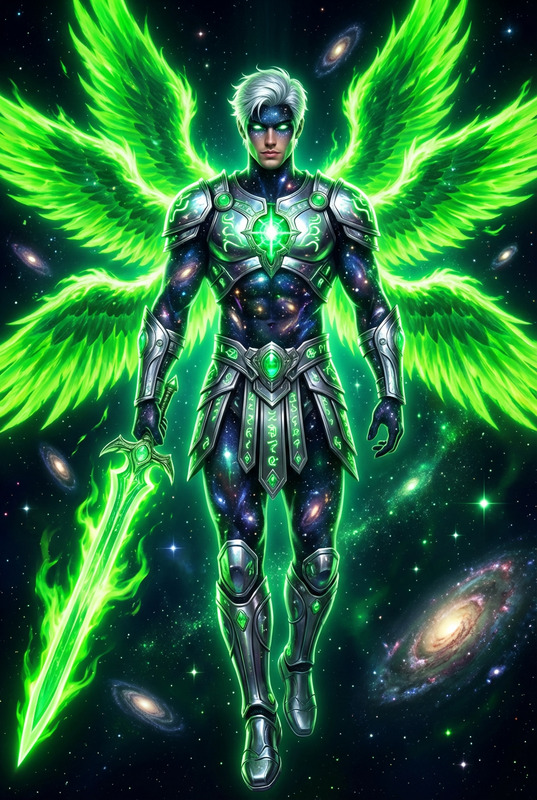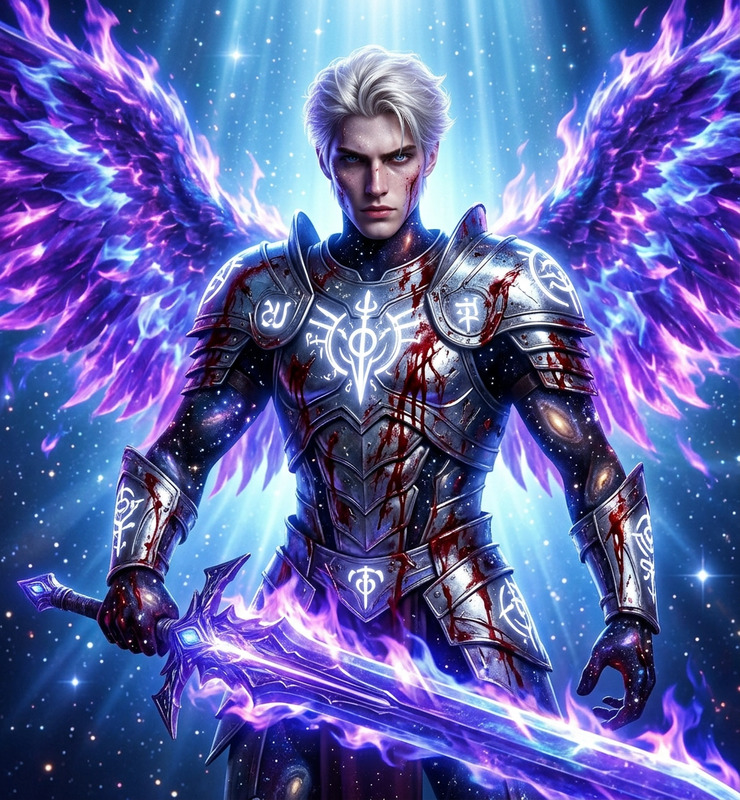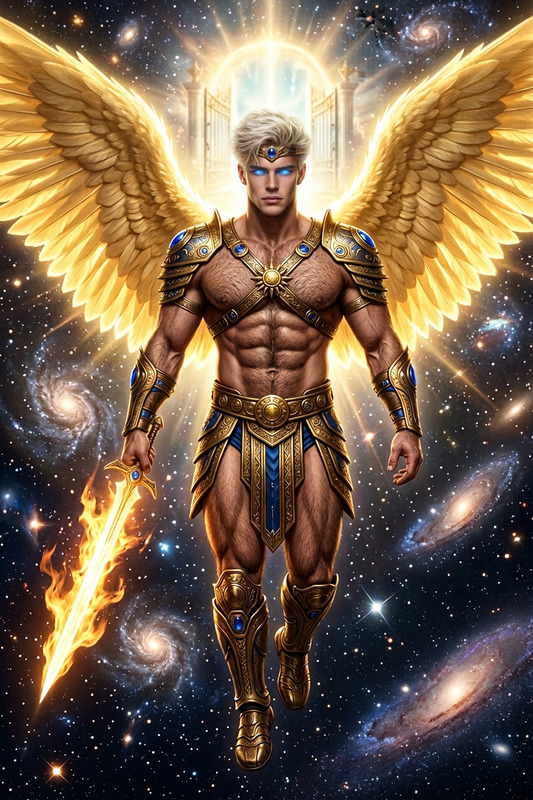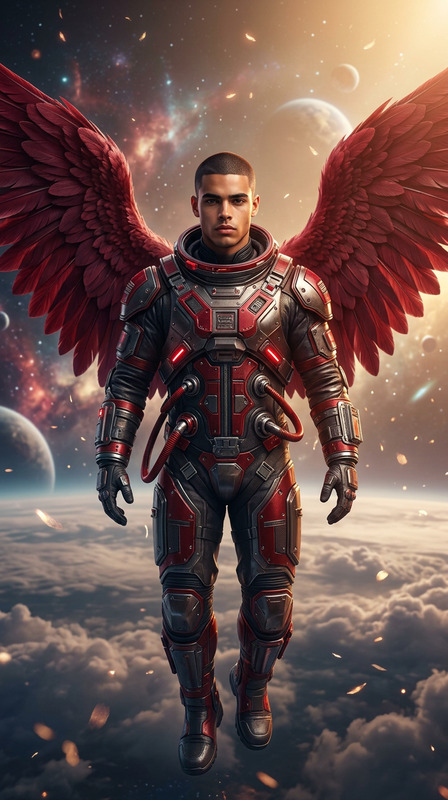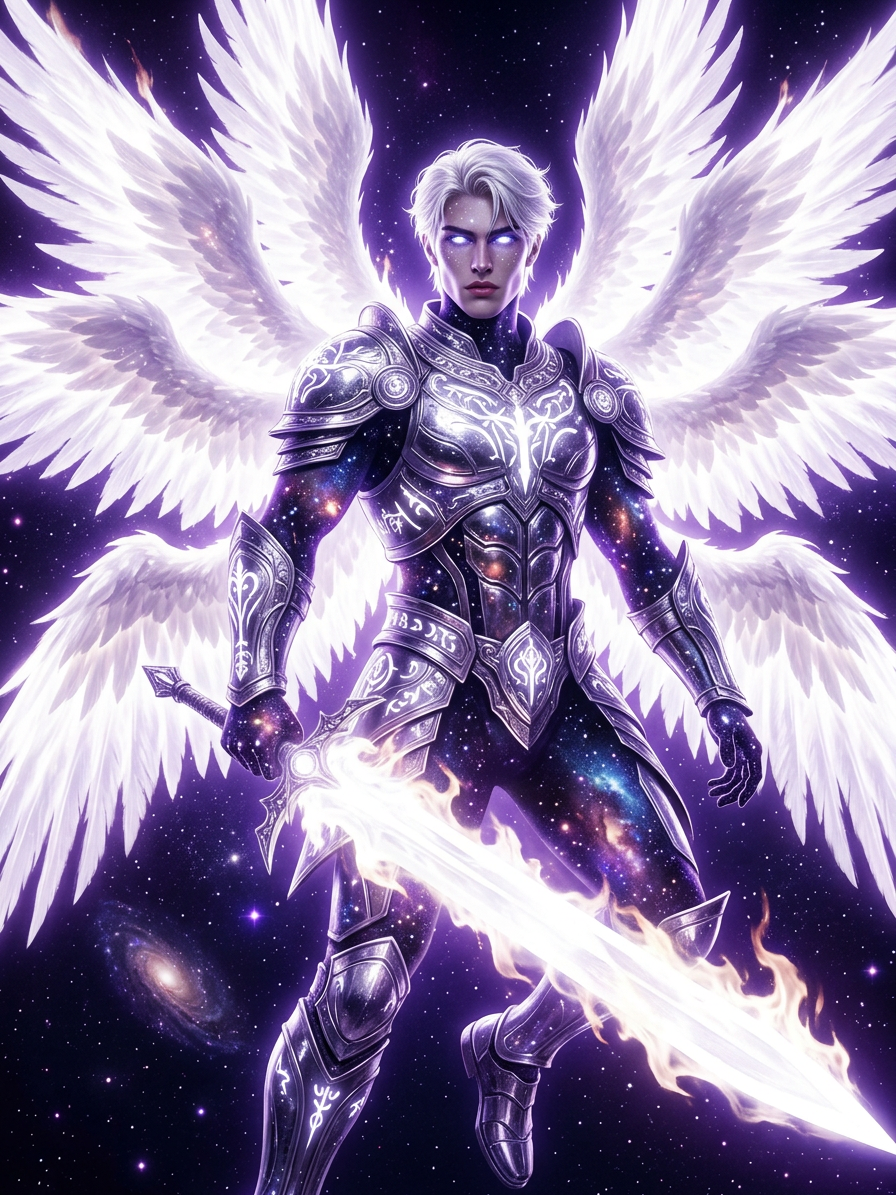
Seraph of Absolute Light
- Model
- Nano Banana 2
- Image
- 896 × 1195 px
Prompt
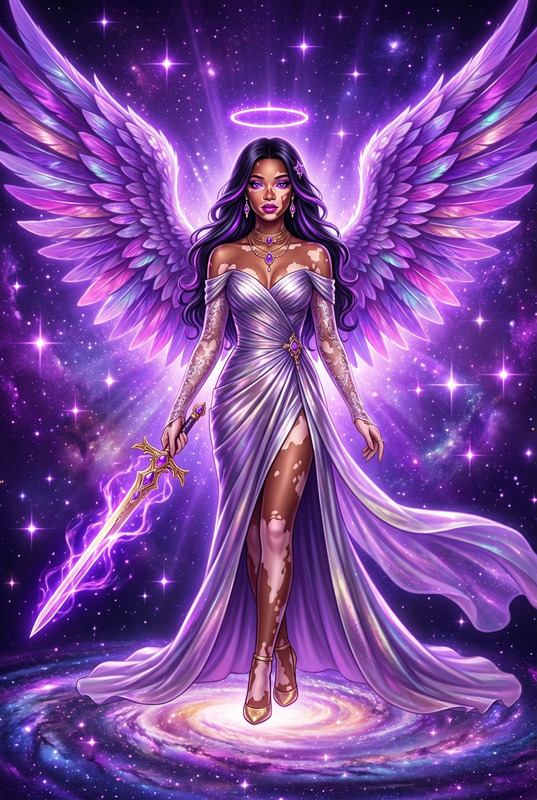
mythological portrait of the subject as a divine battle goddess and avenging angel, full body in deep space defending a galaxy. Tall, athletic, statuesque form with skin as the fabric of the universe, filled with stars and galaxies. Eyes glowing like newborn stars. Wearing radiant chrome armor in a full white palette with luminous white glyphs. Ten massive wings of blazing white celestial fire, wielding a colossal white flame sword of light. Surrounded by pure purple cosmic radiance, stardust, and celestial glow reflecting across metallic surfaces. Ultra-detailed, cinematic, ethereal, divine, high-key masterpiece.
Any aspect ratio
Overview
Step into the realm of myth and divinity with the Seraph of Absolute Light, an advanced AI Image Editor template powered by the nano-banana-2 model. This tool transforms ordinary images into celestial masterpieces, emphasizing divine and ethereal themes.
What It Does
The Seraph of Absolute Light template allows you to create ultra-detailed and cinematic mythological portraits. It integrates complex elements such as celestial flames, star-filled skins, and divine armor, providing a high-key visual experience. The finished artwork stands out as a cosmic spectacle, rich in stardust and otherworldly details.
Who It's For
This template is ideal for digital artists, fantasy creators, and storytellers who specialize in mythological or high-fantasy genres. Whether you're crafting visual narratives for video games or designing celestial-themed artwork for graphic novels, Seraph of Absolute Light offers a toolset that elevates your creative projects.
Summary
Transform visuals into a mythological odyssey with the Seraph of Absolute Light template. Employ the capabilities of the AI Image Editor and the powerful AI Image Generator to produce divine imagery that captures the imagination and transforms concepts into visual grandiosity. This tool is essential for creators aiming to incorporate a divine aesthetic into their work.
How to Use
Choose Your Template

Customize Your Design

Generate and Save

Use Cases
Fantasy Art Creations
- Mythological illustrations
- High-fantasy book covers
- Celestial concept art
Video Game Character Design
- RPG character artworks
- Fantasy NPC illustrations
Graphic Novel Illustrations
- Myth-inspired scenes
- Celestial battle illustrations
Best Practices
High-Resolution Images
For best results, always use high-resolution images as input to capture the intricate details of the template.Experiment with Light
Vary the lighting and celestial glow parameters to find the most visually striking composition for your subject.Iterate on Designs
Don't hesitate to regenerate and tweak parameters for multiple outputs before finalizing the desired look.