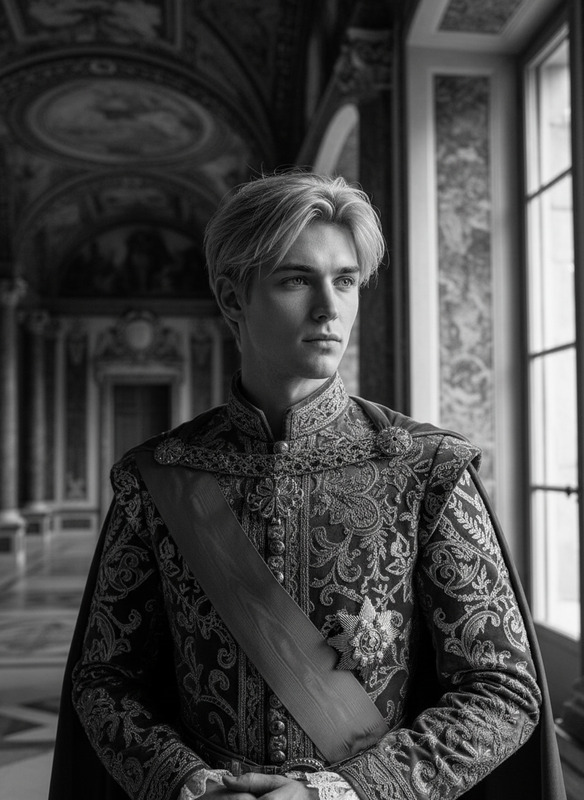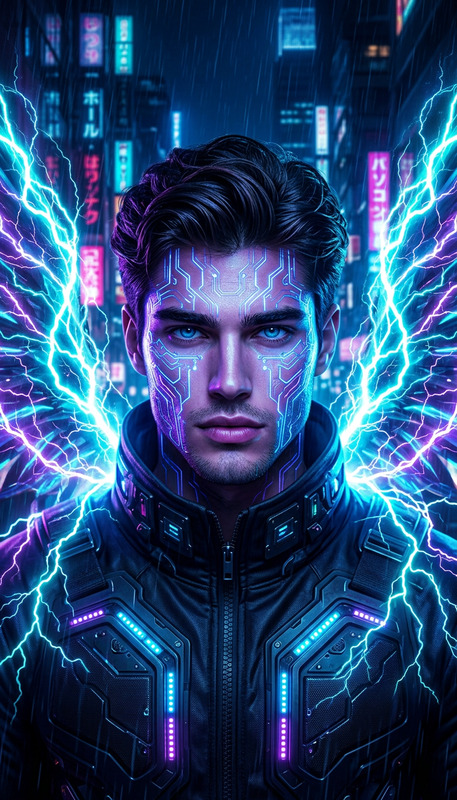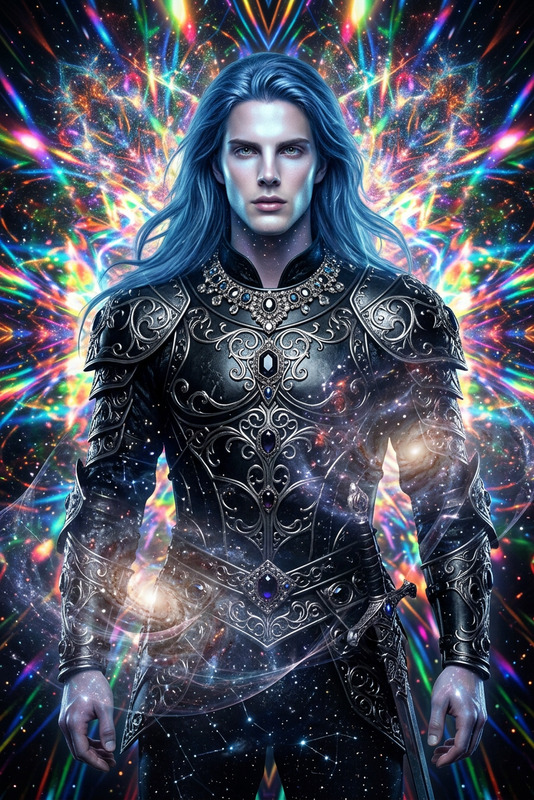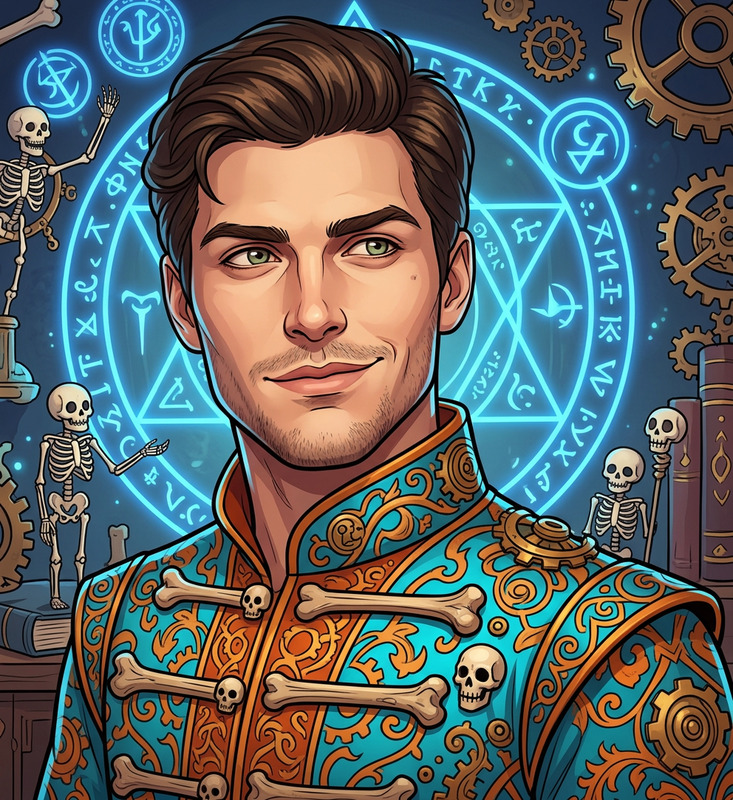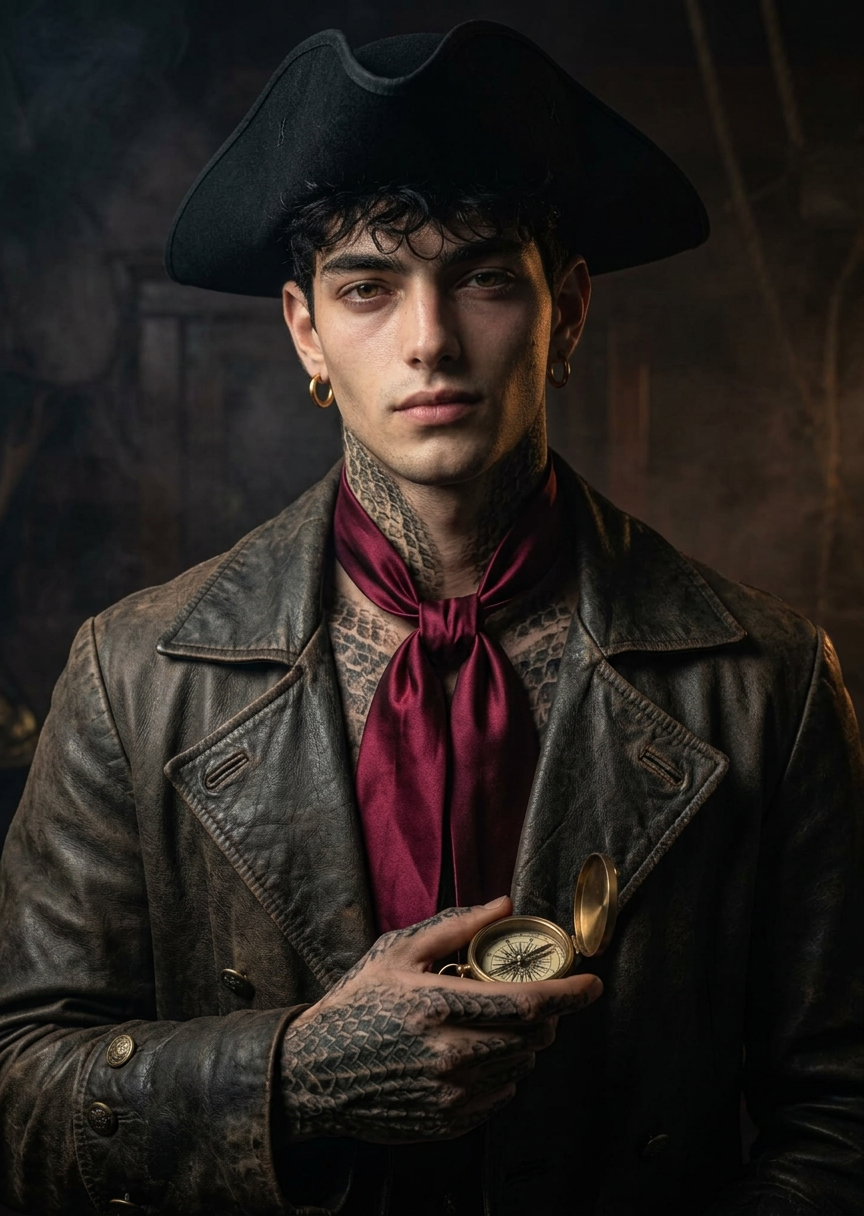
Privateer Portrait
- Model
- Nano Banana 2
- Image
- 864 × 1216 px
Prompt
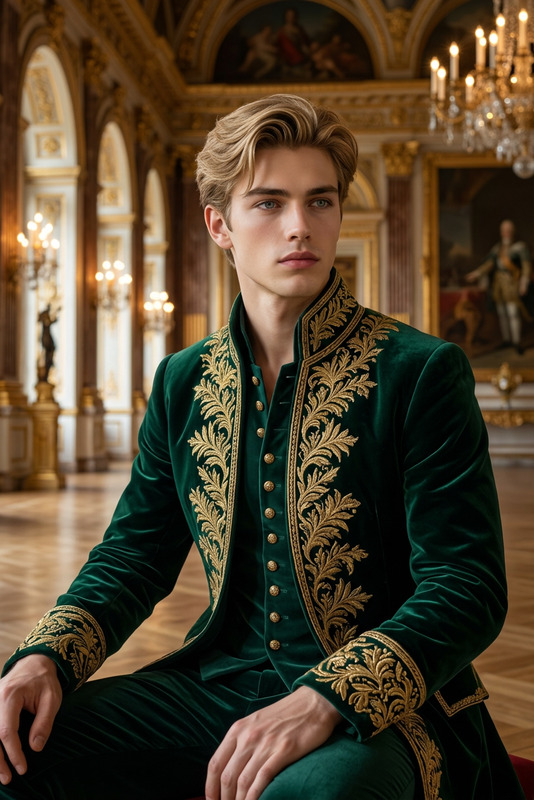
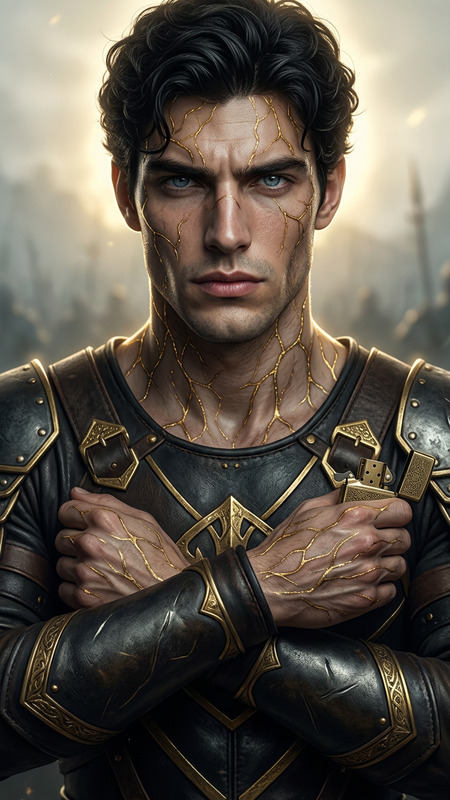
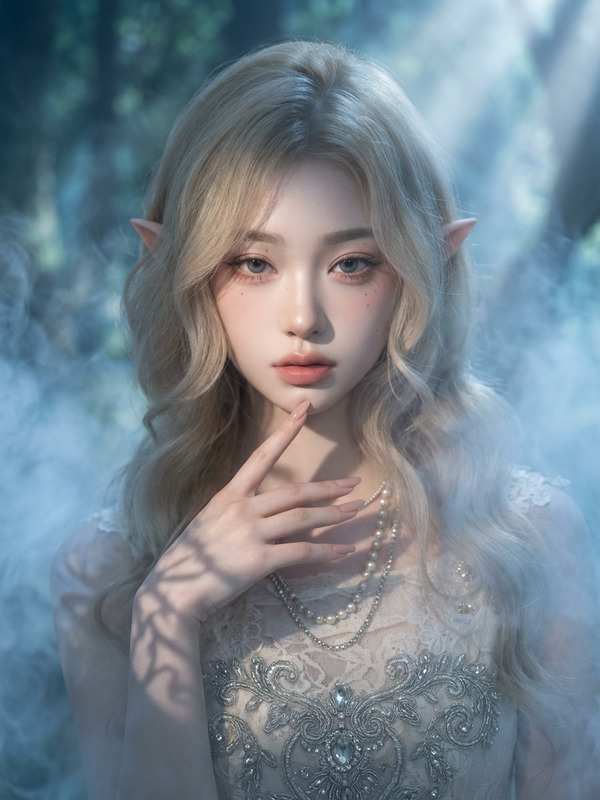
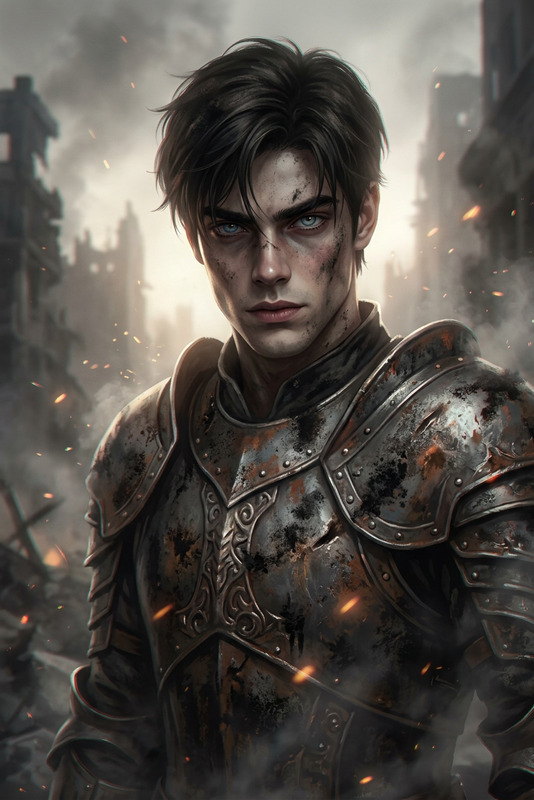
Generate a cinematic portrait of a subject styled as an 18th-century privateer, wearing a tricorn hat and crimson neck tie, with detailed scales, a gold hoop earring, and moody dramatic lighting, using dark tones to create a mysterious, high-end, game-like character aesthetic.
Any aspect ratio
Overview
Craft extraordinary 18th-century privateer portraits using the Privateer Portrait template in our AI Image Editor. This template leverages the nano-banana-2 model to transform ordinary images into cinematic characters with intricate detail and a moody, dramatic aesthetic.
What It Does
The Privateer Portrait template enhances your subject's image by adding elements typical of 18th-century privateer style. This includes a classic tricorn hat, a crimson neck tie, detailed scales, and a gold hoop earring, all set in moody lighting. The result is a high-end, game-like character look that captivates viewers.
Who It's For
This template is ideal for creatives, game designers, and marketers looking to develop unique visual content. Whether you're designing character art for a video game or creating enticing marketing materials, the Privateer Portrait offers an artistic edge to your assets. Pair it with AI Video Generator tools to enhance video content.
Summary
Experience the power of AI-driven image editing with the Privateer Portrait template. This tool provides an efficient workflow for generating character art that stands out in creative projects. Use it to produce captivating visual content that aligns with a variety of storytelling and marketing strategies. Explore more about AI-driven editing with our AI Image Editor.
How to Use
Choose Your Template

Customize Your Inputs

Generate Your Portrait

Use Cases
Game Character Design
- Unique privateer aesthetic
- High detail with dramatic lighting
Marketing Campaigns
- Artistic portraits for ads
- Visually compelling story elements
Social Media Content
- Attract attention with unique styles
- Increase engagement with distinctive visuals
Best Practices
Refine the Prompt Details
Adjust the specific elements of the prompt to ensure they align with your desired aesthetic outcome.Use High-Quality Images
The better the quality of the original image, the more detailed the resulting portrait will be.Experiment with Lighting Effects
Try different lighting settings within the prompt to enhance the mood and depth of the portrait.