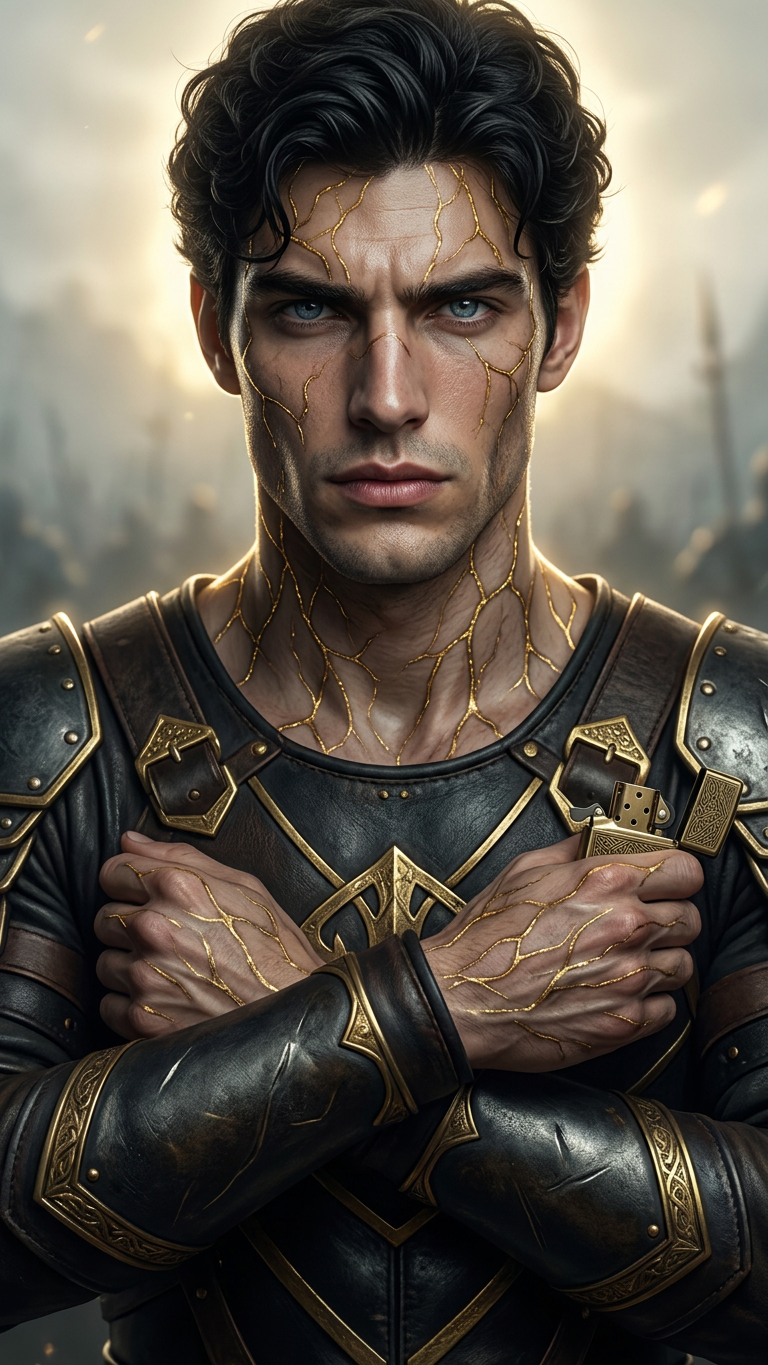
Golden Vein Warrior Portrait
ai-image-editor
Any aspect ratio
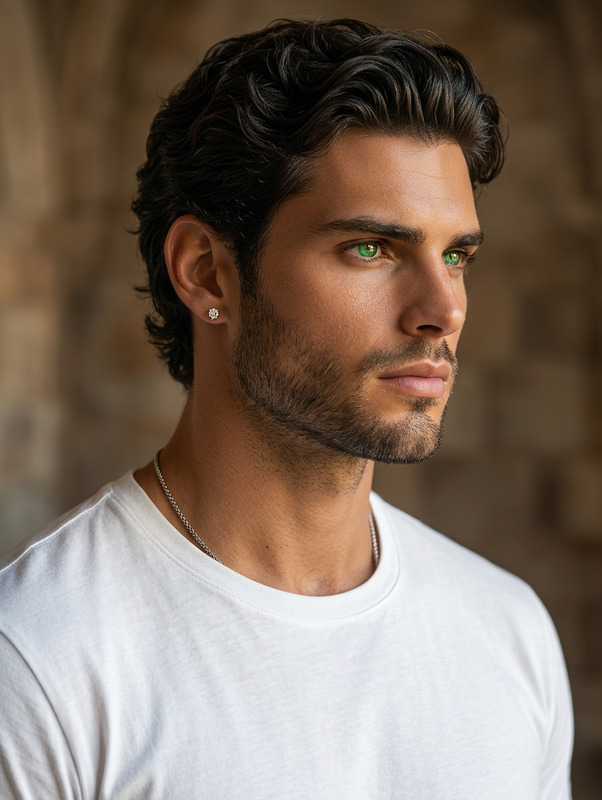
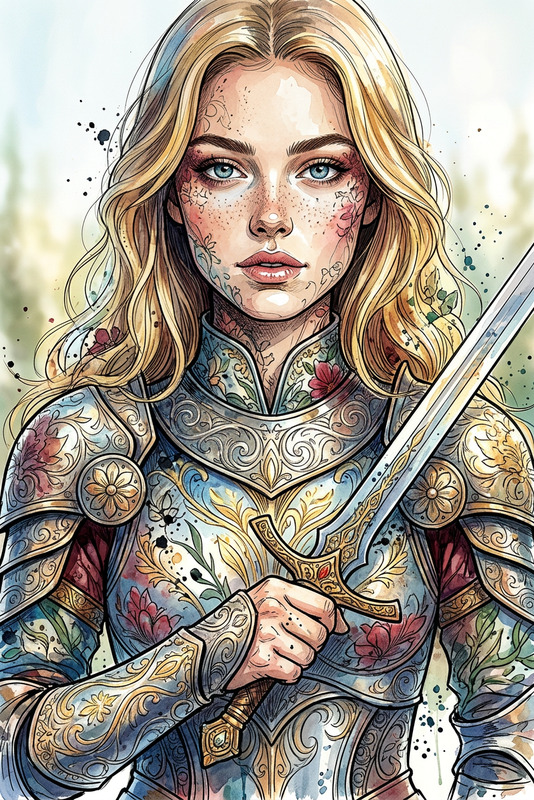
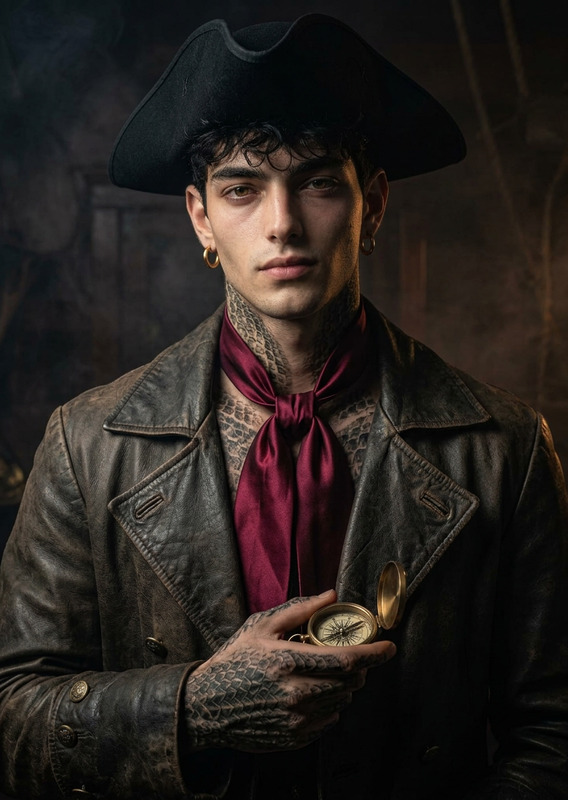
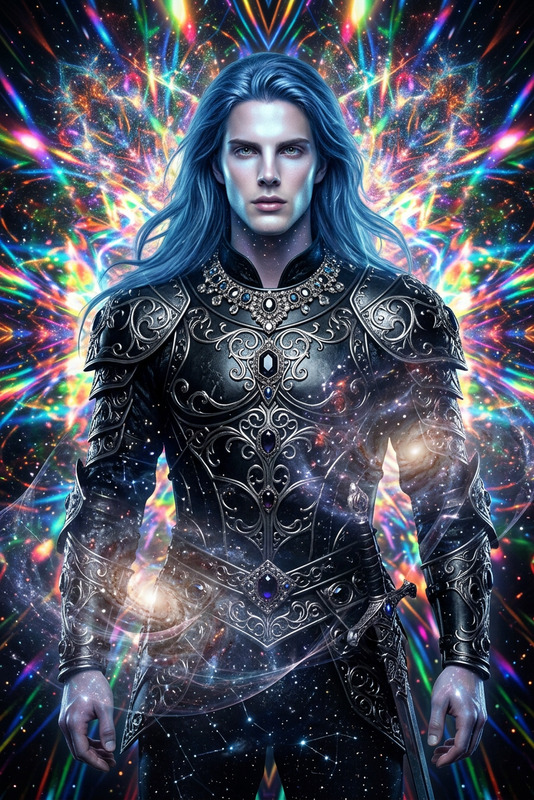
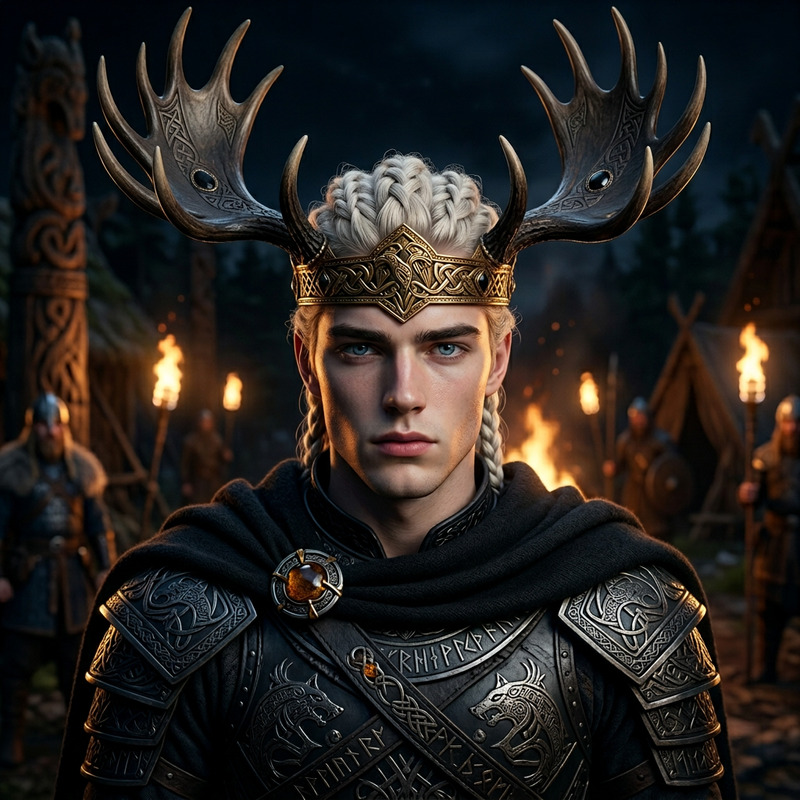
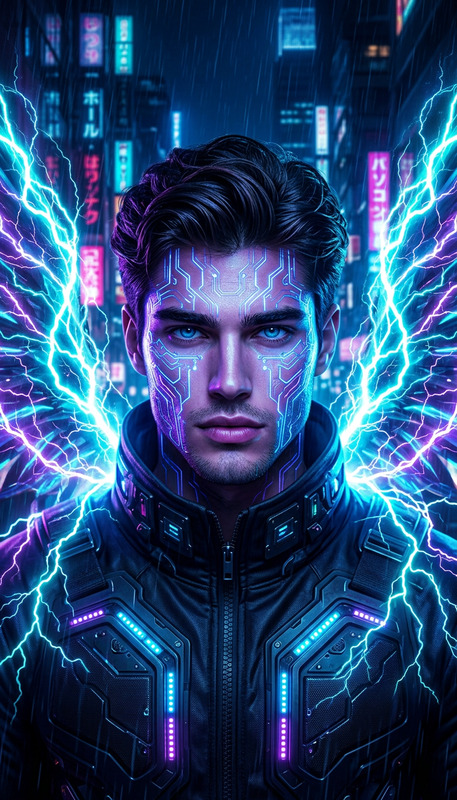
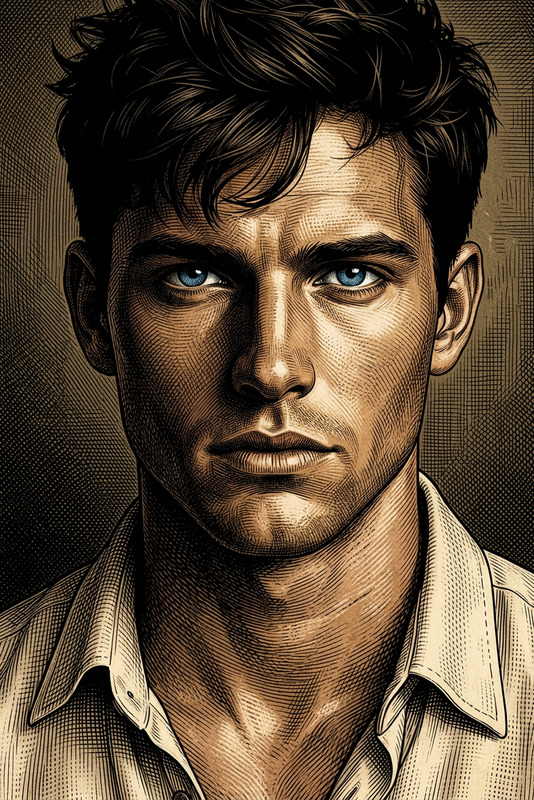
Generate a high-resolution close-up portrait of a warrior with a stern, battle-hardened expression, featuring intricate shimmering gold vein patterns across the skin; the composition uses a cinematic angle with soft golden backlighting that creates a subtle halo around the silhouette, enhancing depth and drama; the eyes are intense and focused, conveying strength and wisdom; the overall aesthetic blends realistic portraiture with dark, stylized illustration influences, delivering a moody, high-detail, and visually striking character study.
AI Image Editor Template: Remaster Product Photos for Higher Conversions
Turn any ordinary product shot into a polished, high-performing asset in minutes. This AI Image Editor template is built for founders, marketers, and designers who need studio-quality visuals without a full photo team.
Use it to:
- Clean up and enhance e‑commerce product photos
- Change or simplify backgrounds for marketplaces and ads
- Remove reflections, wrinkles, or distracting elements
- Standardize lighting and framing across a catalog
- Quickly test multiple creative directions for campaigns
Because this template is built with the core AI Image Editor, you can remix it to fit almost any visual workflow on Magic Hour.
What This Template Does
This template is optimized for transforming raw product photos into conversion-ready creative. In a single flow, you can:
- Refine lighting and contrast for clearer, more dimensional images
- Clean backgrounds (e.g., solid white, gradient, or subtle texture) for marketplaces like Amazon, Etsy, and Shopify
- Remove unwanted objects or props using AI-powered object removal
- Preserve product details (logos, patterns, textures) with high fidelity
- Generate variants (different colors, backgrounds, or compositions) for A/B tests and ads
For heavier edits—like changing outfits, faces, or turning stills into motion—this template plays well with other Magic Hour tools such as AI Clothes Changer, AI Image Generator, and Image to Video.
Ideal Use Cases
This AI Image Editor template is particularly useful if you:
- Run a DTC or e‑commerce brand and need consistent, on-brand product photography
- Manage marketplace listings and must comply with strict background and framing guidelines
- Work in performance marketing and want fast creative iterations for ads and landing pages
- Build SaaS or product-led growth sites and need crisp UI/product mockups
- Operate a creative agency that must deliver polished visuals at scale
Examples of real-world tasks:
- Take a phone photo of a physical product and make it look like a studio shot
- Remove messy backgrounds from UGC or influencer content while keeping the subject intact
- Standardize all catalog shots (same angle, similar backgrounds) for visual consistency
- Create “clean” versions of screenshots or dashboards for investor decks and pitch materials
How to Remix This Template in Magic Hour
You can treat this template as a starting point and build your own version tailored to your workflow. In Magic Hour, you can:
Duplicate the template
Use it as a base and adapt it for your brand or campaign. For example:- Version A: Marketplace-standard images (simple backgrounds, neutral lighting)
- Version B: Brand campaign visuals (on-location, stylized backgrounds, color accents)
Adjust your edit pipeline
Chain the AI Image Editor with other tools in Magic Hour to expand what this template can do:- Enhance and clean the photo first with AI Image Upscaler or Unblur Image
- Remove distractions or old branding using AI Remover or Remove Object From Photo
- Swap or refine backgrounds with the Image Background Remover and AI Background Generator
- Create derivative assets for social and ads using Thumbnail Maker or AI Meme Generator
Standardize for your brand system
Build a reusable workflow so every editor or teammate can apply the same transformation:- Consistent aspect ratios and cropping for product pages
- On-brand color schemes and style motifs via AI Art Generator or AI Illustration Generator
- Matching headshot or model aesthetics using AI Headshot Generator and AI Face Editor
Building a Complete Creative Stack Around This Template
This AI Image Editor template becomes more powerful when combined with other Magic Hour products:
1. Generate or Augment Source Images
If your starting material is limited or low-quality, you can:
Generate new product or concept visuals
Use AI Photo Generator, AI Art Generator, or AI Character Generator to create base images, then refine them with this template.Create stylized brand universes
- Turn your products into anime-style scenes with AI Anime Generator or Disney AI Generator
- Generate comic-style product storytelling using Comic Book Generator
Produce avatars and faces around your product
- Build branded personas via Avatar Generator or AI Face Generator
- Quickly update or age-old visuals via Old Photo Restoration and Photo Colorizer
All of these can feed into the AI Image Editor template as your “raw material” before final polish.
2. Turn Polished Images into Video and Motion
High-quality images created with this template are strong inputs for Magic Hour’s video tools:
- Convert stills into short motion clips with Image to Video or Animation templates
- Transform talking-head or product demo sequences using:
- Face Swap Video for creative campaigns or UGC remixes
- Lip Sync and AI Talking Photo for spokesperson-style content
- Video to Video to restyle existing video to match your edited image look
- Add narration or synthetic voices with AI Voice Generator or AI Voice Cloner, and adapt for channels using Auto Subtitle Generator
If resolution is a concern for larger screens or paid media, use Video Upscaler after exporting.
3. Build Creative for Specific Channels
This template is useful across channels when paired with the right tools:
Landing pages & app stores
- Generate product hero images and feature callouts with the AI Image Editor
- Create supporting visuals via Thumbnail Maker, Book Cover Generator, or Album Cover Generator
Paid social & performance ads
- Edit source images with this template, then transform into short promos using Text to Video
- Generate QR-based experiences or interactive assets with AI QR Code Generator
Brand and content marketing
- Produce custom visual series (e.g., product in fantasy worlds, cyberpunk, or dark aesthetics) with Dark Fantasy AI, Fantasy Map Generator, or Graffiti Generator
- Use the AI Image Editor template to keep the core product image sharp, recognizable, and consistent across all these stylized contexts
Practical Tips for High-Quality Edits
While this template handles the heavy lifting, following a few best practices will yield better results:
Start with the best source you have
Higher-resolution, well-lit photos give the AI more information to work with. If your input is low-res or noisy, run it through Unblur Image or AI Image Upscaler before editing.Keep the subject clearly separated
Images where the main product or subject is clearly visible (good contrast from the background) produce cleaner masks and more accurate edits. Pair with Image Background Remover for precise cutouts.Think in reusable patterns
Don’t just edit one-off images. Design reusable “recipes”:- A standard “catalog look” for products
- A “social look” for Instagram/TikTok creatives
- A “deck and pitch” style for investor updates, one-pagers, and press kits
Integrate with your experimentation loop
Use this template to generate multiple visual variants for A/B tests. Many growth teams systematically test:- Different backgrounds and compositions
- Different levels of realism vs. stylization
- Different model/face combinations (with tools like Face Swap or Gender Swap)
Related Tools for Advanced Visual Workflows
Depending on your product and brand, you might want to extend this template with:
For fashion & apparel:
- AI Clothes Changer
- AI Outfit Generator
- AI Fashion Generator
Then finalize image quality and background styling via the AI Image Editor template.
For entertainment, IP, and community projects:
- Pokemon Generator
- Superhero Generator
- Animated Characters Generator
- DND AI Art Generator
Use the template to normalize style and quality before publishing or packaging.
For personal brand & creator economy:
- AI Selfie Generator
- AI Headshot Generator
- AI Tattoo Generator
- AI Icon Generator
Refine outputs with this template for consistency across platforms, thumbnails, and profile pics.
Why Use Magic Hour’s AI Image Editor Stack
Using this template instead of stitching together multiple disparate tools gives you:
- Single-source control: Your edits, remixes, and variants all live in one environment, so it’s easier to maintain consistency and hand off to teammates.
- Scale without linear cost: Once your template pipeline is defined, you can process dozens or hundreds of assets with similar quality—especially important for catalogs, marketplaces, and creative testing.
- Interoperability with video and audio: Finished images are immediately usable with Magic Hour’s Face Swap Video, Lip Sync, Video to Video, Animation, and AI Voice products.
Getting Started
To build your own version of this AI Image Editor template in Magic Hour:
- Load or import a product or brand image you want to improve.
- Apply the AI Image Editor pipeline, focusing on clarity, background cleanup, and brand consistency.
- Save the flow as your own template so teammates can reuse it across campaigns.
- Optionally, chain in complementary tools—background generation, upscaling, video conversion, or voice—to create a complete, repeatable creative system.
Use this template as your baseline, then remix it into whatever your brand or product needs next.