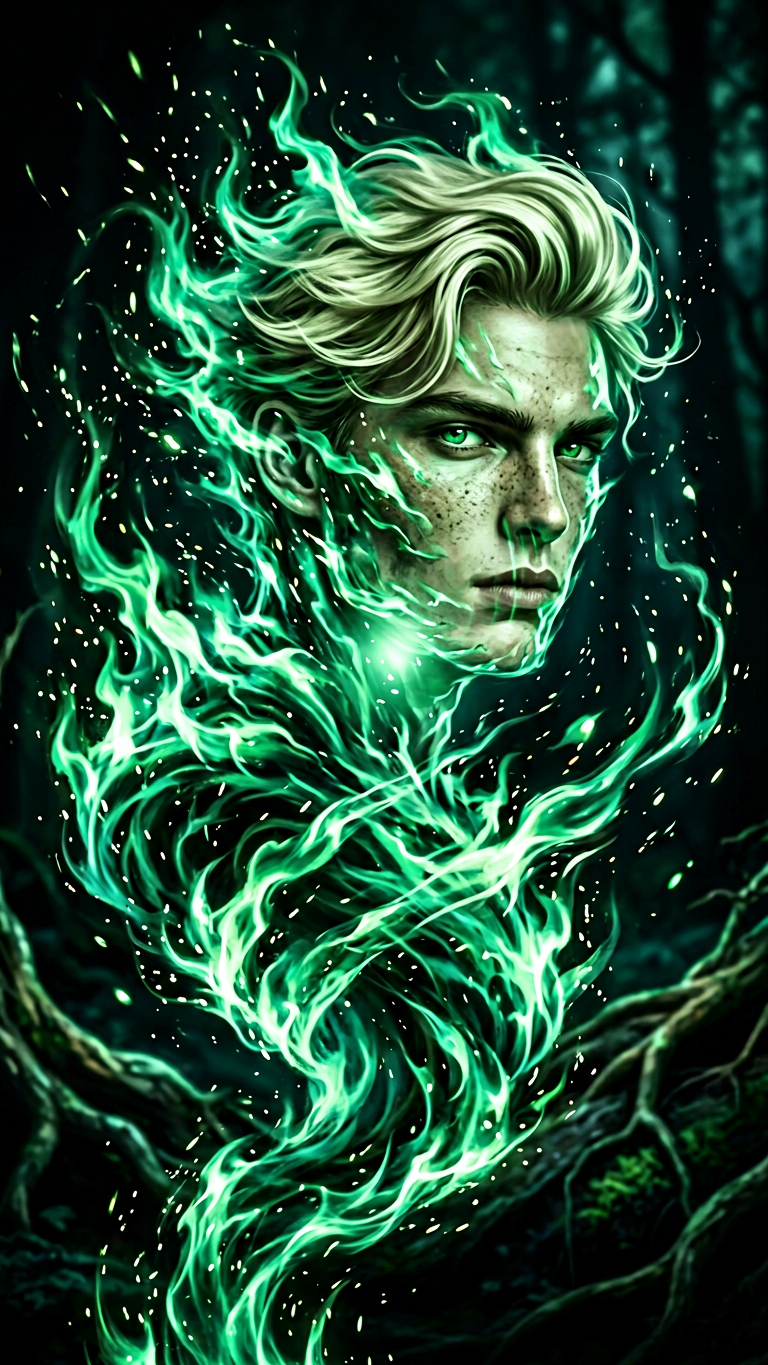
Verdant Flame Wraith
- Model
- Nano Banana 2
- Image
- 768 × 1365 px
Prompt
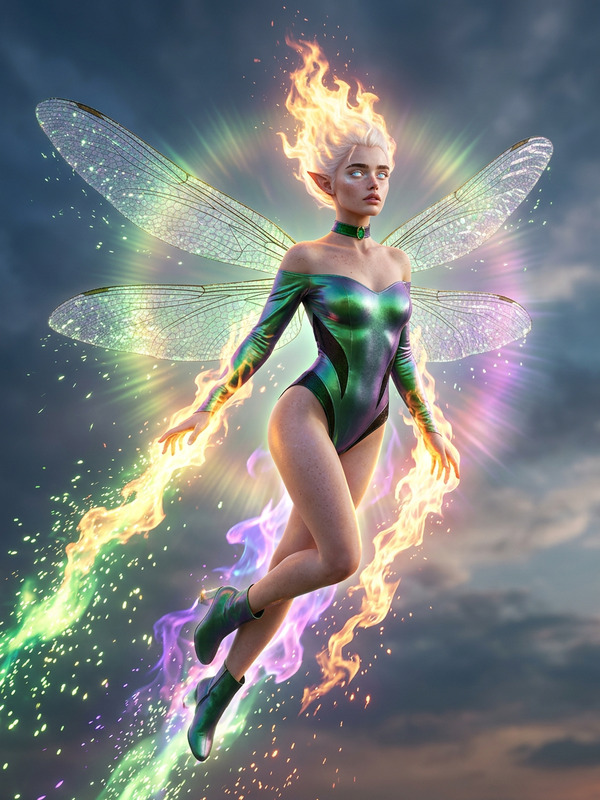
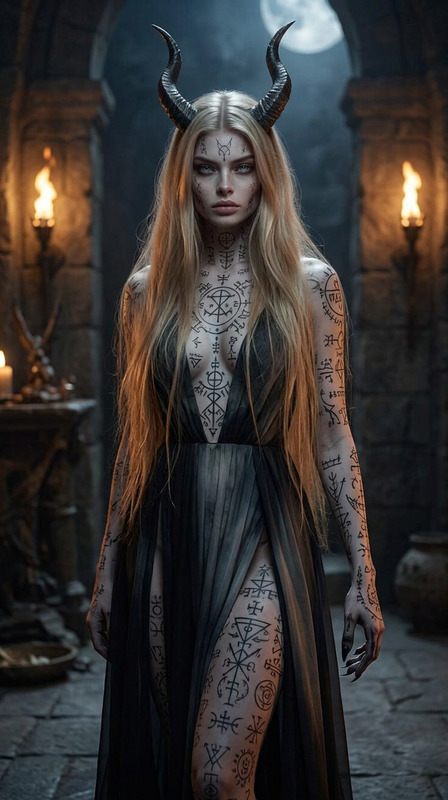
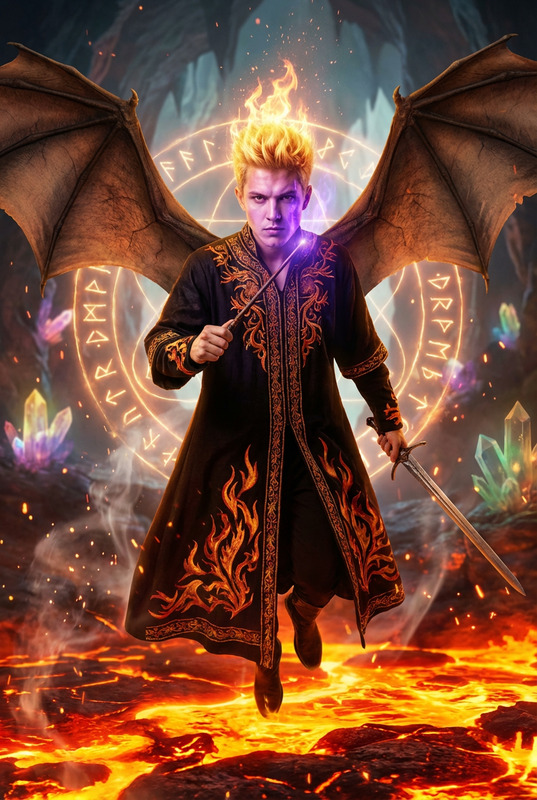
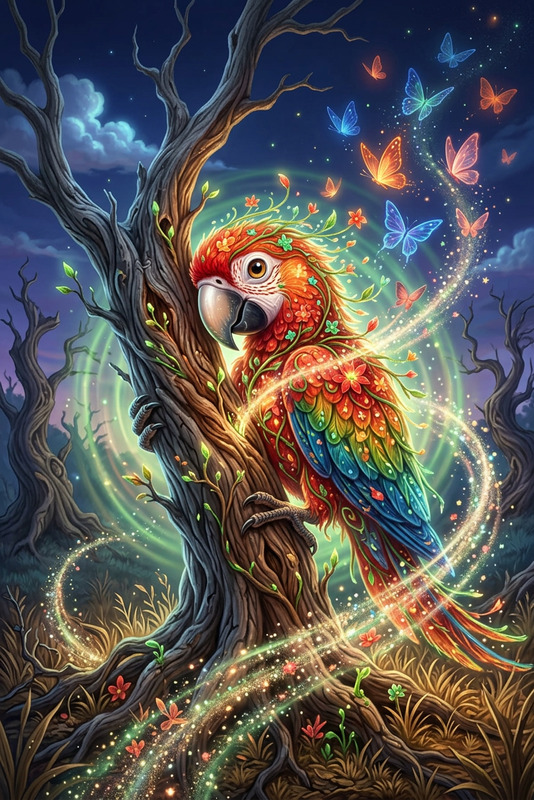
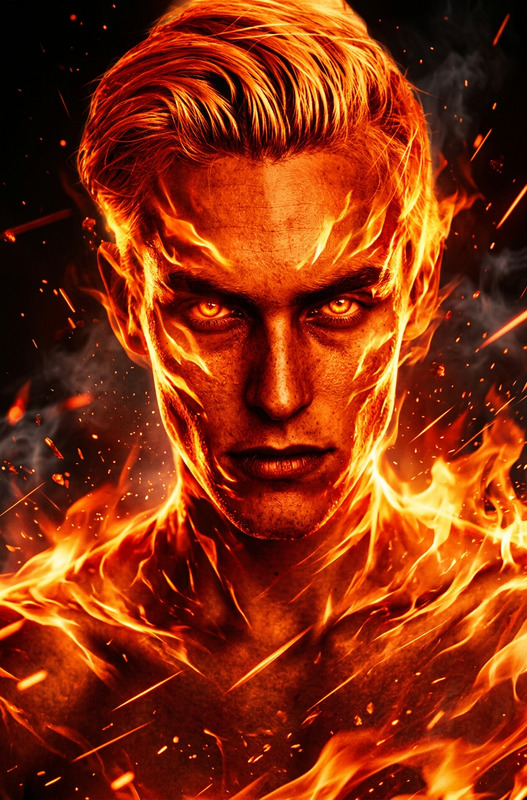
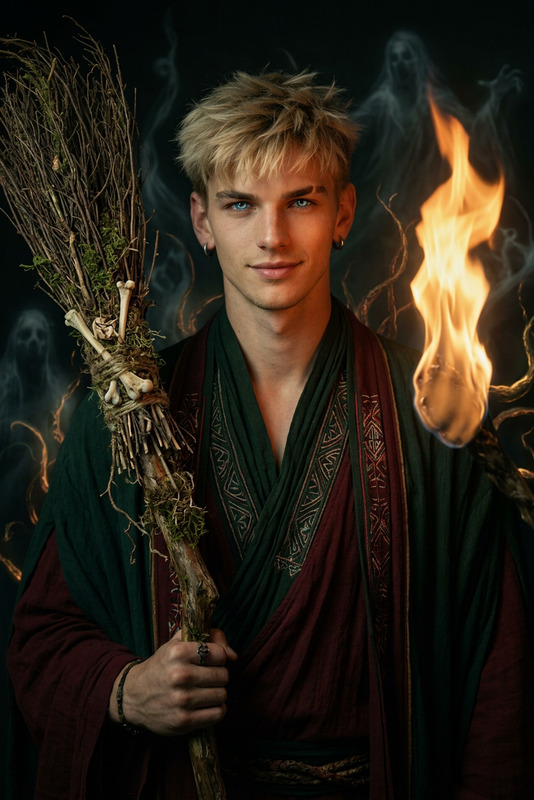
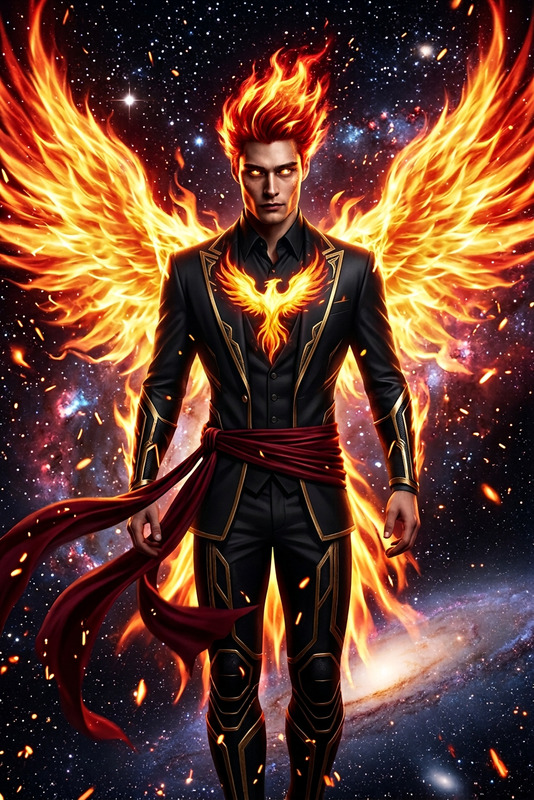
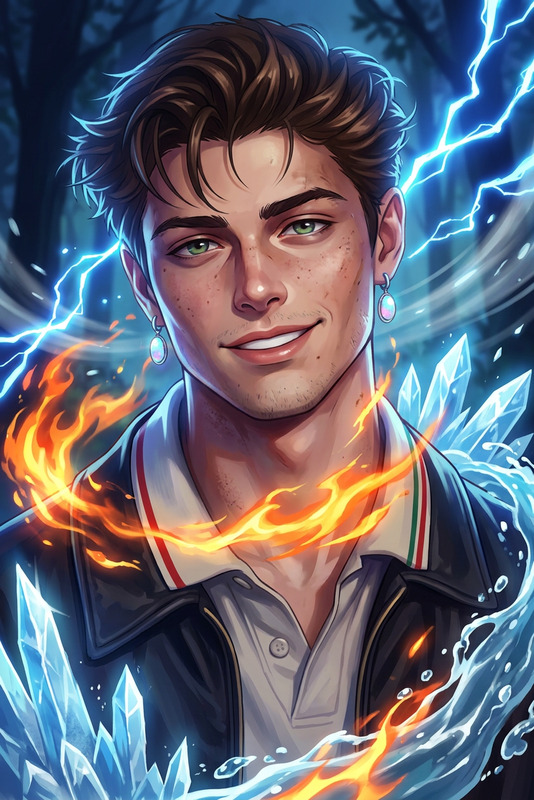
Formless elemental portrait of the subject as a green fire spirit, a whirling vortex of spinning emerald flames and sparks. No fixed body, only fleeting hints of a humanoid silhouette emerging within the motion. Ethereal, fae-like energy, fluid and untamed, glowing in a dark natural void. Mystical, primal, atmospheric, high-detail, surreal elemental presence.
Any aspect ratio
Overview
The Verdant Flame Wraith template offers a unique AI image editing experience, enabling you to transform your subject into an ethereal green fire spirit that whirls like a vortex of emerald flames. This high-detail, surreal composition captures the mystique of a fluid, untamed elemental presence, ideal for projects that delve into fantasy realms.
What It Does
This template utilizes the multifaceted capabilities of the nano-banana-2 model to generate a visually arresting portrayal of a subject as a green fire elemental. It allows creators to experiment with fluid forms and ethereal aesthetics, offering an visually captivating impact designed for high-detail compositions in a dark, mystical setting.
Who It's For
Designed for artists and content creators who are intrigued by mystical and surreal aesthetics, the Verdant Flame Wraith template is perfect for fantasy illustrators, game developers, and film professionals working on conceptual designs or AI-driven video content. If you're creating fantasy-themed assets or atmospheric images with a surreal energy, this template provides a valuable tool.
Summary
The Verdant Flame Wraith template stands out by presenting an imaginative way to redefine portraiture with an ethereal, elemental twist. It combines high detail and surrealism to form an artistic portrayal that taps into the mystical energy of nature, providing creators with a powerful tool for exploring new dimensions of fantasy art.
How-To
Choose the Verdant Flame Wraith Template

Customize Your Elemental Portrait

Generate and Download

Use Cases
Fantasy Art Projects
- Fantasy book covers
- Concept art for movies and games
- Digital exhibitions
Gaming Assets
- Character portraits
- Magical scene backgrounds
- Event-specific themes
Marketing Materials
- Social media campaigns
- Brand storytelling visuals
- Content marketing materials
Film and Media
- Short film scenes
- Main character transformations
- Visual effects
Augmented Reality Experiences
- AR storytelling
- Interactive exhibits
- Enhanced gaming experiences
Best Practices
Select High-Quality Inputs
Using high-resolution images of the subject enhances the quality and impact of the ethereal transformation.Experiment with Descriptive Phrases
Fine-tuning phrases in the prompt can dramatically change the elemental look, allowing you to capture the exact surreal essence you desire.Consider the Context
Align your elemental design with the theme of your project, ensuring it integrates seamlessly with other visual elements.