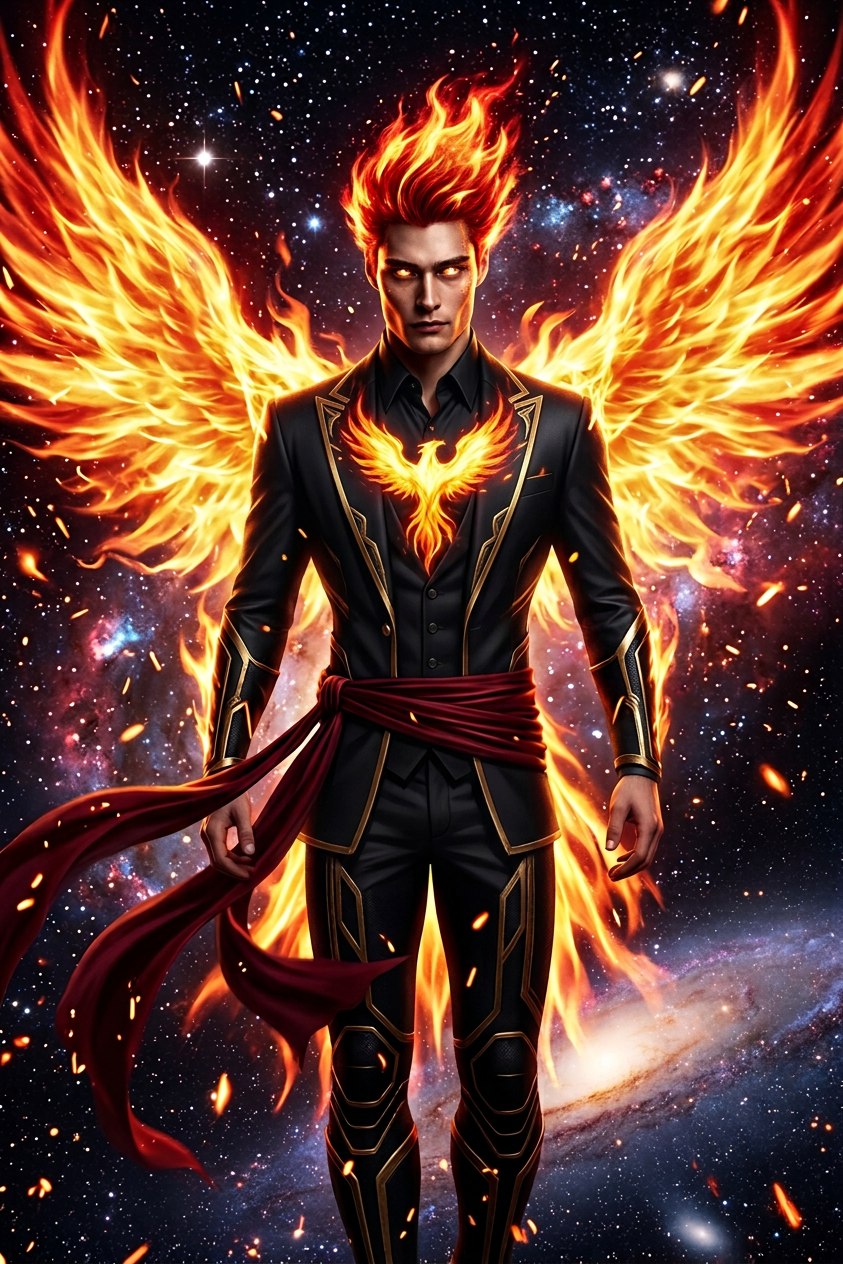
Empress of the Eternal Flame
ai-image-editor
Any aspect ratio
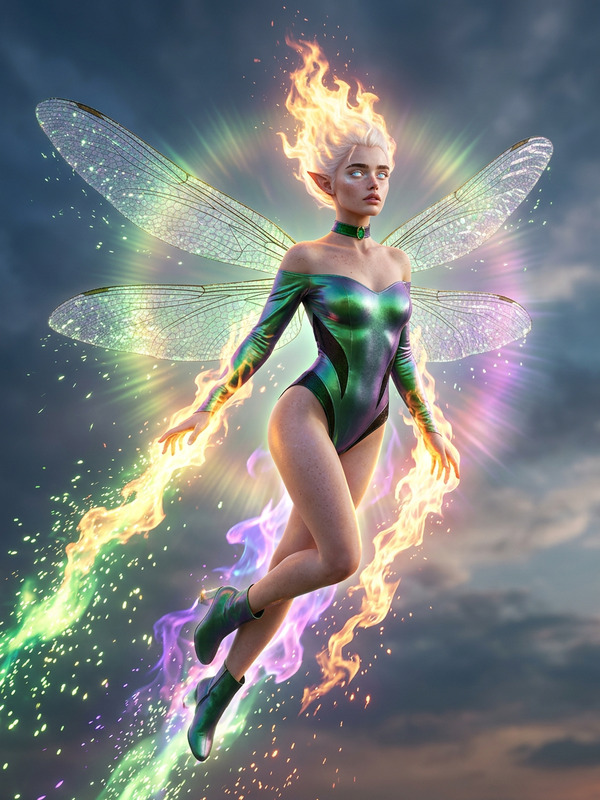
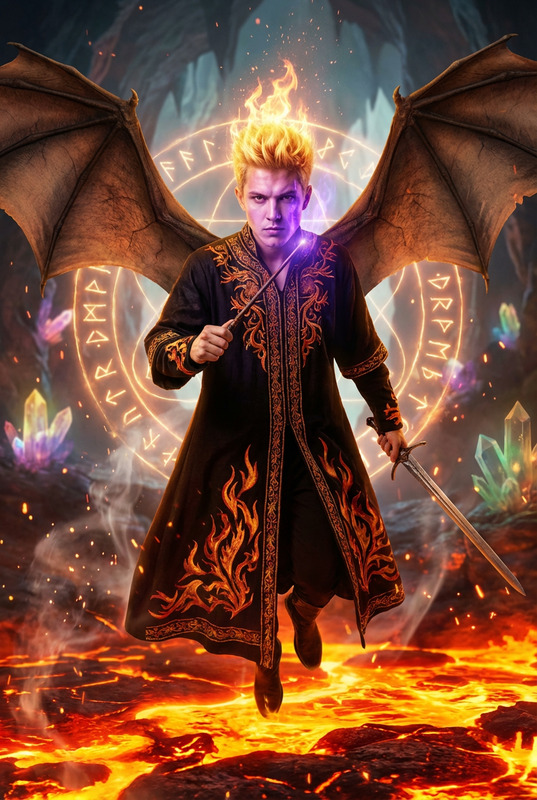
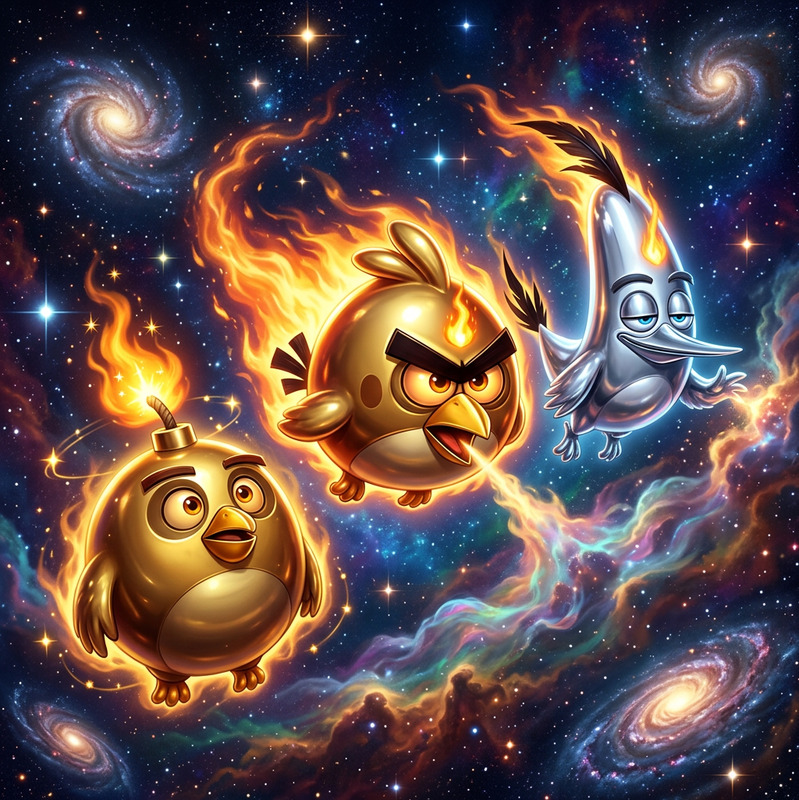
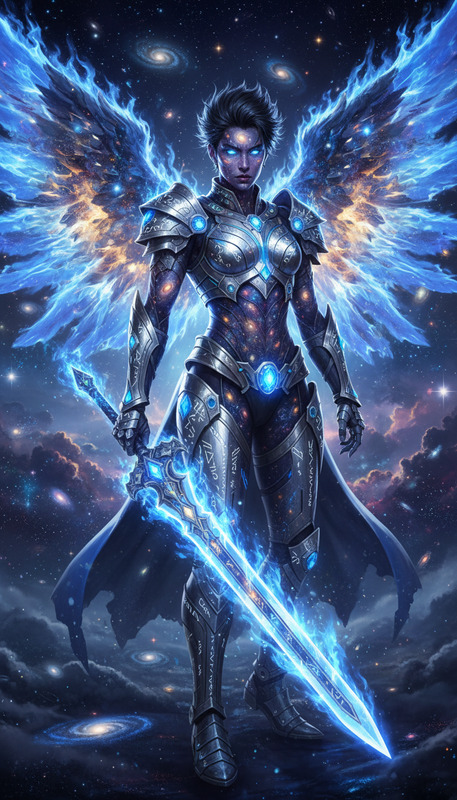
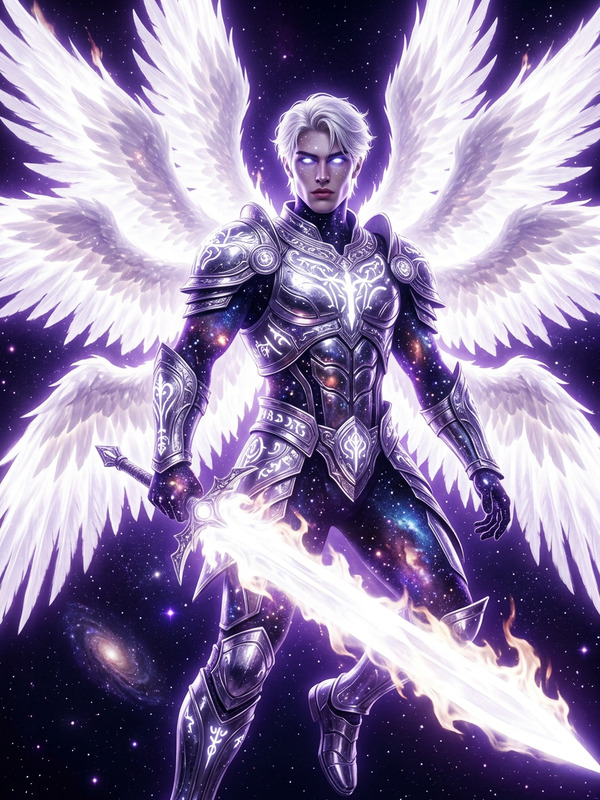
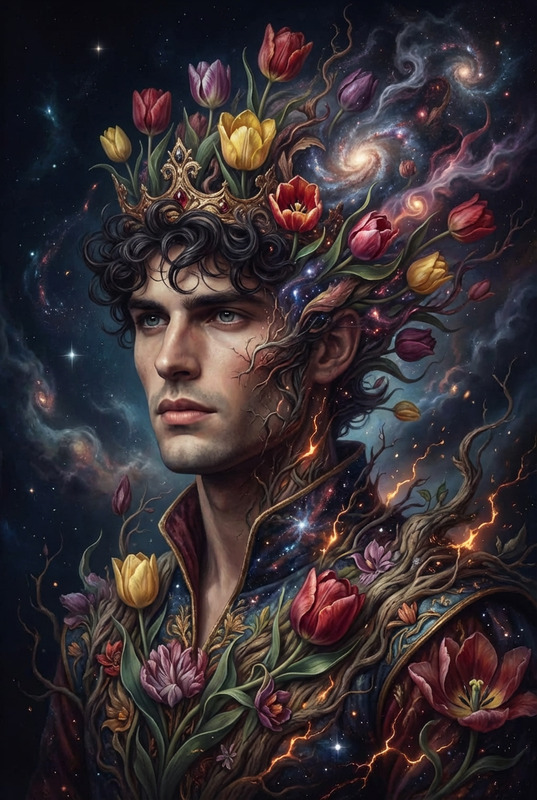
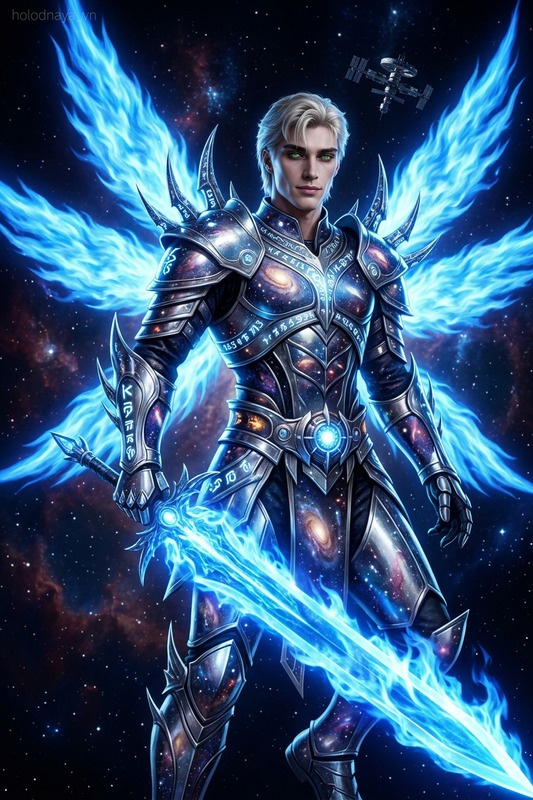
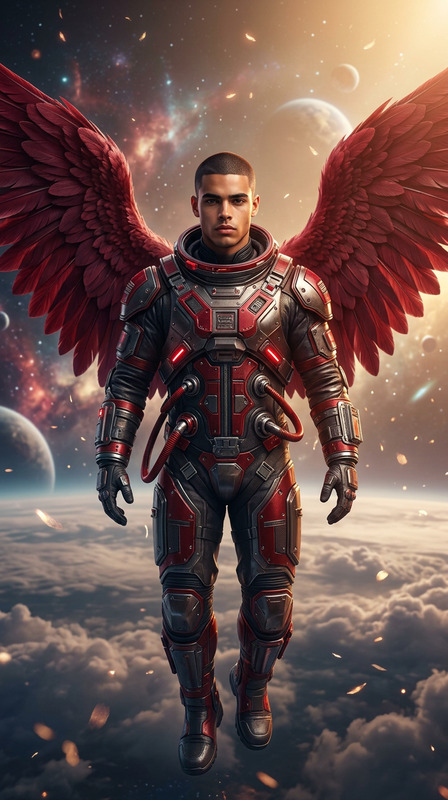
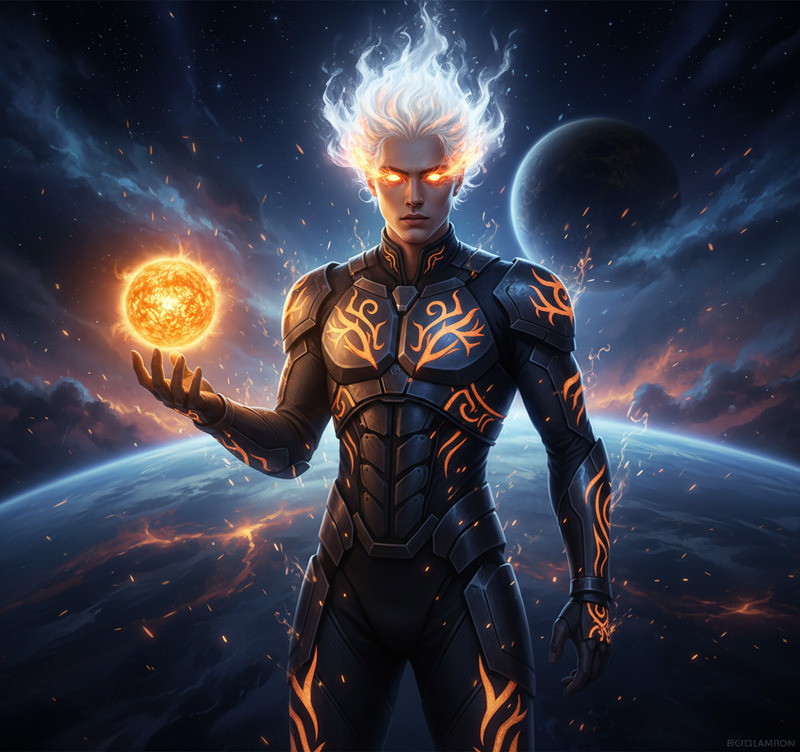
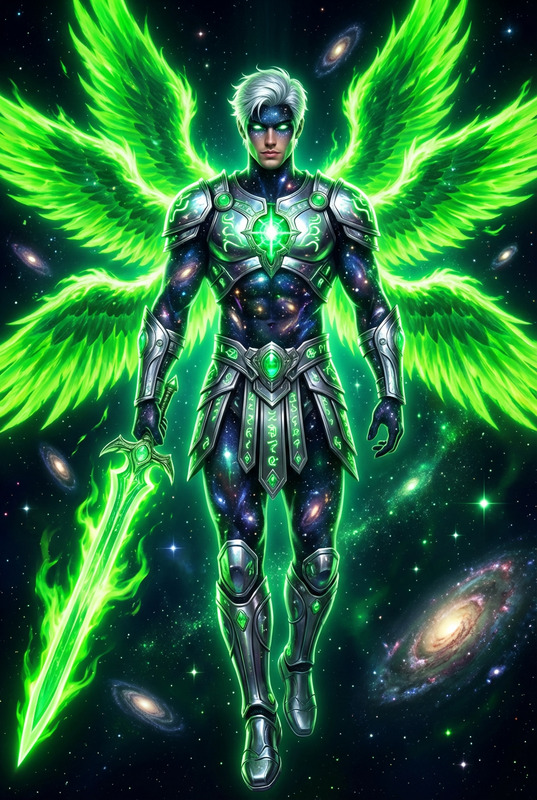
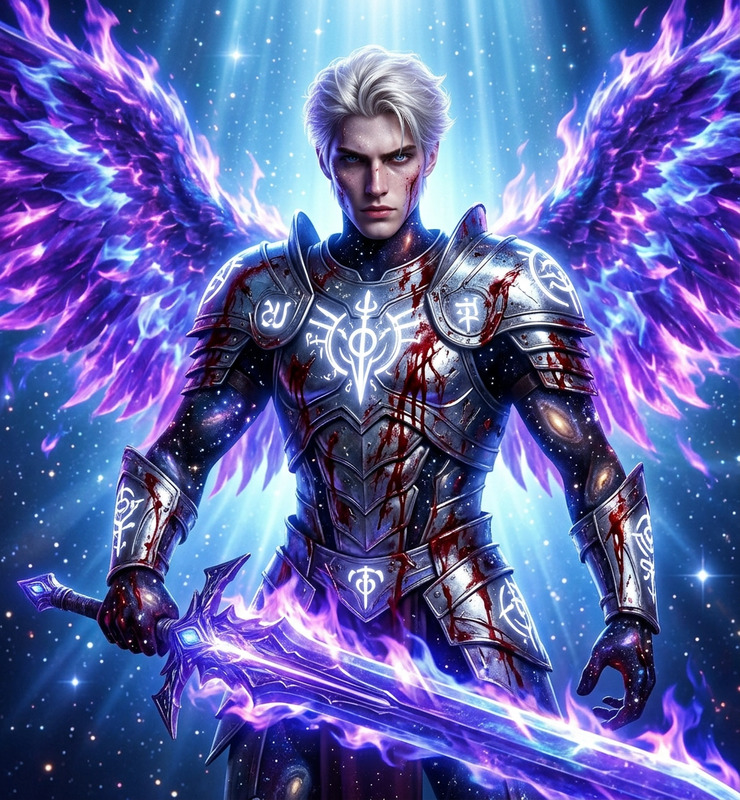
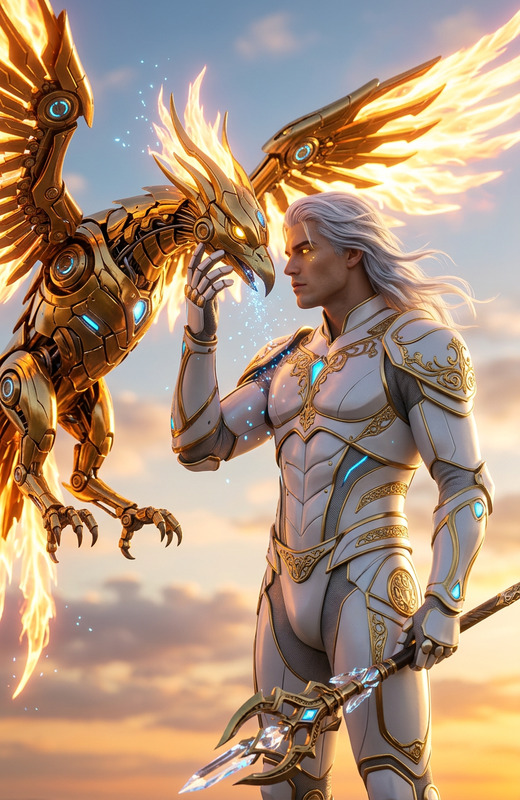
Futuristic cosmic portrait of the subject as a phoenix-like entity, full body at the edge of a galaxy. Wearing a dark black suit with metallic gold accents and a glowing fiery bird emblem on the chest, sash flowing in cosmic winds. Surrounded by a massive flaming phoenix aura, engulfed within the firebird form. Eyes shining like stars, hair made of blazing red flames. Intense cosmic lighting, high contrast, epic, radiant, cinematic sci-fi fantasy atmosphere.
AI Poster & Social Creative Template (AI Image Editor)
Turn a rough idea into a polished, on-brand poster, social ad, or promo visual in minutes. This template is built on the AI Image Editor, so you can start from any image, refine it with text instructions, and remix it endlessly for campaigns, clients, or internal experiments.
What this template is for
Use this template to quickly create:
- Social ads and promo graphics (paid & organic)
- Event and product launch posters
- Startup landing-page hero images
- Newsletter and blog header art
- Pitch deck and investor update visuals
- Variants for A/B testing (creative, layout, or visual style)
Because it’s powered by AI Image Editor, you can start with:
- A rough wireframe or sketch
- A photo from your shoot or stock library
- A screenshot or existing design that you want to modernize
- Brand assets (logo, product shots, UI mockups)
Then iteratively refine the image using natural language instructions.
How to remix this template in Magic Hour
You can recreate and customize this template directly in Magic Hour by using the AI Image Editor and combining it with other tools as needed.
1. Start from your base image
- Upload your current poster, social asset, product shot, or a simple mockup.
- If you don’t have a starting image, generate one with the AI Image Generator or AI Photo Generator, then bring it into the editor.
2. Define the goal of the creative
Before editing, clarify what you’re optimizing for:
- Click-through / engagement on social
- Clear product explanation
- Brand recognition (logo, colors, style)
- Visual storytelling (e.g., “before vs after”, “problem vs solution”)
Write this down once; it will guide the edits and variants you create.
3. Edit the image with natural language
Inside AI Image Editor, use text instructions to:
Change composition or layout
- “Move the product to the center and simplify the background.”
- “Create more negative space on the right for ad copy.”
Adjust style and mood
- “Make this look like a clean, minimal tech brand campaign.”
- “Give it a cinematic look with soft lighting and shallow depth of field.”
Replace or refine elements
- “Swap the background for a modern office interior.”
- “Change the packaging color from blue to bright orange.”
- “Remove all text and keep only the product and background.”
Improve clarity and quality
- “Sharpen the product edges and increase contrast slightly.”
- “Make the logo more visible and keep it high-resolution.”
You can iterate quickly by applying multiple instructions, comparing results, and keeping the best versions.
4. Create on-brand variants for testing
For growth and performance marketing, don’t stop at one design. Use the same base image to generate multiple variants:
Style variants
- “Version A: flat, minimal design with solid color background.”
- “Version B: photo-real lifestyle setting with people using the product.”
Messaging visualizations
- “Emphasize ‘speed’ — motion blur, dynamic angles, bold typography space.”
- “Emphasize ‘simplicity’ — clean layout, few elements, lots of white space.”
Audience-specific visuals
- “Adapt this for a B2B SaaS audience with subtle, professional colors.”
- “Adapt this for consumer lifestyle with warmer tones and friendlier visuals.”
Save each variant for use across ads, landing pages, social posts, or decks.
Advanced ways to extend this template
Because this template is image-first, you can plug it into other Magic Hour tools to build richer content:
Turn your poster into a short video
- Use Image to Video to animate your poster into a motion graphic for paid social, product teasers, or story ads.
- For more narrative motion, explore Text to Video using your visual as style reference.
Create animated or video versions of your creative
- Transform an illustrated or character-driven poster into a short animation with the Animation template.
- If your poster includes a face or character, you can create animated talking versions using AI Talking Photo.
Generate campaign variants across formats
- Produce additional static visuals with the AI Art Generator, then refine them in AI Image Editor for consistency.
- Use AI Background Generator to create alternative backgrounds and drop them into the same layout.
- Upscale final creatives for high-res print or large displays with AI Image Upscaler.
Extend into social and meme formats
- Quickly adapt serious brand posters into approachable or humorous social variants with the AI Meme Generator.
- Convert highlights into GIFs via the AI GIF Generator for feeds, replies, or community posts.
Practical tips for creators, marketers, and teams
For performance marketers & growth teams
Build a “creative system,” not one-off assets:
Start with a single base layout in this template, then spin off multiple variants via AI Image Editor for different audiences, channels, and funnel stages.Test creative hypotheses visually:
Instead of debating concepts, generate three or four distinct visual interpretations (e.g., product-centric vs lifestyle vs abstract) and run them as experiments.Localize quickly:
Create region-specific visuals by adjusting imagery, backgrounds, or scenes in the editor, while keeping your overall brand look consistent.
For startup founders & builders
Iterate before you commit to a design system:
Use this template to explore different visual territories—minimalist, bold, playful, serious—before you finalize a brand direction.Align product and marketing:
Start from real product UI or screenshots, then stylize them in AI Image Editor so your visuals always remain grounded in what the product actually does.
For designers and creative teams
Use as a rapid prototyping layer:
Rough in layout and structure, then let AI handle early explorations (backgrounds, lighting, stylistic options). Refine your chosen direction manually afterward if needed.Maintain brand consistency:
Once you land on a look that works—colors, composition, mood—use that edited image as the foundation for future remixes to keep campaigns visually cohesive.
Related Magic Hour tools worth considering
Depending on your workflow and the kind of template you want to remix, these tools can help:
- AI Image Editor – Core tool used by this template; edit any image using natural language.
- AI Image Generator – Create initial concepts or moodboards from text prompts.
- AI Background Generator – Swap environments and scenes behind your product or subject.
- Image Background Remover & Remove Object from Photo – Clean up clutter and isolate focus elements.
- Thumbnail Maker – Turn your main visual idea into high-performing thumbnails for YouTube, blogs, or product videos.
- AI Logo Generator & Album Cover Generator – Useful if you’re building brand elements or cover-style visuals around your poster concepts.
- Video Upscaler & AI Image Upscaler – Ensure your final assets hold up in large formats and high-res displays.
How to build your own version of this template
To create a reusable “poster & social creative” template for your own brand or projects:
Pick a core layout
Choose one hero composition that works across channels (e.g., product on one side, copy space on the other, minimal background).Edit and refine with AI Image Editor
Use AI Image Editor to:- Lock in a visual style (lighting, color palette, level of realism)
- Clean up distractions and keep only reusable structural elements
- Ensure there’s flexible space for different headlines or CTAs
Create a small library of variants
From that core layout, generate:- A bold version for paid social
- A more restrained version for decks and investor updates
- A narrative or storytelling version for landing pages
Save and reuse
Each time you launch a new feature, campaign, or market test:- Start from one of your previous edited images
- Update the product shots or background
- Adjust visual emphasis (e.g., feature X vs use case Y)
Over time, this gives you a fast, AI-accelerated system for producing consistent, high-quality creatives without rebuilding from scratch.
Use this template whenever you need to go from idea → visual concept → testable creative in as few steps as possible. The combination of a strong base layout and flexible AI editing in AI Image Editor makes it simple to adapt to new campaigns, channels, and product directions.