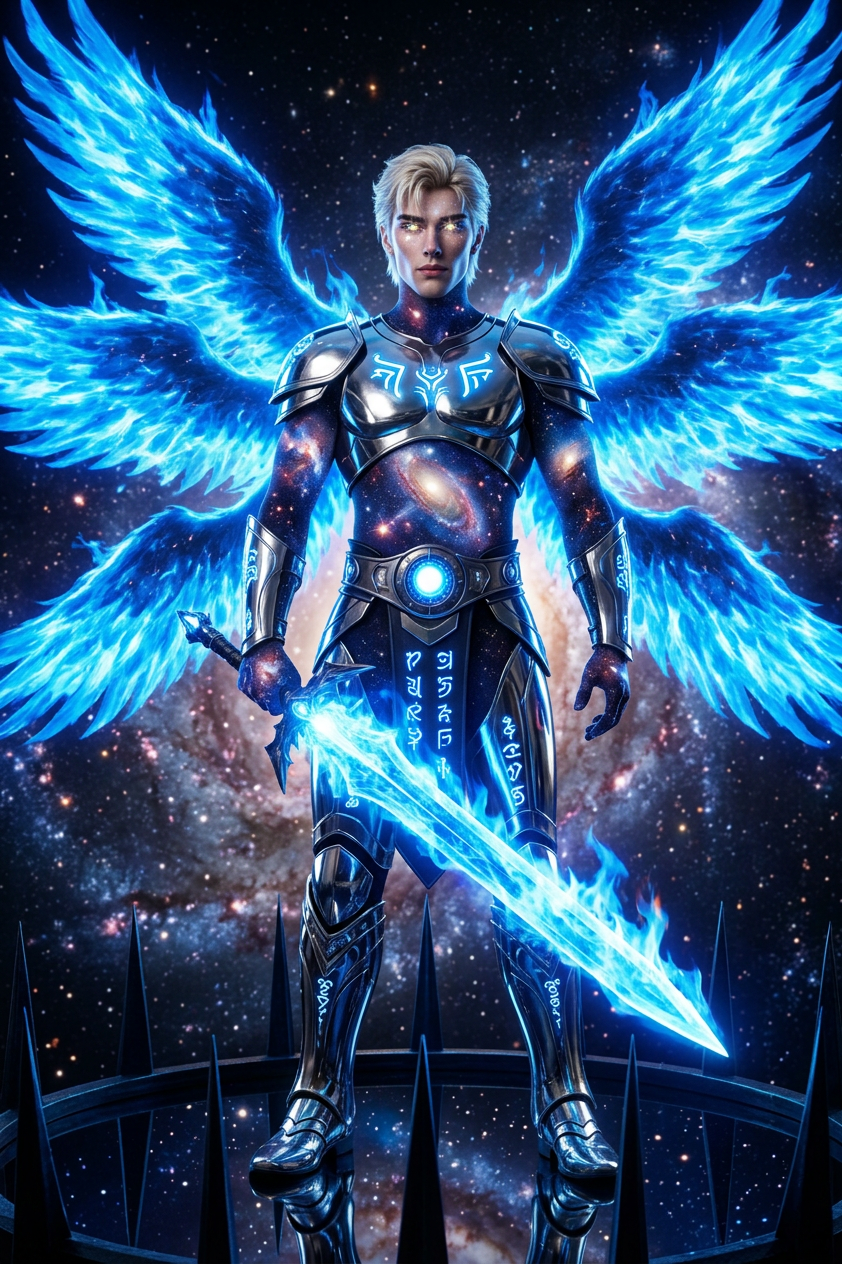
Cosmic Retribution Entity
- Model
- Nano Banana 2
- Image
- 842 × 1264 px
Prompt
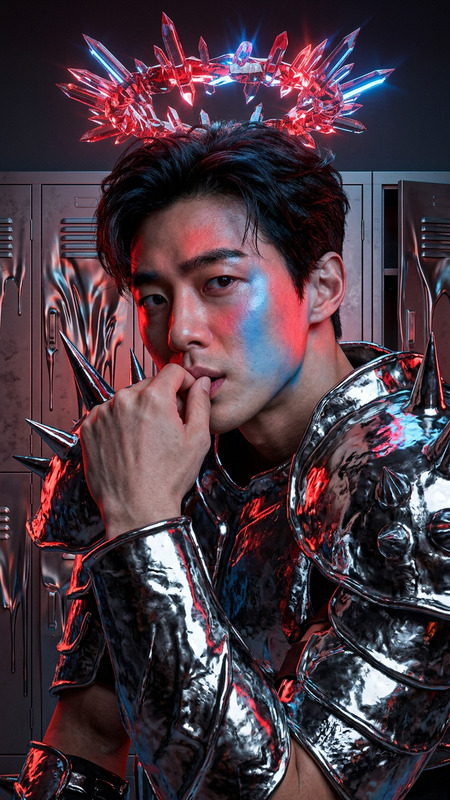
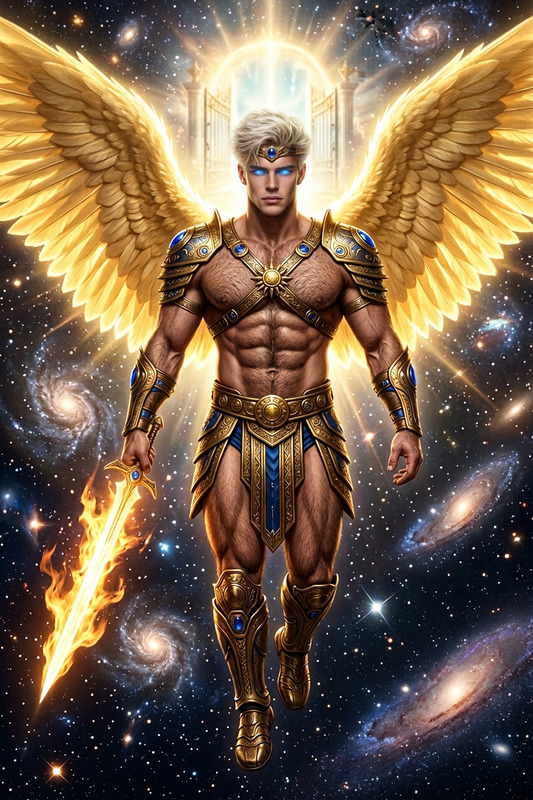
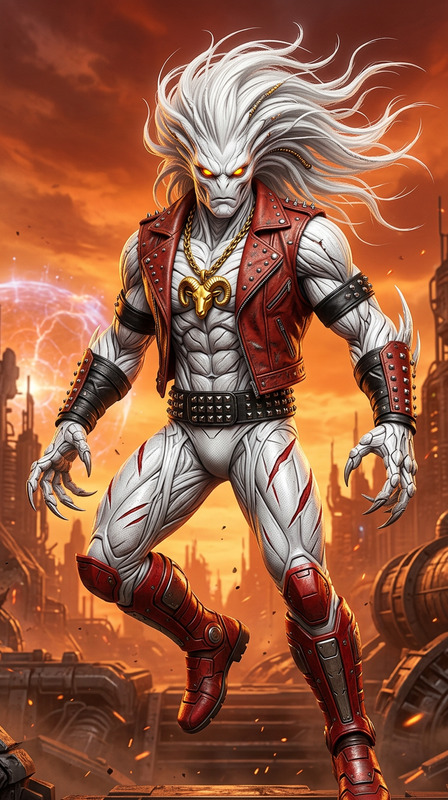
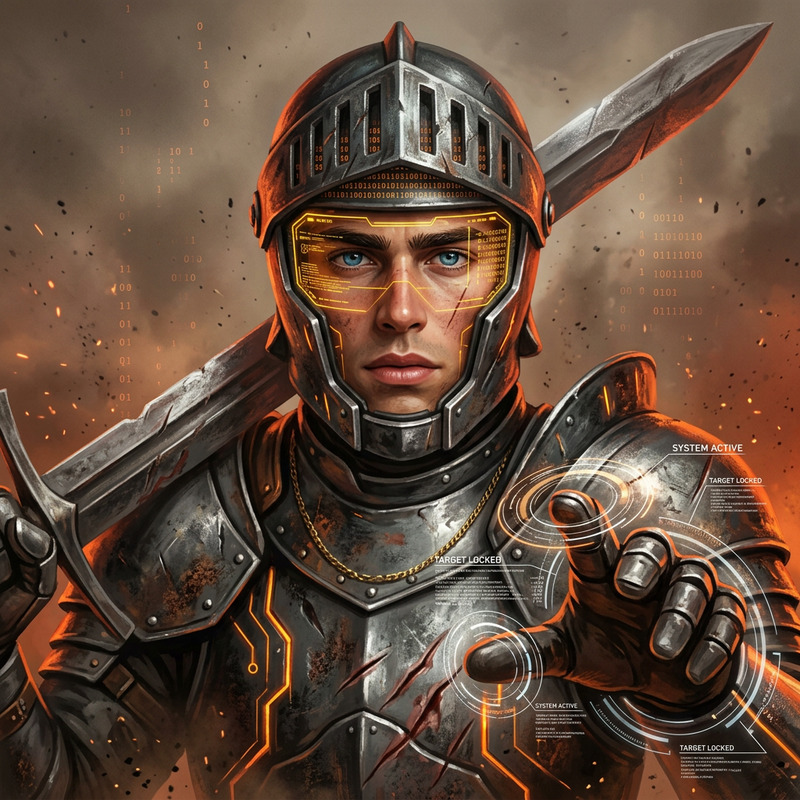
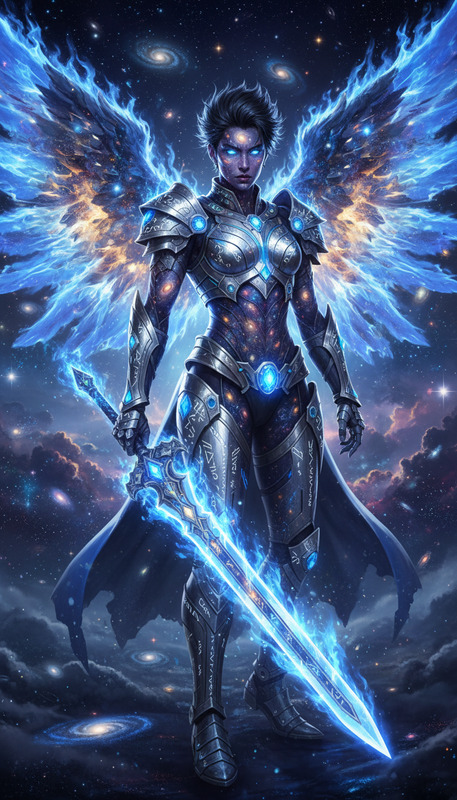
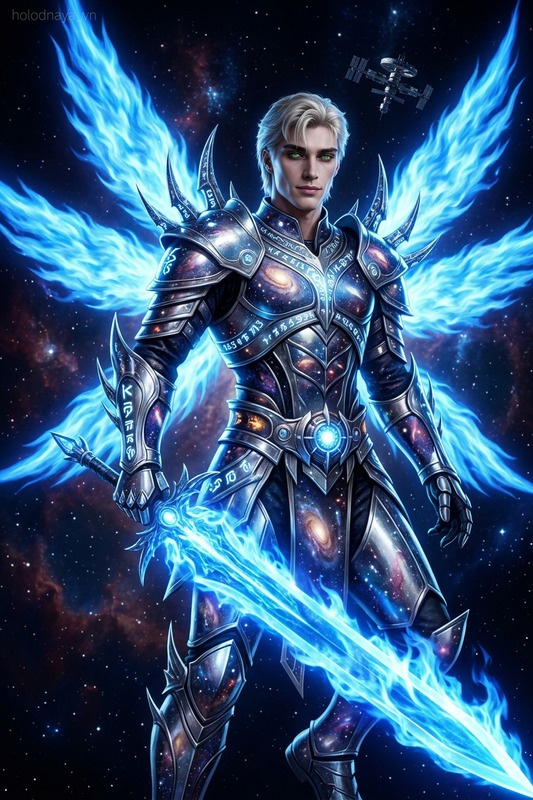
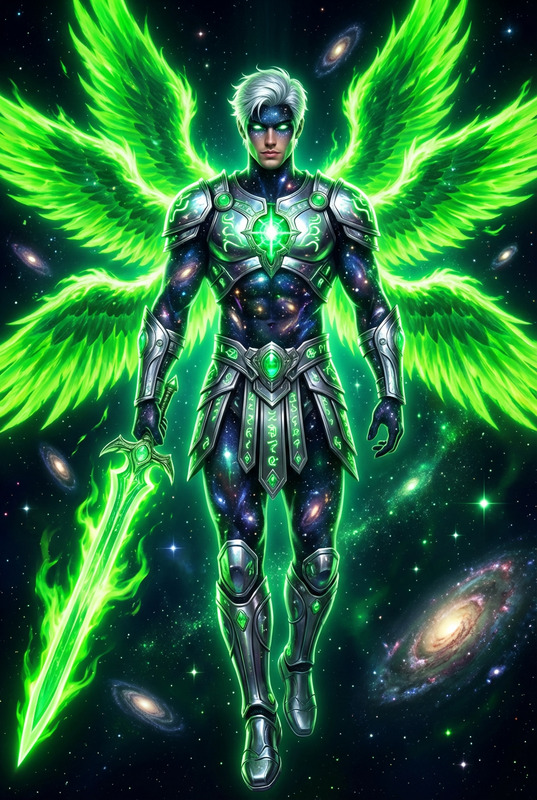
Cosmic avenger entity as subject, full-body composition in space, universe-textured surface with stars and galaxies, radiant star-like eye elements, dark spiked structure with cosmic reflection, chrome armor with glowing glyphs, illuminated core belt detail, armored limb and leg plating, six large blue flame wings, massive blue energy sword of light and fire, galactic defense setting, intense sci-fi mythological fusion, high contrast lighting, reflective chrome surfaces, epic cinematic atmosphere
Any aspect ratio
Overview
The Cosmic Retribution Entity template in our AI Image Editor collection enables creators to design striking, space-themed imagery. Designed for the nano-banana-2 model, it brings futuristic and mythological elements into your storytelling, offering a dramatic visual experience.
What It Does
This template crafts a cosmic entity with a dark, spiked structure, radiant eyes, and chrome armor, all within a galactic defense setting. It integrates high contrast lighting and reflective surfaces to forge a sci-fi mythological fusion. With features like a massive blue energy sword and blue flame wings, it enhances the epic and cinematic atmosphere of your projects.
Enhance your videos further with tools like the Image to Video converter to bring your static designs to life in motion projects.
Who It's For
This template is ideal for digital artists, video creators, and sci-fi enthusiasts looking to incorporate epic, cinematic elements into their work. Those creating content for gaming, film production, or any narrative-driven projects will find this template especially useful. It's also perfect for users who frequently utilize AI Clothes Changer for complex, layered compositions.
Summary
Unleash the potential of cosmic narrative with the Cosmic Retribution Entity template. Perfectly suited for high-stakes storytelling, this template provides the components necessary to build captivating, mythological sci-fi imagery. Pair with other tools such as the AI Video Generator for comprehensive content creation.
How to Use
Select Template

Personalize Design

Generate Image

Use Cases
Science Fiction Films
- Add depth with cosmic elements
- Enhance scenes with epic character design
- Integrate with visual effects workflows
Graphic Novels and Comics
- Develop unique characters
- Utilize in story pitching and projects
- Incorporate into narrative panels
Game Development
- Improve visual storytelling
- Enhance game trailers
- Integrate into gameplay design
Marketing and Promo Materials
- Create eye-catching posters
- Design digital ads
- Enhance engagement with visuals
Best Practices
Refine Your Prompt
Customize the existing prompt to fine-tune your vision. For example, adjust the chrome and reflective elements to emphasize different aspects of your character.Leverage High Contrast
Make sure to use high contrast settings to enhance the dark and light elements in your design. This will achieve a dramatic and compelling visual effect.Collaborate with Other Tools
Consider using other features, such as the AI Talking Photo and AI Voice Changer, to create a full multimedia experience.