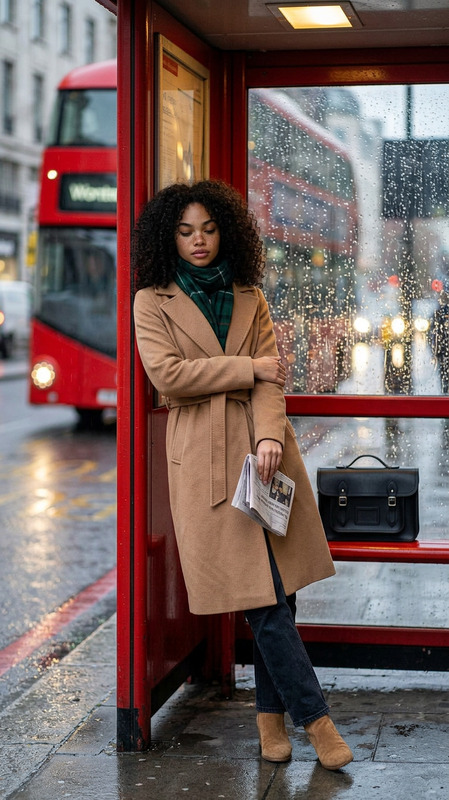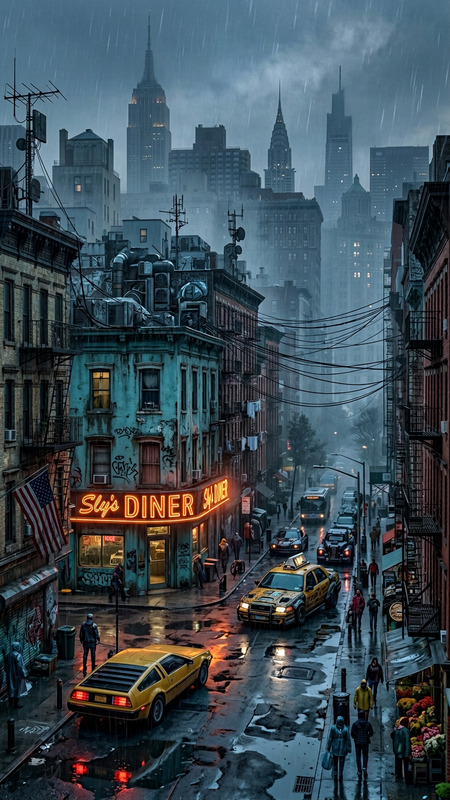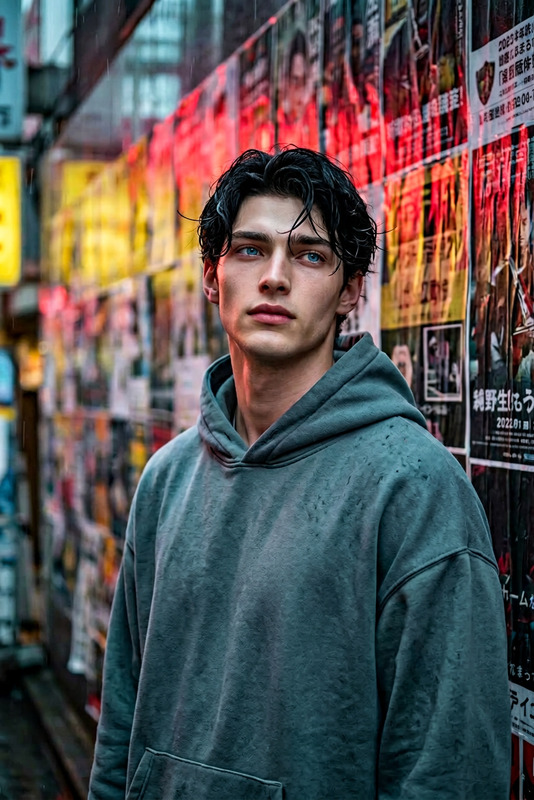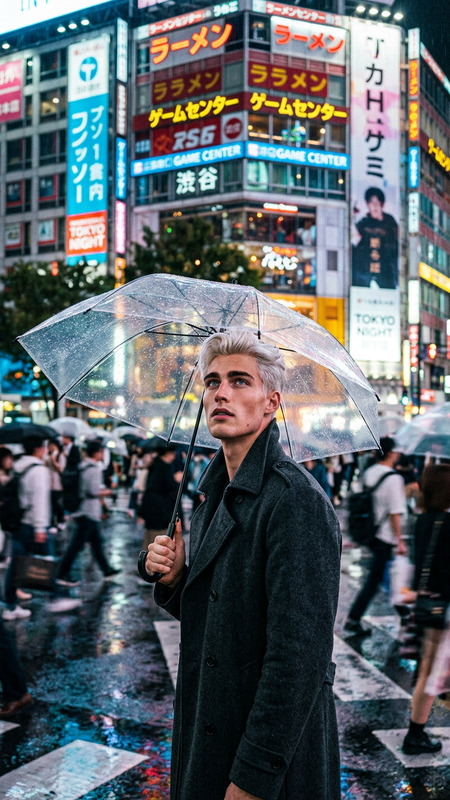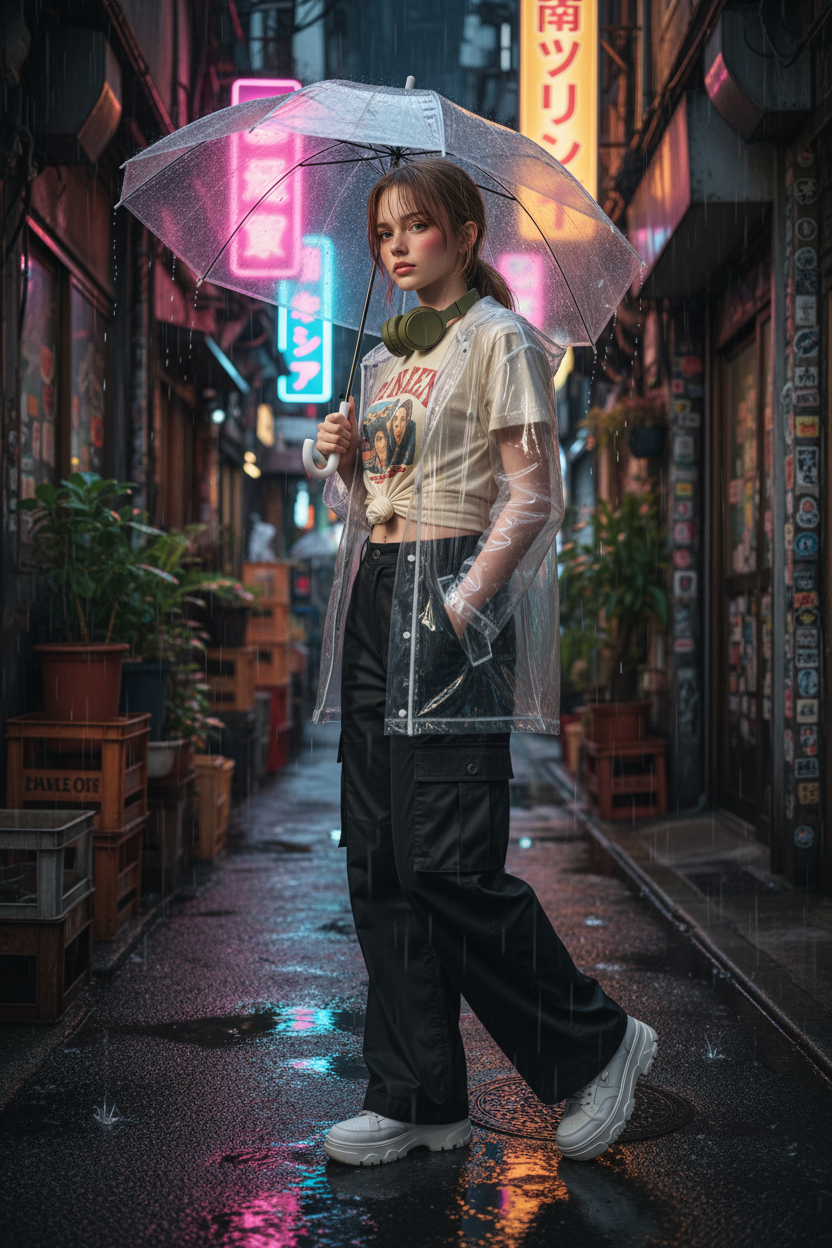
Tokyo neon rain walk
- Model
- Nano Banana
- Image
- 832 × 1248 px
Prompt
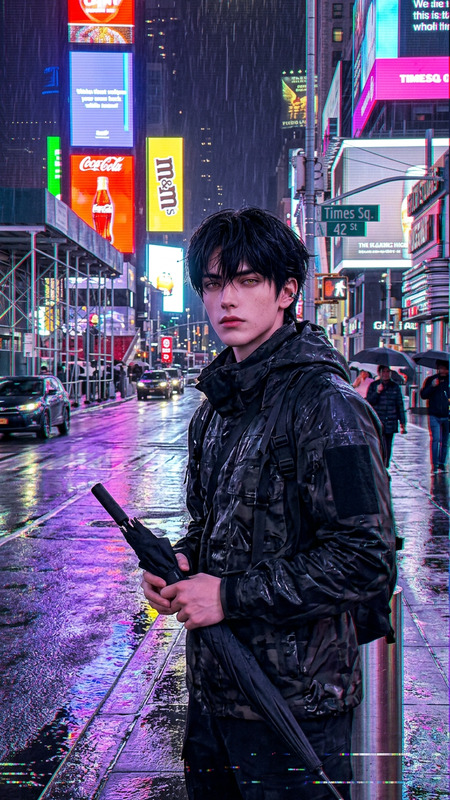
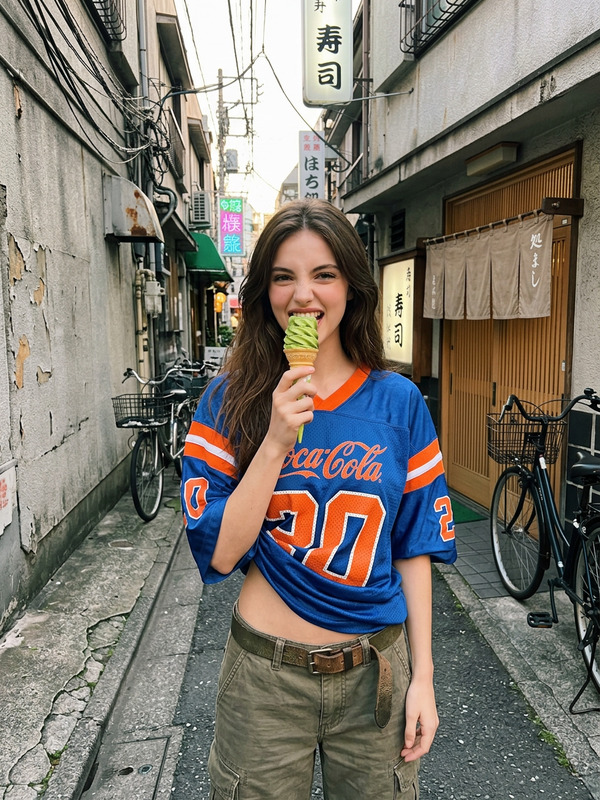
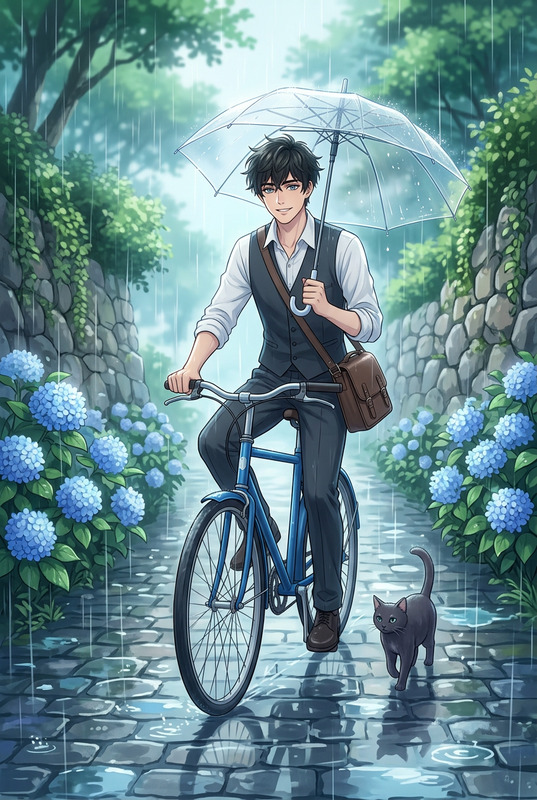
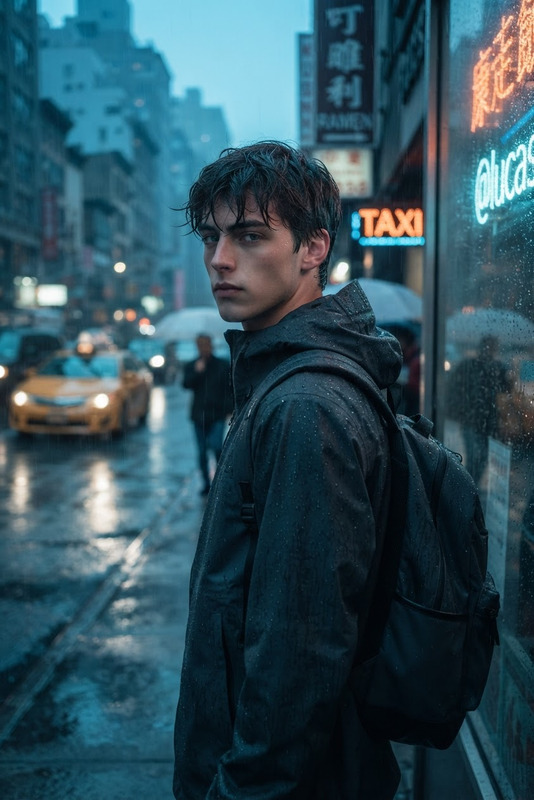
Subject navigating a narrow Tokyo backstreet in Shimokitazawa, wearing a transparent vinyl rain jacket over a cream vintage band tee knotted at the hip and wide-leg black cargo pants. White platform sneakers stepping through shallow puddles reflecting neon kanji signs in pink, blue, and warm orange. Holding a clear umbrella tilted forward with rain streaming off the edges, matte olive headphones resting around the neck. Damp bangs on forehead, dark hair in a low ponytail. Alley lined with crates, potted plants, and sticker-covered concrete walls. Captured from slightly behind mid-stride with subtle motion blur, neon reflections forming converging lines, moody rainy urban atmosphere.
Any aspect ratio
Overview
Welcome to the Tokyo Neon Rain Walk template, an AI Image Editor experience designed to immerse your audience in the vibrant streets of Tokyo. This model captures the intricacies of a moody urban atmosphere with rain-soaked neon reflections capturing the essence of a bustling metropolis.
What It Does
This template enables you to create atmospheric images that embody the spirit of Tokyo's dynamic street scene. Featuring our nano-banana model, it adjusts elements like neon lighting, motion blur, and moisture details for a realistic composition. Enhance your project with an image that highlights distinct street fashion and urban life with just a few adjustments.
Who It's For
Ideal for creatives in fashion, advertising, and digital storytelling, this template is perfect for those looking to evoke a specific mood in their visuals. Content creators for social media platforms and urban photographers can leverage this to push their work to new artistic levels.
Summary
Leverage this template to create images that make a powerful visual statement. It utilizes our powerful nano-banana model for high-fidelity details, capturing rainy urban life, and is a perfect addition for any creative project aiming to depict realistic environments. Transform your storytelling with the AI Image Editor to achieve remarkable rendering of vibrant cityscapes.
How To
Choose Your Template

Customize Your Image

Generate and Download

Use Cases
Fashion Campaigns
- Highlight streetwear in urban settings
- Create unique visuals for seasonal collections
Digital Storytelling
- Illustrate stories set in metropolitan areas
- Enhance mood-driven plots
Social Media Content
- Attract more engagement with dynamic imagery
- Support content themes centered on travel and exploration
Advertising
- Grab attention with dynamic cityscapes
- Connect with urban-centric brand messaging
Best Practices
Optimize Lighting
Keep an eye on the neon lighting settings to ensure that reflections and colors are vibrant yet balanced.Focus on Detail
Take advantage of the nano-banana model to enhance intricate details like clothing textures and water effects.Experiment with Angles
Try different camera angles within the template to create a sense of depth and movement.