Cyberpunk Aesthetic Design
- Model
- Nano Banana 2
- Image
- 1024 × 1024 px
Prompt
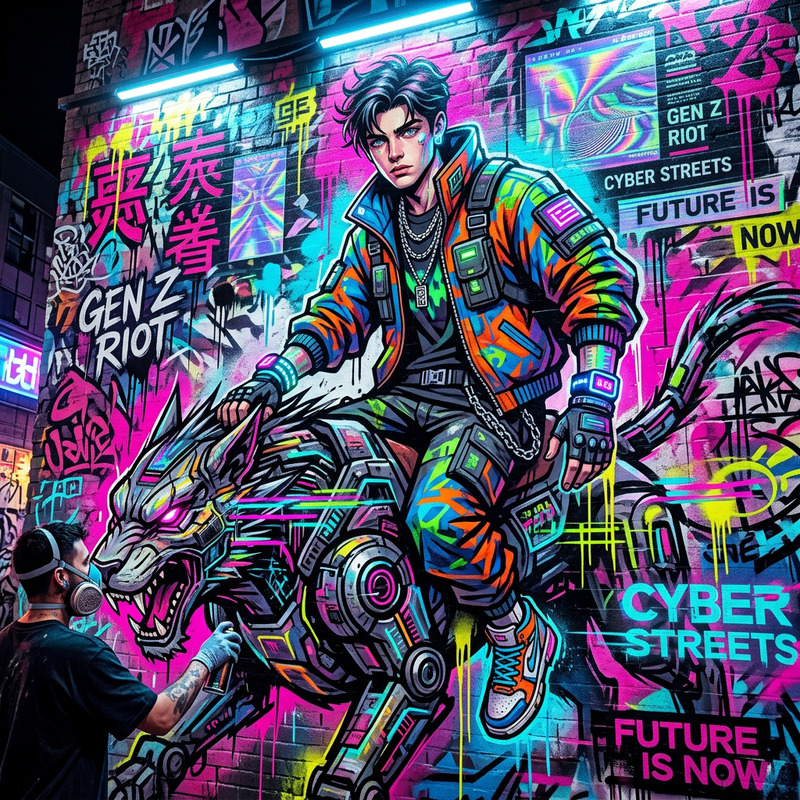
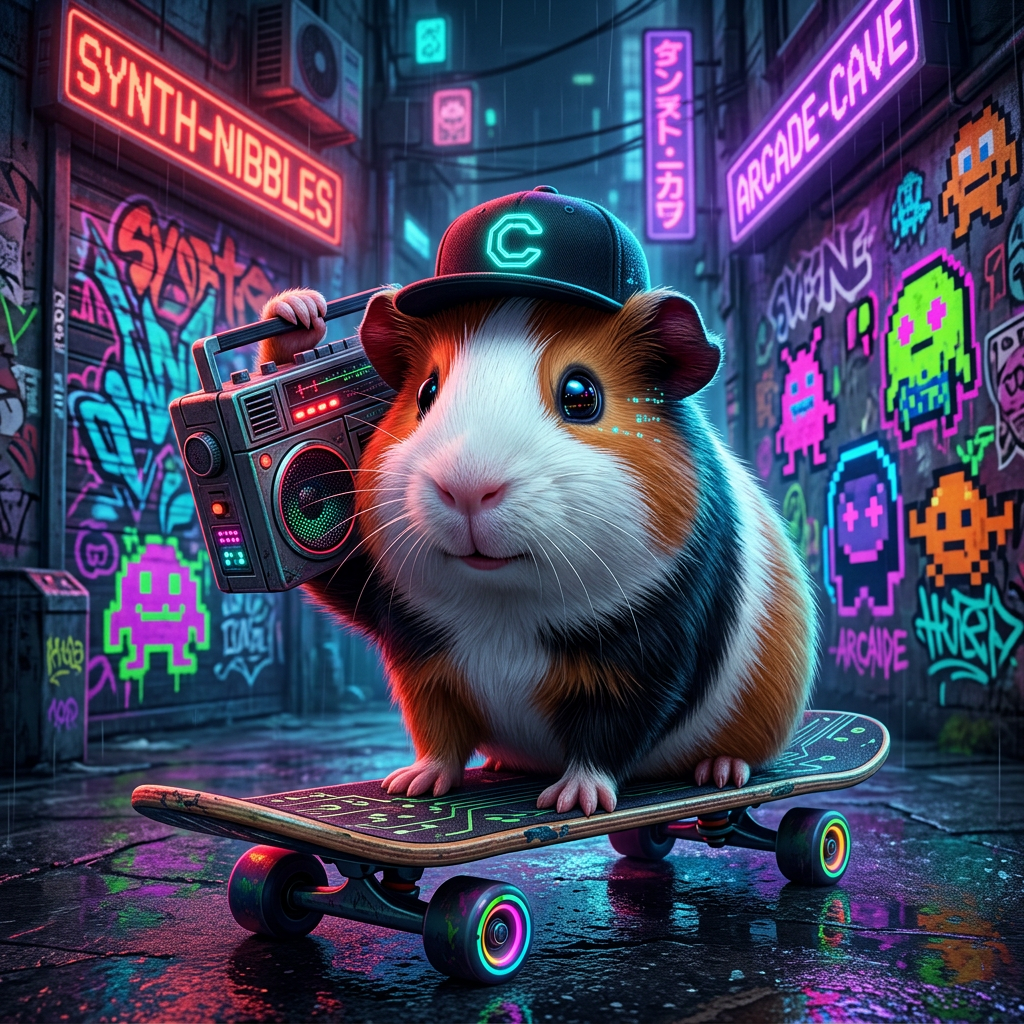
cyberpunk aesthetic featuring a subject confidently perched on a skateboard sporting a backwards baseball cap and holding a vintage boombox on its shoulder the scene bursts with vibrant neon colors against a graffiti clad urban backdrop exuding an edgy yet playful
Any aspect ratio
Overview
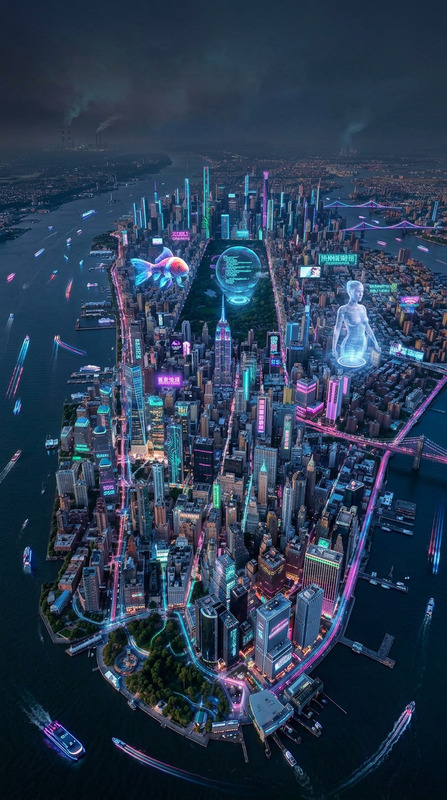
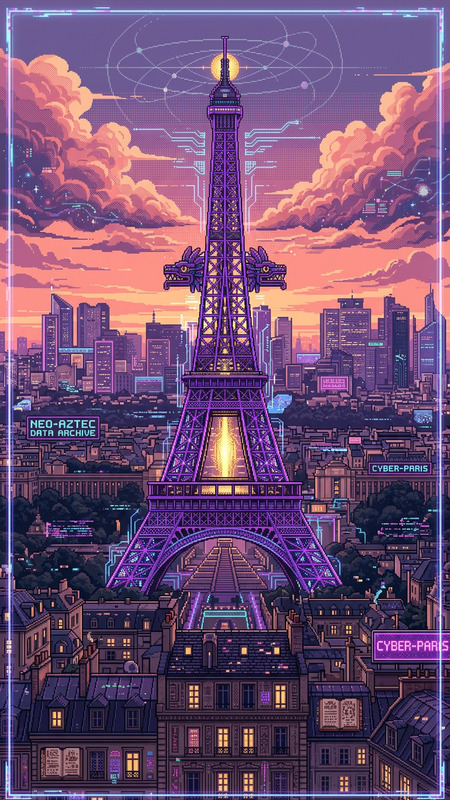
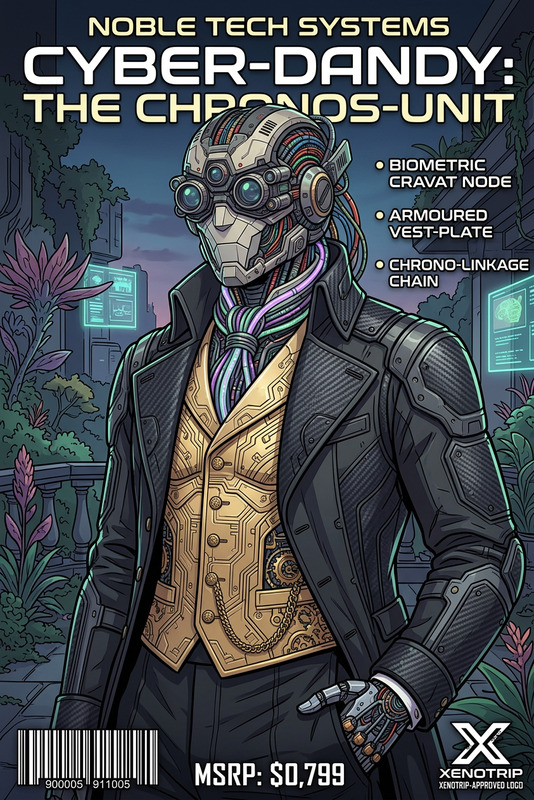
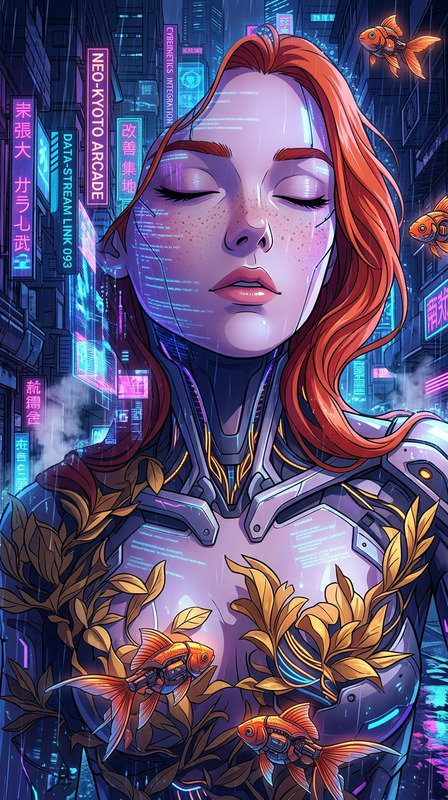
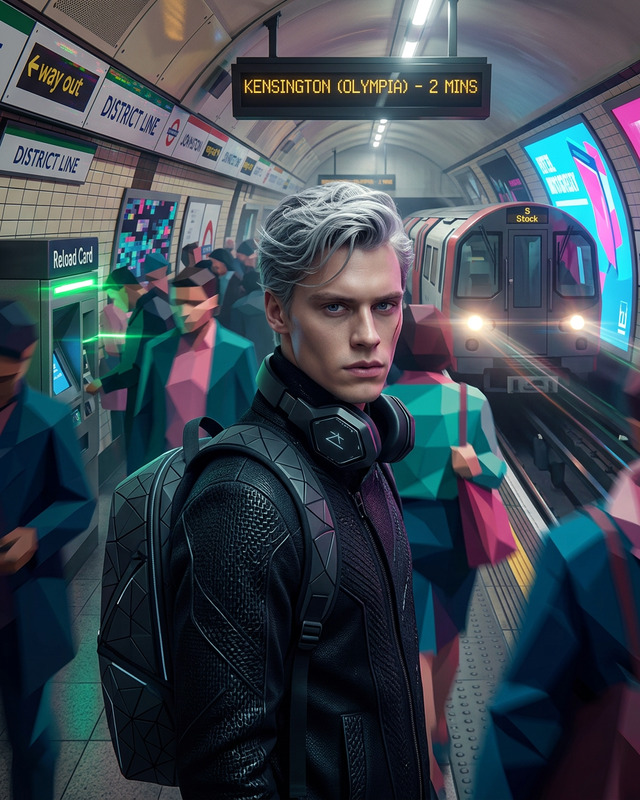
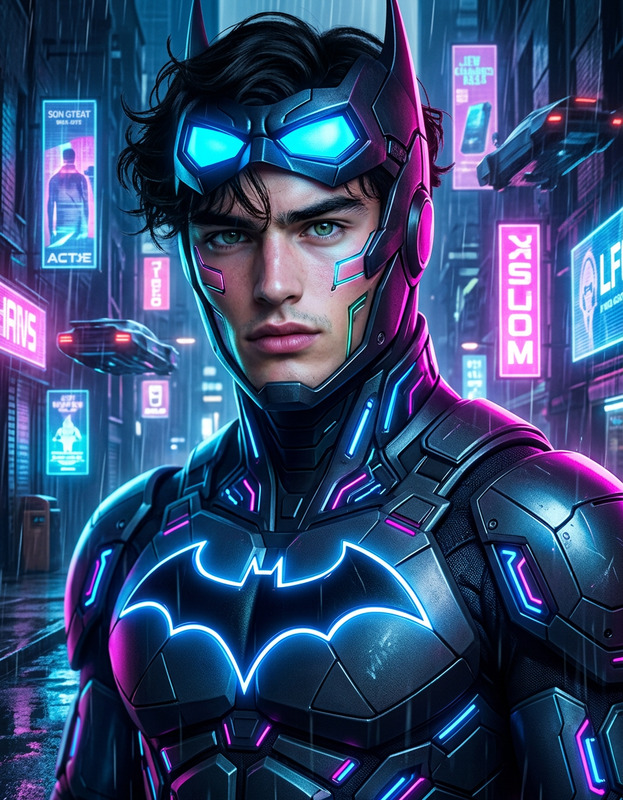
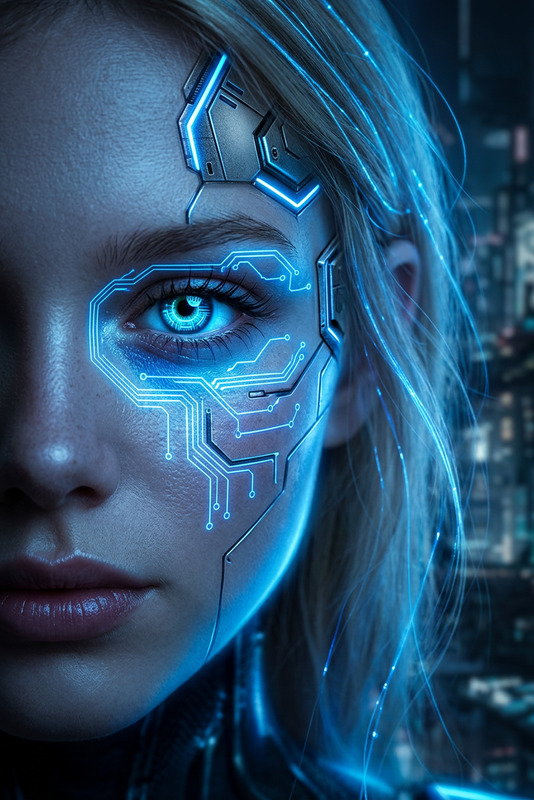
The Cyberpunk Aesthetic Design template on Magic Hour lets you transform ordinary images into extraordinary cyberpunk scenes. Powered by the nano-banana-2 model, this template allows builders to bring a neon-filled urban edge to their projects, perfect for those looking to push creative boundaries.
What It Does
This template acts as a comprehensive AI Image Editor that applies a cyberpunk aesthetic to your imagery. It imbues your visuals with vibrant neon colors and an edgy atmosphere that aligns with futuristic urban themes. This allows you to engage your audience with immersive and unique imagery.
Who It's For
The Cyberpunk Aesthetic Design is ideal for creative professionals, digital artists, and video editors who want to add a bold, futuristic twist to their projects. Whether you're creating promotional content, a music video, or simply want to enhance images with a striking visual edge, this tool offers the capabilities you need.
Summary
For those aiming to create content that stands out in the realm of video and images, the Cyberpunk Aesthetic Design provides an essential toolset. Complement your projects with vibrant cyberpunk visuals using our AI Image Editor. Explore other visual enhancements like our AI Image Upscaler to ensure high-quality outputs.
How-To
Choose Your Template

Customize Your Inputs

Generate Your Image

Use Cases
Social Media Campaigns
- Boost engagement with unique visual aesthetics
- Trend with vibrant, futuristic visuals
Music Videos
- Combine with visual effects for a cohesive aesthetic
- Perfect for genres like synthwave or electronic music
Promotional Content
- Appeal to tech-savvy audiences
- Stand out in digital marketing campaigns
Best Practices
Ensure High-Quality Inputs
Start with high-resolution images to ensure the best transformation results. Use our AI Image Upscaler if needed.Balance Aesthetics
Maintain a balance between neon elements and subject clarity to prevent overwhelming visuals.Experiment with Features
Leverage the flexibility of the AI Image Editor to modify color intensity and layout for varying effects.