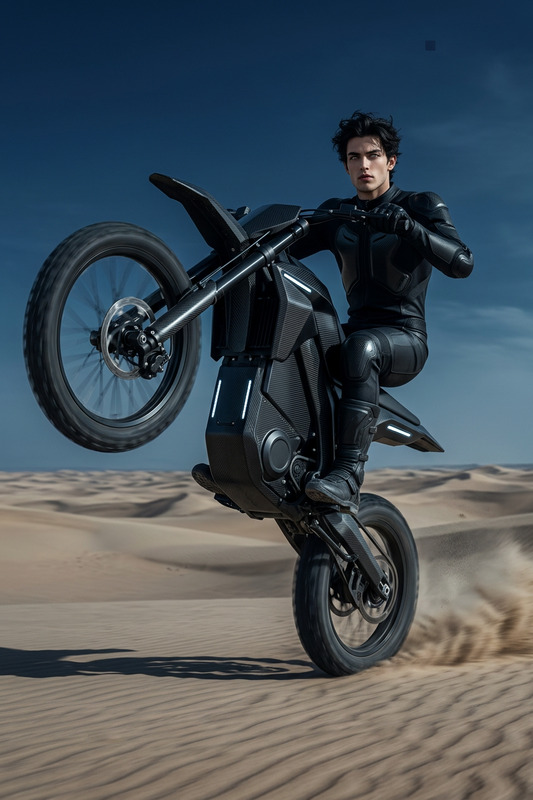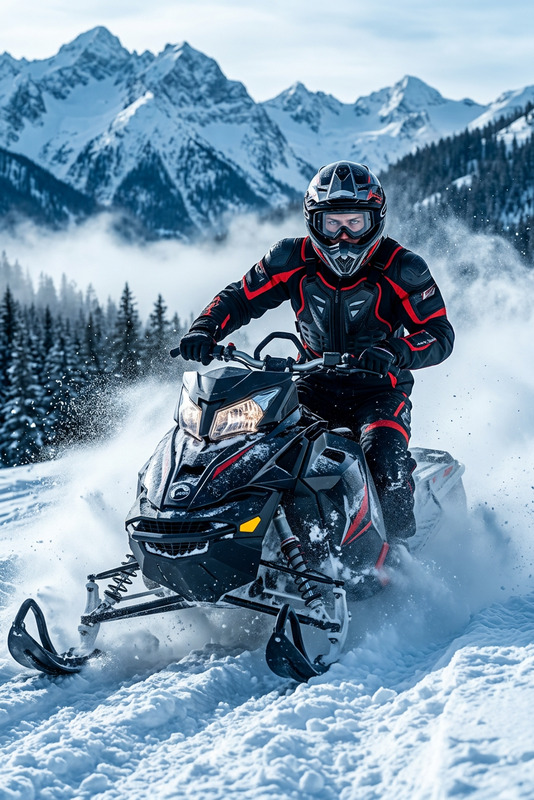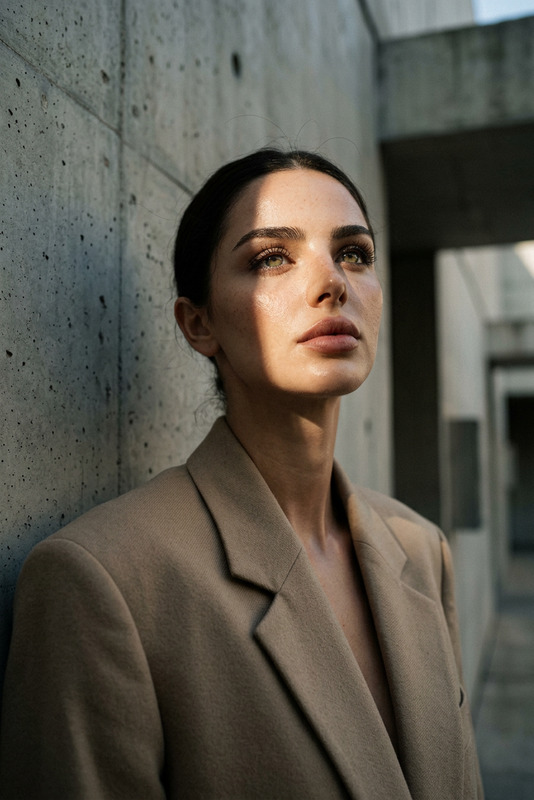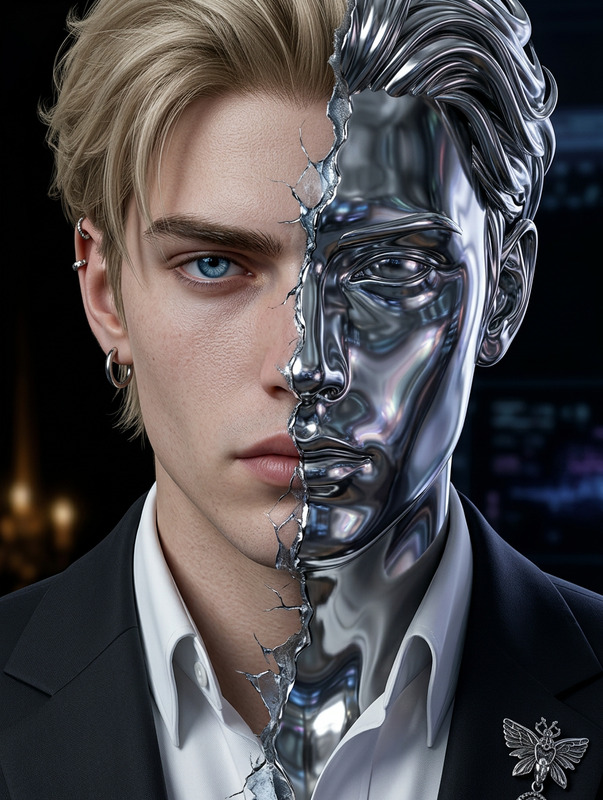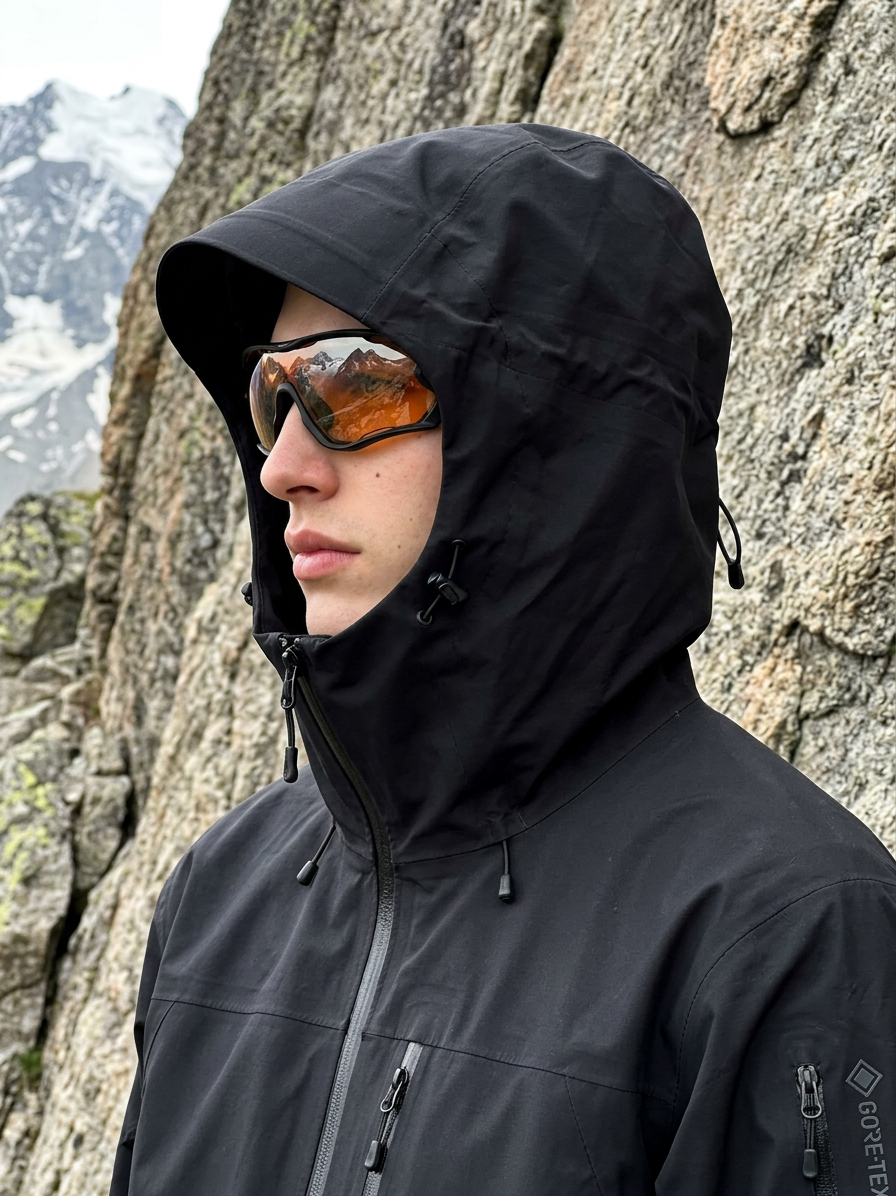
Cyberhiker Mountain Portrait
- Model
- Nano Banana 2
- Image
- 896 × 1196 px
Prompt
Generate a hyper-realistic, cinematic side-profile portrait of a subject standing in a relaxed, natural pose in front of a rugged textured rock wall within a mountainous terrain; the subject wears a matte black technical waterproof hardshell jacket with an oversized sculptural hood fully raised, featuring angular shaping, cinch cords, taped seams, and visible waterproof zippers that emphasize a utilitarian, high-performance design; the hood tightly frames the head, creating a structured silhouette; high-contrast orange-tinted wraparound goggles partially obscure the face while reflecting the surrounding alpine environment, revealing only the nose and part of the lips beneath; soft, diffused natural daylight gently illuminates the scene, enhancing the tactile contrast between technical fabric and rough stone textures; the composition is casually framed with a slight tilt, evoking candid iPhone-style photography, while the overall aesthetic blends minimalist outdoor gear design with a futuristic cyberhiker mood in a calm, tactical, cinematic mountain setting.
Any aspect ratio
Overview
The Cyberhiker Mountain Portrait template harnesses the power of AI Image Editing to transform standard photos into high-performance, cinematic masterpieces. This template is perfect for achieving a futuristic blend of outdoor and avant-garde aesthetics, ideal for those seeking to capture unique mountain portraits with a cyberhiker twist.
What It Does
This template uses the nano-banana-2 model to generate hyper-realistic side-profile portraits of subjects set against rugged mountain backgrounds. It emphasizes the detailed textures of technical outdoor gear, such as waterproof jackets and goggles, against natural elements.
With AI-driven enhancement, it covers aspects such as fabric detail, lighting, and facial obscuration through accessories like goggles, framing the subject in a cinematic, candid style.
Who It's For
The Cyberhiker Mountain Portrait template is perfect for photographers, influencers, or any creatives focused on outdoor lifestyle storytelling. It's also an excellent tool for AI Image Editors looking to push the boundaries of photography and design.
Summary
Utilize this template to craft stunning, futuristic mountain images that highlight both the rugged beauty of nature and the sleek, high-tech designs of modern outdoor gear. It offers an intricate blend of contrasts suited for anyone looking to enhance their visual storytelling portfolio with a unique cyberhiker aesthetic.
For more on enhancing images, consider exploring our AI Image Upscaler and other editing tools.
How to Use
Choose Template

Customize Portrait

Generate Image

Use Cases
Outdoor Lifestyle Branding
- Highlight outdoor apparel lines
- Emphasize eco-friendly tech gear
Cyber-Fantasy Campaigns
- Sci-fi inspired photo series
- Futuristic travel promotions
Social Media Content
- Candid photography vibes
- Tech-geared aesthetics
Best Practices
Focus on Lighting
Ensure natural daylight settings are matched as per the prompt to enhance texture and contrast.Highlight Details
Pay attention to the fine details in clothing and accessories; it makes your image more realistic.Use High-Resolution Images
Start with high-quality inputs for crisp and clear outputs, utilizing the AI effectively. Consider using our AI Image Upscaler for improving input quality.