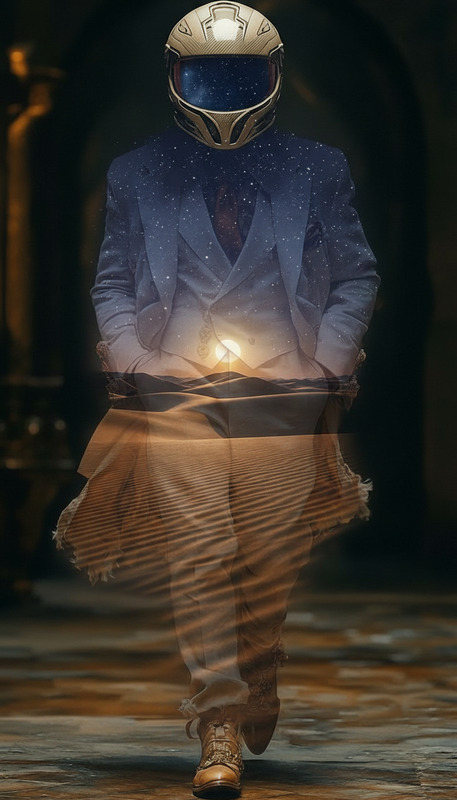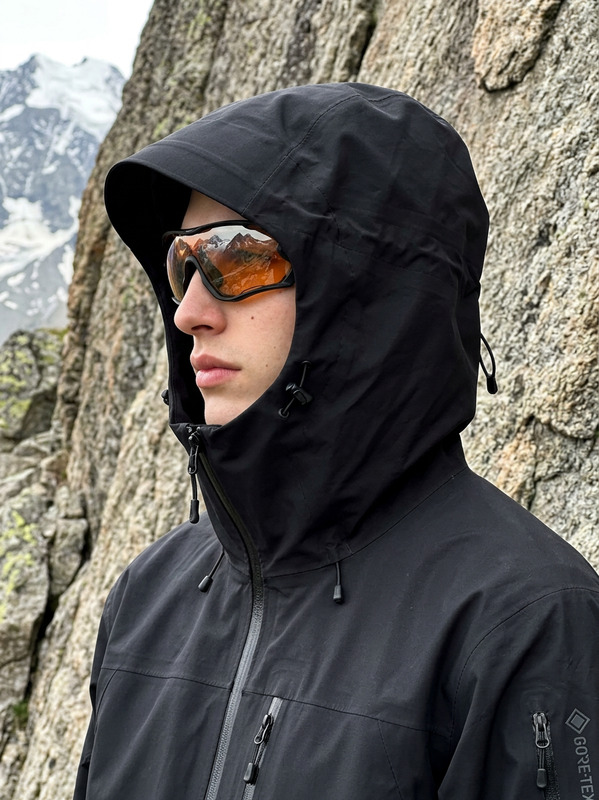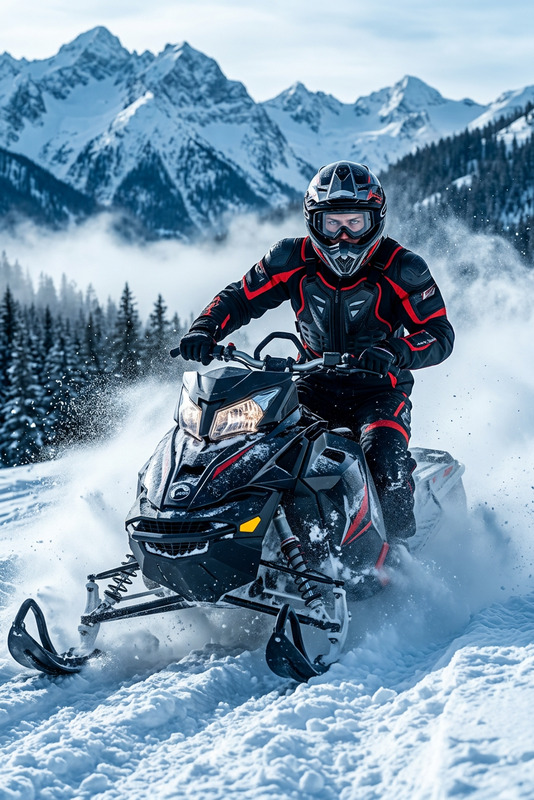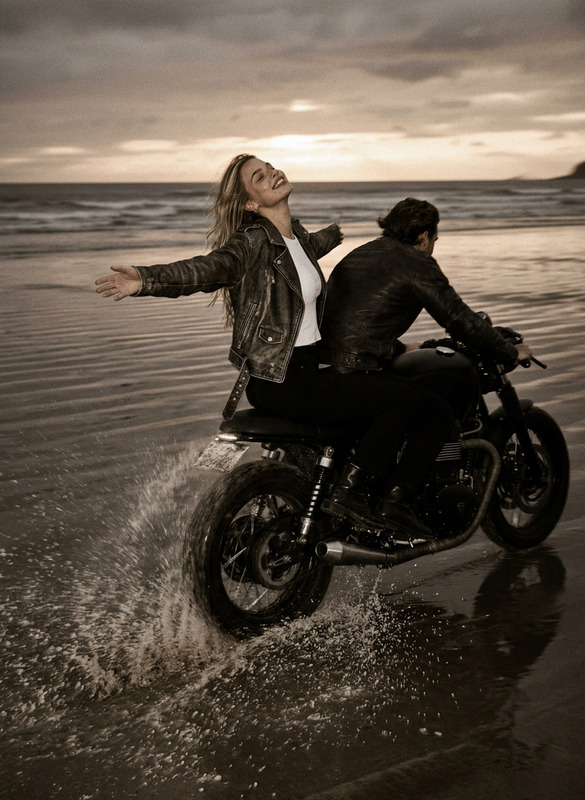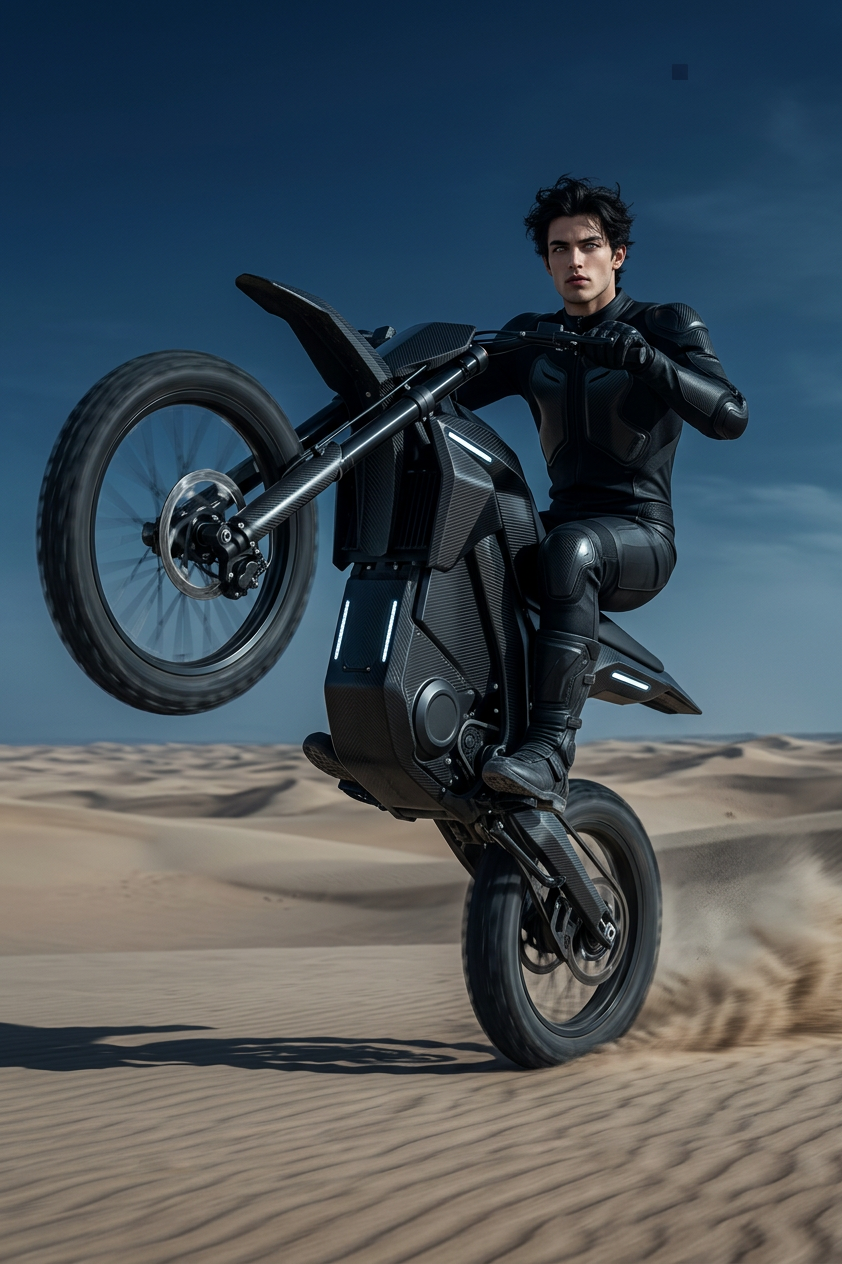
Futuristic Desert Rider
ai-image-editor
Any aspect ratio
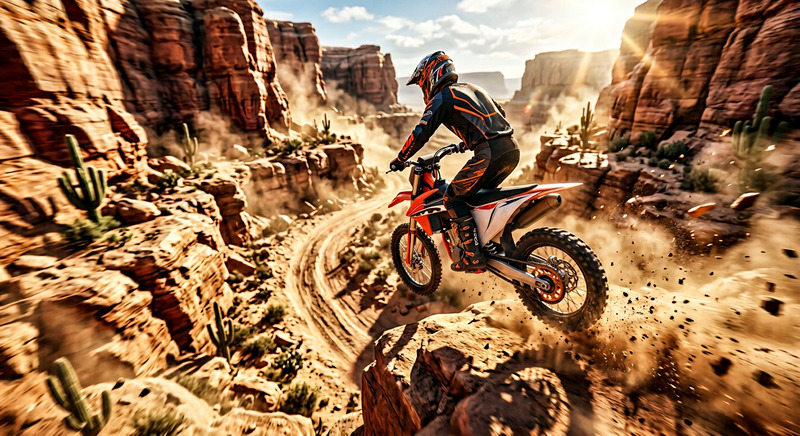
Generate a high-resolution cinematic scene of a subject riding an advanced electric dirt bike across a desert landscape; the rider wears sleek black attire and performs a dynamic wheelie at high speed; the motorbike features a futuristic carbon fiber design with clean, high-tech detailing; the composition is a wide, low-angle shot that emphasizes motion, scale, and velocity, with subtle motion blur on the wheels and background; the environment is expansive and minimal, with textured sand and a dramatic dark blue sky; lighting is atmospheric and professionally color-graded, enhancing contrast and mood without harsh effects; the image is ultra-crisp, with accurate anatomy and clean structure, delivering a polished and immersive portrayal of modern technology and adventure.
AI Image Editor Template: Clean Up, Enhance & Transform Any Image
Use this AI Image Editor–based template to quickly remove distractions, fix flaws, and redesign visuals without manual Photoshop work. It’s built on Magic Hour’s AI Image Editor, so you can erase objects, change backgrounds, refine faces, and enhance details in a few guided steps.
What this template is for
This template is ideal if you want to:
- Remove unwanted objects, logos, or text from photos
- Replace or clean up backgrounds for product shots, profile images, and ads
- Polish faces (lighting, blemishes, subtle retouching) while keeping them realistic
- Adapt a single base image into multiple creative versions for marketing or content
- Rapidly prototype design ideas for landing pages, social assets, or product imagery
If you’re building a content pipeline or growth workflow, this template gives you a reliable baseline to standardize image quality and style.
How to use this template in Magic Hour
Open the template in Magic Hour
Start with this AI Image Editor template from the template gallery. It’s pre-structured to walk you through upload → edit → export with minimal friction.Upload or select your base image
- Use your own photo (product, portrait, screenshot, illustration, UI, etc.)
- Or generate a starting point first with the AI Image Generator or AI Photo Generator, then bring that image into this editor template.
Describe what you want changed
In natural language, explain your intent, for example:- “Remove the person in the background and extend the wall.”
- “Clean up skin, reduce shine, but keep the person recognizable.”
- “Turn this plain background into a modern studio-style gradient.”
- “Erase the text on the sign and leave it blank.”
The template is optimized to translate high-level requests into precise edit instructions for the AI Image Editor.
Use targeted edits for more control
You can iterate in several passes:- First pass: large changes (background swaps, object removal, layout adjustments)
- Second pass: refinements (edge cleanup, lighting, color balance)
- Final pass: micro-edits (small blemishes, text details, artifacts)
Export for your use case
Once you’re happy with the result, export your edited image for:- Ads and social posts
- Landing pages and product detail pages
- Pitch decks, blog posts, or content marketing assets
How to remix this template for your own workflow
You can turn this template into a specialized editor for your team or project by remixing it inside Magic Hour:
Brand visual cleanup tool
- Focus the prompt on consistent brand backgrounds, color palettes, and lighting.
- Pair it with AI Background Generator to standardize product or lifestyle shoots.
Creator / influencer content polish
- Emphasize subtle face and environment edits.
- Combine with AI Face Editor or AI Headshot Generator for profile photos, thumbnails, and promotional shots.
E‑commerce product image editor
- Tune the template around object removal, shadow cleanup, and background consistency.
- Use Image Background Remover and AI Image Upscaler to produce marketplace-ready product photos at scale.
Design prototype assistant
- Aim it at interface mocks, marketing concepts, or pitch deck visuals.
- Combine with AI Art Generator, Thumbnail Maker, or Album Cover Generator to explore visual directions quickly.
To remix: duplicate this template in Magic Hour, adjust the instructions and example prompts toward your niche (e.g., “SaaS landing page images,” “fashion catalog photos,” “YouTube thumbnails”), and share the remixed version with your team.
Example prompts you can plug into this template
Use these as starting points and adapt the details to your images:
Object & distraction removal
- “Remove the people in the background and reconstruct the scene so it looks natural.”
- “Erase all logos and brand names from clothing and objects.”
- “Remove the tripod and camera reflection from the glass.”
- “Remove this watermark and fill the area seamlessly.”
- For dedicated watermark workflows, see the Watermark Remover.
Background changes & cleanups
- “Replace the background with a clean, light gray gradient that looks like a studio shoot.”
- “Turn the room behind the subject into a modern office environment.”
- “Remove clutter from the desk but keep the laptop and coffee cup.”
- “Convert the background into a flat color that matches a SaaS landing page hero section.”
Face & portrait refinement
- “Subtly smooth skin, reduce under-eye shadows, and improve lighting, but keep the person looking real.”
- “Fix color cast on the face and balance the exposure.”
- “Remove minor blemishes and flyaway hairs.”
- For more specialized workflows, explore AI Selfie Generator, AI Talking Photo, or AI Headshot Generator.
Marketing & design edits
- “Make this product image match a minimalist, Apple-style aesthetic.”
- “Convert this busy background into a clean layout suitable for an ad creative.”
- “Turn the scene into a comic-book style illustration while keeping composition similar.”
- Pair with Comic Book Generator for stylized outputs.
Chaining this template with other Magic Hour tools
For more advanced pipelines, you can connect this AI Image Editor template with other Magic Hour capabilities:
Image → Video
- Clean up your key visuals here, then animate them with Image to Video or Text to Video.
- For character or scene animations, you can also explore Animation Templates or Video-to-Video.
Face & character workflows
- Edit and refine faces here, then:
- Turn them into animated talking portraits with AI Talking Photo
- Swap them into other images or GIFs via Face Swap or Face Swap GIF
- Create stylized characters with AI Face Generator, Animated Characters Generator, or AI Anime Generator
- Edit and refine faces here, then:
Content repurposing and polish
- Upscale and sharpen final images with AI Image Upscaler.
- Restore and modernize old visuals with Old Photo Restoration and Photo Colorizer.
- Remove remaining artifacts or stray objects using AI Remover or Remove Object from Photo.
Recommended use cases by role
For creators & influencers
- Clean up raw photos before posting or turning them into Reels/TikToks.
- Prepare on-brand thumbnails and promo images, then animate them with AI GIF Generator or Image to Video.
For marketers & growth teams
- Normalize asset quality across campaigns, landing pages, and channels.
- Build a remix of this template tailored to your brand guidelines; feed all incoming images through it before publishing.
- Combine edited images with Thumbnail Maker, AI Logo Generator, or Book Cover Generator for fast creative testing.
For startup builders & product teams
- Quickly upgrade presentation visuals, pitch decks, and product screenshots.
- Prototype UI/UX scenes and marketing concepts using AI Illustration Generator, then refine them in this editor.
- Standardize imagery for docs, onboarding flows, and product tours.
For technical & creative developers
- Use this template as a documented “image-editing contract” your team can reference.
- Remix into specialized variants: “UI screenshot cleaner,” “e‑commerce product editor,” “profile image normalizer,” etc.
- Combine edited assets with voice and video tools like AI Voice Generator, AI Voice Cloner, or Lip Sync for fully synthetic content.
Building your own version of this template
To create a custom version inside Magic Hour:
- Duplicate this AI Image Editor template in your workspace.
- Edit the instructions so they explicitly describe your use case (e.g., “DTC skincare product photos,” “B2B SaaS hero images,” “podcast thumbnails”).
- Add example prompts and “dos and don’ts” that match your visual standards.
- Optionally, define a simple internal naming convention (e.g., “brand-image-cleaner-v1”) so non-technical teammates know which template to use.
- Encourage your team to iterate—save improved remixes as new versions instead of one-off edits.
By treating this AI Image Editor template as a reusable component in your content stack, you get consistent, high-quality edits with less manual design time—and a clearer, more predictable pipeline from raw asset to production-ready creative.