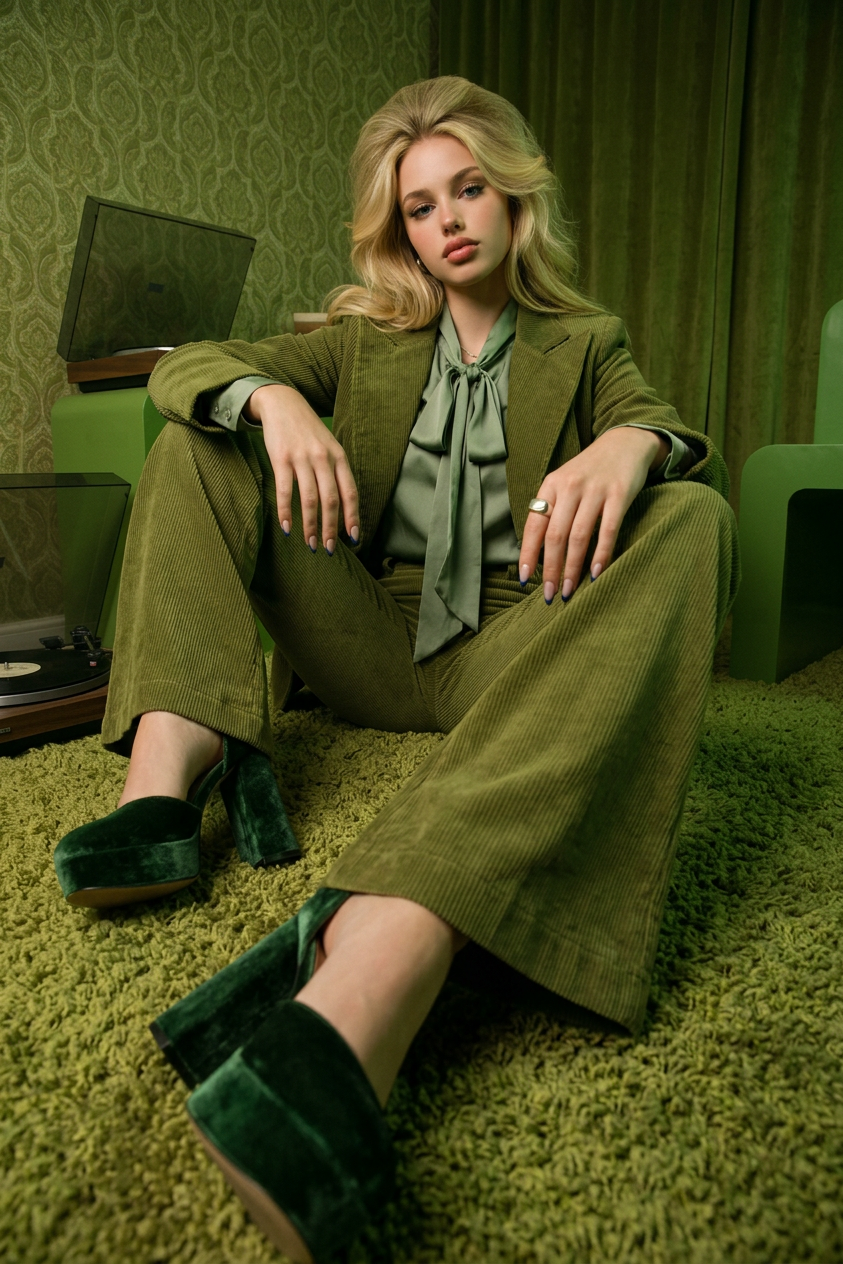
1970s Green-Toned Low-Angle Editorial
- Model
- Nano Banana 2
- Image
- 843 × 1264 px
Prompt
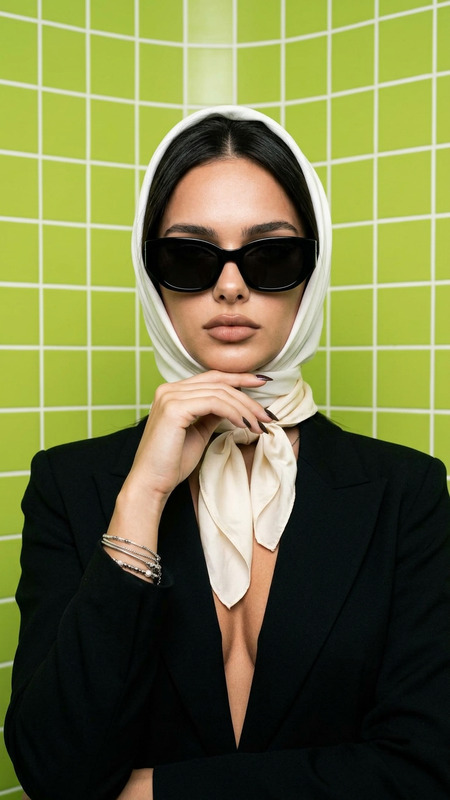
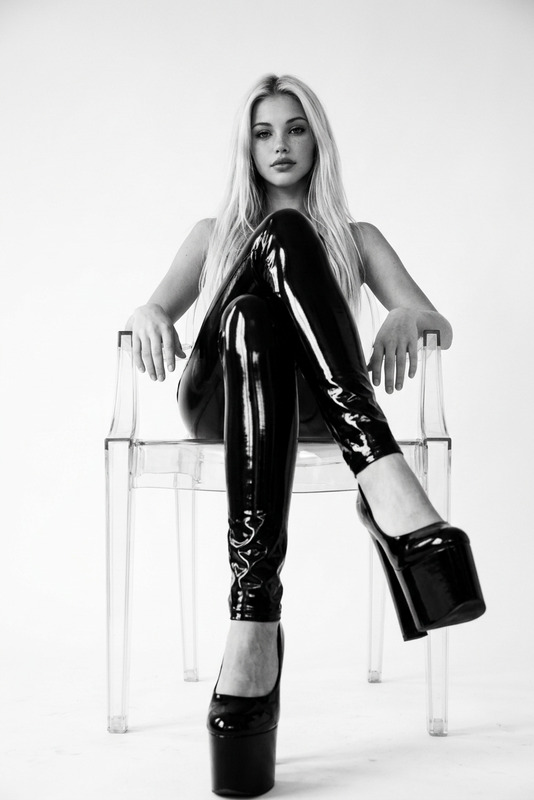
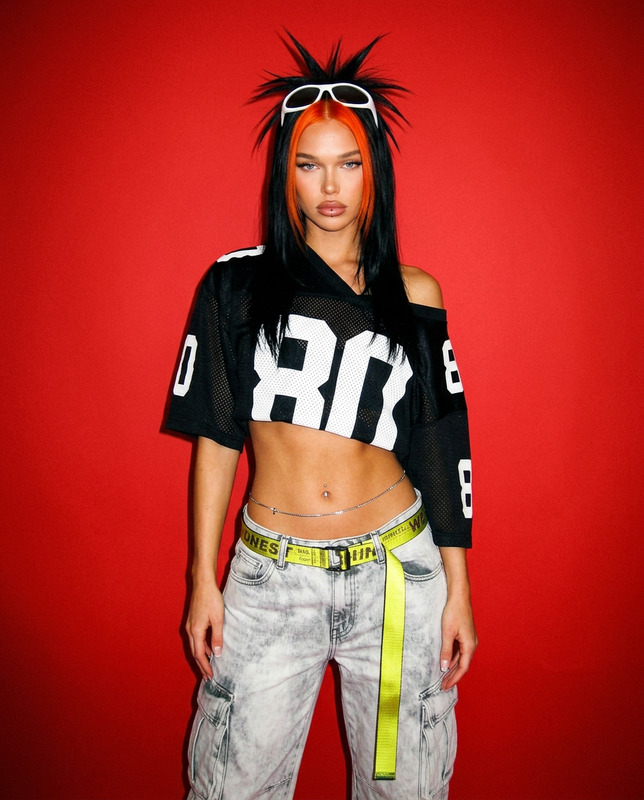
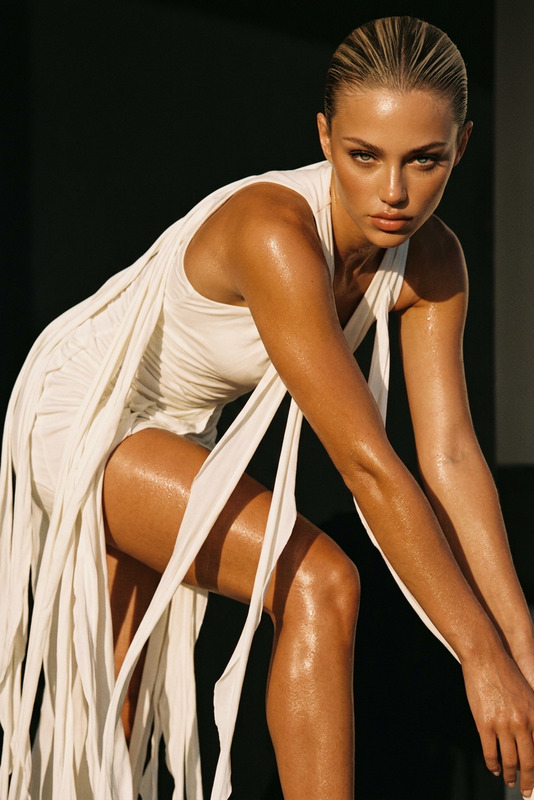
Generate a high-fashion editorial image inspired by 1970s aesthetics, showing a subject seated on the floor in a dramatic low-angle composition that exaggerates perspective and depth; the subject wears an olive green corduroy outfit consisting of flared pants and a matching jacket, paired with dark green heels that reinforce the monochromatic styling; one extended leg is directed toward the camera, creating strong visual distortion and bold graphic leading lines; the entire scene is enveloped in warm green tones ranging from emerald to moss and sage, producing a cohesive retro cinematic atmosphere; professional studio lighting casts soft, controlled shadows that sculpt the form while preserving a vintage fashion photography feel; the composition is bold and editorial, with high detail, analog film texture, and a strong emphasis on color harmony, spatial tension, and 1970s-inspired visual storytelling.
Any aspect ratio
Overview
Step back into the timeless elegance of the 1970s with our 1970s Green-Toned Low-Angle Editorial template. Crafted using the nano-banana-2 model, this AI Image Editor template replicates the distinct visual language of vintage high-fashion photography. It invites you to create captivating visuals with a strong sense of depth, perspective, and vibrant green tones that speak to a retro aesthetic.
What It Does
This template allows users to generate high-fashion editorial images that embody the 1970s aesthetic. The focus is on a dramatic low-angle composition which exaggerates perspective, creating bold graphic leading lines. Enhanced with professional studio lighting and analog film texture, the template emphasizes color harmony and spatial tension, offering a cohesive retro cinematic atmosphere.
Who It's For
Perfect for fashion designers, photographers, and creative directors yearning to infuse their work with a distinct vintage feel. This template suits those looking to produce high-quality, editorial-style images suitable for campaigns, magazine shoots, or social media features that draw on nostalgic themes. Ideal for those who wish to explore retro aesthetics using contemporary AI Image Editor technology.
Summary
The 1970s Green-Toned Low-Angle Editorial template merges vintage style with modern technology, offering an easy pathway to create stunning imagery that captivates and engages. Its focus on color, depth, and perspective makes it a versatile choice for a wide range of editorial and promotional uses. Paired with the AI Multi-Angle Generator, it allows for even more dynamic outputs, enhancing creative projects across industries.
How to Use
Choose Your Template

Customize Your Inputs

Generate Your Image

Use Cases
Fashion Photography
Advertising Campaigns
Social Media Content
Best Practices
Leverage Contrast
Use the template's dramatic lighting to enhance depth and texture, creating a more impactful image.Focus on Details
Pay attention to the details in clothing and accessories to truly capture the vintage look.Experiment with Angles
Try different angles for the subject to find the most compelling composition, making use of the AI Image Editor capabilities.