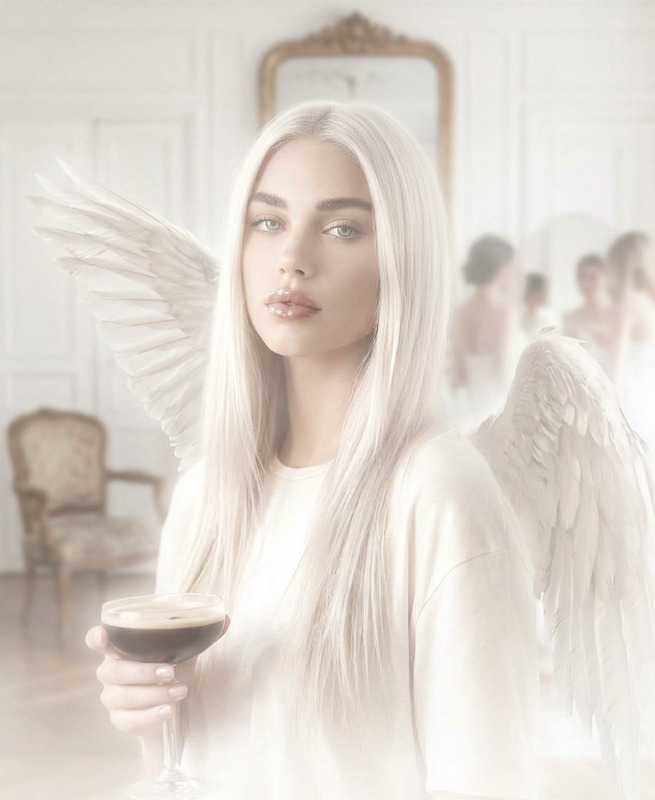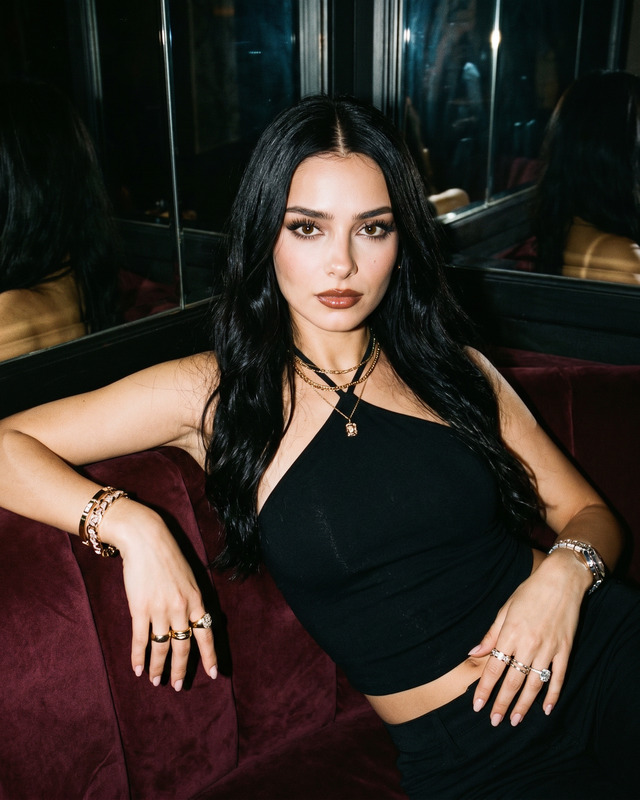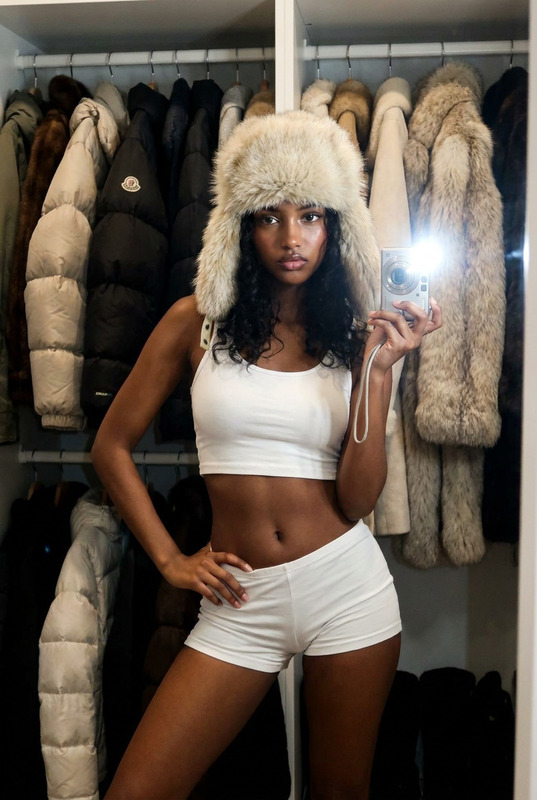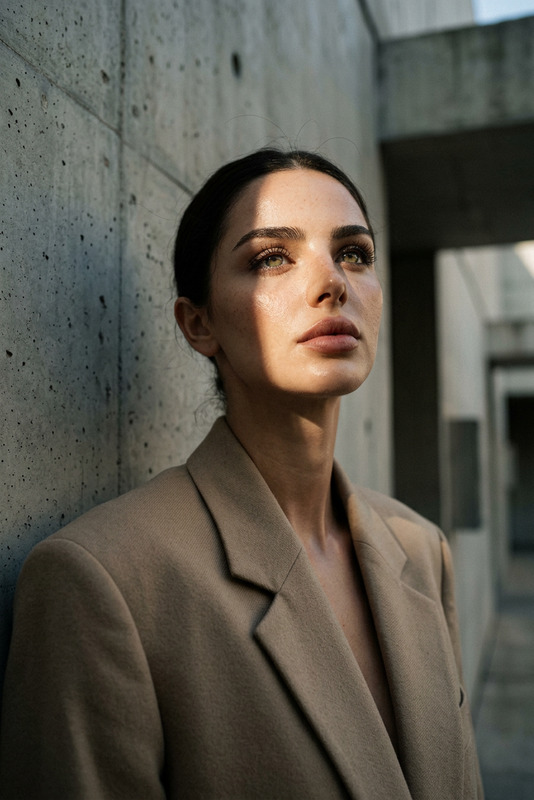
1970s Hollywood Analog Self-Portrait
- Model
- Nano Banana 2
- Image
- 843 × 1264 px
Prompt
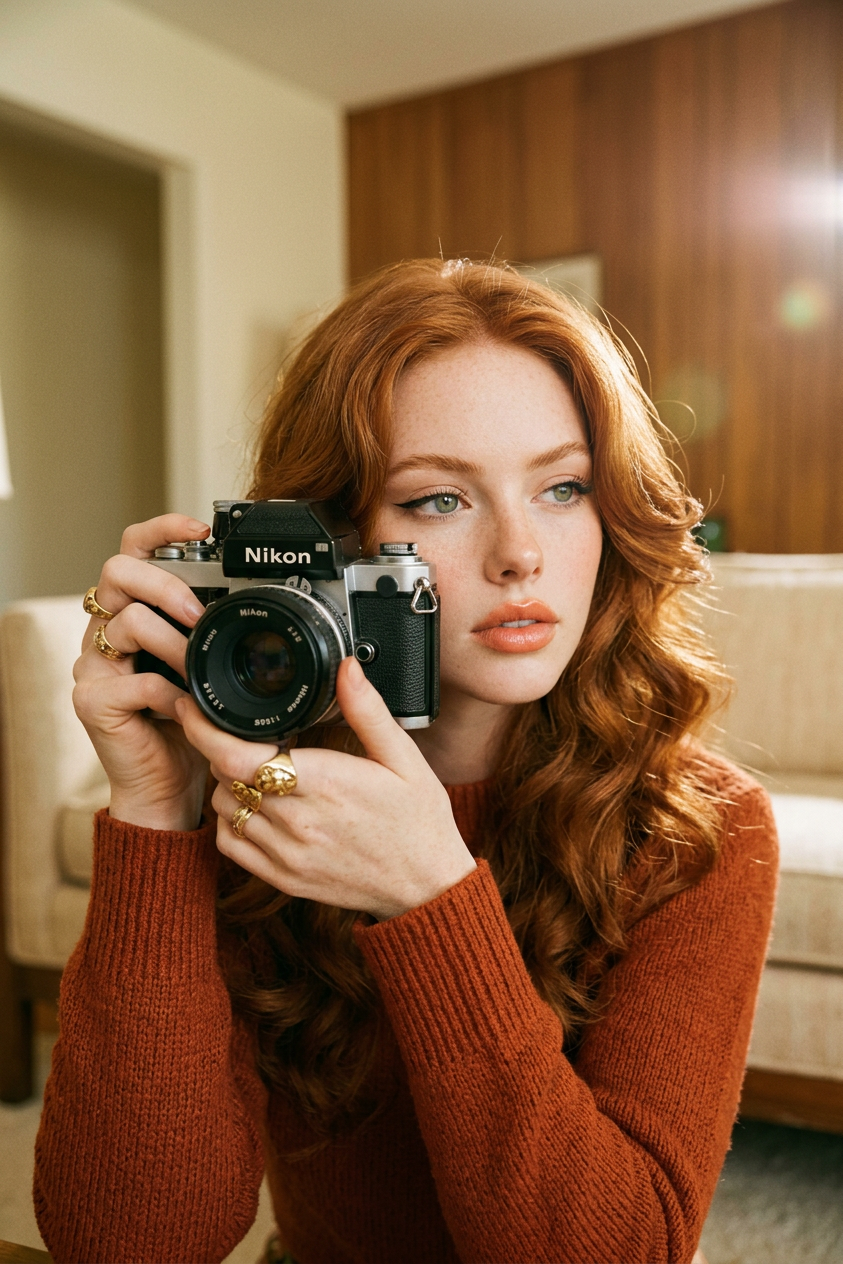
Generate a glamorous self-portrait inspired by 1970s Hollywood aesthetics, showing a subject holding a vintage analog camera with both hands while looking through the viewfinder, creating an intimate photographer-subject moment; the style is elevated and chic, featuring a burnt orange or rust-toned knit top, subtle gold jewelry including a bold statement ring, and softly styled voluminous hair reminiscent of 1970s screen icons; makeup is minimal yet striking, with winged eyeliner, soft peach blush, and glossy lips; warm directional lighting gently sculpts the face and hands, creating soft highlights and a cinematic glow; the background is softly blurred in beige, cream, and retro interior tones, enhancing depth without distraction; the framing suggests a mirror-like self-portrait composition without showing the mirror itself, keeping focus entirely on subject and camera interaction; the image carries an authentic analog film aesthetic with subtle grain, slightly desaturated warm tones, and faint lens flare, evoking quiet confidence, intimacy, and timeless vintage glamour.
Any aspect ratio
Overview
Step into the golden age of cinema with our 1970s Hollywood Analog Self-Portrait AI Image Editor template. Designed to transform your photos into timeless, chic visuals, this tool encapsulates the glamorous aesthetics of vintage Hollywood, enhancing each image with a subtle film grain and warm tonal palette. Ideal for those seeking to craft dreamy and nostalgic self-portraits, this template brings cinematic flair to your photograph, invoking the quiet confidence and elegance of 1970s icons.
What It Does
The template uses advanced image editing technology from the nano-banana-2 model to transform your photos into retro cinematic masterpieces. It applies a range of features including warm directional lighting, soft highlights, and subtle lens flare to recreate the analog film aesthetic. Clothing, accessories, and makeup are enriched with vintage elements while backgrounds remain softly blurred to create a deep yet focused interaction. Visit our AI Image Editor product page for more details.
Who It's For
This template is a perfect match for anyone yearning to capture the classic style of 1970s Hollywood in their personal images. It's particularly ideal for photographers, fashion enthusiasts, and content creators aiming to enhance their digital portfolios with a touch of vintage glamour. Whether you're crafting personalized visuals for personalized video ads or exploring new aesthetic directions, this tool provides a unique way to express your artistic vision.
Summary
The 1970s Hollywood Analog Self-Portrait template provides a unique blend of vintage visual artistry and modern digital editing, allowing users to create images that are both authentic and timeless. Through careful attention to stylistic details and advanced AI processing, this template ensures your photos not only look cinematic but also resonate with quiet elegance and nostalgia.
How To
Choose Your Template

Customize Your Inputs

Generate Your Image

Use Cases
Social Media Content
- Showcasing vintage fashion styles
- Creating engaging profile visuals
Digital Portfolios
- Adding a vintage aesthetic to photography collections
- Highlighting creative editing skills
Advertising and Branding
- Developing standout creative visuals for campaigns
- Engaging audiences with retro-themed content
Best Practices
Optimize Lighting
Make use of natural or soft lighting when capturing your base photo to ensure the AI can effectively apply its enhancements.Highlight Subject Features
Position the camera to prominently feature your face and hands, as these are key elements in this template's aesthetic.Stay True to Theme
When selecting your wardrobe and props, aim for styles and colors that align with the 1970s theme to maintain consistency in the final image.