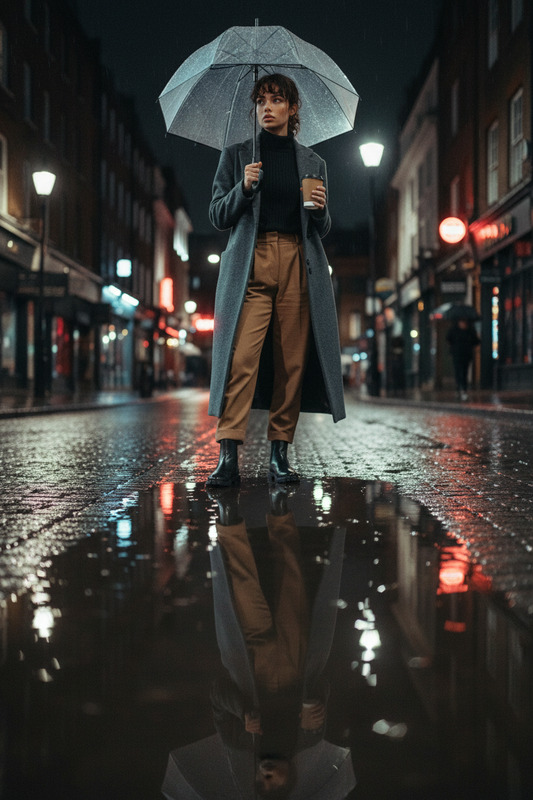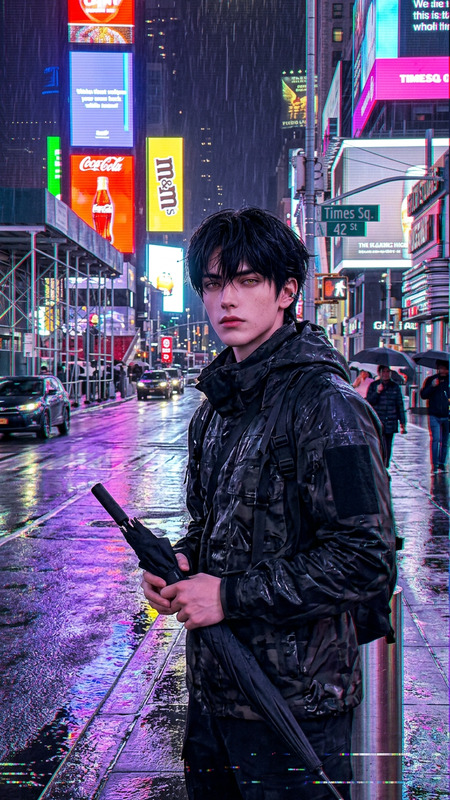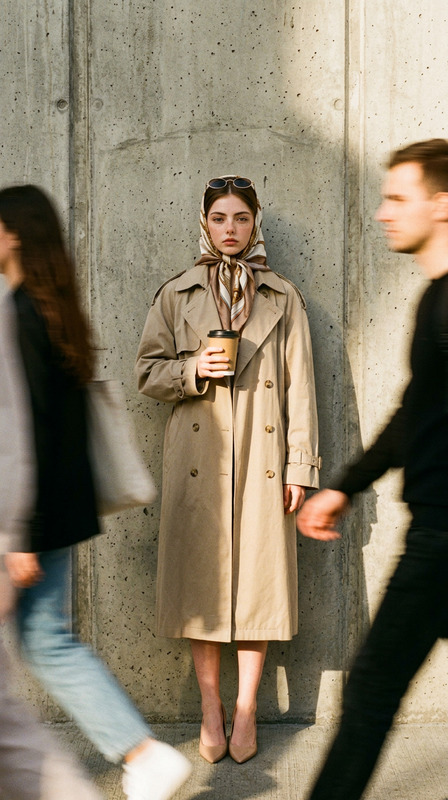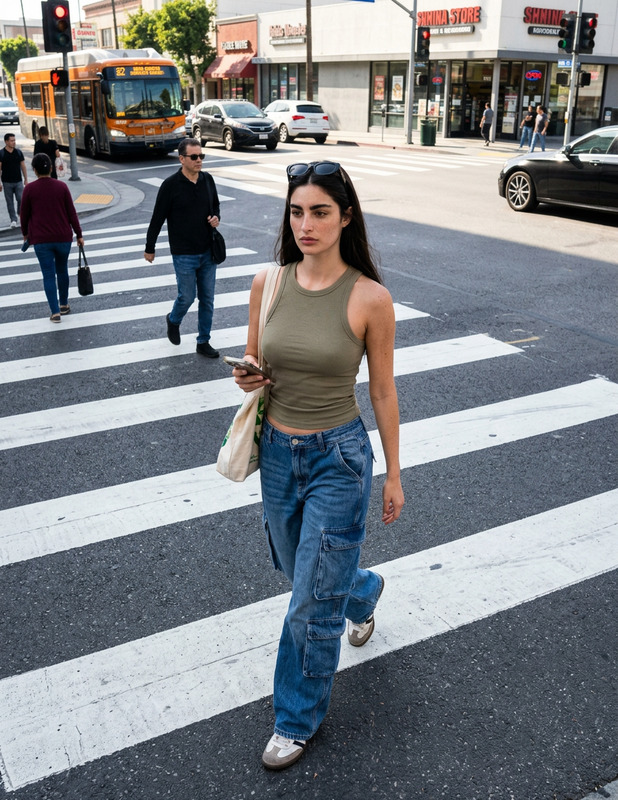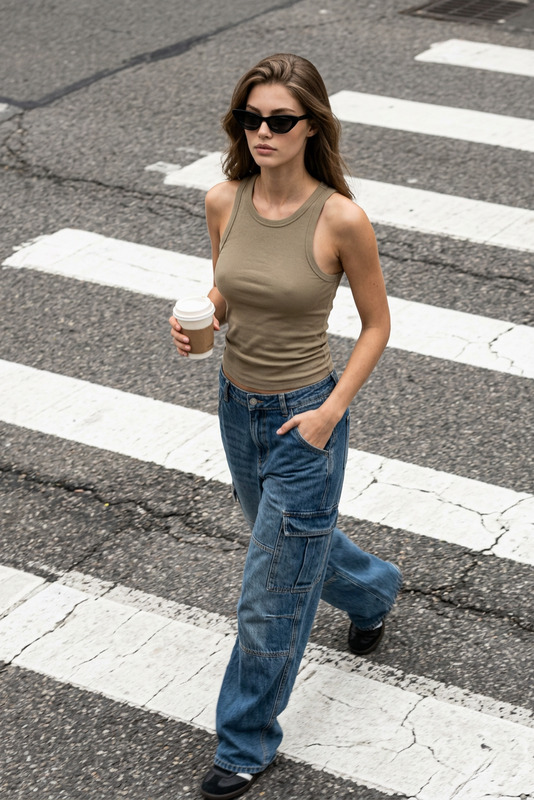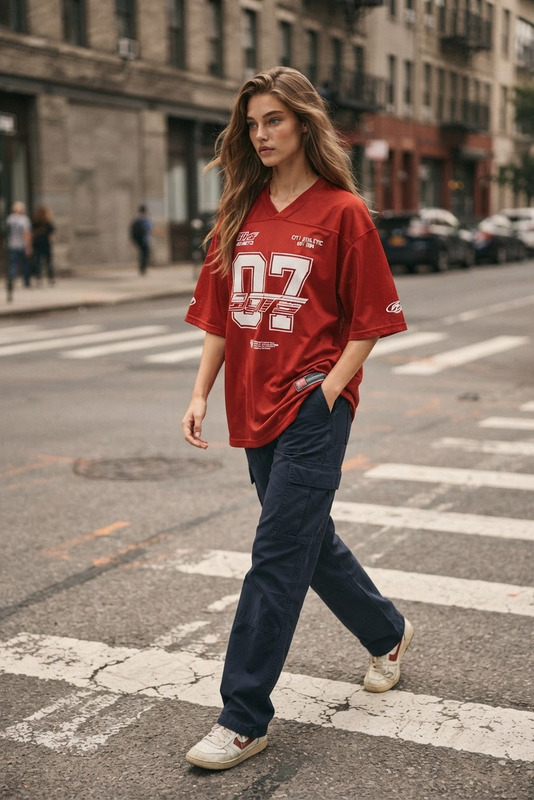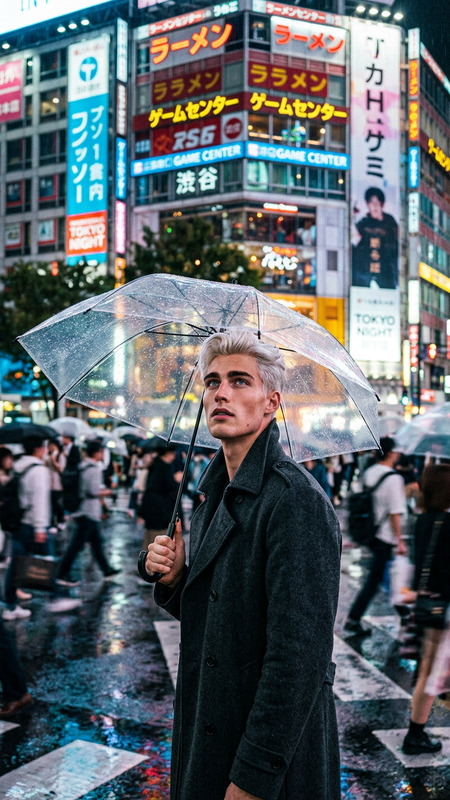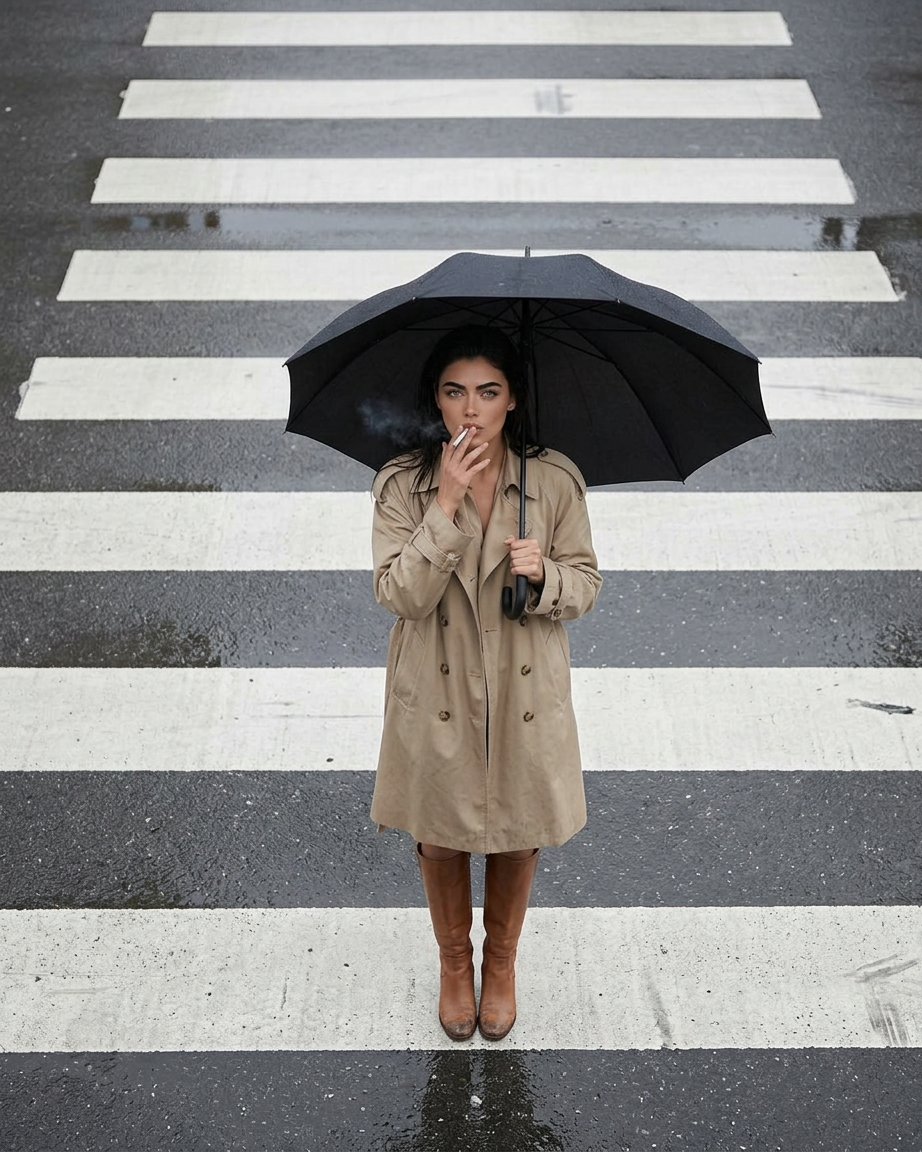
Candid Surveillance Street Crossing
- Model
- Nano Banana 2
- Image
- 922 × 1152 px
Prompt
Generate a candid high-angle, wide surveillance-style street photograph of a subject standing alone in the middle of a pedestrian crosswalk on a wet road surface, holding a large black umbrella overhead; the subject wears a beige trench coat with a relaxed silhouette and knee-high leather boots, with a natural, unposed posture while calmly smoking, hair tucked under the umbrella and slightly damp from rain; the environment is minimal and isolated, consisting only of the road and clearly visible zebra crossing lines with reflective wet asphalt and subtle puddle reflections, with no urban structures, vehicles, signage, or neon elements present; lighting is soft overcast daylight with neutral exposure and muted shadows, resembling authentic street surveillance or high-mounted traffic camera footage; fine details emphasize realistic fabric texture in the trench coat, natural skin texture, slight scuffs on boots, and gritty asphalt surface, with minor imperfections such as slight motion blur in the hand holding the cigarette and a partially cropped foot due to framing; the overall color palette is desaturated and documentary-like, prioritizing hyper-realistic, unstyled observational realism over cinematic or artistic enhancement.
Any aspect ratio
Overview
The Candid Surveillance Street Crossing template is a specialized AI Image Editor designed for creators seeking to generate hyper-realistic street photography in a surveillance style. Leveraging the nano-banana-2 model, this template excels at crafting images of subjects within isolated crosswalk environments, characterized by subtle details and natural postures as if caught in a candid moment.
What It Does
This AI Image Editor template generates highly detailed street photographs that mimic surveillance footage. The focus is on producing a realistic image of an individual standing in a crosswalk under overcast light, with the details of clothing, road texture, and subtle atmospheric effects such as wet pavement reflections dramatically highlighted. Ideal for those looking to explore the look and feel of surveillance aesthetics in their imagery.
Who It's For
This template is perfect for filmmakers, digital artists, and content creators who wish to incorporate authentic surveillance-style visuals into their projects. Whether you are working on a film that requires cinematic gaming visuals or producing content that benefits from a realistic yet detached observational style, this tool offers the necessary resources to achieve your artistic vision.
Summary
Explore the depths of candid imagery with the Candid Surveillance Street Crossing template. This tool, part of our AI Image Editor suite, uses advanced AI to produce stunning street photography that captures the essence of urban solitude and subtle detail. Suitable for projects that demand authenticity and a naturalistic visual language.
How to Use
Choose the Template

Customize Your Inputs

Generate the Image

Use Cases
Content Creation
- Integrate candid images into storytelling.
- Enhance visual appeal with realistic backdrops.
Film Previsualization
- Storyboard scenes with realistic imagery.
- Try different lighting and weather scenarios.
Art Installations
- Produce high-impact pieces for gallery displays.
- Focus on minimalist yet detailed urban scenes.
Best Practices
Pitch-Perfect Customizations
Spend time refining details such as clothing textures and environmental settings to match your project's tone.Focus on Subtlety
Use overcast lighting and desaturated colors to maintain the template’s documentary-like realism.Quality Check
Review generated images for minor imperfections to ensure they match the desired surveillance aesthetic.