Chrome Pulse – Elevator Future

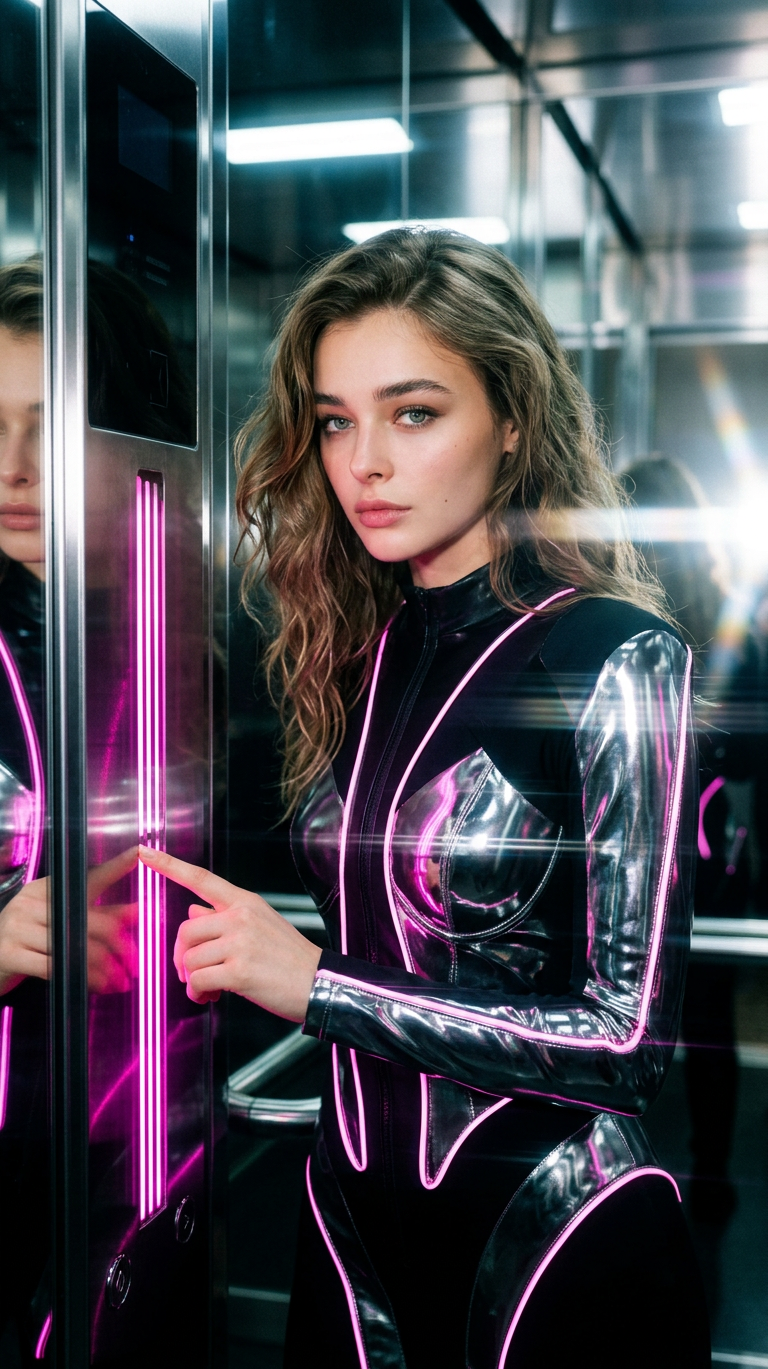
Chrome Pulse – Elevator Future

ai-image-editor

1 clip
13 uses

Any aspect ratio

Prompt

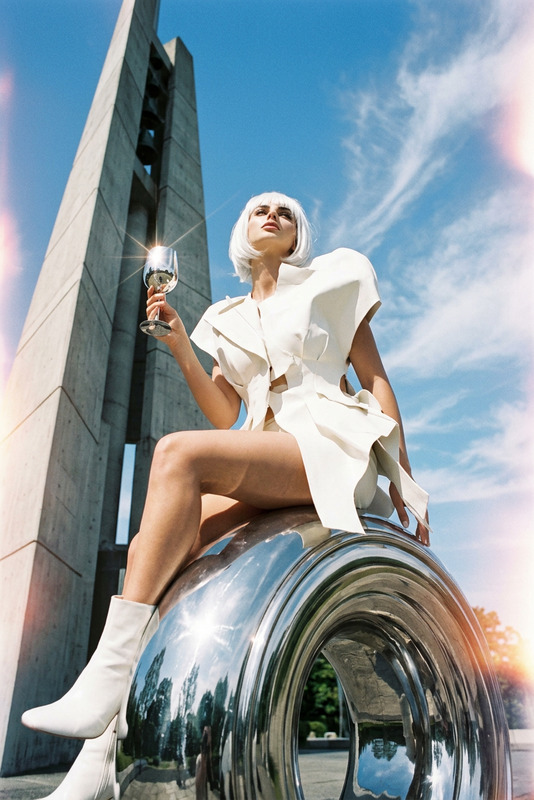
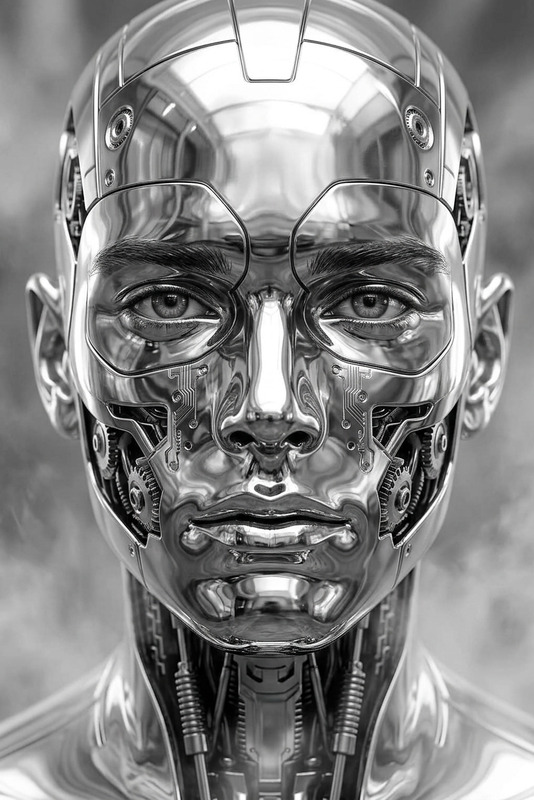
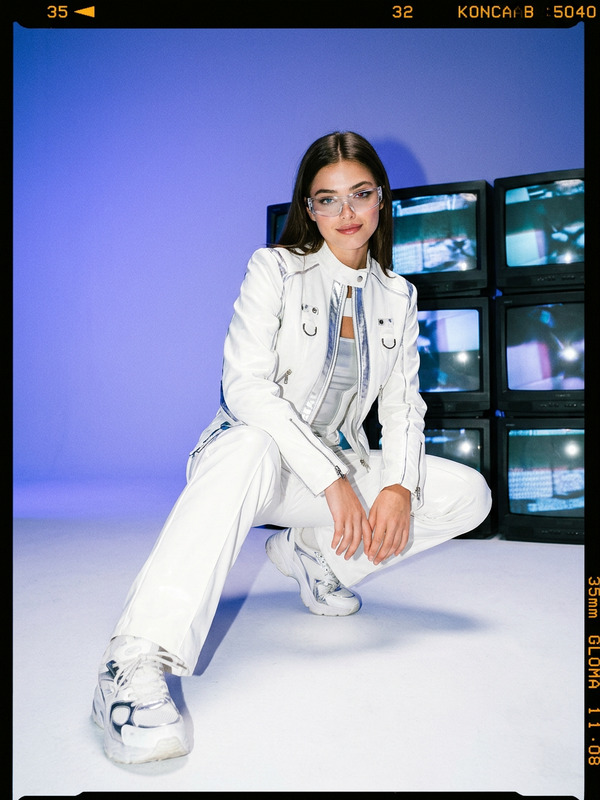
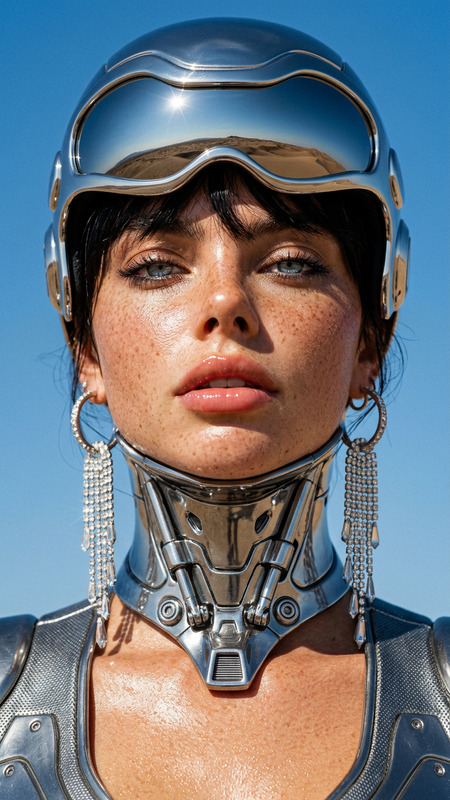
2040s tech couture aesthetic with radiant electric pink and liquid chrome. A subject stands inside a mirror-walled elevator cube, fingers poised on a sleek chrome seam. Reflective panels create streaking reflections moving left-to-right across the frame, with polished silver trim and crisp white highlights. Shot with a 32mm medium-wide perspective, cinematic composition. Lighting from camera-right with soft top bounce, producing ultra-glossy surfaces, subtle film grain, and gentle optical flares. Futuristic, minimal, high-fashion mood, no visible text.

AI Image Editor Template: Instantly Enhance, Fix, and Transform Any Image

Use this template to turn raw images into polished, production‑ready assets in minutes. Powered by the AI Image Editor, it’s designed for creators, marketers, founders, and technical teams who need fast, consistent visuals without a full design stack.


What You Can Do With This Template

Use this template as a starting point to:

  • Clean up photos for websites, pitch decks, or marketing campaigns
  • Remove or replace distracting objects and backgrounds
  • Refine faces, clothing, and lighting for more professional results
  • Create consistent brand visuals from mixed-quality source images
  • Prepare inputs for other Magic Hour tools (video, avatars, memes, AI characters, etc.)

Because it’s built on AI image editing, you can iterate quickly, remix variations, and chain it with other tools in your workflow.


How to Remix This Template in Magic Hour

You can easily create your own version of this template inside Magic Hour by:

  1. Opening the base template

    • Start from this AI Image Editor template inside Magic Hour.
    • Upload your source image (product shot, portrait, social post, concept art, etc.).
  2. Defining your editing goal
    Common high‑impact use cases:

    • Clean headshots for profiles, LinkedIn, and “About” pages
    • Product images with clear backgrounds and better lighting
    • Social media visuals optimized for feeds and thumbnails
    • Concept exploration for brand or character design
  3. Running targeted edits with AI Image Editor
    With the AI Image Editor, you can:

    • Remove unwanted elements (people, logos, wires, clutter)
    • Replace or refine backgrounds for a more on‑brand look
    • Adjust composition to focus attention on the subject
    • Tidy up details that would normally require Photoshop skills
  4. Versioning and refinement

    • Duplicate the template and create multiple variations (e.g., different background styles, color schemes, or crops).
    • Save reusable patterns (for example: “clean product + soft studio background” or “founder portrait + neutral gradient background”) so your team can apply them consistently.
  5. Chaining with other Magic Hour tools
    Once you have a polished image from this template, you can:


High‑Leverage Use Cases for Teams and Creators

This template is optimized for practical, repeatable workflows:

1. Founder & Team Headshots

  • Start with a smartphone photo, then:
    • Clean background and remove clutter
    • Subtly enhance lighting and sharpness
    • Prepare a consistent look across multiple team members

Helpful companion tools:

2. Product & E‑commerce Images

  • Take rough product photos and:
    • Remove busy or mismatched backgrounds
    • Emphasize product details and clarity
    • Generate alternate “lifestyle” variants for ads and landing pages

Helpful companion tools:

3. Social, Content, and Growth Marketing

  • Quickly adapt one master visual into multiple variants:
    • Platform‑specific crops and framings
    • Brand‑aligned backgrounds and color aesthetic
    • Cleaner images that work better in feeds and previews

Helpful companion tools:

4. Character, IP, and Worldbuilding Assets

  • Clean, align, and iterate on characters, props, and scenes:
    • Refine linework, lighting, or style consistency
    • Remove artifacts from early drafts
    • Prepare assets for animation or video pipelines

Helpful companion tools:


Example Pipelines Using This Template

1. UGC Ad Pipeline (Founders & Marketers)

  1. Capture quick product or testimonial photos
  2. Use this AI Image Editor template to clean and enhance
  3. Upscale with AI Image Upscaler for ad platforms
  4. Turn key visuals into short motion clips with Image to Video or Video to Video
  5. Autogenerate captions with the Auto Subtitle Generator

2. Creator / YouTube Asset Flow

  1. Design your main image with this template
  2. Convert it into scroll‑stopping covers via Thumbnail Maker
  3. Create matching memes or cut‑downs with the AI Meme Generator
  4. Animate characters or hosts from the same image using Animation or AI Talking Photo

3. Brand & Visual Identity Prototyping

  1. Collect a few reference photos of your product, team, or environment
  2. Standardize them with this template (consistent backgrounds, composition, and mood)
  3. Explore style directions using AI Art Generator and AI Illustration Generator
  4. Turn your best directions into logos with the AI Logo Generator or branded avatars with the Avatar Generator

Combine With Face, Video, and Voice Tools

Once your base images are cleaned and consistent via this AI Image Editor template, you can:


Advanced Fixes and Utilities to Pair With This Template

For more difficult or technical image problems, combine this template with:

These tools help you salvage borderline assets and make them usable for creative or commercial work.


How This Template Helps You Ship Faster

This AI Image Editor template is built for:

  • Speed: turn “rough” images into publishable assets in one workflow
  • Consistency: keep visuals aligned across campaigns, pages, and channels
  • Leverage: reuse the same pattern across multiple tools (image → video → avatars → memes)
  • Collaboration: give non‑designers a reliable, repeatable way to produce on‑brand images

Start from this template, remix it for your own brand or product, and then connect it to the rest of the Magic Hour ecosystem to turn simple images into full, multi‑format creative systems.

More Like This