Retro Plush Carnival Portrait
- Model
- Nano Banana 2
- Image
- 1408 × 768 px
Prompt
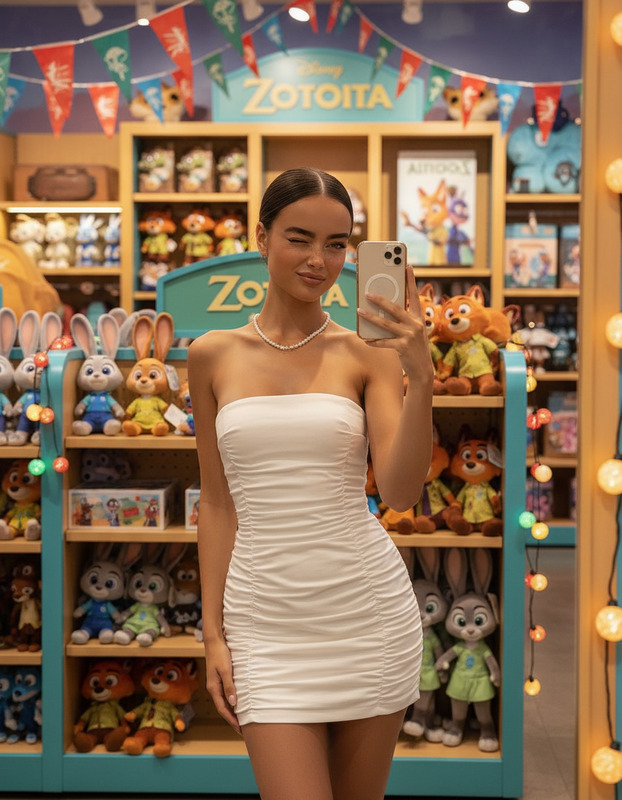
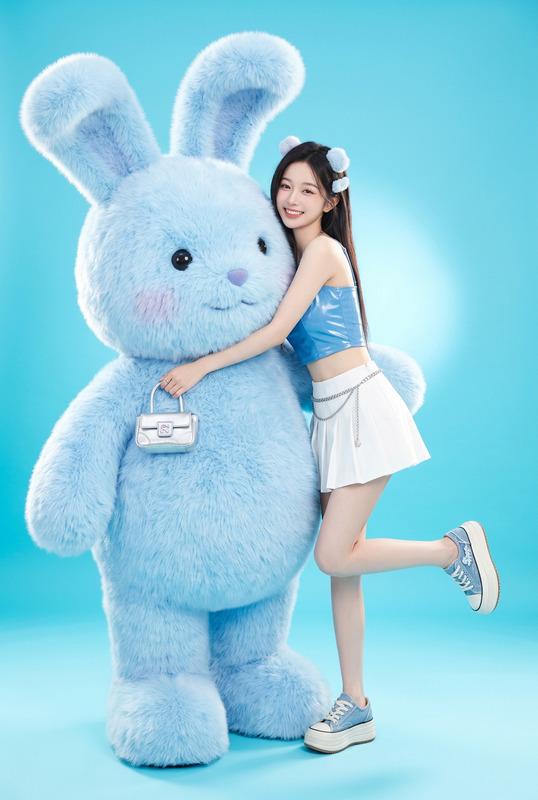
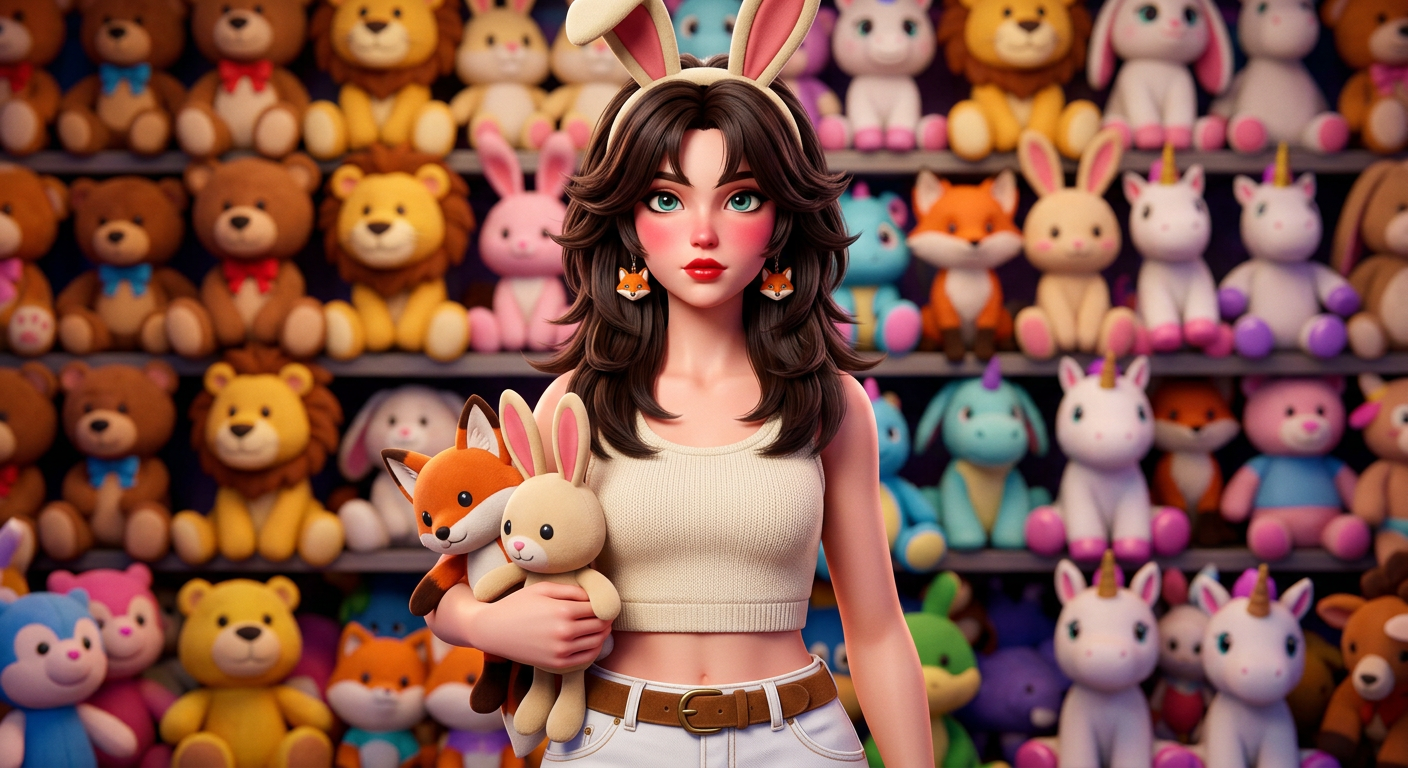
Cinematic close-up portrait of a young adult subject with smooth fair skin, large sharp eyes, slightly flushed pink cheeks, glossy red lips, and long dark brown butterfly-cut layered hair with slightly messy strands framing the face. Wearing a cream cropped tank top, low-rise white jeans with a brown suede belt, a Judy Hopps bunny-ear headband, and Nick Wilde fox-head earrings. Holding two plush dolls (Nick Wilde and Judy Hopps) in the left arm. Background is a dense wall of stacked plush toys like a carnival prize booth or doll shop. Retro 80s/90s cartoon-inspired stylized 3D aesthetic (Fortnite/Overwatch vibe), vibrant colors, cinematic lighting, shallow depth of field, ultra-detailed.
Any aspect ratio
Overview
Capture the essence of retro carnival magic with the Retro Plush Carnival Portrait AI image editor template. Inspired by 80s/90s cartoons and designed for vibrant, plush-style visual storytelling, this template allows you to create cinematic close-up portraits with a playful and nostalgic twist.
What It Does
Designed using the advanced Nano-Banana-2 model, this template transforms ordinary photos into captivating 3D-stylized portraits. The focus is on a cinematic close-up, highlighting details like fair skin, expressive eyes, and stylized hair. The background mimics a carnival prize booth, stacked with plush toys, adding to the overall retro aesthetic.
Who It's For
Whether you're an avid AI Image Editor user or new to digital artistry, this template is ideal for creatives seeking to venture into stylized storytelling. Perfect for social media influencers, content creators, and designers looking to infuse a retro plush vibe into their visuals.
Summary
The Retro Plush Carnival Portrait template transforms images into vibrant, detailed portraits reminiscent of classic cartoons. Utilizing the power of the AI Image Generator, it offers an ultra-detailed, colorful aesthetic that is both nostalgic and modern.
How to Use
Choose Your Template

Customize Your Image

Generate and Download

Use Cases
Social Media Content
- Ideal for Instagram visuals
- Appealing for TikTok video thumbnails
Event Promotions
- Perfect for carnival-themed parties
- Great for 80s/90s throwback events
Digital Art Projects
- Expand artistic styles
- Create vibrant character studies
Best Practices
Experiment with Lighting
Play with cinematic lighting options to enhance the depth and detail of your portraits.Focus on Details
Utilize the shallow depth of field to make your subject stand out against the plush background.Embrace the Style
Incorporate the retro cartoon vibe fully to maintain the template's distinctive aesthetic.