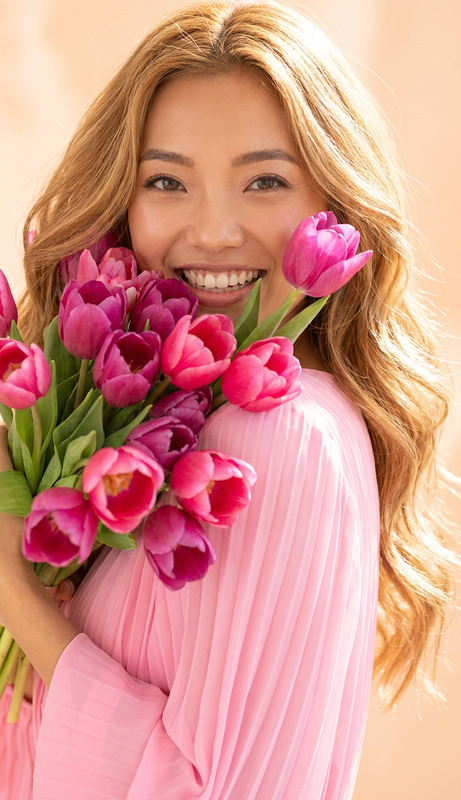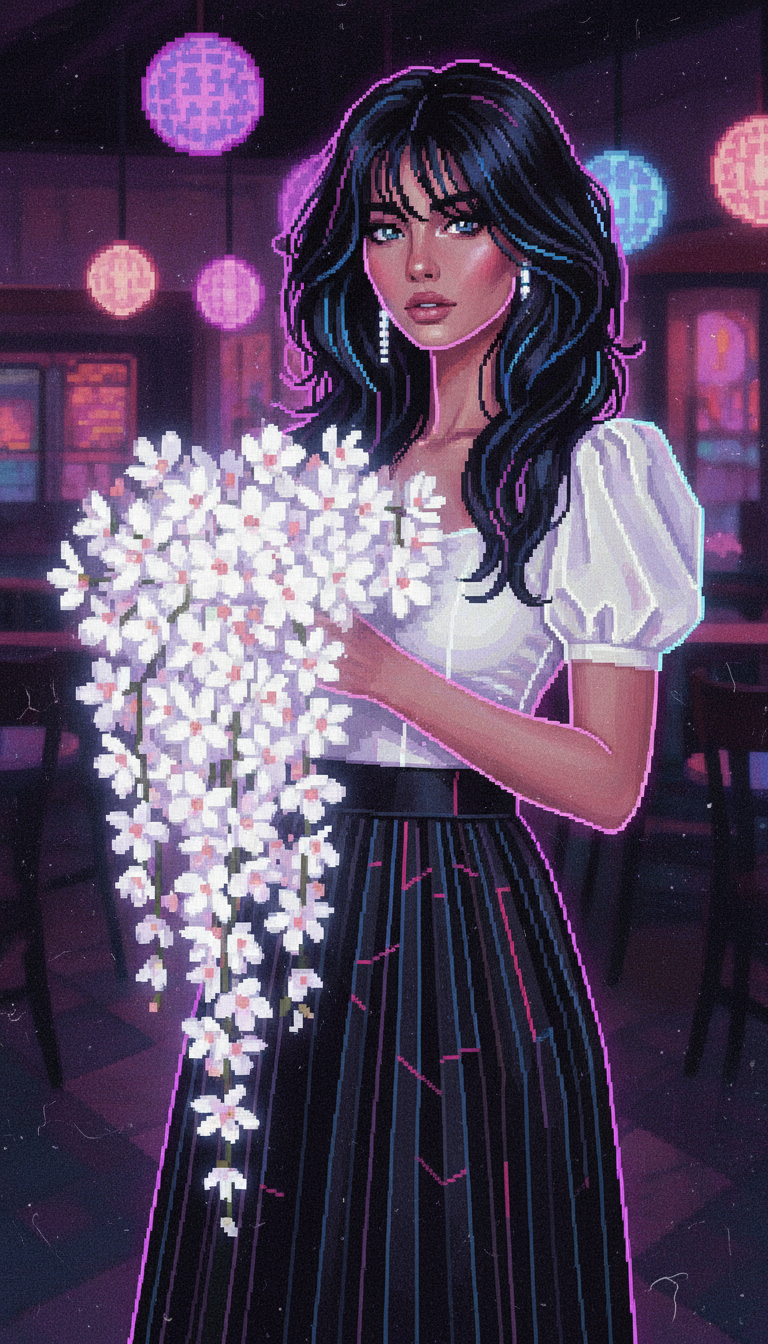
Art Café White Bouquet Portrait
- Model
- Nano Banana
- Image
- 768 × 1344 px
Prompt
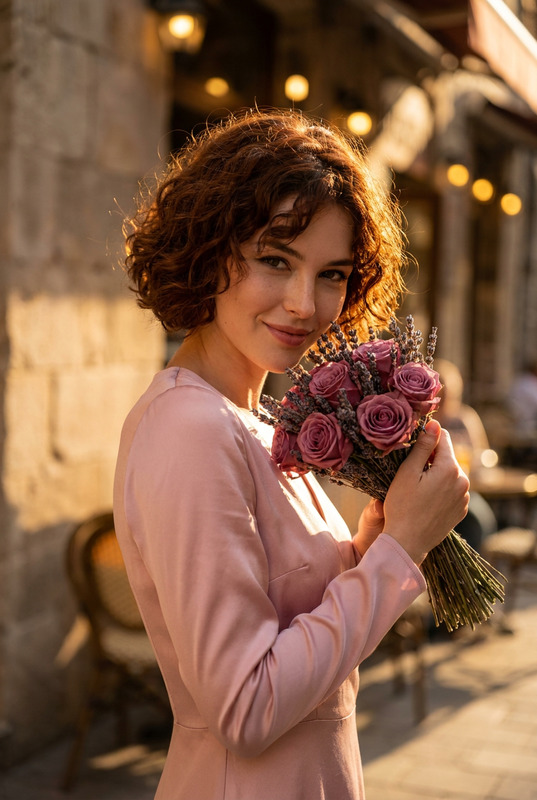
Subject in an art café holding a large bouquet of white flowers, styled in neon pixel aesthetic. Korean-inspired outfit: white puff-sleeve top and black pleated A-line long skirt. Long black butterfly-cut layered hair, voluminous and slightly messy with face-framing strands. Scene transformed into neon pixel style with glowing pink, purple, and blue tones. Dim café background with round light orbs rendered as pixelated bokeh and subtle film grain blended with pixel textures. Cinematic close-up framing, shallow depth of field, ultra-detailed neon pixel art fusion, atmospheric and dreamy mood.
Any aspect ratio
Overview
Explore the Art Café White Bouquet Portrait template, a standout in the AI Image Editor selection. This template leverages the nano-banana model to bring an ultra-detailed, neon pixel aesthetic to life. Perfect for artists and content creators looking to infuse a Korean-inspired, dreamy mood into their images, this tool transforms ordinary scenes into evocative works of art, rendering every detail with precision.
What It Does
This AI Image Editor template transforms your images into a neon pixel art masterpiece. Featuring a subject in an art café holding a white bouquet, the scene is styled with a Korean-inspired outfit and infused with glowing pink, purple, and blue hues. The template expertly applies a pixelated texture across the scene, including pixelated bokeh and subtle film grain for a cinematic and atmospheric finish.
Who It's For
The Art Café White Bouquet Portrait is ideal for photographers, digital artists, and social media influencers who wish to elevate their visual content with a unique aesthetic. It's also perfect for brands and individuals aiming to create visually striking advertisements or personal projects that stand out with a neon pixel twist, similar to those produced using the AI Multi-Angle Generator.
Summary
Unleash the power of neon pixels with this template, transforming mundane images into ultra-detailed art pieces. With a specific focus on color and texture, the Art Café White Bouquet Portrait makes your work memorable and engaging. Discover more about enhancing visual content with the AI Image Upscaler for even greater clarity and detail.
How To
Choose

Customize

Generate

Use Cases
Social Media Makeovers
- Vibrant pixel art aesthetic
- Cinematic imagery
- Enhanced visual storytelling
Digital Art Portfolios
- Dynamic and eye-catching visuals
- Unique style perfect for portfolio pieces
Brand Campaigns
- Engage audiences with vibrant colors
- Stand out from traditional photography
Best Practices
Select High-Resolution Images
Using high-resolution images will yield the best results, maintaining detail and clarity in neon art transformations.Balance Colors with Textures
Adjust the pixel and color settings carefully to avoid overwhelming visual elements. A balanced approach creates visually appealing images.Leverage Different Formats
Experiment with different image formats such as JPEG or PNG to find the most suitable one for your final output.