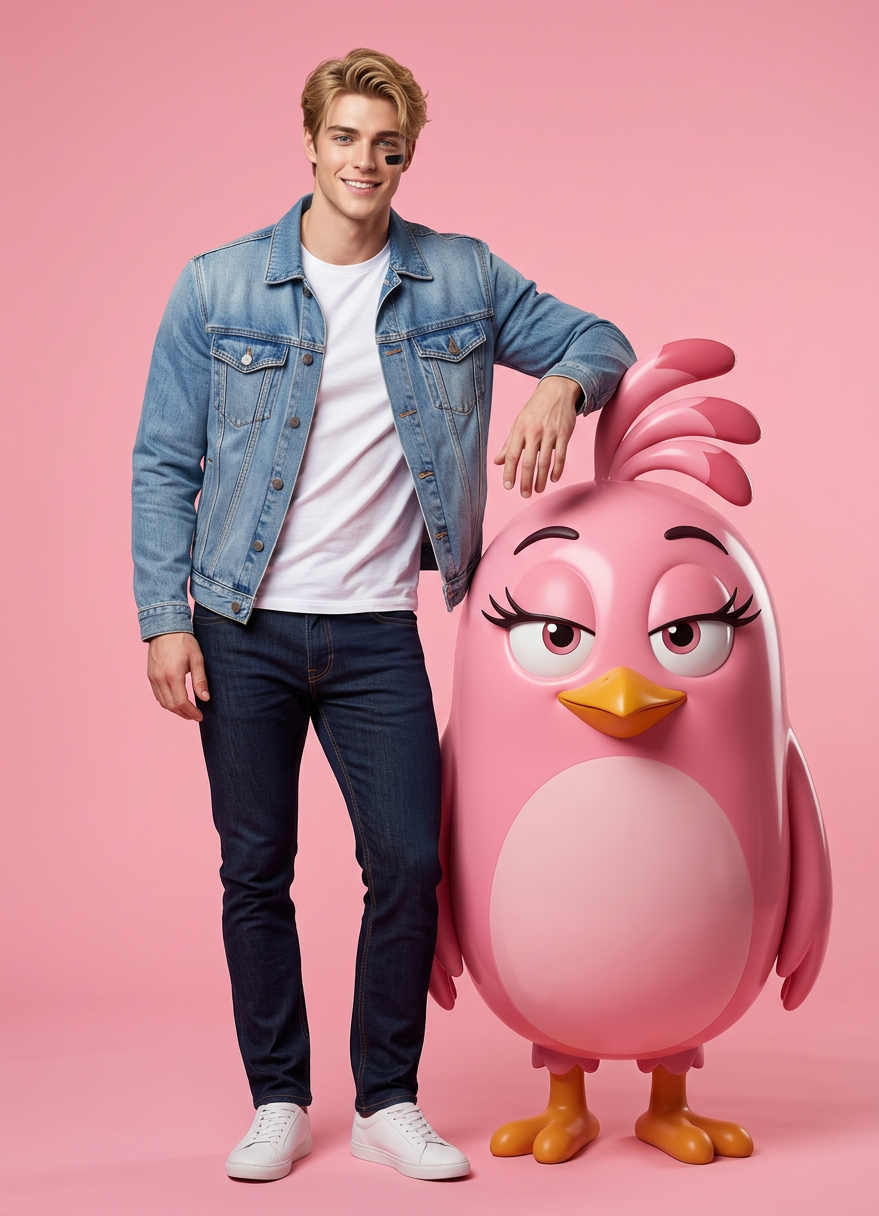
Pink Playful Fashion Studio
ai-image-editor
Any aspect ratio
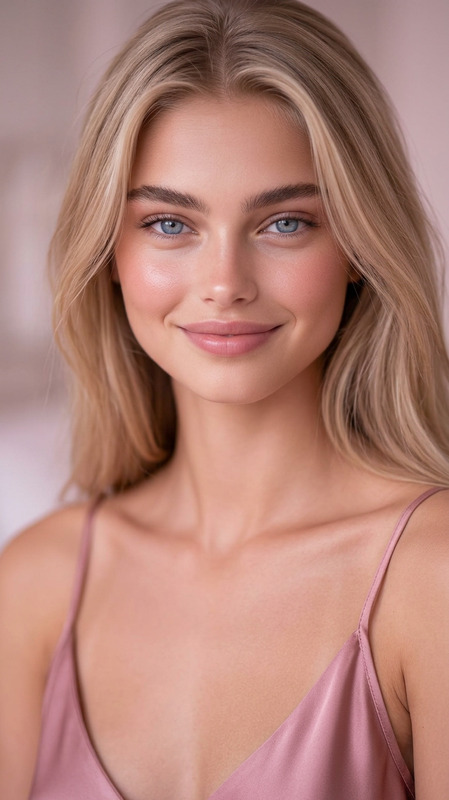
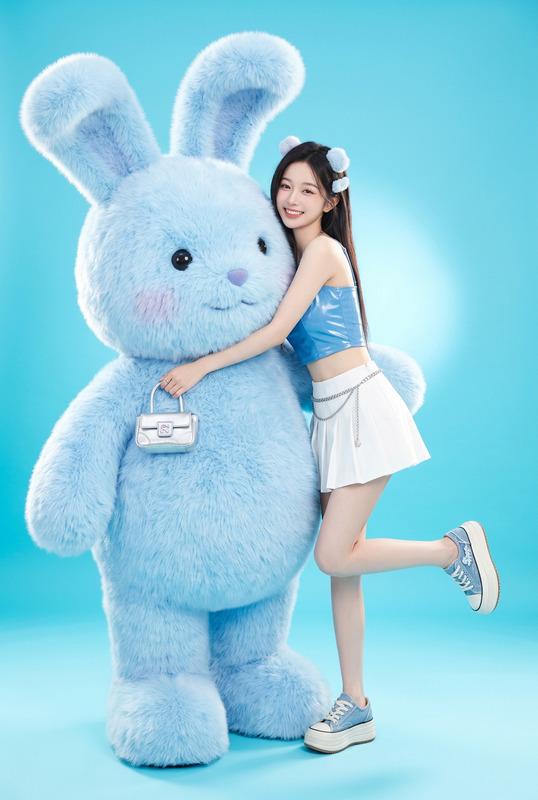
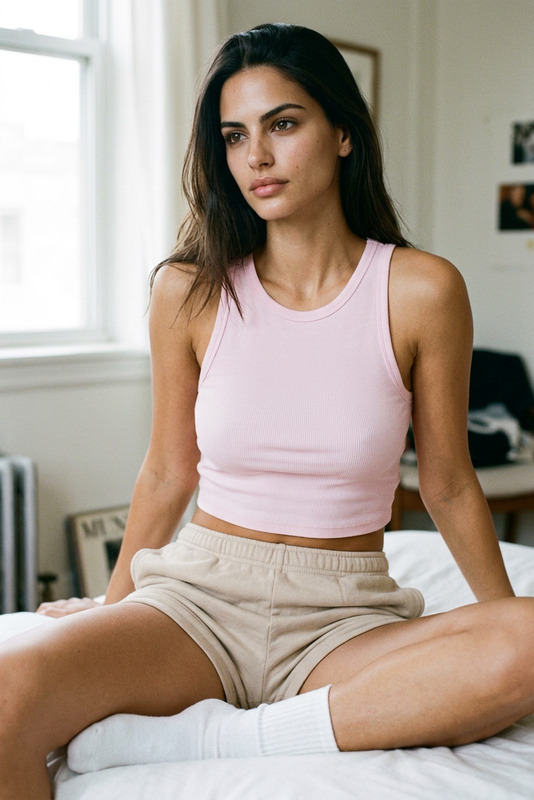
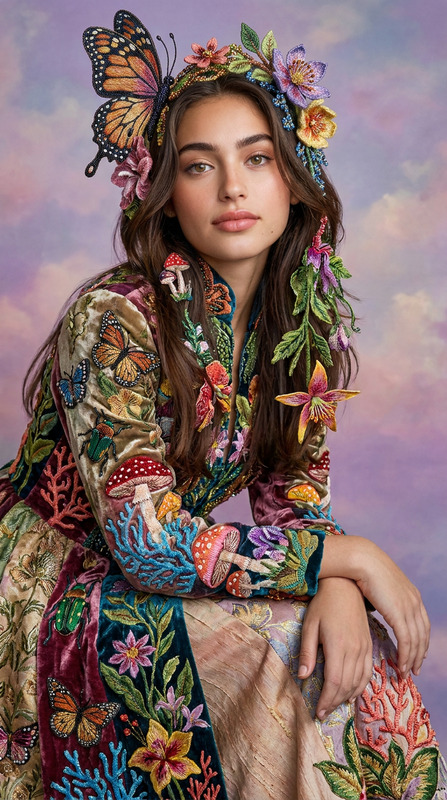
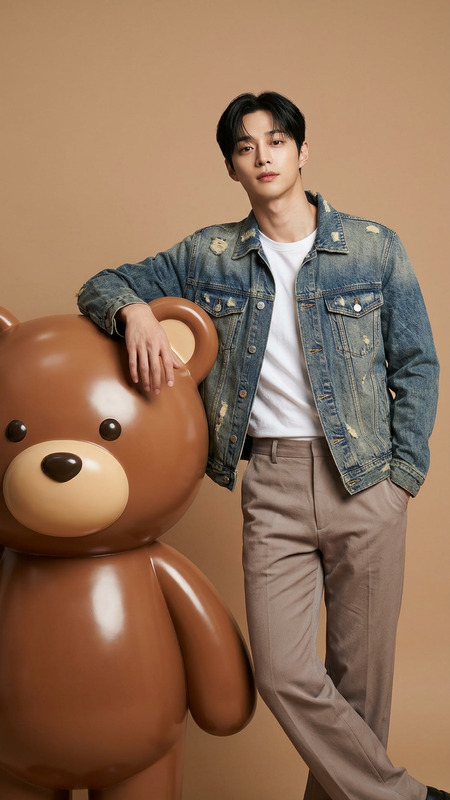
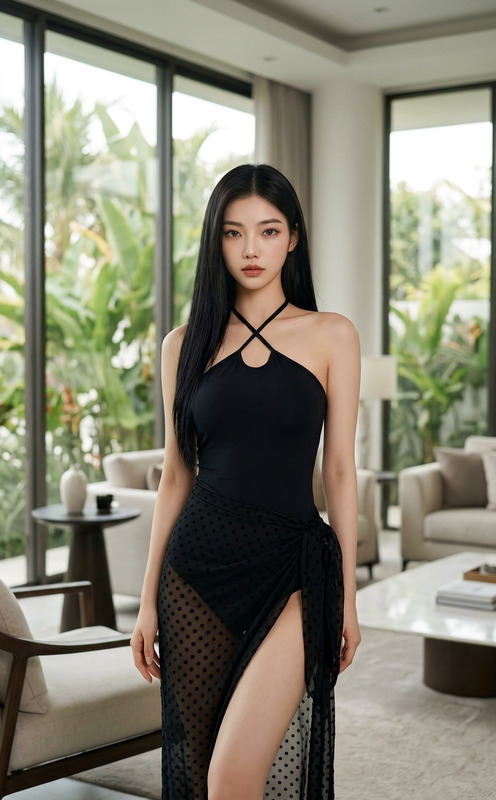
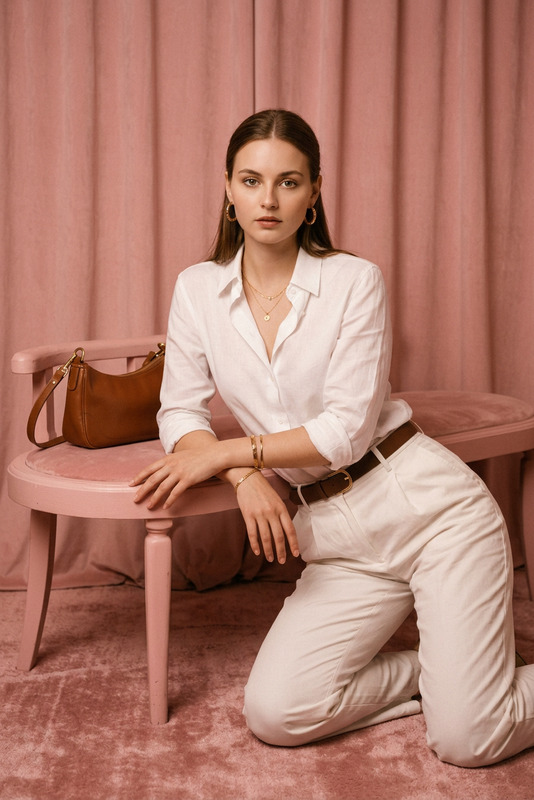
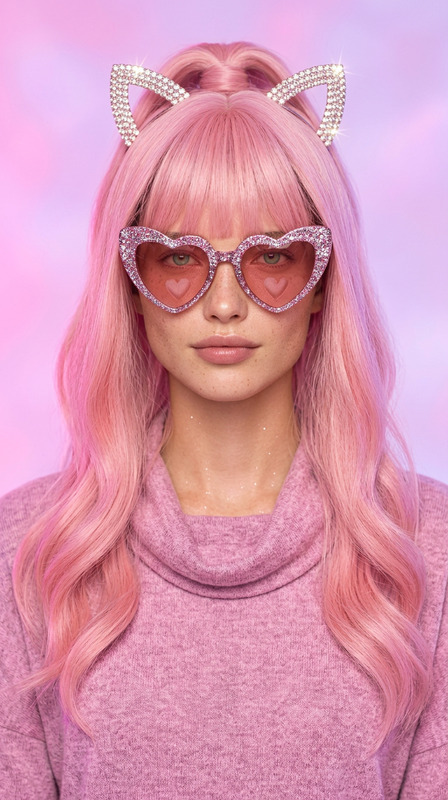
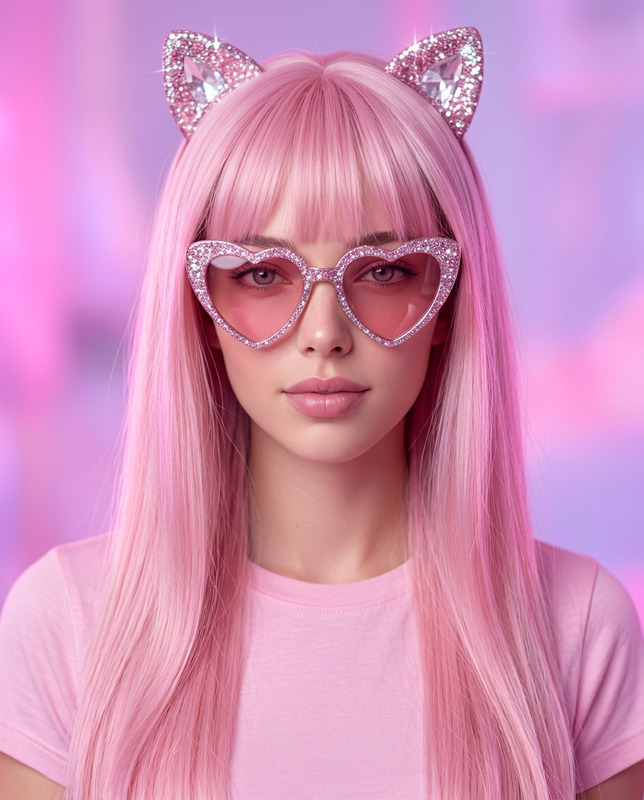
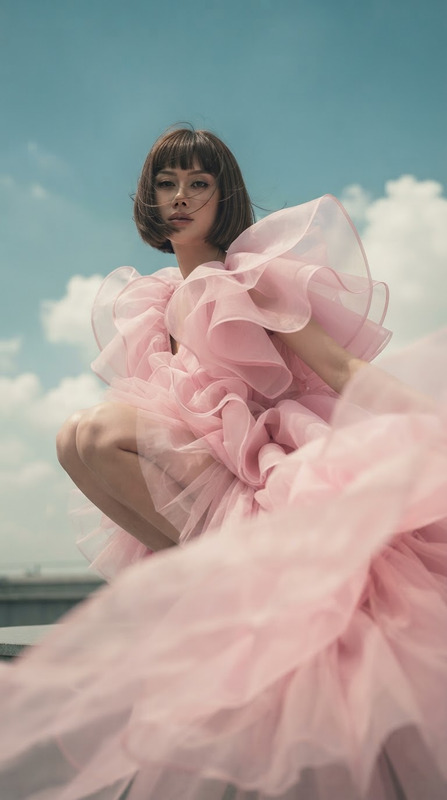
A stylish subject with the exact same face as the reference photo (100% face match), standing confidently with one arm resting casually on a giant 3D-rendered Angry Birds “Pink” character, posing naturally together. The subject has a modern, casual fashion look with a confident and relaxed expression. The scene is set in a professional photo studio with a seamless solid vibrant light pink backdrop. Lighting is soft, evenly diffused, creating clean highlights and minimal shadows. The style is modern fashion photography—playful, bright, and stylish—with hyper-realistic skin texture, sharp fabric details, and accurate lighting reflections on the glossy 3D character. The overall image is ultra-detailed, clean, and polished, combining cartoon-accurate rendering with high-end fashion photoshoot aesthetics.
AI Image Editor Template: Clean Background Product Shot
Create polished, studio-quality product photos from any image in minutes with this AI Image Editor template. Perfect for ecommerce founders, marketers, and designers who need consistent, on-brand visuals without a full photo studio.
What this template does
This template uses the AI Image Editor to:
- Remove cluttered or busy backgrounds
- Replace backgrounds with clean, minimal, or branded scenes
- Fix distracting elements (unwanted objects, reflections, uneven lighting)
- Sharpen and upscale product images for web or marketplace use
You can start from this template and remix it to match your:
- Brand colors and visual style
- Product category (fashion, DTC, SaaS hardware, beauty, food, etc.)
- Channel requirements (Amazon, Shopify, Instagram, TikTok, product hunts, pitch decks)
How to remix this template in Magic Hour
You can recreate and extend this template in a few steps:
Open AI Image Editor
Go to the AI Image Editor and upload a product photo, mockup, or lifestyle shot.Remove the existing background
Use the editor to isolate your main subject (the product or person).
For more advanced control, you can combine this with:- Image Background Remover to strip the background cleanly
- AI Remover or Remove Object from Photo to delete specific distractions (logos, hands, props, wires, etc.)
Generate a new, on-brand background
Use AI to add a new background that matches your brand or use case. For example:- “Soft, minimal studio background in light gray, subtle shadows under product”
- “Glossy marble kitchen counter, daylight, blurred background”
- “Color-blocked gradient in brand colors, modern, clean, high contrast”
You can also use: - AI Background Generator to explore different looks
- AI Art Generator for more stylized or campaign-specific visuals
- AI Illustration Generator for illustrated or flat-design product scenes
Refine and enhance the product itself
Once your background is set, refine the product:- Use the AI Image Upscaler or Unblur Image to improve sharpness
- Use the AI Face Editor or AI Face Generator when your product involves models or faces
- Use AI Clothes Changer or AI Outfit Generator if you’re reframing apparel or fashion products
Create multiple variants for testing
Remix the same base image into multiple versions:- Different color palettes and lighting
- Seasonal or campaign-specific backgrounds
- Platform-optimized crops (thumbnail, hero banner, vertical social post)
For fast experiments, combine with: - Thumbnail Maker for YouTube and social
- Book Cover Generator or Album Cover Generator for content products
- AI Icon Generator for app/store imagery
High-conversion use cases
This template is designed for practical, revenue-driven workflows:
Ecommerce & DTC
- Turn scrappy product shots into marketplace-ready images
- Standardize catalog visuals for Shopify, Amazon, Etsy, and niche marketplaces
- Create hero images, bundle shots, and comparison images
Use alongside: - AI Photo Generator to create new product scenes from scratch
- AI Selfie Generator for UGC-style photos
SaaS & hardware startups
- Clean, realistic mockups of physical products, dashboards, or devices
- Presentation-ready visuals for pitch decks, websites, and investor docs
- Branded hero images for landing pages and launch campaigns
Combine with: - AI Logo Generator to develop brand identity
- AI QR Code Generator for scannable marketing assets
Marketing & performance creative
- Rapidly generate A/B test variants for ads and landing pages
- Localize imagery while keeping the same product core
- Build visual systems for multi-channel campaigns
Useful add-ons: - AI Meme Generator for social-native experiments
- AI GIF Generator for lightweight motion creatives
Extending this template with video and motion
Once you’ve locked in a strong, clean product image, you can repurpose it into motion and video using other Magic Hour tools:
Turn images into short videos
- Use Image to Video to animate your edited product photos
- Use AI Talking Photo for spokesperson-style content with a human face
- Use Text to Video to generate explainer or ad concepts around your product
Add AI voice and captions
- AI Voice Generator or AI Voice Cloner for consistent brand voiceovers
- Auto Subtitle Generator to make social and ad creatives more accessible
Advanced character and animation work
If your product or brand uses characters or mascots:- Animated Characters Generator
- AI Character Generator
- AI Anime Generator
Then connect those assets with: - Animation templates
- Video to Video for stylistic transformations
Related template workflows you can remix
If you like this AI Image Editor template, you can build full creative pipelines by combining it with other Magic Hour templates:
Face-driven content:
- Face Swap Video
- Lip Sync
Use clean, edited images as source inputs and keep backgrounds consistent across campaigns.
Character, cosplay, and fashion:
- Gender Swap
- AI Fashion Generator
- AI Tattoo Generator
- AI Clothes Changer
Edit backgrounds and environments to match each outfit, theme, or persona.
Stylized worlds and storytelling:
- AI Manga Generator
- Comic Book Generator
- Dark Fantasy AI
- Fantasy Map Generator
- DND AI Art Generator
Start from a clean, edited base image and expand into entire illustrated worlds.
Quality, restoration, and archival workflows
For teams working with legacy or mixed-quality assets, this template pairs well with:
- Old Photo Restoration to repair historical or legacy product imagery
- Photo Colorizer to bring black-and-white assets into your modern brand system
- Video Upscaler and AI Image Upscaler to standardize quality for high-resolution sites and print
Tips for getting the most out of this template
Think in systems, not one-offs
Use this template as the “base layer” in a repeatable visual system: one lighting style, one background style, multiple products and variants.Create a reusable brand kit
Once you find a look that works, document it: background style, color ranges, vibes, and any prompt patterns you like. Reuse that across:- Social posts
- Landing pages
- Marketplace listings
- Investor and sales decks
Iterate quickly, then standardize
Use the AI Image Editor to experiment (different backgrounds, props, moods), then standardize on the best-performing variants using the same template logic.
Who this template is for
This AI Image Editor template is built for:
- Startup teams that need premium visuals before they can afford full photo/video production
- Ecommerce operators managing large catalogs across multiple channels
- Performance marketers running continuous creative tests
- Designers and content teams who want fast, consistent, on-brand imagery they can hand off to stakeholders
Remix this template inside the AI Image Editor, combine it with adjacent tools like the AI Background Generator and Image Background Remover, and use it as the foundation for a scalable, AI-first visual pipeline.