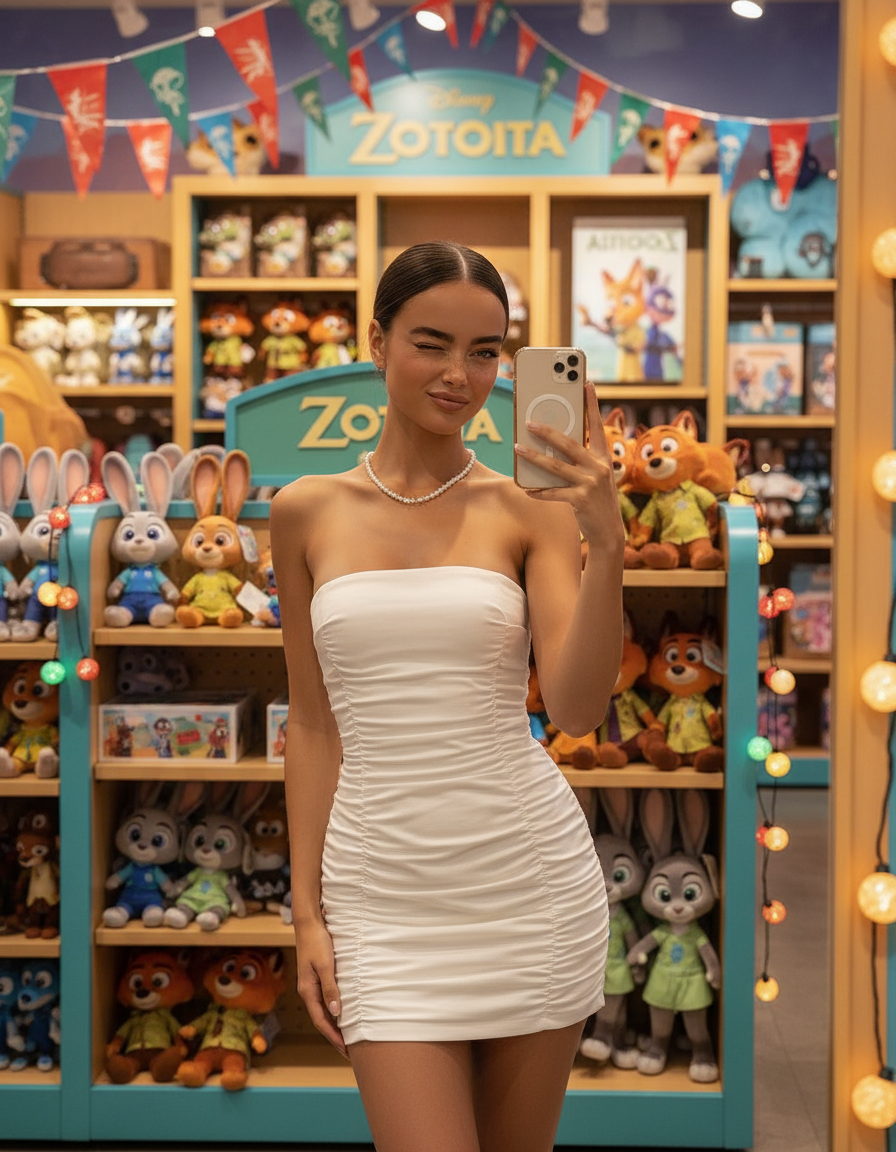
Zootopia Plush Store Selfie
ai-image-editor
Any aspect ratio
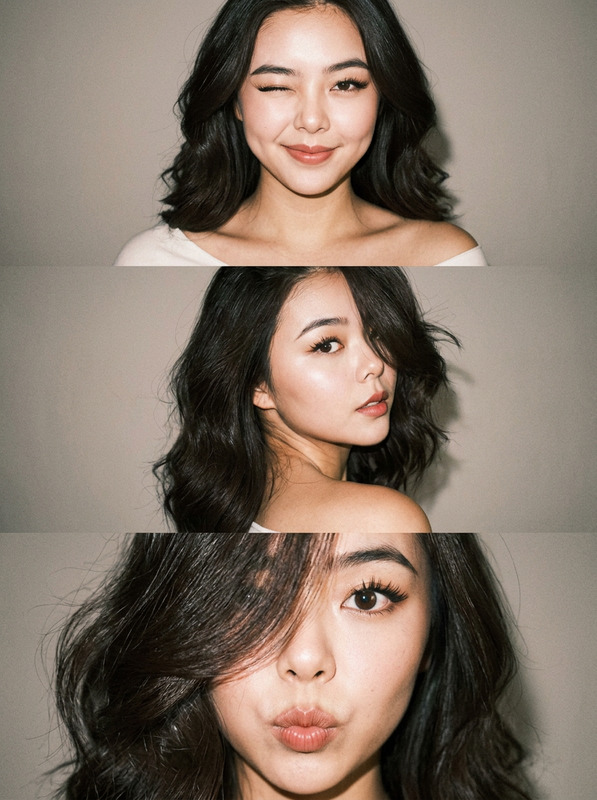
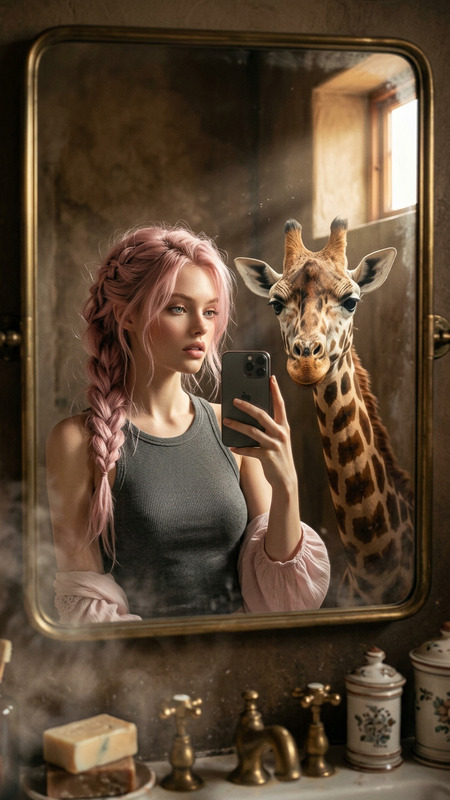
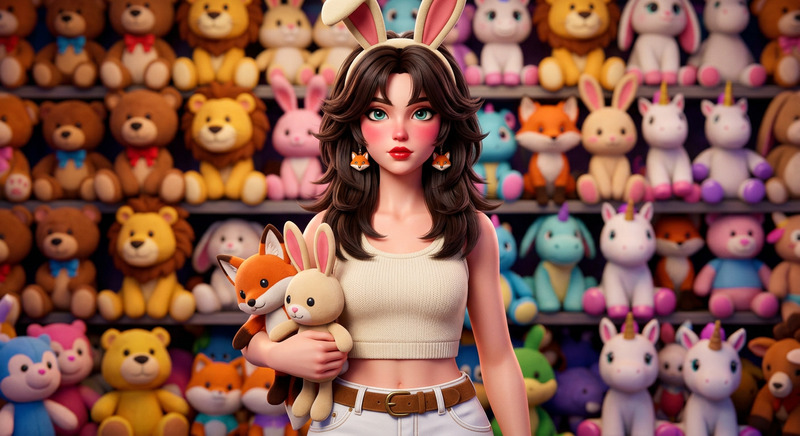
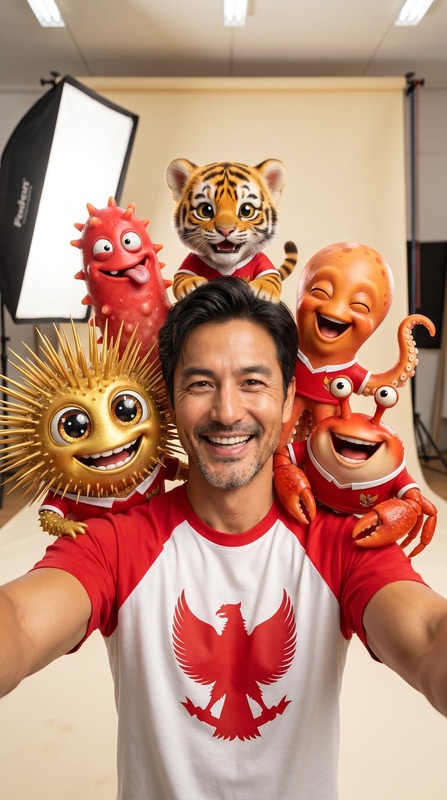
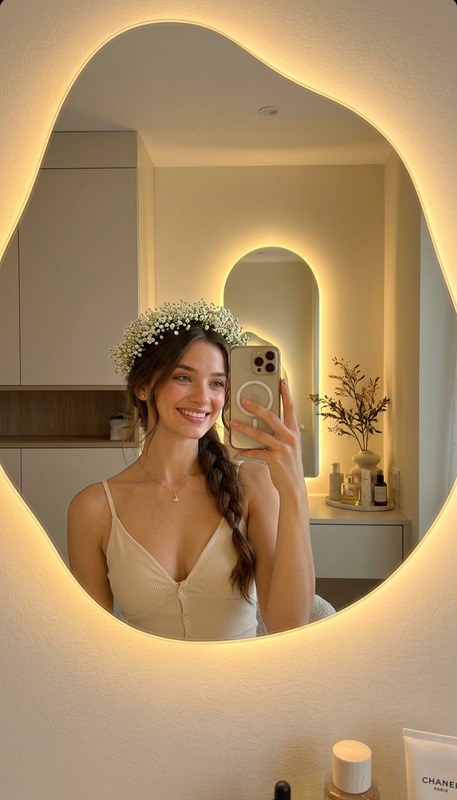
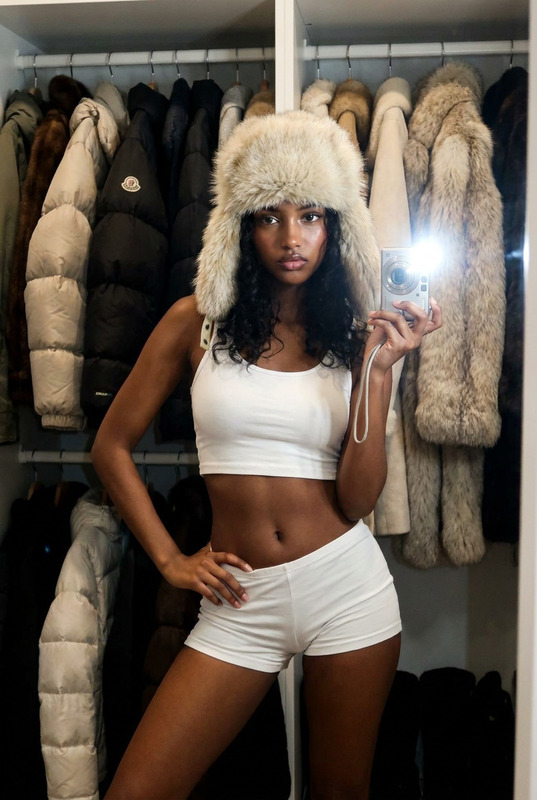
Subject takes a mirror selfie inside a vibrant character merchandise store, wearing a strapless white ruched mini dress and a pearl necklace. Bright Zootopia-themed section with shelves packed full of plush toys and festive decorative lights. Playful wink, cute and flirty expression. Colorful, lively retail environment, soft cinematic lighting, shallow depth of field, ultra-realistic, high detail, aesthetic selfie composition.
AI Image Editor Template: Turn Any Image Into a High-Impact Visual in Minutes
Use this template to quickly clean up, enhance, and transform any image with the AI Image Editor on Magic Hour. It’s designed for creators and teams who need fast, production-ready visuals for campaigns, landing pages, social posts, pitch decks, product shots, and more—without a design team or complex tools.
What This Template Is For
This template is ideal if you want to:
- Remove or replace distracting backgrounds
- Clean up photos (remove objects, text, or people)
- Enhance resolution and sharpness for publishing
- Transform style (photo → illustration, anime, comic, etc.)
- Prepare images for marketing, ecommerce, or product launches
It pairs especially well with:
- AI Image Generator and AI Photo Generator for creating base images
- AI Image Upscaler and Unblur Image for sharpening results
- Image Background Remover and Remove Object From Photo for cleanup and compositing
- AI Background Generator to drop your subject into new environments
How to Remix This Template in Magic Hour
You can use this template as-is, or treat it as a starting point and adapt it to your workflow.
1. Start from the AI Image Editor
- Open the AI Image Editor.
- Upload your base image (photo, screenshot, mockup, or asset).
- Decide what you want to change: background, style, objects, or overall quality.
2. Clean Up and Simplify the Image
Use this step when preparing assets for ads, thumbnails, ecommerce, or presentations.
To remove distractions (logos, people, objects), pair with:
To isolate your subject for compositing:
- Use Image Background Remover
- Then refine and adjust in the AI Image Editor
3. Enhance and Upscale for Publishing
Before you export or use your image in production:
- Improve sharpness and detail with the AI Image Upscaler
- Fix blur issues via Unblur Image
- Restore and modernize old assets with:
This workflow is especially useful for:
- Reusing legacy brand assets in new campaigns
- Repurposing low-res social content for ads or landing pages
- Making investor deck visuals look polished and consistent
4. Change Backgrounds and Environments
To quickly reposition your subject into different contexts:
- Generate new scenes with AI Background Generator
- Design interiors for product or real-estate shots with AI Interior Design Generator
- Build fantasy, game, or worldbuilding backdrops using Fantasy Map Generator
Then, bring your subject and generated background into the AI Image Editor to blend, align, and finalize.
5. Apply Stylization and Branding
You can turn a standard photo into a stylized asset tailored to your brand or campaign.
Use the AI Image Editor in combination with:
- AI Art Generator for stylized artwork
- AI Illustration Generator for editorial and product explainers
- AI Anime Generator, Manga Generator, or Comic Book Generator for stylized campaigns
- Disney AI Generator or Dark Fantasy AI for themed creative concepts
This is useful for:
- Running fast A/B tests on visual style in paid ads
- Creating multiple visual directions for client or stakeholder review
- Building a cohesive visual language across channels
Example Use Cases for This Template
Marketing & Growth Teams
- Clean product screenshots and drop them into branded backgrounds
- Create on-brand images for landing pages and A/B tests in hours, not weeks
- Turn user-generated content into polished case-study visuals
Suggested tools to combine:
- Thumbnail Maker for YouTube and content previews
- Album Cover Generator and Book Cover Generator for campaign visuals
- AI Meme Generator for fast social experiments
Founders & Startup Teams
- Refine pitch deck visuals using AI Image Editor + AI Logo Generator
- Generate credible “product in use” mockups with AI Photo Generator
- Create consistent brand avatars with Avatar Generator, then fine-tune them in the editor
Creators & Content Teams
- Turn a single selfie into multiple content formats using:
- Design merch or artwork with AI Tattoo Generator, Graffiti Generator, or AI Fashion Generator, then refine designs in the AI Image Editor
From Static Image to Video and Animation
You can treat this template as the “image hub” for a full media pipeline. After editing, you can feed the result into:
- Image to Video to animate still images
- Video-to-Video Templates to stylize existing footage
- Animation Templates to turn characters or scenes into animated clips
- AI GIF Generator to create loopable assets for social
To add faces, speech, or performance:
- Face Swap and Face Swap GIF
- Face Swap Video Templates to drop your edited face into existing videos
- AI Talking Photo to animate portraits
- Lip Sync Templates to sync edited faces to audio
- AI Voice Generator and AI Voice Cloner to create or clone narration
- Text to Video to expand a single edited image into full video narratives
Designing Characters, Avatars, and Full-Body Shots
Use the AI Image Editor together with character tools when you need repeatable, recognizable visuals:
- Generate characters via AI Character Generator, Animated Characters Generator, or AI Face Generator
- Design complete looks with Full Body Generator and AI Outfit Generator
- Refine proportions, lighting, and composition inside the AI Image Editor to prepare for:
- Storyboards
- Game assets
- Brand mascots
- Explainer content
For thematic projects, consider:
- Superhero Generator
- Pokemon Generator
- DND AI Art Generator
- Architecture Generator for worldbuilding backgrounds
Remixing and Extending This Template
To create your own version of this template in Magic Hour:
Import or Generate a Base Image
- Start from a real photo, design mockup, or an AI-generated image using:
- AI Photo Generator
- AI Art Generator
- AI Icon Generator for UI assets
- Start from a real photo, design mockup, or an AI-generated image using:
Edit and Standardize in AI Image Editor
- Use a consistent visual style (lighting, color palette, framing) across all assets.
- Save your edited outputs as your “brand baseline” images.
Create a Reusable Workflow
- For avatars and faces: combine AI Headshot Generator, Gender Swap, and AI Image Editor.
- For product visuals: combine AI Background Generator, Image Background Remover, and AI Image Upscaler.
- For content thumbnails and covers: use Thumbnail Maker, Album Cover Generator, and Book Cover Generator, then refine typography and composition in the AI Image Editor.
Document Your Pipeline
- Define a standard sequence (e.g., Generate → Edit → Upscale → Export) so you or your team can reproduce results quickly.
- Keep a small reference set of “approved” outputs to maintain visual consistency.
Why Use This Template Instead of Traditional Tools?
For busy teams and solo builders, this template plus the AI Image Editor offers:
- Speed: Go from raw to production-ready in minutes rather than days of manual editing.
- Consistency: Reuse the same workflow across campaigns, channels, and formats.
- Flexibility: Easily pivot between use cases (ads, pitch decks, product shots, thumbnails) using the same core process.
- Scalability: Generate large sets of variations—backgrounds, styles, crops—without additional design overhead.
If you’re building a repeatable content pipeline or need to modernize how your team produces visuals, this template is meant to be your starting point: edit once, then remix across Magic Hour’s image, video, and voice tools.