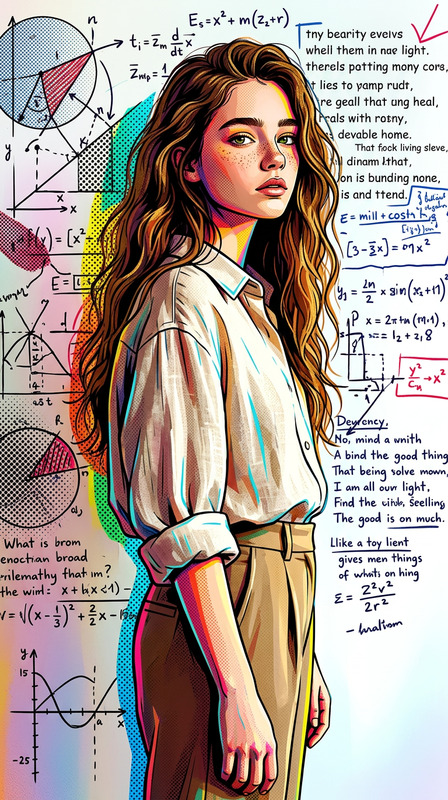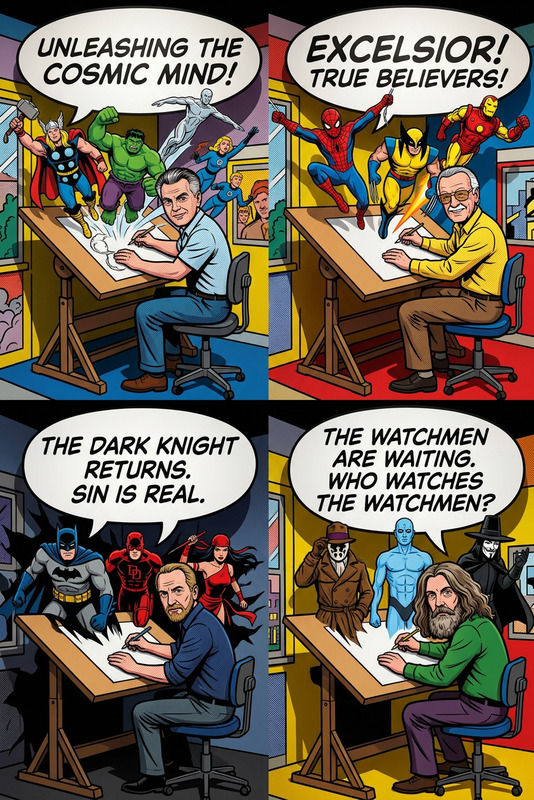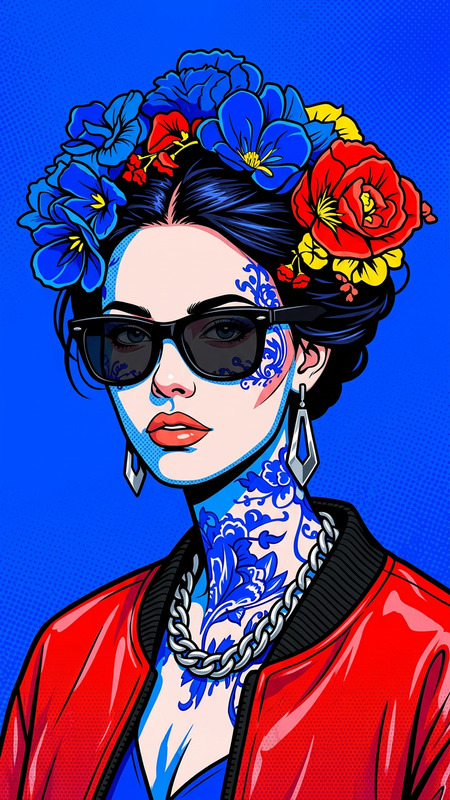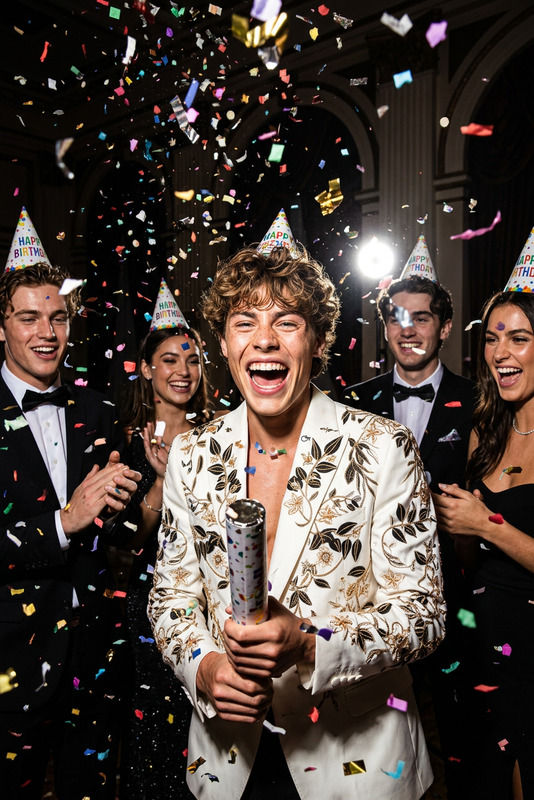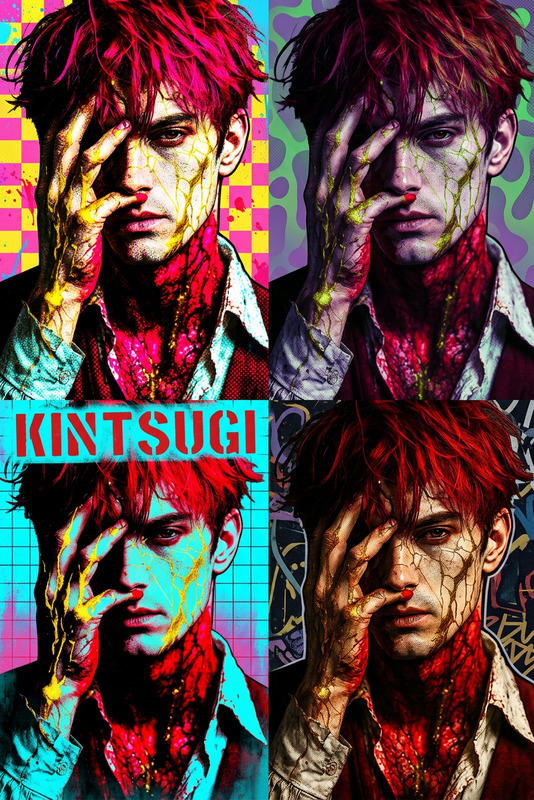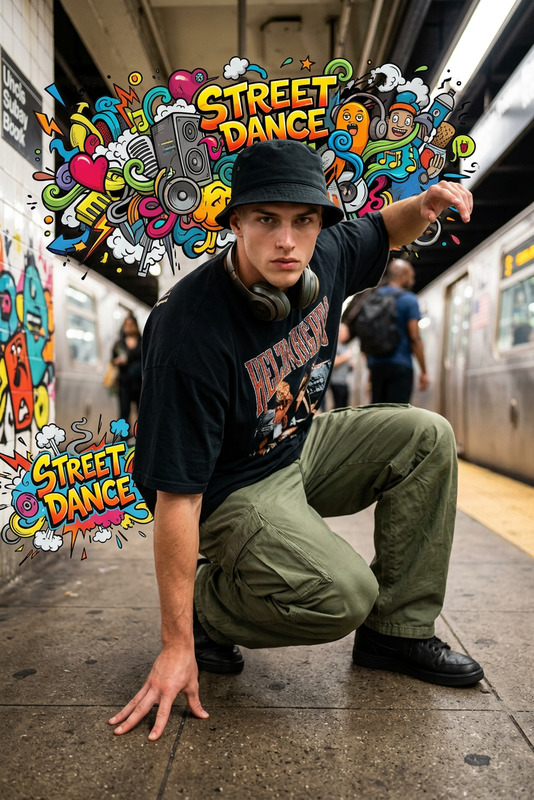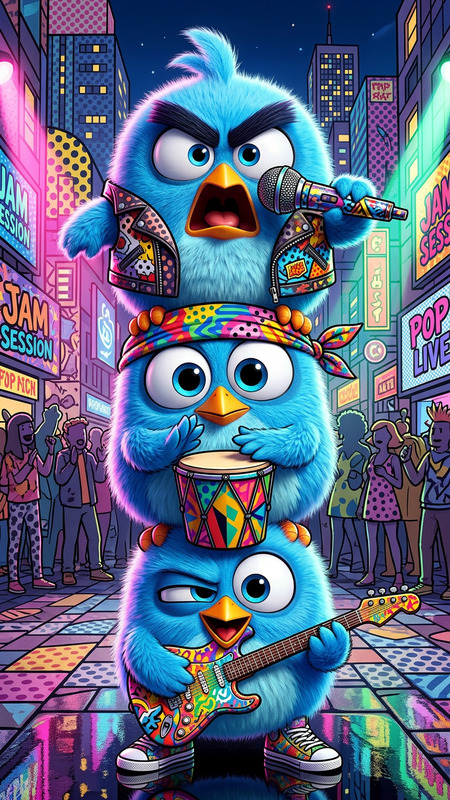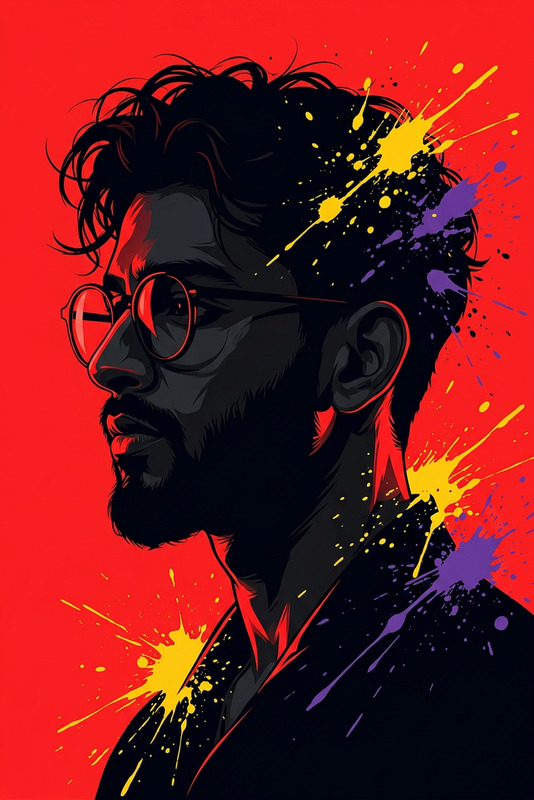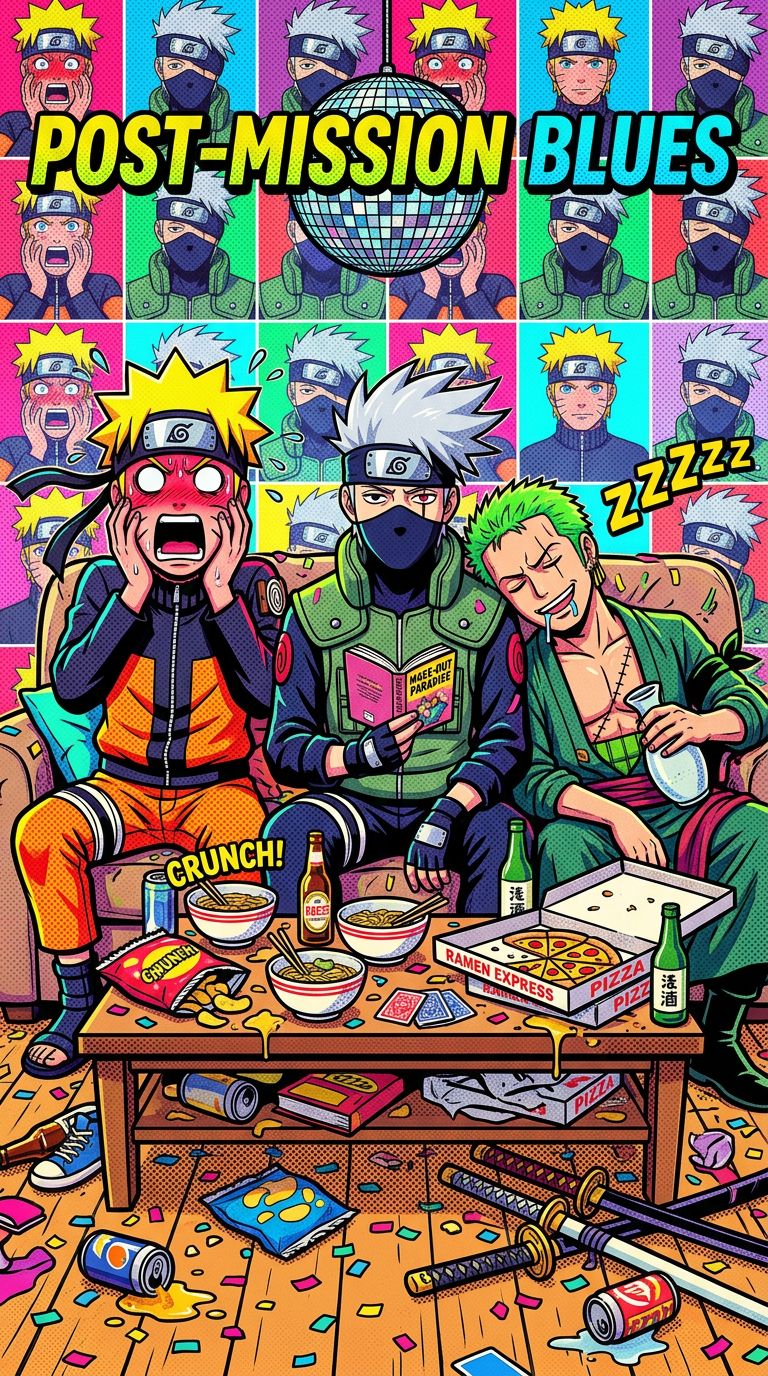
Afterparty Chaos
- Model
- Nano Banana 2
- Image
- 768 × 1376 px
Prompt
A chaotic, humorous afterparty living room scene reimagined in bold Pop Art style inspired by Andy Warhol, featuring halftone dots, high-contrast colors, and graphic comic-style outlines. The composition centers on a messy couch and a cluttered coffee table filled with party leftovers—bottles, pizza boxes, wrappers, and confetti scattered across the floor. On the left, a subject sits with an exaggerated shocked expression, face flushed and sweating, rendered in stylized comic tones. In the center, another subject appears intensely focused, staring blankly ahead, oblivious to the chaos. The entire scene uses vibrant, saturated colors, Ben-Day dot textures, and bold outlines to create a playful, ironic contrast with the messy setting. Lighting mimics harsh disposable camera flash but translated into flat graphic shading. The mood is silly, chaotic, and energetic, with a retro comic-book aesthetic and layered Pop Art composition.
Any aspect ratio
Overview
The Afterparty Chaos template takes your artistic vision into the dynamic world of Pop Art. This AI Image Editor utilizes the nano-banana-2 model to infuse your scenes with vibrant colors, halftone dots, and bold comic-style lines. Capture the organized disarray typical of an afterparty with a playful and energetic flair inspired by Andy Warhol’s famed style.
What It Does
This template transforms ordinary images into a chaos-filled Pop Art masterpiece. By focusing on the quintessential elements of afterparty chaos—a cluttered coffee table, scattered party remnants, and expressive subjects—it creates a visually engaging scene. The template's use of saturated colors and comic-book aesthetics ensures your images not only stand out but resonate with the retro Pop Art vibe.
Who It's For
The Afterparty Chaos template is perfect for digital artists, graphic designers, and content creators who love the Pop Art aesthetic. It's ideal for individuals looking to add humor and high-energy artistry to their projects, making it a great tool for creating unique social media content or poster designs.
Summary
Turn mundane images into extraordinary Pop Art scenes with the Afterparty Chaos template. By adding high-contrast colors and comic styles to everyday chaos, this template lets creators deliver bold and humorous visuals. Explore more on our AI Image Generator to expand your creative possibilities.
How to Use
Choose the Template

Customize Your Scene

Generate and Download

Use Cases
Social Media Content
- Engage followers with eye-catching Pop Art designs.
- Perfect for Instagram posts and stories.
Poster and Print Design
- Ideal for modern art prints.
- Great for creating party or event posters.
Creative Projects
- Showcase humor and chaos in art projects.
- Excellent for student art assignments and exhibitions.
Best Practices
Select the Right Images
Use images that already have some elements of chaos or humor to better capture the theme.Focus on Expression
Highlight exaggerated facial expressions to enhance the comic feel.Adjust Color Settings
Use the hue and saturation tools to achieve the bold, saturated look characteristic of Pop Art.