Night Pool Stylized Portrait
ai-image-editor
Any aspect ratio
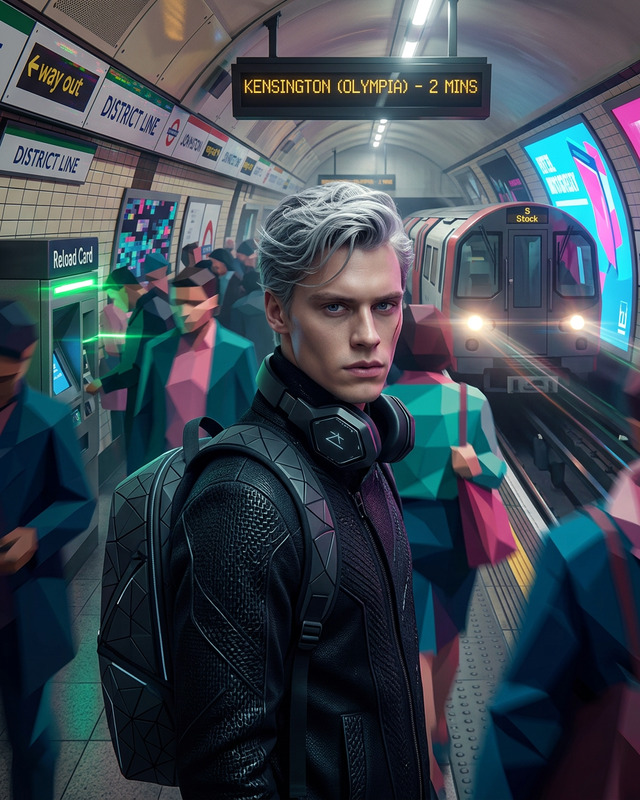
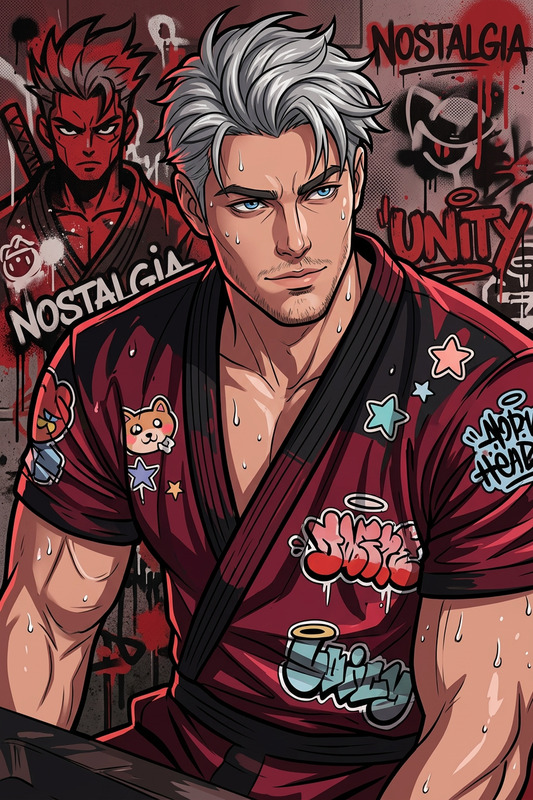
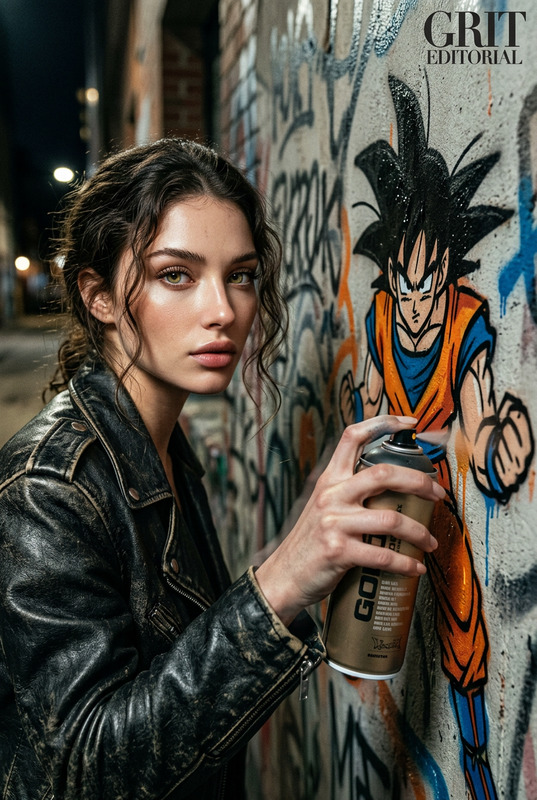
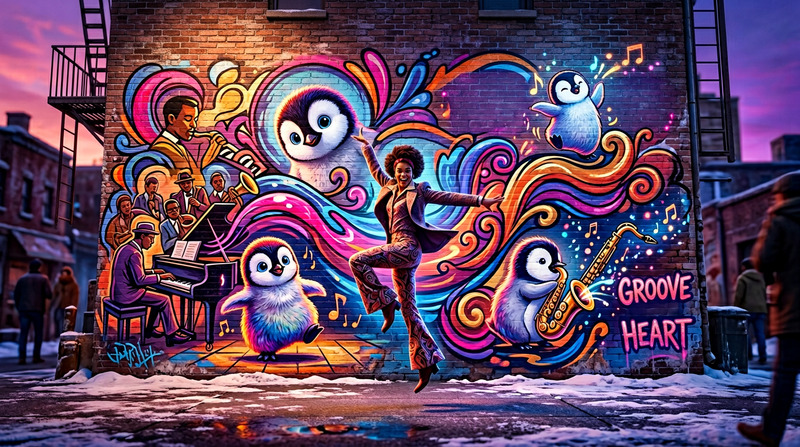
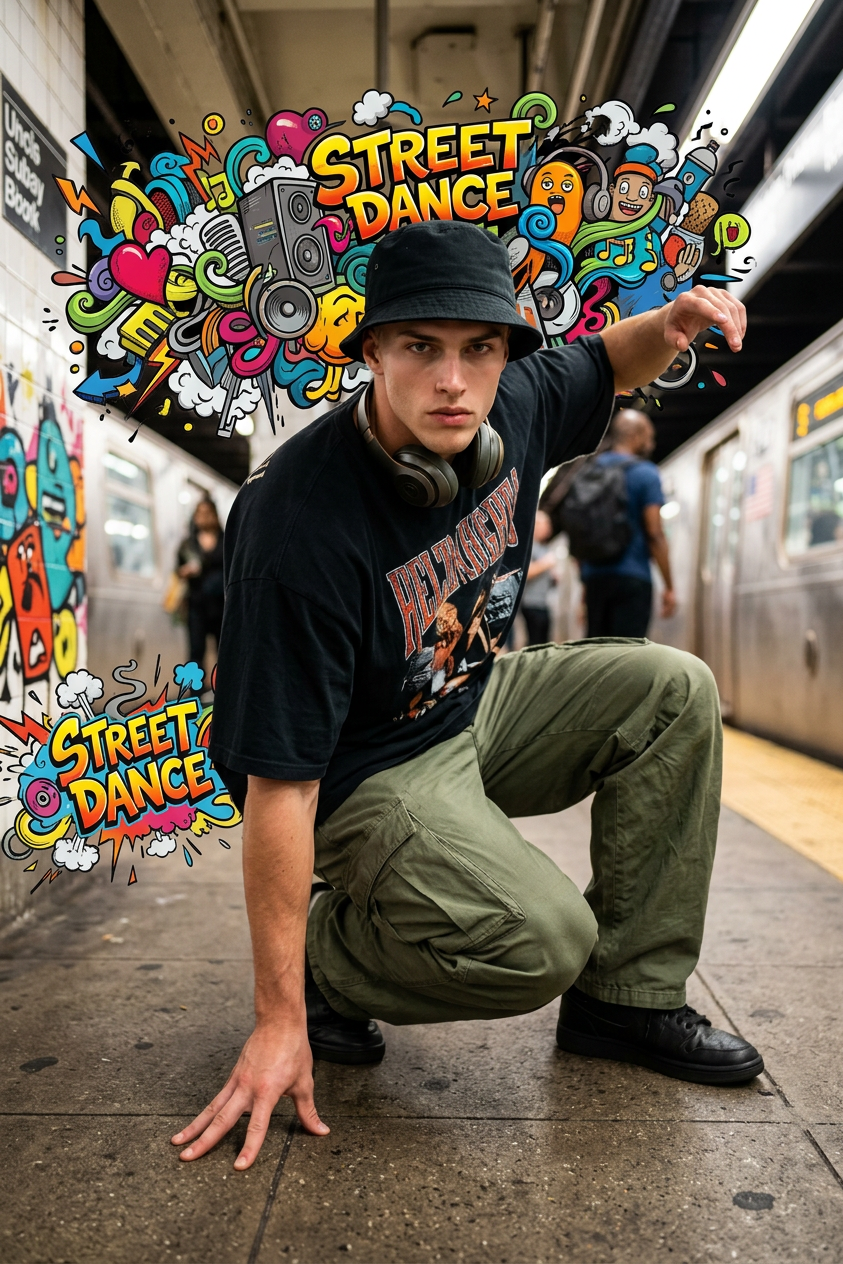
Photorealistic young street dancer (20s) crouching on a subway platform wearing oversized tee, baggy cargo pants, bucket hat, and headphones, surrounded by explosive 2D graffiti musical doodles visualizing bass, urban hip-hop vibe, blurred trains in background, high-contrast cinematic lighting, mixed-media graffiti + photography style, ultra dynamic and detailed.
AI Image Editor Template: Smart Editing for Creators, Marketers & Builders
Use this AI Image Editor–powered template to turn rough visuals into polished, on-brand assets in minutes. Whether you’re shipping a landing page, a product launch, or a campaign concept, this template helps you quickly clean up, transform, and iterate on images with minimal manual design work.
What You Can Do With This Template
This template is built on the AI Image Editor, so you can:
- Retouch and enhance: Clean up photos, refine faces, sharpen details, and fix small visual issues.
- Change or remove elements: Remove unwanted objects, swap items, adjust composition, or reframe a scene.
- Rewrite the background: Replace cluttered or off-brand backgrounds to match your product, brand, or campaign.
- Style and branding tweaks: Nudge your images toward a specific aesthetic (minimalist, cinematic, editorial, anime, etc.).
- Prep assets for other AI tools: Create “source” images that work better with tools like Image to Video or Text to Video.
Use it for:
- Landing page hero images
- Product mockups and ecommerce photos
- Social media and ad creatives
- App UI/UX shots and pitch decks
- Thumbnails and content marketing visuals
How to Remix This Template in Magic Hour
You can create your own version of this template in a few steps:
Open AI Image Editor
Go to the AI Image Editor.Upload or generate a base image
- Upload existing brand/product photos, screenshots, or campaign visuals.
- Or use the AI Image Generator or AI Photo Generator to create a starting image from text.
Define your editing goal clearly
Before editing, decide what this “template” is for:- “Clean, product-first ecommerce images for a Shopify store”
- “Pitch-deck friendly mockups with simple backgrounds and clear focus”
- “Social ads with bold colors and clear focal point”
Writing this down as a short internal spec makes your edits repeatable across multiple images.
Edit in structured passes
Instead of random edits, treat each pass as a reusable pattern:Pass 1 – Cleanup & Retouch
Use AI Image Editor alongside tools like AI Remover, Remove Object from Photo, or Watermark Remover to:- Remove distractions or unwanted objects
- Clean backgrounds and fix obvious flaws
- Prepare a high-quality “base asset” you can reuse
Pass 2 – Composition & Background
Decide what you want the viewer to focus on, then:- Simplify or replace backgrounds using Image Background Remover and AI Background Generator
- Re-center products or people so the layout works across formats (web, mobile, social)
Pass 3 – Style & Branding
Align the visual style with your brand or campaign:- Use AI Art Generator or AI Illustration Generator to experiment with stylistic variants
- Generate on-brand avatars or characters (e.g. Avatar Generator, AI Character Generator, Animated Characters Generator) and integrate them into your edited images
Document your “house style” for reuse
Once you like the result, document what you did in a repeatable way:- What kind of background (color, texture, environment)
- How much detail and contrast
- Overall mood (bright/clean vs. dark/cinematic vs. playful)
- Any “signature” elements (glow, grid, typography placement, etc.)
This lets you open AI Image Editor later, follow the same pattern, and maintain consistent visuals across campaigns.
Advanced Use Cases For Teams & Builders
This template is particularly useful if you:
Run performance marketing
- Quickly A/B test creatives by generating multiple variants of the same image.
- Use AI Image Editor with the Thumbnail Maker and AI Meme Generator to spin up click-worthy assets that stay on brand.
Build product or startup landing pages
- Combine AI Image Editor with AI Icon Generator and AI Logo Generator to produce a full asset set: logo, icons, hero images, product shots.
- Enhance headshots and team photos with the AI Headshot Generator and then fine-tune them in the editor.
Create character- or narrative-driven brands
- Use AI Anime Generator, Disney AI Generator, or AI Manga Generator to create characters, then refine and integrate them with AI Image Editor.
- Extend these assets into motion with Image to Video or Video to Video templates.
Ship content-heavy products (courses, newsletters, media)
- Turn rough concept sketches into clean illustrations using Photo to Sketch + AI Image Editor.
- Design book or course covers via the Book Cover Generator and refine final details in the editor.
Combining This Template With Other Magic Hour Tools
Power users often chain tools to create higher-quality outputs with less manual work. Useful combinations include:
Image → Video workflows
- Design a polished key visual with AI Image Editor.
- Animate it using Image to Video or Text to Video.
- Add lip sync or character performance using Lip Sync or Animation templates.
People & faces
- Generate or enhance faces with AI Face Generator, AI Face Editor, or AI Selfie Generator, then retouch and contextualize them with AI Image Editor.
- Use Gender Swap or Face Swap / Face Swap GIF for alternate personas, and refine outputs in the editor.
Product photos & fashion
- Quickly experiment with different outfits or looks using AI Clothes Changer, AI Outfit Generator, or AI Fashion Generator.
- Clean and standardize the final assets using AI Image Editor for catalogs, marketplaces, and social ads.
Upgrading legacy or low-quality assets
- Restore or fix old assets with Old Photo Restoration, Unblur Image, and Photo Colorizer.
- Upscale and polish with AI Image Upscaler, then apply final styling or branding tweaks in AI Image Editor.
Recommended Patterns for Consistent, High-Quality Templates
To make this template truly reusable across projects and teams:
Standardize background logic
Decide on a small set of backgrounds that match your brand (e.g., light gradient, dark glassmorphism, simple studio backdrop) and recreate them via AI Image Editor + AI Background Generator.Define a character/subject system
If you often use characters (realistic, anime, or stylized), create them once with tools like AI Character Generator, Superhero Generator, or Pokemon Generator, then reuse and refine with AI Image Editor.Lock in “hero” layouts
For landing pages or campaigns, keep a few consistent layout patterns (centered hero, split left-right, collage grid). Use AI Image Editor to fit new content into those patterns rather than reinventing each time.Protect clarity and legibility
When preparing assets that will be combined with text (ads, thumbnails, covers), generate or edit images with empty or low-detail zones where text will sit. Pair this with Thumbnail Maker or Album Cover Generator for predictable, readable results.
Example Pipelines You Can Recreate
You can remix this template into multiple workflows. For example:
Landing page hero creation
- Generate a product or concept image with AI Photo Generator.
- Edit and standardize style with AI Image Editor.
- Remove distractions with Remove Object from Photo.
- Export variants for A/B testing different value propositions.
Pitch deck visuals
- Generate conceptual illustrations with AI Art Generator or AI Illustration Generator.
- Refine consistency (color, style, composition) using AI Image Editor.
- Create icons and supporting graphics via AI Icon Generator and tune them in the editor.
Narrative character brand + short video
- Create main character art using AI Anime Generator or Animated Characters Generator.
- Clean up and stylize with AI Image Editor.
- Animate the character via Animation templates or Video to Video.
- Add voice with AI Voice Generator or clone your own voice via AI Voice Cloner.
Why Use AI Image Editor as a Template Foundation
Using AI Image Editor as the backbone of a template gives you:
- Speed – Batch-iterate visuals without starting in a traditional design tool every time.
- Consistency – Apply the same look and feel across campaigns, pitches, and experiments.
- Interoperability – Feed clean, well-structured images into other Magic Hour tools (image-to-video, talking photos, face swap, QR codes, etc.) to reduce artifacts and misfires.
- Scalability – Once you lock in a pattern, non-designers on your team can remix it reliably.
You can also connect this to adjacent tools like:
- AI Talking Photo (turn edited portraits into speaking avatars)
- AI QR Code Generator (design creative, scannable QR codes that visually match your edited assets)
- AI Meme Generator (fast experiments for social content using your branded images)
Use this template as a starting point, then refine it into your own in-house “visual system” by repeatedly editing, documenting what works, and chaining AI Image Editor with the other Magic Hour tools that best match your product or campaign.