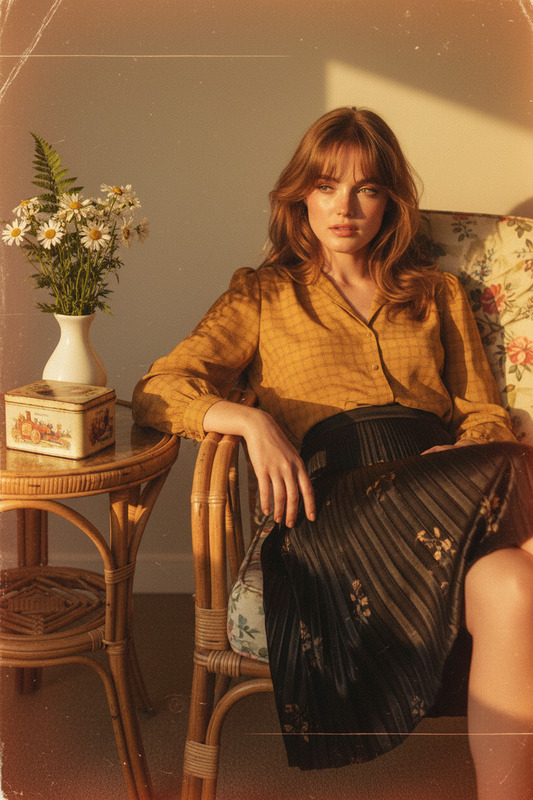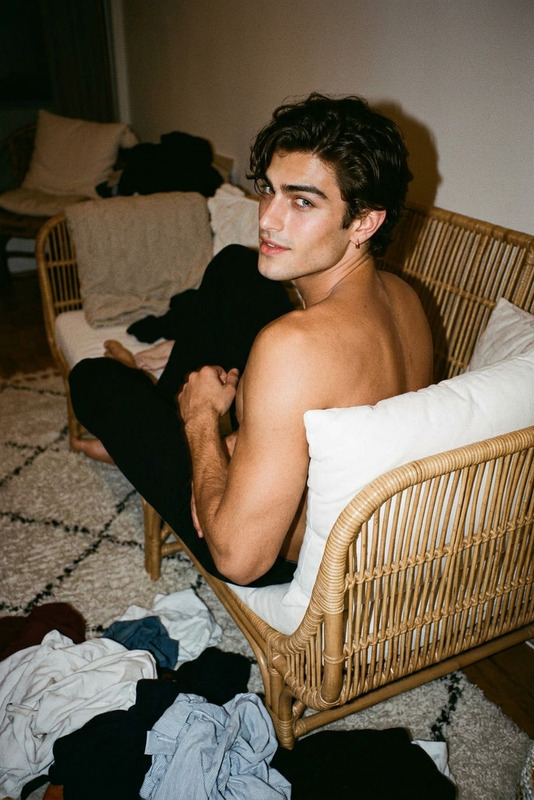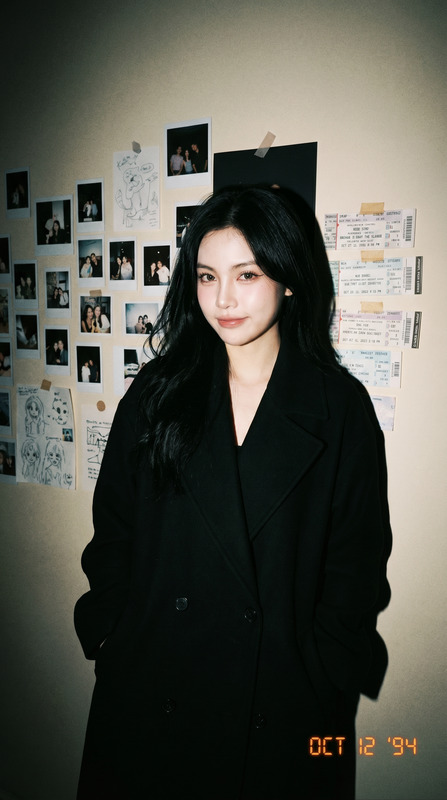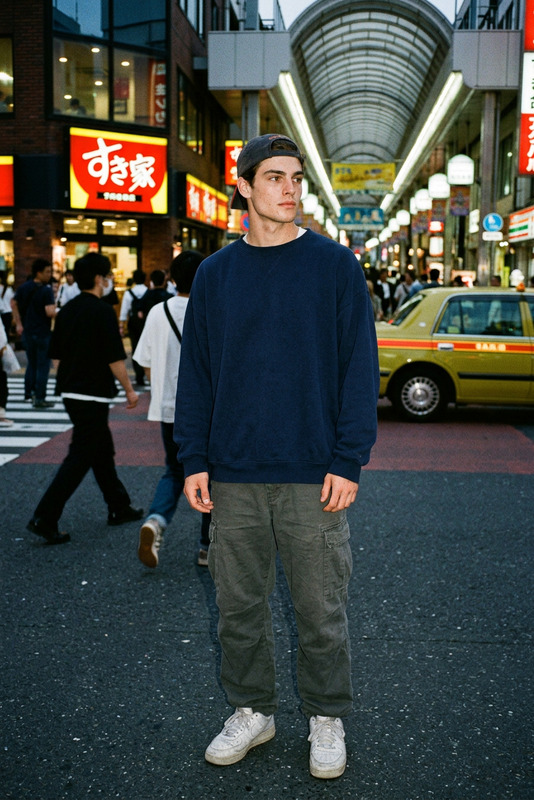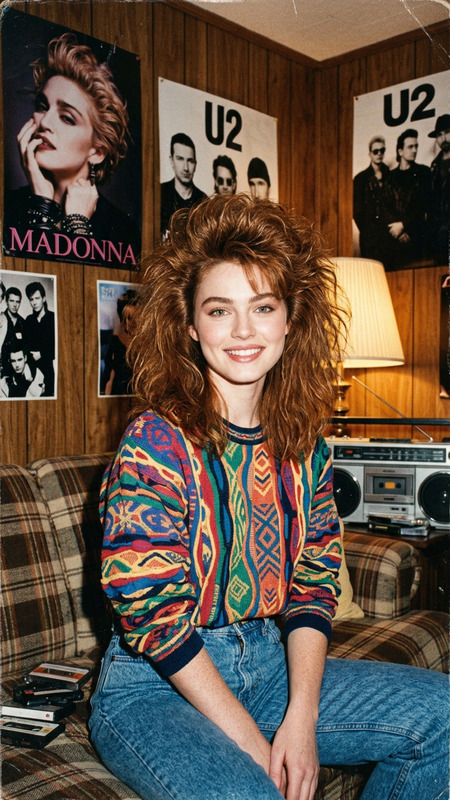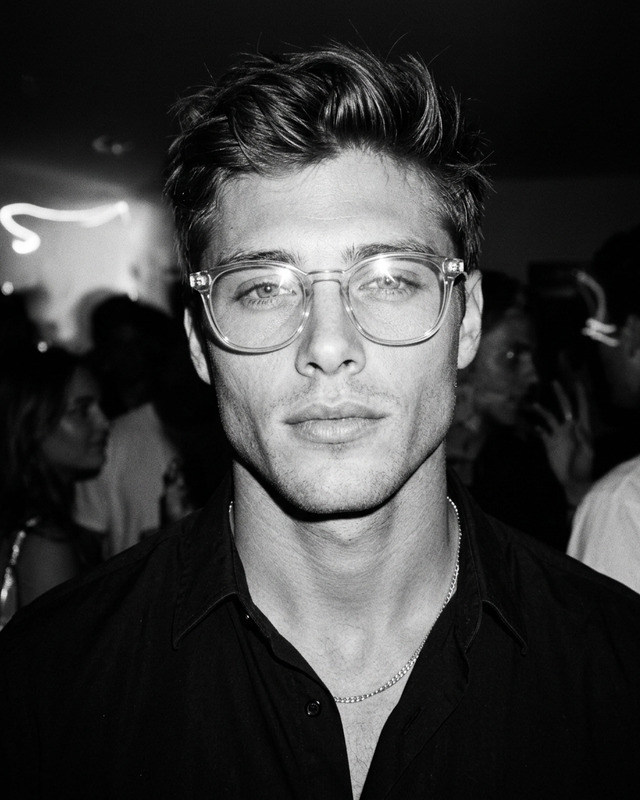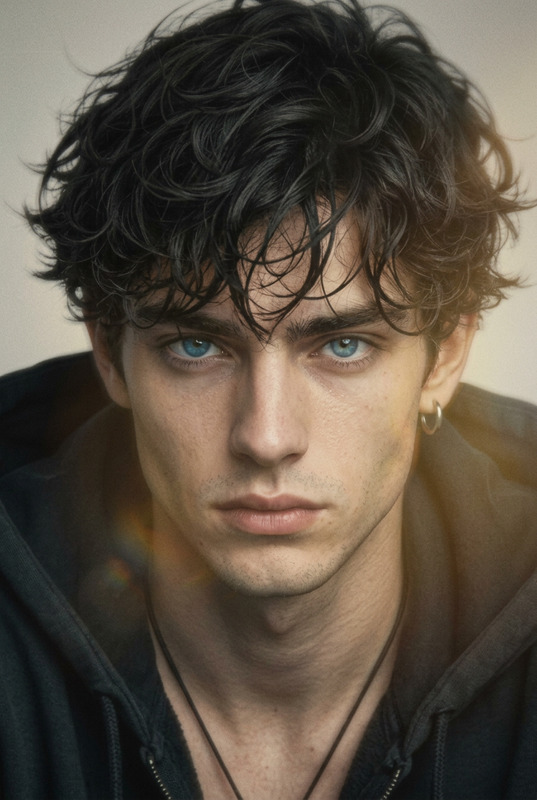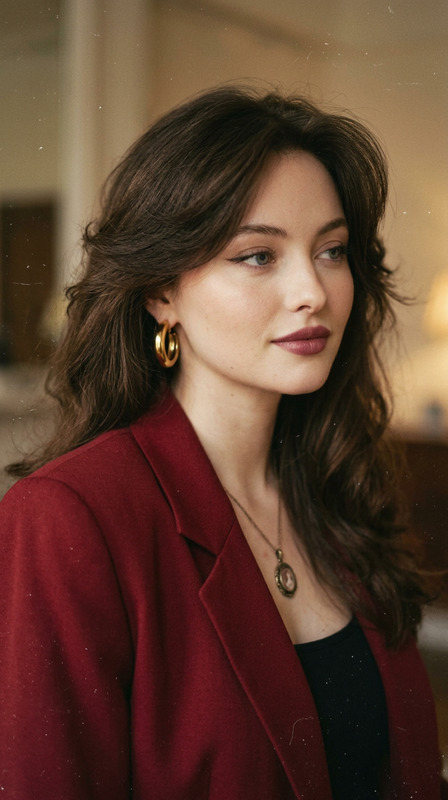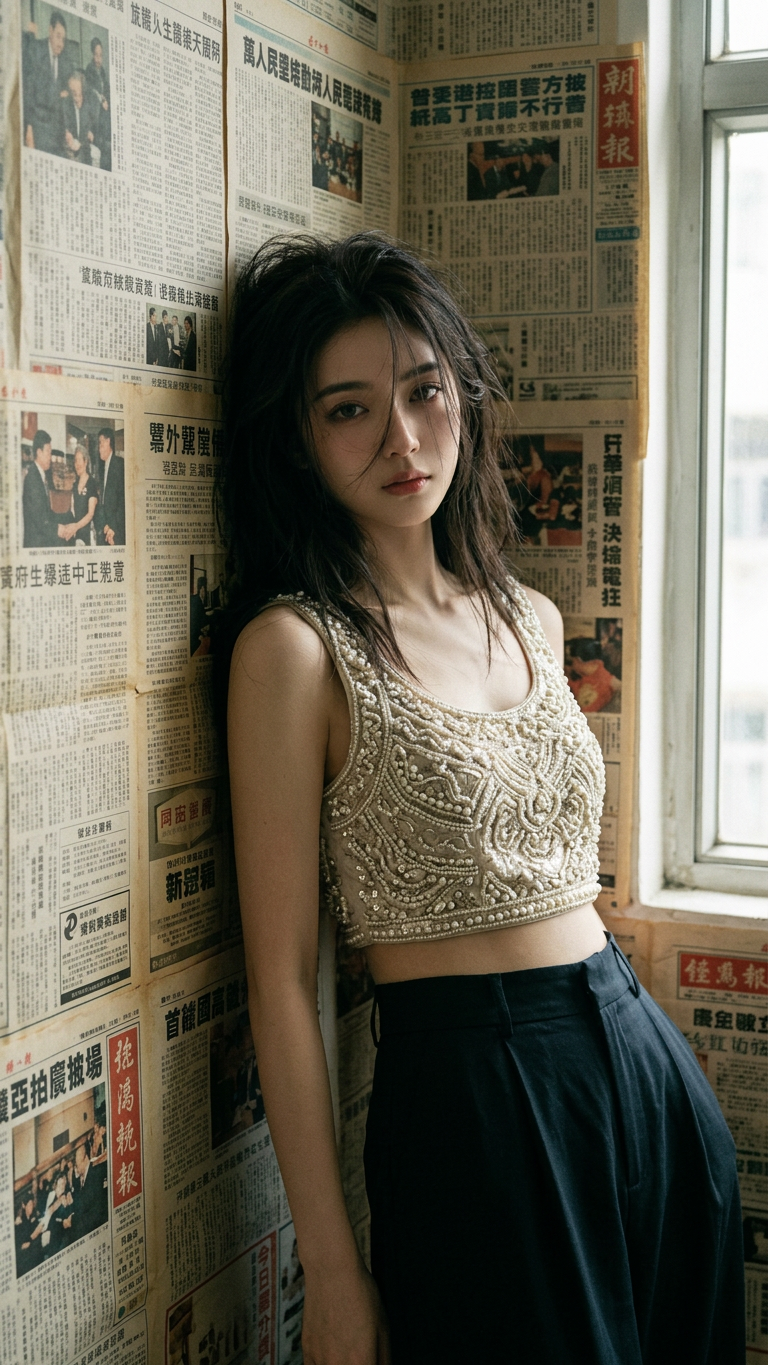
Hong Kong 90s Retro Melancholy
ai-image-editor
Any aspect ratio
Use image as face reference (100% face match). A half-body, photorealistic portrait of the subject leaning against a wall covered in old, yellowed Cantonese newspapers in a narrow Hong Kong room. The subject has messy hair with loose strands falling across the face, and a soft, melancholic gaze. They wear a cropped bralette top embroidered with pearls and sequins paired with loose high-waisted trousers. The scene captures an authentic 1990s Hong Kong film aesthetic, with subtle grain, muted tones, and cinematic color grading. Lighting is soft and natural, slightly dim and atmospheric, enhancing the nostalgic, introspective mood. The composition is intimate and slightly off-center, emphasizing texture, emotion, and retro realism.
AI Image Editor Template: Turn Any Photo Into a Polished, On‑Brand Visual in Minutes
This template is built with the AI Image Editor, so you can transform a single image into multiple, high‑quality variations without leaving your browser. It’s designed for creators, marketers, and product teams who need production‑ready visuals—fast.
What You Can Do With This Template
Use this AI Image Editor template to:
Clean up and enhance photos
- Remove distractions or unwanted objects with the AI Remover or Remove Object from Photo tools
- Sharpen and clarify low‑quality images using Unblur Image and the AI Image Upscaler
- Restore and colorize old images with Old Photo Restoration and Photo Colorizer
Change backgrounds and environments
- Swap busy or off‑brand backgrounds with cleaner scenes using the Image Background Remover
- Generate new, on‑brand environments with the AI Background Generator or AI Interior Design Generator
Edit people and faces realistically
- Refine facial details, expressions, and skin tones with the AI Face Editor
- Generate new faces or variants using the AI Face Generator
- Experiment with gender, age, or style using the Gender Swap tool
- Create professional portraits or profile photos with the AI Headshot Generator and AI Selfie Generator
Change outfits, style, and aesthetics
- Instantly restyle clothing with the AI Clothes Changer or AI Outfit Generator
- Explore fashion concepts and lookbooks via the AI Fashion Generator
- Generate full‑body stylized characters with the Full Body Generator
Create assets for marketing and content
- Turn a photo into a compelling thumbnail using the Thumbnail Maker
- Design visuals for campaigns with the AI Art Generator or AI Photo Generator
- Generate covers and graphics with the Book Cover Generator and Album Cover Generator
- Produce branded icons and avatars via the AI Icon Generator and Avatar Generator
Turn static images into motion and video content
- Convert images into short clips with Image to Video
- Create talking photos and avatars using AI Talking Photo
- Build animated characters with the Animated Characters Generator
- For full video workflows, connect with:
- Video‑to‑Video for stylized video transformations
- Lip Sync to make your edited face match any audio
- Face Swap Video for realistic face replacement
- Animation for stylized animated output
How to Remix This Template in Magic Hour
You can use this template as a starting point and adapt it to your own workflow:
Start with a strong base image
- Upload a high‑resolution photo directly into the AI Image Editor.
- For new concepts (products, characters, environments), generate a base visual first with the AI Image Generator or AI Photo Generator, then refine it with this template.
Define your editing goal clearly
Before you start editing, decide if your priority is:- Conversion‑ready marketing creative
- Social content (thumbnails, memes, shorts)
- Brand visuals (avatars, profile photos, covers)
- Product mockups or UI/UX concepts
Clear intent makes your image edits more consistent and easier to scale.
Apply targeted edits instead of starting from scratch
- For cleanup: remove objects, fix blemishes, and sharpen details with AI Remover and Unblur Image.
- For background & environment: pair this template with Image Background Remover and AI Background Generator.
- For faces & portraits: combine the AI Image Editor with AI Face Editor, AI Headshot Generator, or AI Selfie Generator.
- For brand or content graphics: extend your edits with the AI Meme Generator, AI Logo Generator, and Thumbnail Maker.
Create variant templates for repeatable workflows
For teams and startups, it’s useful to maintain a few reusable “recipes” built on top of this template, such as:- Ad creative pipeline:
- Edit product shots with the AI Image Editor
- Remove or regenerate backgrounds
- Export variations for A/B testing
- Social media pipeline:
- Edit a hero image
- Turn it into a meme or quote graphic with AI Meme Generator
- Generate a video or GIF preview with AI GIF Generator or Image to Video
- Creator/UGC pipeline:
- Clean and stylize a creator photo
- Turn it into a talking avatar using AI Talking Photo
- Sync with audio or cloned voice using AI Voice Generator or AI Voice Cloner
- Ad creative pipeline:
Export and connect with other Magic Hour tools
Once you have your edited image:- Turn it into a short video via Image to Video or Text to Video (using your edited image as a keyframe or reference).
- Transform it into animated or stylized art with AI Art Generator, AI Anime Generator, or Disney AI Generator.
- Use it as a base asset in face‑driven workflows like Face Swap, Face Swap GIF, or Face Swap Video.
Advanced Use Cases for Builders and Teams
This template is especially useful if you’re:
Launching or scaling a product
- Quickly generate on‑brand visuals for landing pages, app stores, and ads
- Create multiple localized or segmented variants from one master image
- Pair with AI QR Code Generator for interactive campaigns
Running performance marketing
- Produce fast creative iterations for paid campaigns in Meta, TikTok, or Google
- Use Thumbnail Maker for YouTube and AI Meme Generator for social ads and organic reach
Building content or media products
- Generate consistent characters with AI Character Generator, then refine scenes in the AI Image Editor
- Create recurring series: comics with Comic Book Generator, manga with AI Manga Generator, or fantasy settings with Fantasy Map Generator
Designing brand‑aligned visuals
- Generate base artwork using AI Art Generator, AI Illustration Generator, or AI Logo Generator, then polish details with this AI Image Editor template
- Use Watermark Remover only on assets you own or have rights to, to keep your final deliverables clean
Related Magic Hour Tools Worth Exploring
If you like this template, these tools pair well with it:
Visual creation and styling
Character, avatar, and face workflows
Video and audio extensions
Build Your Own Version of This Template
To create your own repeatable AI Image Editor workflow in Magic Hour:
- Start from this template and run a complete edit on a “typical” image you’d use in your work.
- Note the sequence of actions (e.g., cleanup → background → face/style → export).
- Reuse that sequence on a new image and refine where needed.
- Document your steps so your team can apply the same approach for future campaigns or assets.
By turning this AI Image Editor template into a repeatable workflow, you get consistent, production‑ready visuals with a fraction of the manual editing time—across marketing, product, and content creation.