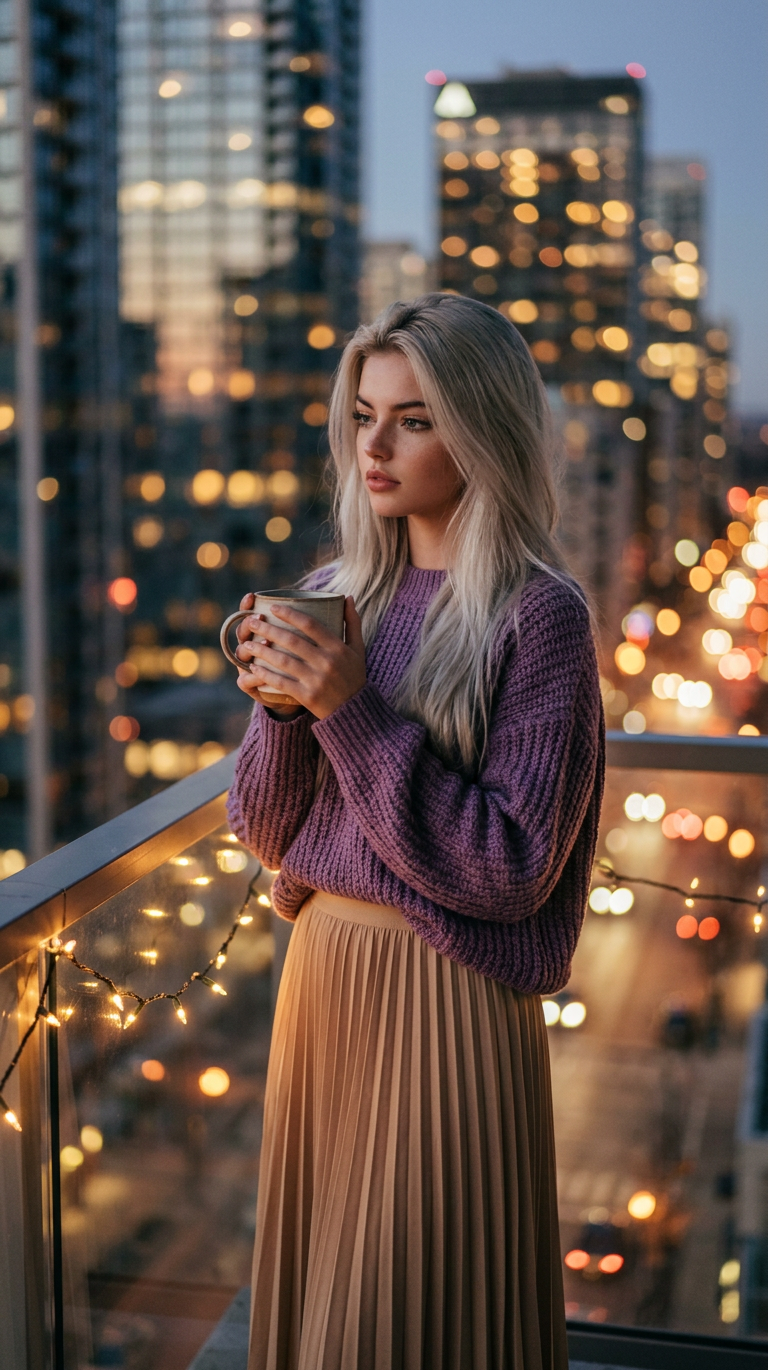
Quiet Night Balcony

Quiet Night Balcony

ai-image-editor

1 clip
10 uses

Any aspect ratio

Prompt

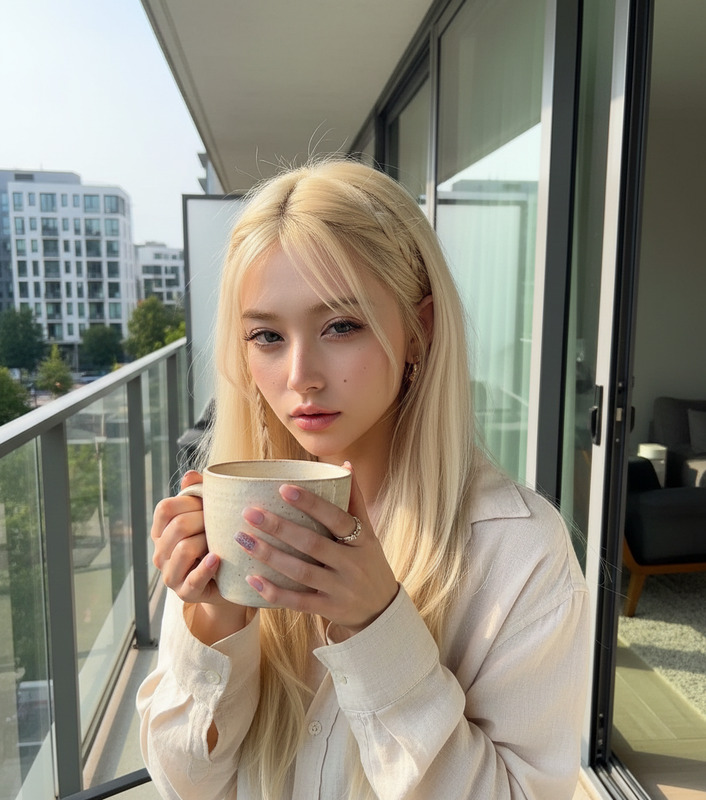
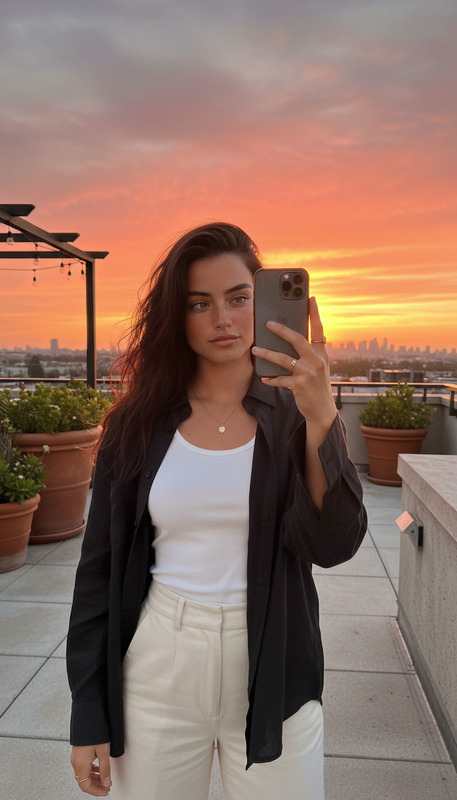
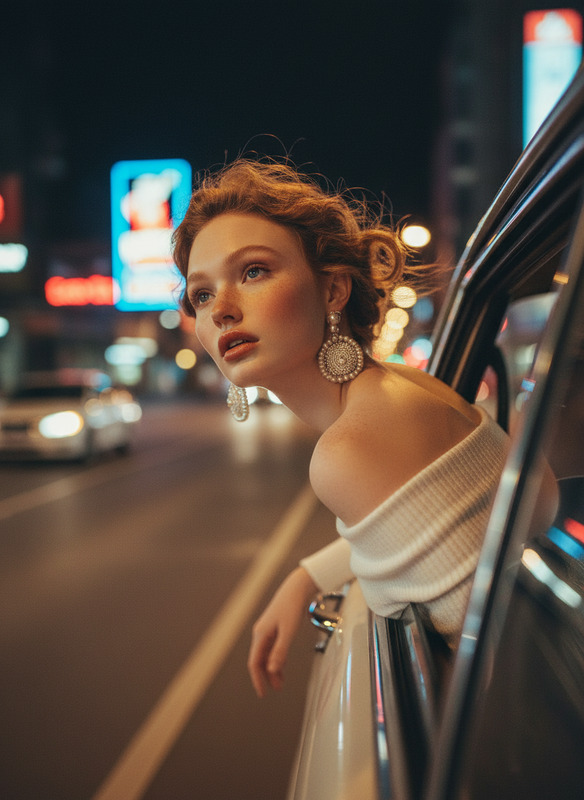
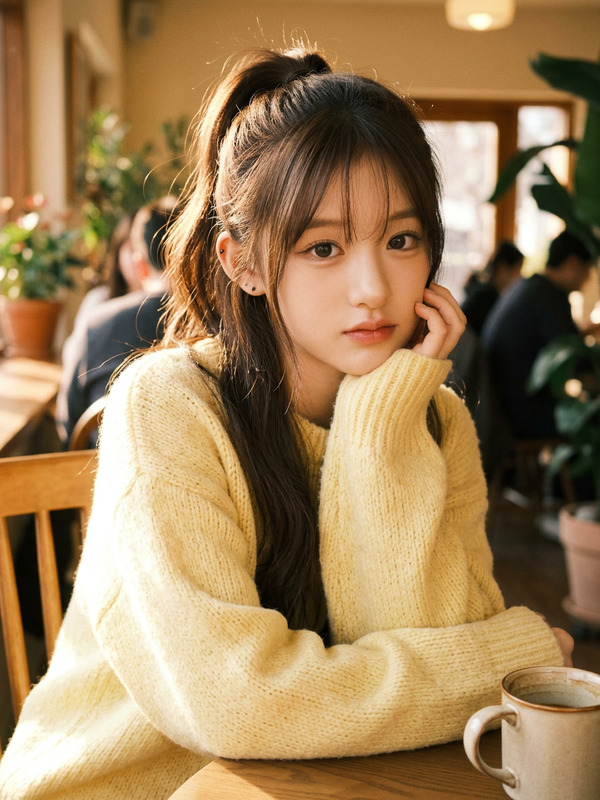
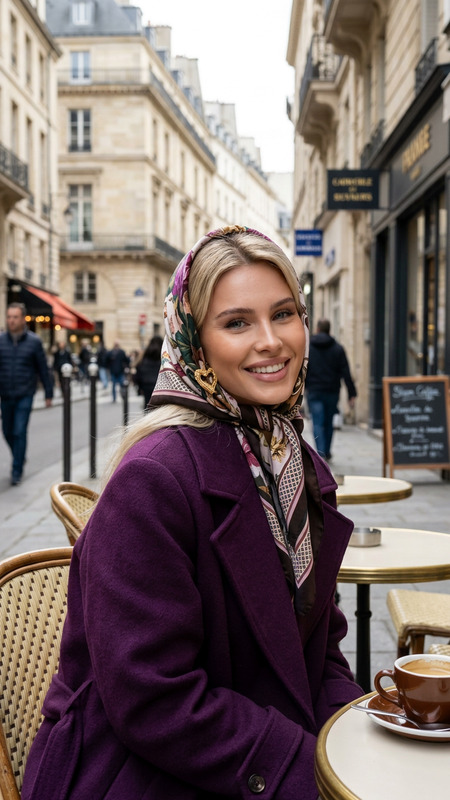
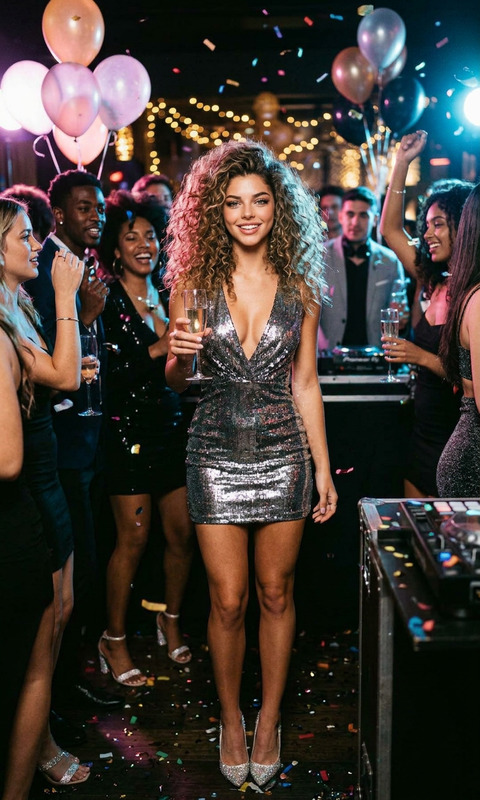
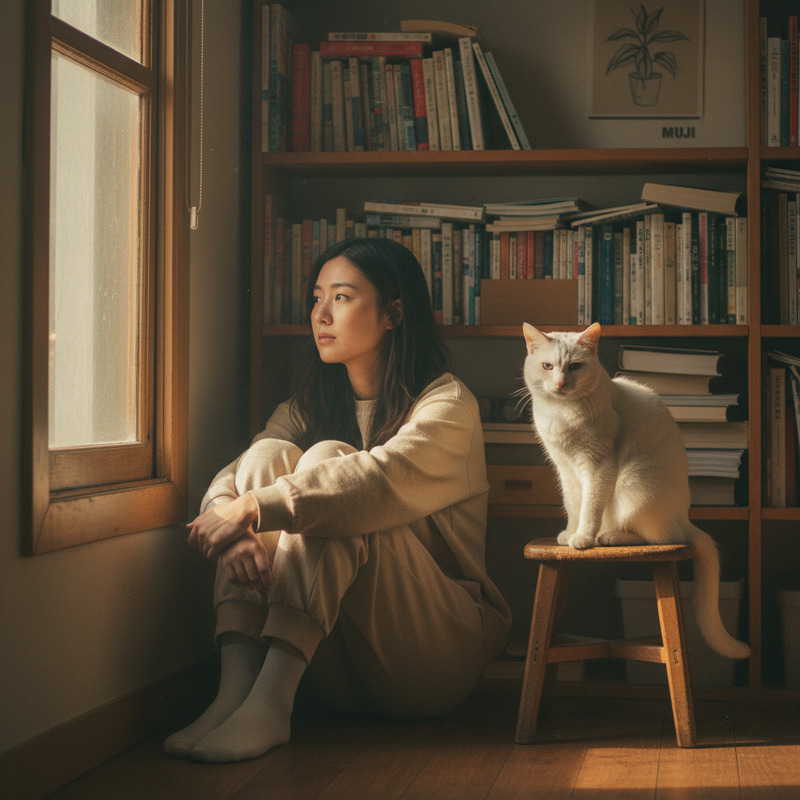
Subject wearing a purple knit sweater and a beige pleated skirt, holding a mug with both hands while looking out at the view. Set on a balcony at night with a blurred city skyline filled with warm bokeh lights from buildings and traffic, and a string of warm fairy lights draped along the glass railing. Mood is contemplative, serene, and peaceful. Photographic style, soft natural lighting, shallow depth of field, cozy cinematic atmosphere.

AI Image Editor Template: Turn Any Photo into High-Impact, Studio-Quality Creative in Minutes

Use this template to rapidly transform existing photos into polished, on-brand visuals—without touching Photoshop. The AI Image Editor inside Magic Hour makes it easy to clean up, restyle, and repurpose images for campaigns, product pages, social content, pitch decks, thumbnails, and more.

This template is built on the AI Image Editor product, so you can freely remix it, swap in your own images, and chain it with other Magic Hour tools.


What You Can Do with This Template

This AI Image Editor template is designed for fast, repeatable edits that keep your creative consistent. Common use cases:

  • Marketing & growth
    • Refresh ad creatives without reshoots
    • Localize visuals for different markets or audiences
    • Generate multiple variations for A/B tests
  • Product & e‑commerce
    • Clean up product photos
    • Standardize backgrounds across your catalog
    • Create lifestyle variations from a single base shot
  • Brand & content
    • Turn rough shots into polished hero images
    • Create consistent social visuals and thumbnails
    • Turn one photoshoot into a full content library
  • Founders, devs, and builders
    • Quickly prototype visuals for landing pages and decks
    • Align product screenshots and UI shots to one visual system
    • Test new brand aesthetics before committing to a full design pass

If you’re working with faces, outfits, or full-body shots, you can also combine this template with tools like AI Face Editor, AI Clothes Changer, Full Body Generator, or AI Headshot Generator.


How to Remix This Template in Magic Hour

You can use this template as-is, or turn it into your own reusable workflow. To remix it inside Magic Hour:

  1. Open the template in Magic Hour

    • Click “Remix” (or its equivalent entry point) on the template page.
    • This loads the workflow into the AI Image Editor environment.
  2. Swap in your own source image

    • Upload a product photo, portrait, screenshot, illustration, or reference image.
    • For best results, use a clear, high‑resolution base. If you’re starting from a low‑quality image, you can first enhance it with the AI Image Upscaler or Unblur Image.
  3. Adjust the edit prompts and style description

    • This template comes with example instructions that describe the transformation (e.g., “clean up background,” “add studio lighting,” “match brand colors,” etc.).
    • Rewrite these to match your needs:
      • Brand colors and mood (e.g., “minimalist, neutral tones, high contrast”)
      • Use case (e.g., “optimized for mobile ad creative,” “for LinkedIn header,” “app store screenshot”)
      • Industry (e.g., SaaS dashboard, DTC skincare, B2B hardware, gaming)
  4. Optional: Layer it with other Magic Hour tools

  5. Save your remix as a reusable template

    • Once you like the result, save this workflow as your own template.
    • You can re-use it across campaigns, clients, or products to maintain consistency.

Because the template is prompt-driven, you can iterate quickly: adjust instructions, re-run, compare, and lock in a visual system that’s repeatable.


When to Use AI Image Editing vs. Generating From Scratch

A common question from creators and teams is whether to start with editing or pure generation.

Use this AI Image Editor template when:

  • You already have a base image (photo, render, or screenshot) that’s “close but not perfect”
  • You want to keep core structure (pose, layout, product shape) while changing style, lighting, background, or details
  • You need to match an existing visual system (brand guidelines, ongoing campaign, or real-world constraints)

Use the AI Image Generator or AI Art Generator when:

  • You’re still exploring concepts and don’t have a source image yet
  • You want many options quickly before committing to a direction
  • You’re creating abstract, illustrative, or fully synthetic scenes

You can also combine both: generate a first-pass concept, then refine and standardize it with this AI Image Editor template.


Example Workflows That Build on This Template

Here are some practical, high-leverage workflows that smart teams use, all starting from AI image editing:

1. Founder / Startup Landing Page Refresh

  1. Use this template to:
    • Clean up founder headshots and team photos
    • Align all imagery to the same background style and color system
  2. Generate supporting visuals:
  3. Create a polished pitch deck or landing page using the final set of images.

2. E‑commerce Product System

  1. Start with your raw product shot.
  2. Run it through this template to:
    • Remove cluttered backgrounds (or replace them with clean, on-brand environments)
    • Normalize lighting and aspect ratios across your catalog
  3. Use complementary tools:
  4. Export a consistent set of images for marketplaces, PDPs, and performance ads.

3. Content Engine for Social, Video, and Email

  1. Use AI Image Editor to:
    • Turn 1–2 hero shots into dozens of variations (different crops, vibes, and backgrounds)
    • Generate thumbnail-ready versions; optionally refine with Thumbnail Maker
  2. Extend into video:
  3. Use edited stills as email headers, social carousels, and paid placements for a unified look.

Advanced Use Cases for Technical and Creative Teams

For teams who think in systems and pipelines, this template can act as one node in a broader visual stack:


Tips for Better Results with AI Image Editing

  • Start with the cleanest asset you have

  • Be specific in your instructions

    • Reference concrete goals like “LinkedIn banner,” “YouTube thumbnail,” “mobile app store card,” or “performance ad in dark mode.”
    • Name elements you want to keep (e.g., “keep the product’s shape and label”) vs. things you want to change (e.g., “replace the background with a soft gradient”).
  • Think in systems, not one-offs

    • Once your edit feels “on brand,” save and reuse this template across campaigns.
    • Use it as a baseline for other image tools so your whole stack (avatars, thumbnails, covers, etc.) feels coherent.

Related Magic Hour Tools and Templates Worth Exploring

If you like this AI Image Editor template, you may also want to explore:


Summary

This AI Image Editor template is a practical starting point for anyone who needs:

  • Consistent, on-brand images from imperfect or one-off source photos
  • Fast iteration on visuals without relying on heavy design tools
  • A reusable editing system that plugs into a broader AI content stack

Remix it, adjust the prompts to match your brand and use case, then connect it with other Magic Hour tools to build a unified pipeline for images, video, and synthetic media.

More Like This

Insufficient credits