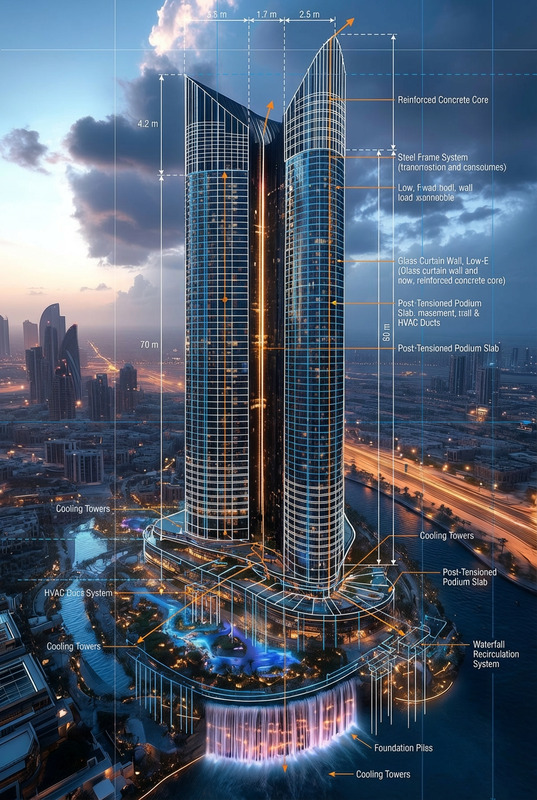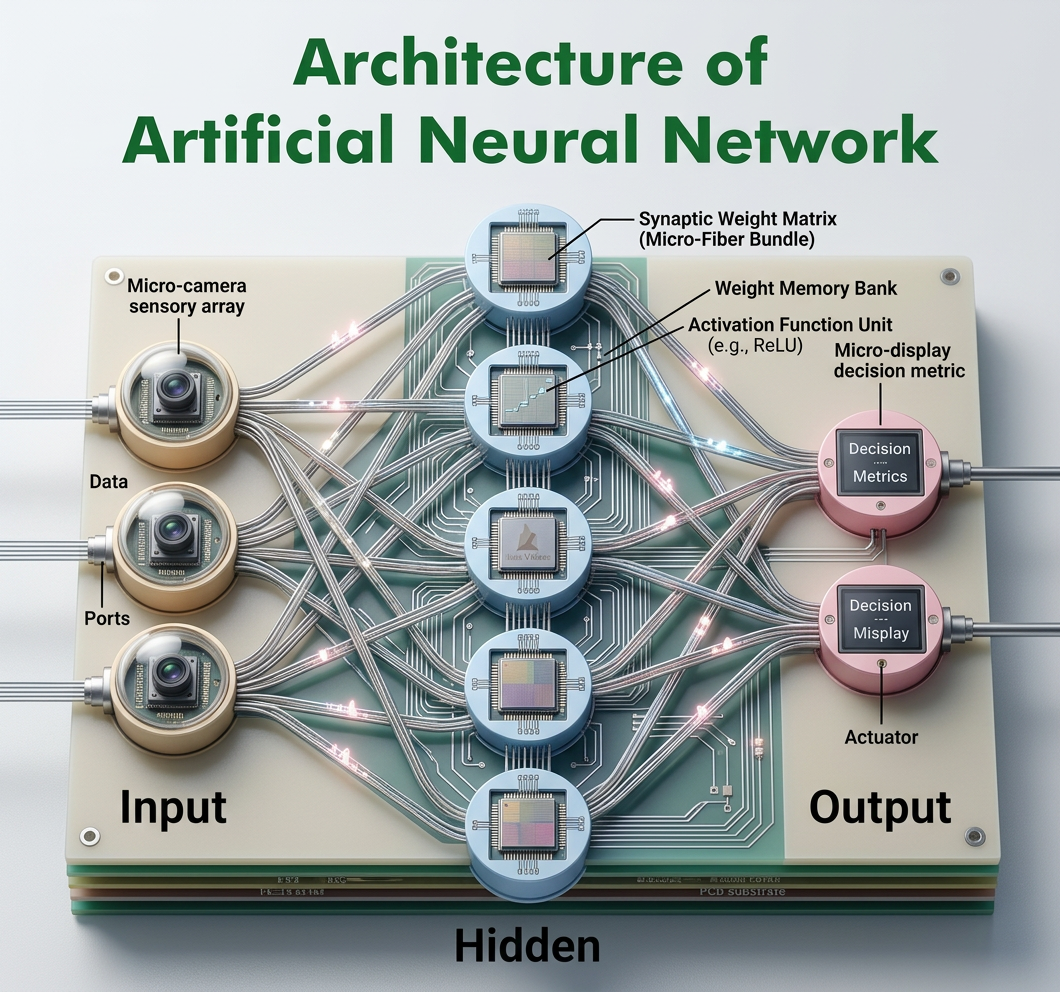
Neural Anatomy Cutaway
ai-image-editor
Any aspect ratio
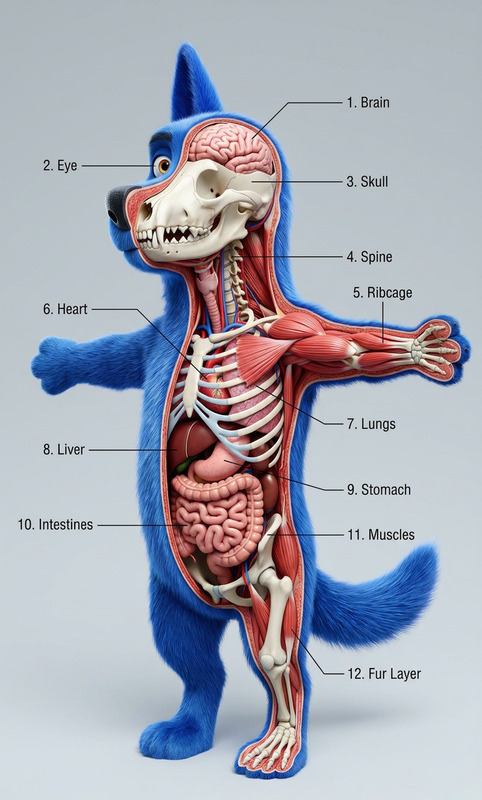
A detailed diagram of a two-layer neural network illustrated as a technical cutaway, showing input nodes, hidden layer, output layer, and interconnected pathways with visible structure and flow. Style inspired by intricate cross-section illustrations, rendered in a photorealistic, highly detailed manner with precise labeling and layered depth. Clean composition with a semi-realistic, educational aesthetic, natural lighting highlighting textures and dimensionality, subtle shadows enhancing clarity, ultra-sharp focus, high resolution.
AI Image Editor Template: Smart Object Removal & Background Cleanup
Use this template to instantly clean up photos with the Magic Hour [AI Image Editor]. Remove unwanted objects, distractions, text, or blemishes in a few clicks—no Photoshop skills required.
This template is ideal for:
- Product photos (remove clutter, props, or background noise)
- Social media content (clean up photobombers, signs, or random objects)
- Marketing creatives (polish hero images, ads, landing page visuals)
- Portraits & headshots (subtle retouching and distraction removal)
- UGC and influencer content (make quick, professional edits at scale)
What this template does
This AI Image Editor–based template is designed for object removal and visual cleanup. It helps you:
- Remove unwanted objects, people, or text from a photo
- Fill in gaps realistically with AI-generated content
- Tidy up messy backgrounds while preserving your subject
- Create cleaner, conversion-focused images for campaigns and websites
Because it uses the [AI Image Editor], it can understand context (foreground vs. background, subject vs. noise) and regenerate missing areas in a visually consistent way.
For more specialized removal workflows, you can also explore:
- [AI Remover] – general-purpose object eraser
- [Remove Object from Photo] – targeted removal for photos
- [Watermark Remover] – cleanly remove watermarks and logos
How to remix this template in Magic Hour
You can use this template as-is or treat it as a starting point for your own editing pipeline:
Open the template in Magic Hour
Start from this template to get a pre-configured object-removal flow using the [AI Image Editor]. You’ll see the core steps set up for cleaning up images.Swap in your own images
- Upload product shots, lifestyle photos, portraits, or screenshots
- Test with “worst-case” images (busy backgrounds, crowded scenes) to see how the editor performs
Define what should be removed
- Use selection tools to mark objects, people, text, or logos you want gone
- For more complex scenes, you can do multiple passes: remove large distractions first, then refine details
Refine the result with additional tools (optional)
Once your main cleanup is done, you can chain in other Magic Hour tools to build a richer workflow:- Sharpen or upscale with [AI Image Upscaler]
- Turn cleaned images into short animations or clips with [Image to Video] or [Text to Video]
- Generate matching variants or new assets with [AI Image Generator] or [AI Photo Generator]
- Convert a polished still image into an animated character or talking avatar using [AI Talking Photo] or [AI Headshot Generator]
Save your remix as a reusable internal template
If you’re a team or agency, you can:- Create a “product photo cleanup” pipeline for e‑commerce
- Build a “social media post polish” flow for creators
- Standardize “press kit” image cleanup for startup launches
Because everything is AI‑driven, non‑designers on your team can run the same pipeline and get consistent outcomes.
Practical use cases for creators, marketers, and builders
1. E‑commerce & product teams
- Remove studio clutter, stands, or hands from shots
- Clean backgrounds before pushing images to marketplaces or ads
- Combine with [AI Background Generator] or [Image Background Remover] to create multiple background variants from a single product photo
2. Performance marketing & growth teams
- Remove distracting elements that can hurt conversion (extra objects, signage, off‑brand colors)
- Quickly generate ad‑ready creatives by pairing this template with:
- [Thumbnail Maker] for YouTube and video ads
- [Album Cover Generator] or [Book Cover Generator] for campaign visuals
- [AI Logo Generator] to add or replace branding
3. Founders & startup teams
- Clean up founder photos for landing pages, decks, and PR with [AI Headshot Generator] plus this template
- Polish screenshots and product imagery for launches
- Use [AI Selfie Generator] alongside this template to iterate on personal brand visuals
4. Content creators & influencers
- Remove photobombers and background noise from travel or lifestyle shots
- Clean up clothing wrinkles or background mess, and then experiment with [AI Outfit Generator], [AI Clothes Changer], or [AI Fashion Generator]
- Turn cleaned stills into:
- GIFs with [AI GIF Generator]
- Short loops or reels with [Image to Video] or [Video to Video]
5. Creative & technical workflows
- Concept art: use this template with [AI Art Generator], [AI Manga Generator], [AI Anime Generator], or [Dark Fantasy AI] to refine concept images and remove placeholder elements
- Game & worldbuilding: combine with [Fantasy Map Generator], [DND AI Art Generator], or [Architecture Generator] to clean and iterate on maps or environment concepts
- Character pipelines: clean up base character art and feed it to [AI Character Generator], [Full Body Generator], [Animated Characters Generator], or [Superhero Generator]
Advanced remix ideas
For teams who want more than simple cleanup, you can use this template as a core step in larger AI pipelines:
Clean → Enhance → Animate
- Clean an image with this AI Image Editor template
- Upscale with [AI Image Upscaler] or sharpen with [Unblur Image]
- Animate with [Image to Video], [Animation], or [Video to Video]
Clean → Transform → Talk
- Remove distractions and polish a portrait
- Stylize with [AI Face Editor], [Gender Swap], [Disney AI Generator], or [Old Photo Restoration]
- Make it speak using [AI Talking Photo] plus [AI Voice Generator] or [AI Voice Cloner]
Brand asset standardization
- Use this template to standardize all product and team images
- Then generate consistent avatars with [Avatar Generator] or [AI Face Generator]
- Extend into interactive content with [AI Meme Generator] or [AI QR Code Generator]
Related Magic Hour tools worth exploring
If you like this template, these tools often pair well with it:
Visual creation & editing:
- [AI Image Editor] (base tool used by this template)
- [AI Image Generator], [AI Art Generator], [AI Illustration Generator]
- [Photo to Sketch], [AI Tattoo Generator], [Graffiti Generator]
Backgrounds, cleanup & restoration:
- [Image Background Remover], [AI Background Generator]
- [Photo Colorizer], [Old Photo Restoration]
- [Optical Illusion Generator], [Comic Book Generator]
Faces, avatars, and people:
- [AI Face Editor], [AI Face Generator], [AI Selfie Generator]
- [Face Swap], [Face Swap (GIF)], [Gender Swap]
- [AI Headshot Generator], [AI Talking Photo], [AI Meme Generator]
Video & audio extensions:
- [Face Swap Video], [Lip Sync], [Video to Video], [Animation]
- [Image to Video], [Text to Video], [Video Upscaler]
- [AI Voice Generator], [AI Voice Cloner], [AI Voice Changer]
- [Auto Subtitle Generator] for fast captioning
How to get the most out of this template
- Test with multiple image types: products, portraits, screenshots, UGC
- Build team-ready workflows: set up a repeatable cleanup pipeline once, let non‑designers run it many times
- Chain tools: treat this as one step in a broader content system—cleanup → generate variants → animate → publish
- Document your remix: if you’re a developer or marketer, define your internal “image standard” (framing, background, resolution) and use this template as the enforcement layer
Use this AI Image Editor template as your starting point, then remix it into a custom workflow tailored to your brand, product, or campaign.