Gradient Canopy Campus
- Model
- Nano Banana 2
- Image
- 842 × 1264 px
Prompt
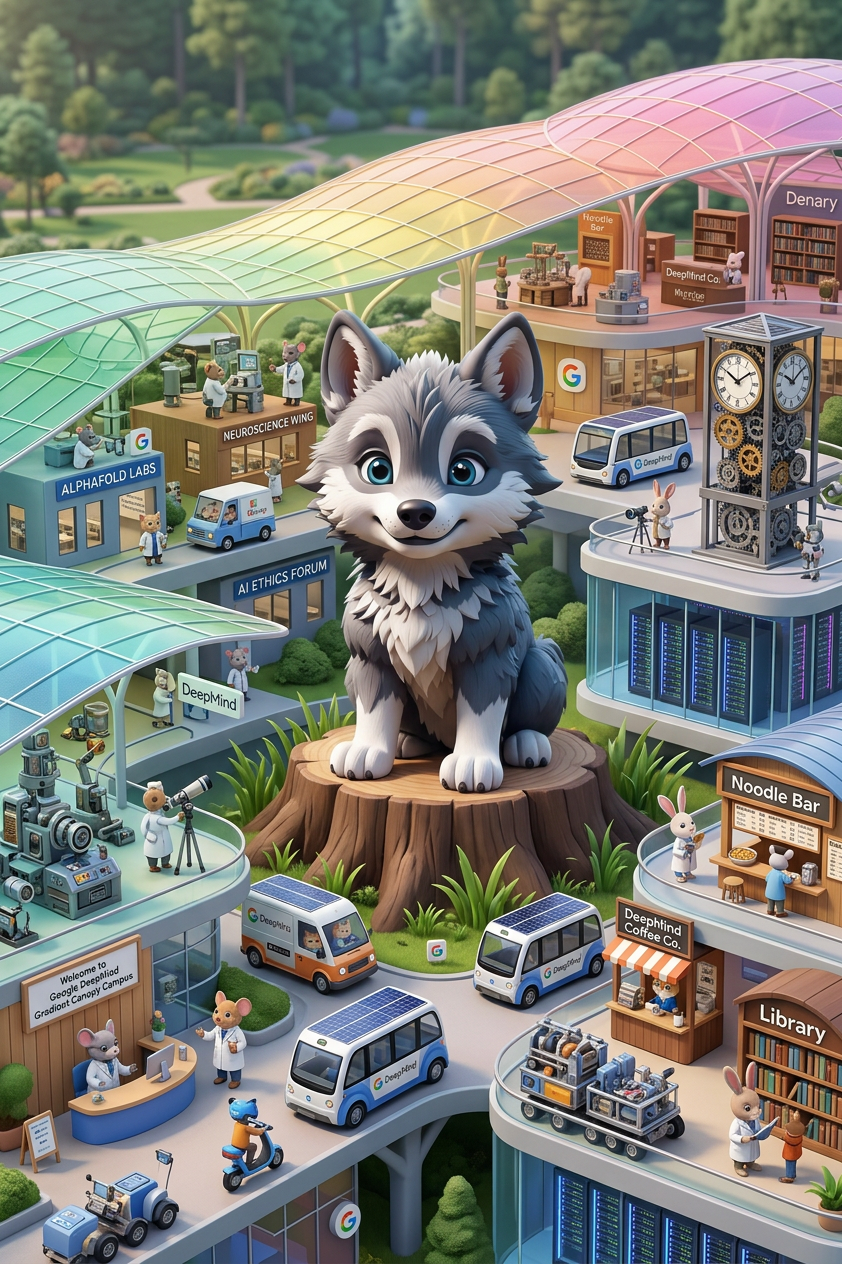
A scene from a Richard Scarry-inspired “Gradient Canopy Campus at Google DeepMind”, colorful layered canopies, playful architecture, tiny characters and vehicles, photorealistic, high detail, soft natural lighting.
Any aspect ratio
Overview
The "Gradient Canopy Campus" template is an AI-powered image editing tool designed for creators who are inspired by the whimsical style of Richard Scarry. This template enables users to craft detailed, colorful scenes that feature playful architecture, layered canopies, and miniature characters, ideal for educational and creative content. Leveraging the AI Image Editor, this tool turns imaginative concepts into photorealistic visuals.
What It Does
This template utilizes the capabilities of the AI Image Editor to transform written prompts into intricate and vibrant visuals. It captures the essence of a "Gradient Canopy Campus" at Google DeepMind, emphasizing soft natural lighting and high detail. The resulting images are perfect for enhancing presentations or videos, offering a creative edge that stands out.
Who It's For
The "Gradient Canopy Campus" template is an excellent choice for educators, designers, and creative professionals who seek to enrich their visual presentations. It's particularly useful for those in the tech industry who want to visualize futuristic and imaginative environments. This tool also benefits anyone interested in exploring the intersection of technology and art, especially with a playful twist.
Summary
Incorporating the "Gradient Canopy Campus" template into your workflow allows you to easily generate dynamic and visually stunning imagery. It's a part of our robust AI Image Generator suite, designed to cater to diverse creative needs. With this tool, bring life to your ideas, whether they're for educational use, promotional material, or personal projects.
How To
Choose the Template

Customize Your Scene

Generate and Download

Use Cases
Educational Visuals
- Interactive slides for tech classes
- Visual aids for storytelling workshops
Creative Storyboarding
- Pitch visuals for animated series
- Concept art for creative workshops
Digital Marketing
- Eye-catching Instagram posts
- Innovative ad campaigns for tech products
Best Practices
Maximize Detail
When customizing prompts, include specific adjectives that detail colors, lighting, and scene complexity to get the most accurate and compelling images.Experiment with Elements
Try varying canopy designs, character positions, and architectural styles within the prompt to explore different creative directions.Use Appropriate Formats
Download the image in a format that suits your project needs; consider using high-resolution formats for presentations and smaller file sizes for web use.