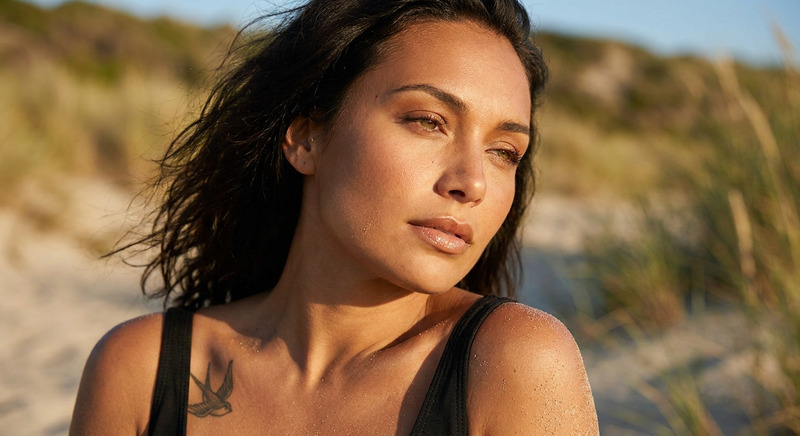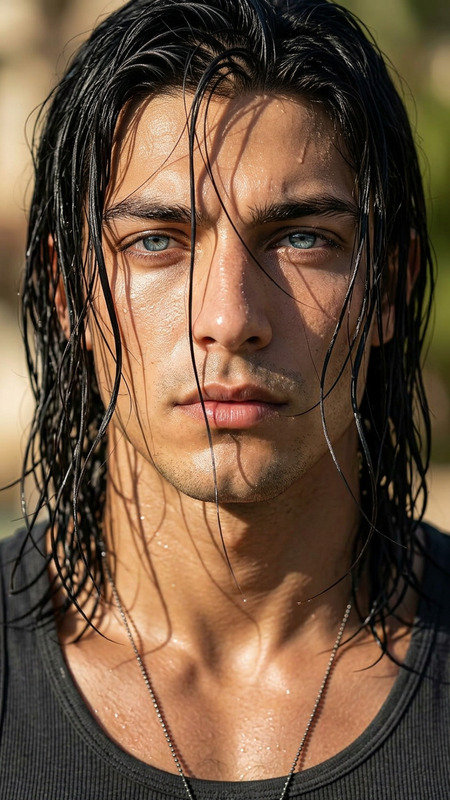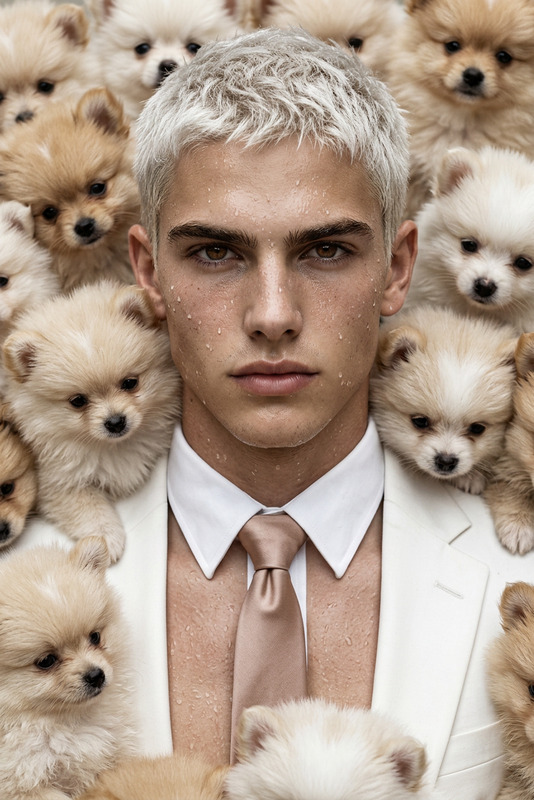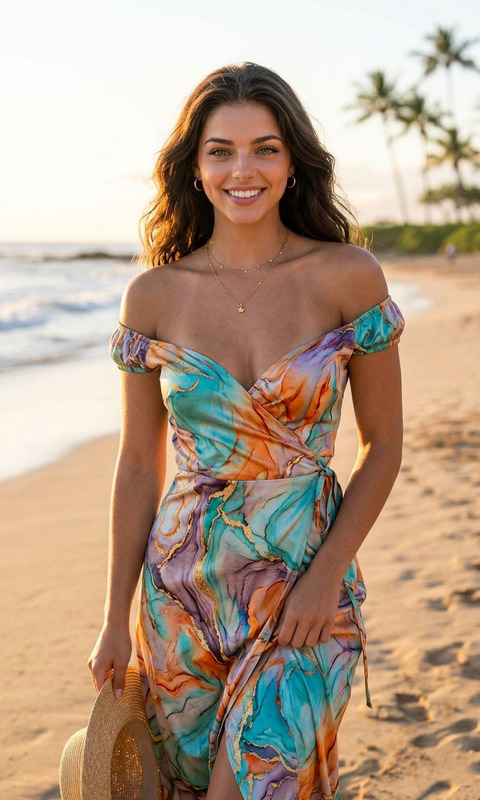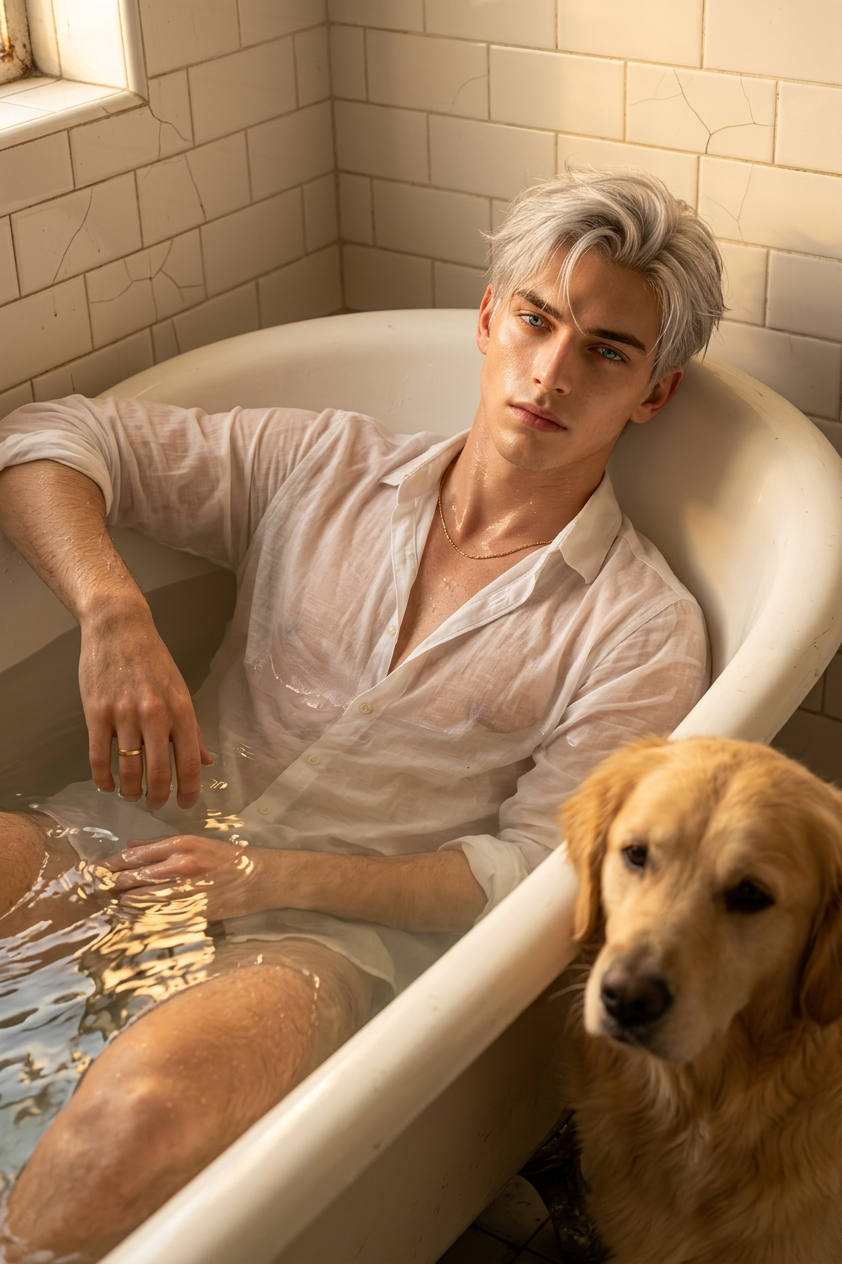
Golden Bath with Retriever
ai-image-editor
Any aspect ratio
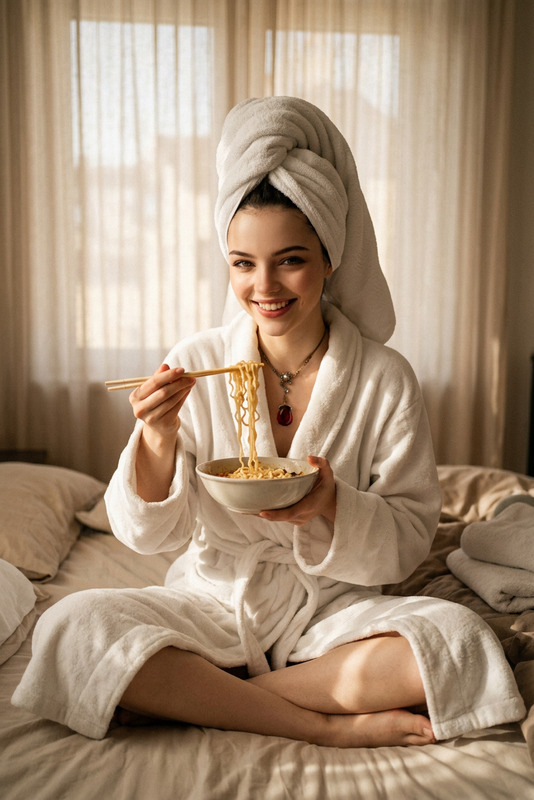
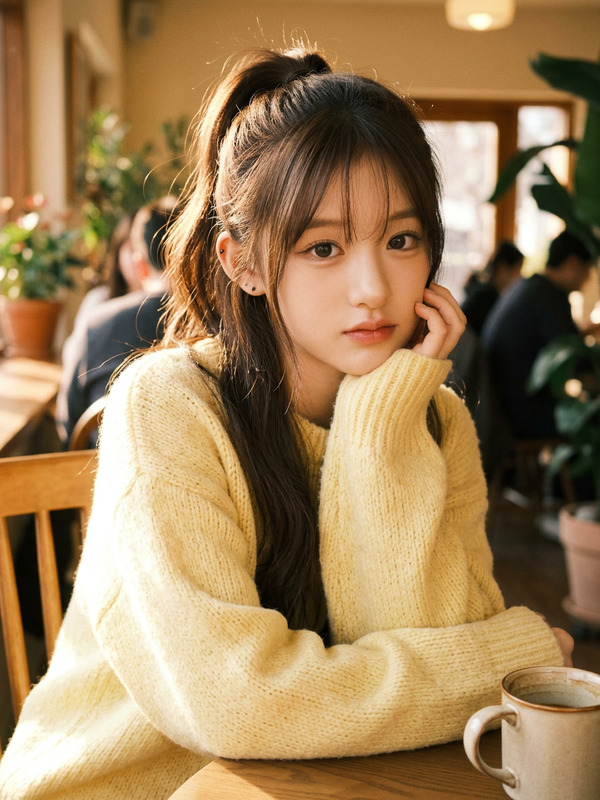
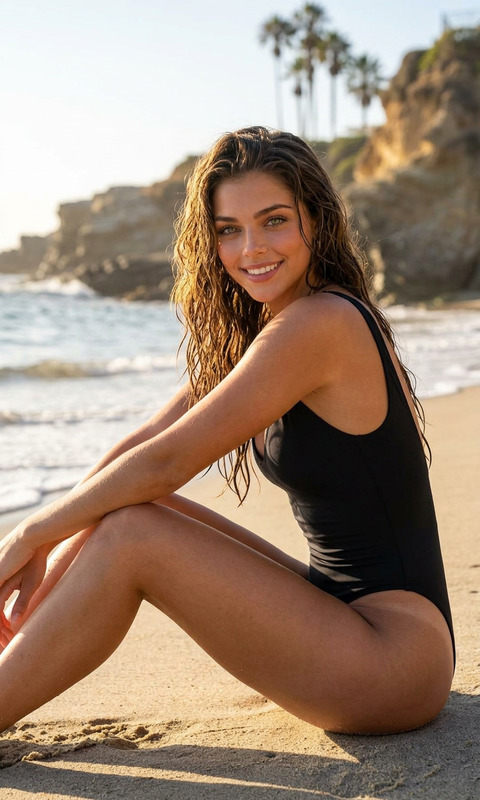
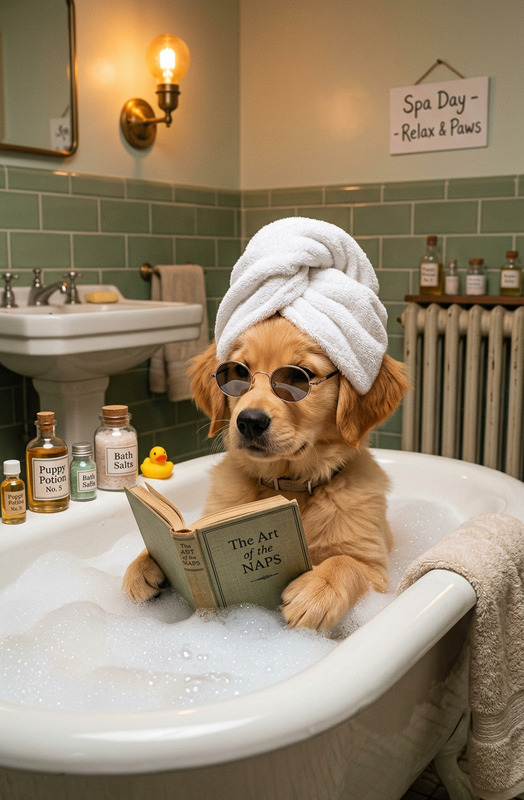
Subject reclining in an antique porcelain bathtub, partially submerged in water, wet skin with glowing realistic texture and soft subsurface scattering. Lightweight translucent fabric gently clings to the body, creating an intimate, serene, euphoric mood. A calm golden retriever rests beside the bathtub, adding a warm, comforting presence. Thin necklace and discreet ring add subtle detail. Set in an antique bathroom with white tiles showing delicate cracks. Soft golden light fills the scene, with reflections shimmering on the water surface and warm atmospheric glow. Hyper-realistic cinematic portrait, DSLR photography, 85mm f/1.4 lens, 8K resolution, soft, warm, dreamy lighting.
AI Image Editor Template: Turn Any Photo into a Polished, On‑Brand Visual in Minutes
Use this AI Image Editor template as a starting point to quickly clean up, enhance, and restyle any image for marketing, product, or content workflows. It’s built for people who ship fast—founders, marketers, designers, and developers who need production-ready visuals without getting stuck in Photoshop.
What This Template Is For
This template is optimized for:
- Cleaning up product photos (e‑commerce, SaaS UI mockups, app screenshots)
- Creating social and ad creatives from a single base image
- Fixing portraits and headshots for LinkedIn, pitch decks, and “About” pages
- Removing distracting elements from photos
- Reframing existing assets into new formats (thumbnails, covers, promos)
- Generating multiple variations from one base concept
It uses the core AI Image Editor engine, so you can:
- Edit regions of an image with natural language prompts
- Replace, add, or remove objects
- Change backgrounds and lighting
- Match a consistent visual style across campaigns
How to Remix This Template in Magic Hour
You can create your own version of this template in a few minutes. Here’s a practical workflow:
Start from this template
- Open the template in Magic Hour.
- Upload your base image (product photo, headshot, artwork, UI, etc.).
Define your “source of truth” style
- Decide what you want all outputs to look like: clean studio shots, cinematic lighting, flat illustration, minimalist UI, etc.
- Use a short prompt that describes that style in plain language (e.g., “clean studio lighting, soft shadows, white seamless background”).
Mark what you want to change
- Use the editor to select the area you want to modify (background, clothing, props, text area, etc.).
- Describe the change (e.g., “replace background with modern office interior” or “add a laptop on the table in front”).
Iterate and branch
- Save strong results as new template variations (e.g., “Ad Creative v1 – Dark Theme,” “Thumbnail v2 – Gradient Background”).
- Test different prompts that vary only 1–2 details at a time to keep results consistent.
Create a reusable system
- Once you like the style, reuse the same prompts and flow for new photos.
- This is how you build a lightweight “brand image system” without writing code or maintaining a design system.
Example Use Cases and Recommended Workflows
1. Marketing & Growth Teams
Turn raw assets into on‑brand creatives quickly:
- Clean up founder or team photos for landing pages using the AI Headshot Generator for source images, then refine them in the AI Image Editor.
- Convert screenshots into polished app visuals by removing clutter with the AI Remover and then dropping them into stylized mockups.
- Generate multiple ad variations from one product shot by changing backgrounds or props.
For ad and social campaigns, pair this template with:
- Thumbnail Maker for YouTube, product hunt, or blog covers
- AI Logo Generator to keep brand marks consistent across variants
- Album Cover Generator or Book Cover Generator when you need bold, illustrative hero images
2. Founders & Startup Builders
You can use this template to get “good enough to ship” visuals without a dedicated design team:
- Create credible profile photos for decks using AI Selfie Generator, then touch up backgrounds and lighting in the AI Image Editor.
- Design consistent product mockups by combining AI Photo Generator with this editing template to align the final look.
- Clean up demo screenshots for investor updates and one‑pagers.
If you’re building content-heavy products (courses, communities, media), consider:
- AI Art Generator for conceptual art, then refine with this editor for layout and composition
- AI Illustration Generator for diagrams and infographics, then tweak colors and backgrounds for brand fit
3. Creators, Educators & YouTubers
Repurpose your assets into multiple formats:
- Take a single portrait and generate podcast cover, YouTube thumbnail, and newsletter header variants by editing background, framing, and text-safe areas.
- Turn concept sketches into polished visuals using Photo to Sketch as an intermediate step, then recolor and refine here.
- Design consistent episode artwork using the same prompt + layout pattern.
Helpful tools to combine with this template:
- AI Meme Generator for fast meme formats that you can later restyle
- Avatar Generator for a personal brand avatar, then align backgrounds/outfits with the AI Image Editor
- AI Talking Photo if you want to turn edited images into talking heads for short-form content
4. Visual World‑Building (Games, Fiction, Fantasy)
If you’re building worlds—TTRPGs, games, fiction settings—this template helps you refine and unify your art:
- Generate base concepts with:
- Then use the AI Image Editor template to:
- Clean up details, remove artifacts, and sharpen important areas
- Match lighting and color across characters, environments, and items
- Add or remove props, signage, and visual storytelling elements
You can also generate stylized characters with:
…and then standardize their look using this image editing template.
Improving Image Quality, Consistency, and Format
This template works best when you combine it with a few specialized tools:
Upscaling & Restoration
- Use AI Image Upscaler to increase resolution and clarity.
- Fix damaged or old assets first using Old Photo Restoration, then refine them with this template.
- Unblur low‑quality images with Unblur Image before editing details.
Backgrounds & Object Cleanup
- Remove distracting elements via Remove Object From Photo and AI Remover.
- Swap or clean backgrounds using Image Background Remover and AI Background Generator, then refine composition with this template.
Format‑Specific Outputs
- Generate GIFs with AI GIF Generator, then feed key frames into this editor for polish.
- If you’re moving toward video, use Image to Video or Text to Video after you lock in the final look of your image.
Turning Edited Images into Video Content
Once your images look right, you can turn them into dynamic content across Magic Hour:
Subtle Animation & Movement
- Use Image to Video to animate your edited images (camera moves, subtle motion).
Face‑Driven Content
- Generate talking clips from your polished portraits with AI Talking Photo.
- Create short content for social using Image to Video, then add subtitles through the Auto Subtitle Generator.
Transform or Repurpose Existing Video
- Use Video to Video to restyle footage so it matches the visual language you established in your images.
- If you’re swapping faces, pair your edited headshots with:
- Face Swap for static images
- Face Swap Video Template for full‑motion video
- Face Swap GIF for social GIFs
Style Exploration: From Realistic to Experimental
Because this template sits on top of the AI Image Editor, you can push into more experimental aesthetics without committing an entire pipeline:
- Turn realistic photos into comic or manga style using:
- Generate stylish fashion or outfit variations with:
- Explore niche formats:
Use this template afterward to refine colors, remove artifacts, and adapt each style to your brand or product.
Practical Tips for Better Results
Be specific but concise in prompts
Describe subject, setting, and style in a single sentence. Overly long prompts tend to produce inconsistent results.Control for consistency
Reuse phrasing for your brand style across all edits (e.g., “soft natural lighting, neutral background, minimal design”). This makes it easier to maintain visual coherence across campaigns.Work non‑destructively
Keep the original image safe. Save key stages of your edit as separate versions so you can revert or branch off at any time.Chain tools intentionally
A reliable sequence for production use:- Fix quality (unblur, restore, upscale).
- Clean background and remove distractions.
- Apply creative edits with this template.
- Export to other tools (video, GIF, covers, thumbnails).
Related Magic Hour Tools Worth Knowing
If you’re building a serious visual pipeline around this template, these additional tools often slot in naturally:
Identity & faces:
Branding & assets:
Audio for video outputs:
Use this AI Image Editor template as your base layer: a flexible, reusable editing workspace that turns messy or unpolished images into consistent, on‑brand assets. From there, you can branch into video, avatars, covers, or full campaigns across the rest of Magic Hour.