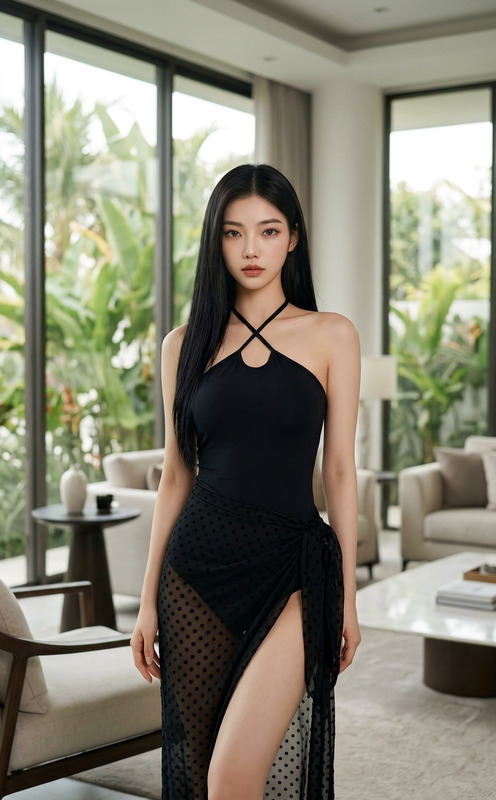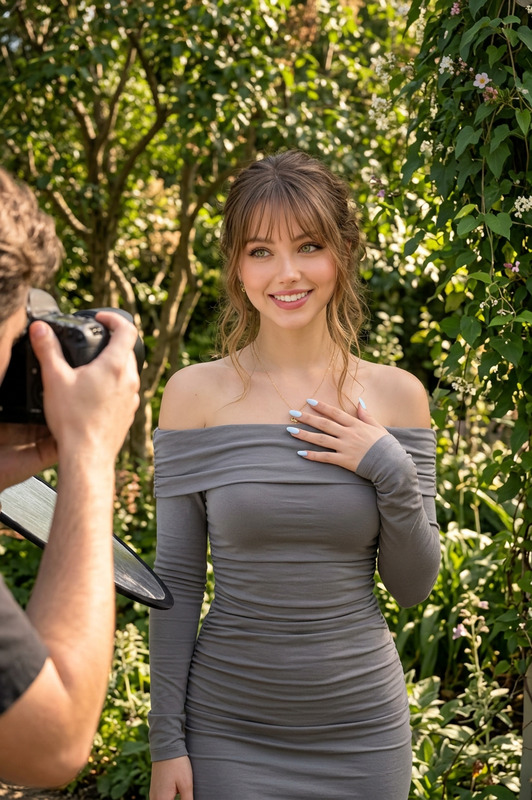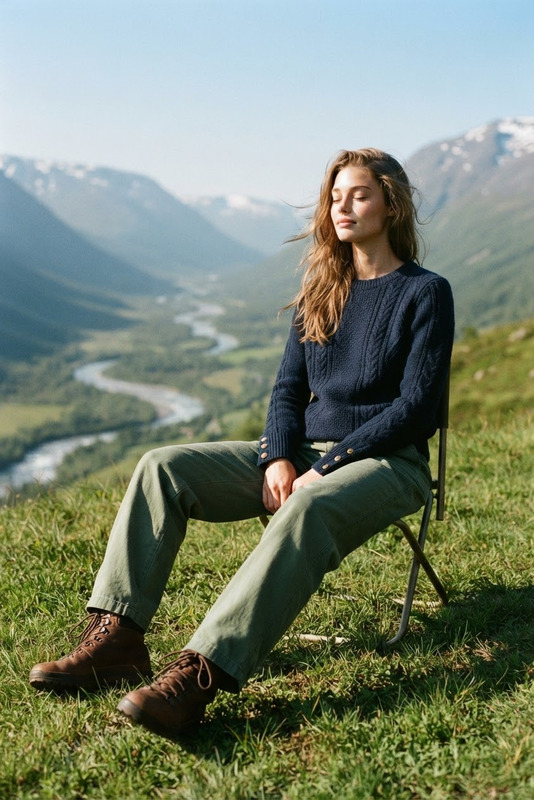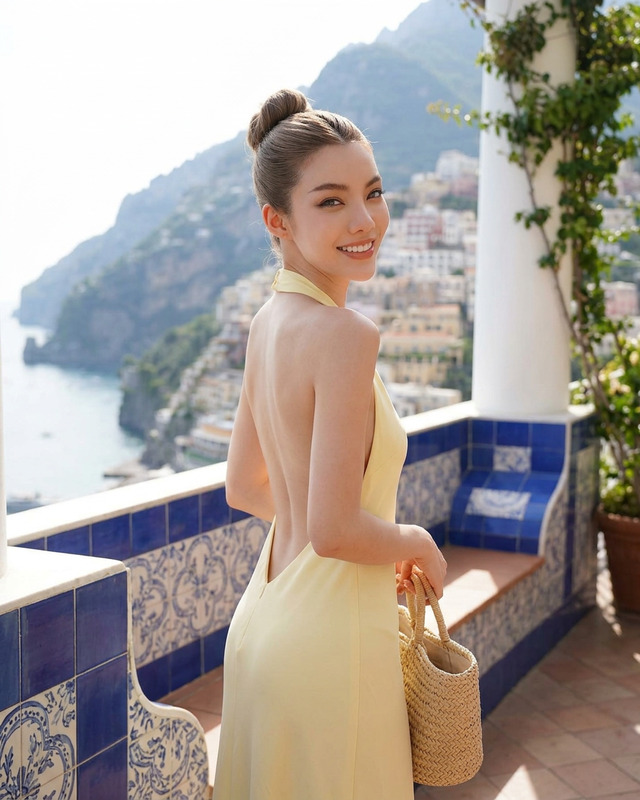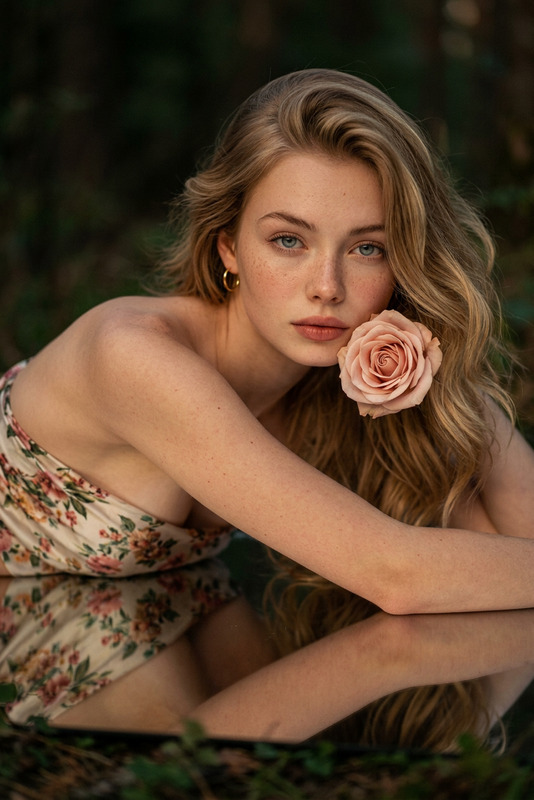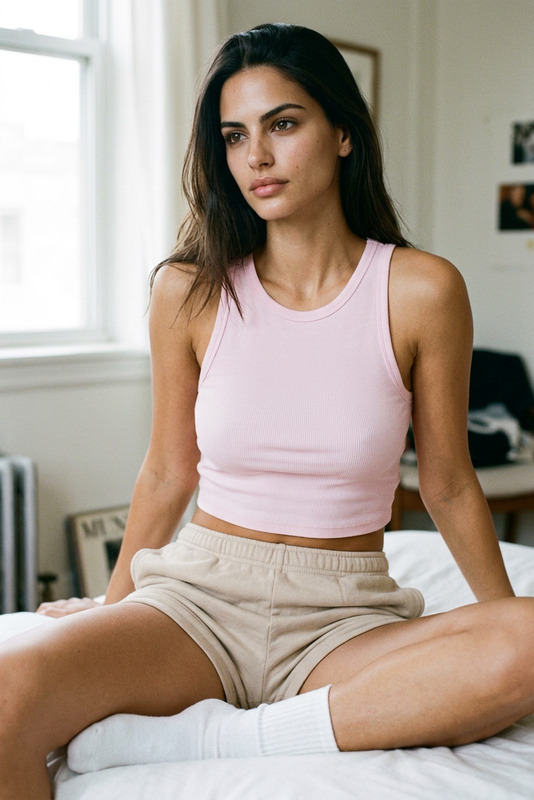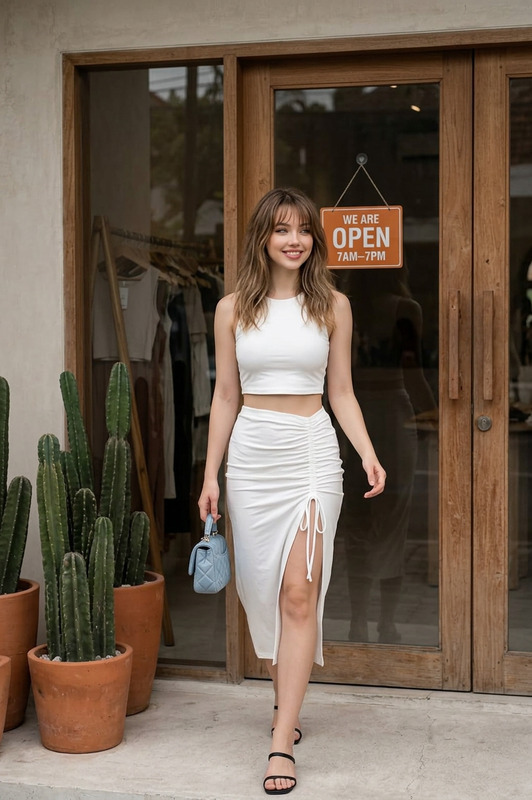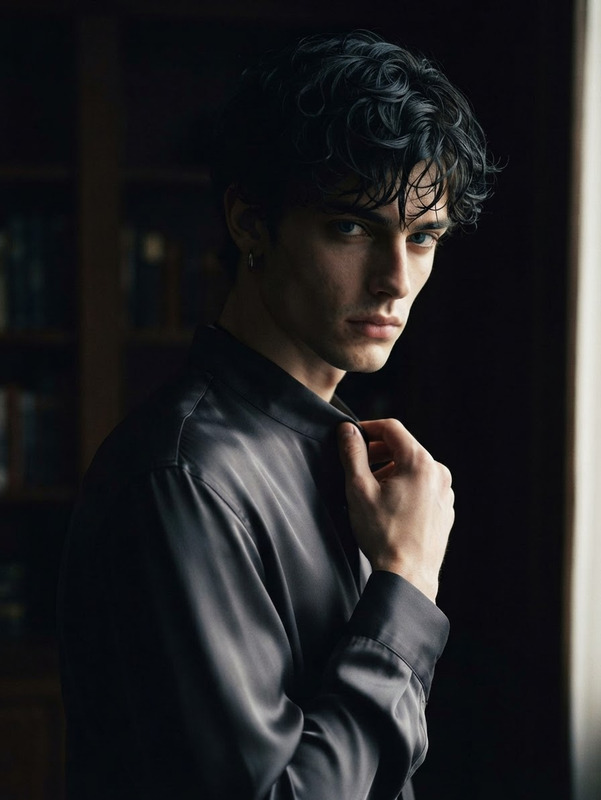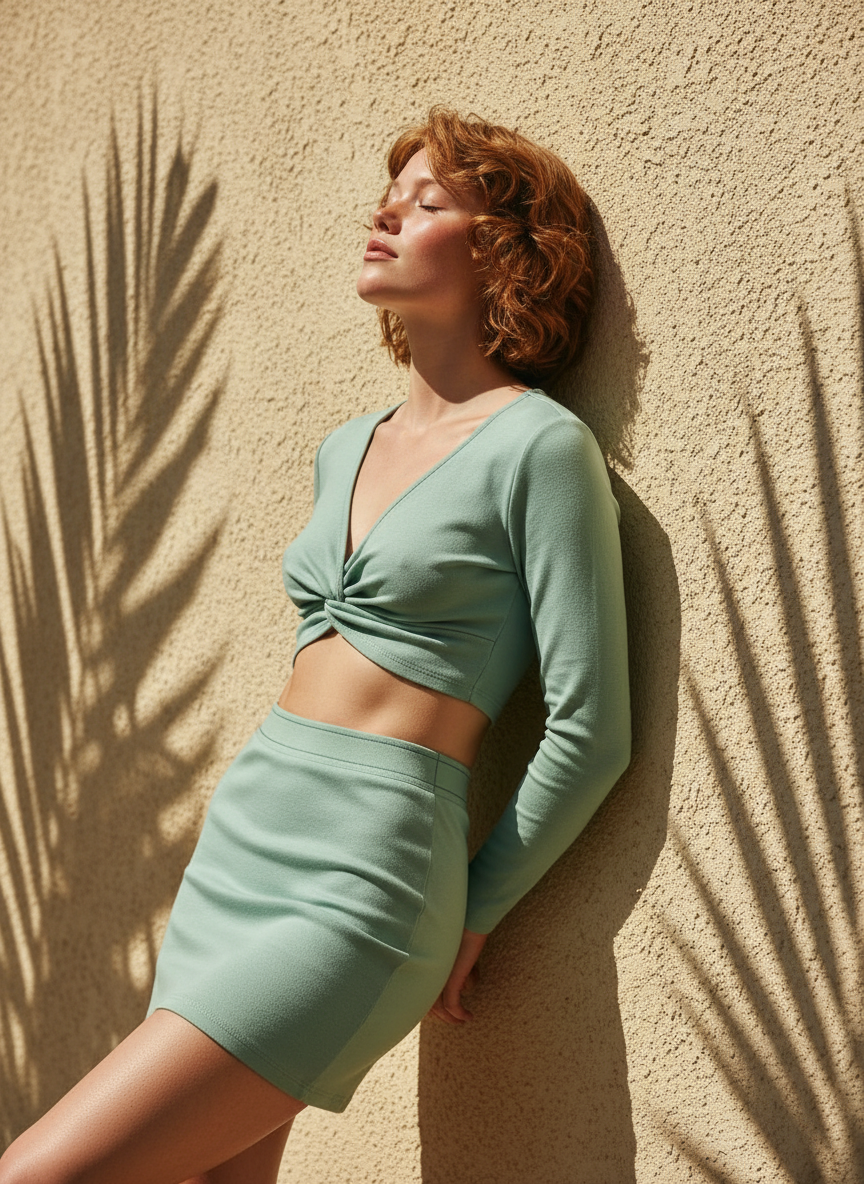
Sunlit Stucco Editorial
- Model
- Nano Banana
- Image
- 864 × 1184 px
Prompt
Preserve the subject’s facial features from the reference. Subject leans back against a textured beige stucco wall in a relaxed contrapposto stance, head tilted back, eyes half-closed, with an expression of enjoying warm sunlight. Wearing a trendy sage-mint set with a twisted-knot long-sleeve crop top exposing the midriff and a mini skirt with subtle thong-style detailing. Background features a rough stucco wall with sharp botanical leaf shadows cast across it and the subject. Harsh midday sun creates strong high-contrast light and shadow patterns, with crisp plant silhouettes across skin and surface. Warm yellow-green summer tones, editorial street fashion mood. Hyper-realistic 8K magazine-style portrait, Fujifilm X-T4 aesthetic, medium shot composition, textured wall filling the frame, 4:5 format, ultra-detailed.
Any aspect ratio
Overview
Sunlit Stucco Editorial is an AI Image Editor template that transforms any portrait into a sunlit masterpiece. Inspired by a high-fashion editorial aesthetic, this template casts your subject against a textured stucco backdrop with striking botanical silhouettes and vibrant summer tones.
What It Does
This tool uses the nano-banana model to capture hyper-realistic details, ensuring facial features are preserved while instilling dramatic sunlit shadows and a magazine-like finish. Ideal for creating AI Product Photography and enhancing visual storytelling with a distinctly editorial flair.
Who It's For
Perfect for content creators, photographers, and fashion enthusiasts looking to produce high-quality, editorial-style images. Whether you're crafting content for AI Ad Creative Generator campaigns or building a social media presence, this tool elevates your imagery to a professional level.
Summary
Utilize the Sunlit Stucco Editorial template to mimic the aesthetics of professional fashion photography without needing studio equipment. This template integrates seamlessly with the AI Clothes Changer for dynamic style adjustments and the Photo Colorizer to enhance the vibrancy of your campaigns.
How-To
Choose Your Template

Customize Your Image

Generate and Download

Use Cases
Fashion Editorials
- Fashion magazines
- Lookbooks
- Designer campaigns
Social Media Content
- Instagram posts
- Blog features
- Influencer content
Advertising Campaigns
- Banner ads
- Social media ads
- Product promotions
Best Practices
Select High-Quality Images
Use images with clear, detailed subjects to best leverage the template's capabilities.Experiment with Shadows
Adjust shadow and light settings to maximize the stucco texture and enhance mood.Pair with Other Tools
Use the AI Video Generator for cohesive photo-video campaigns that maintain a consistent look.