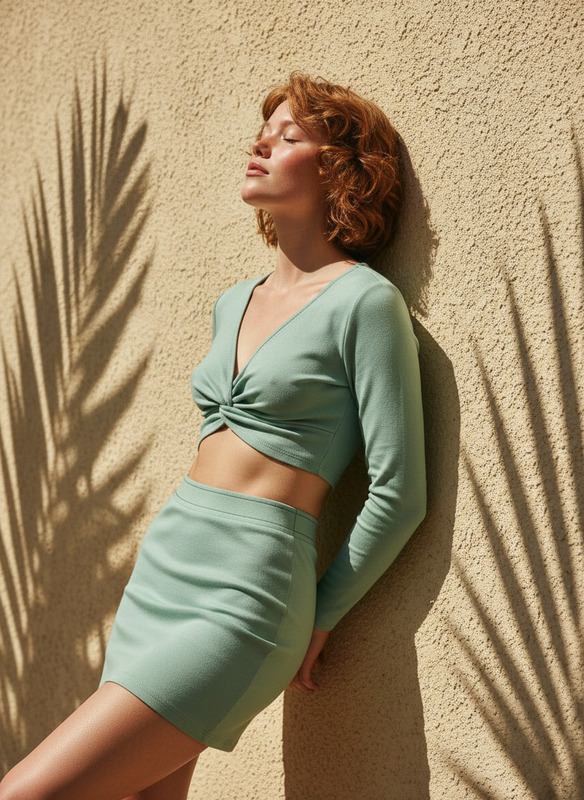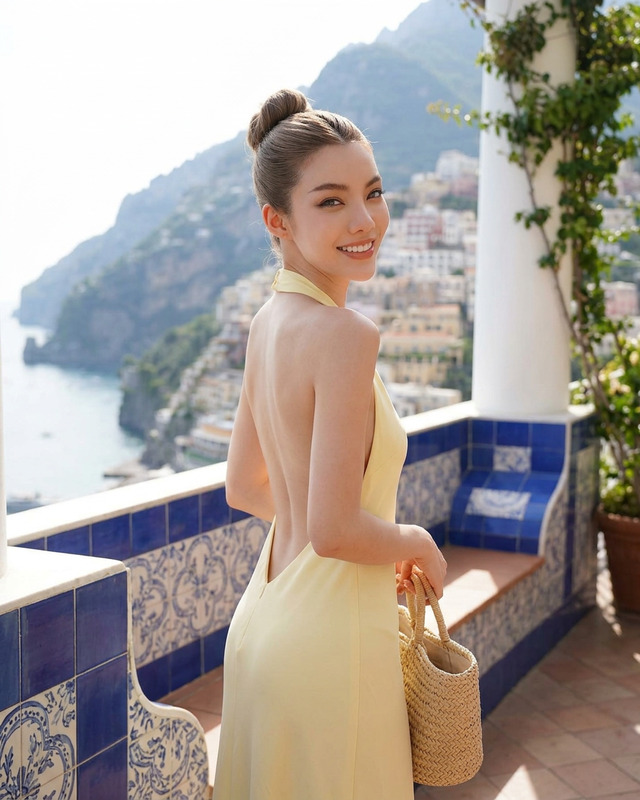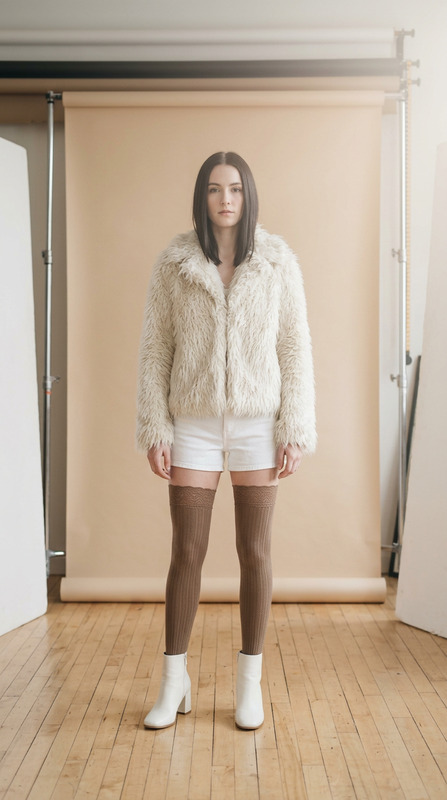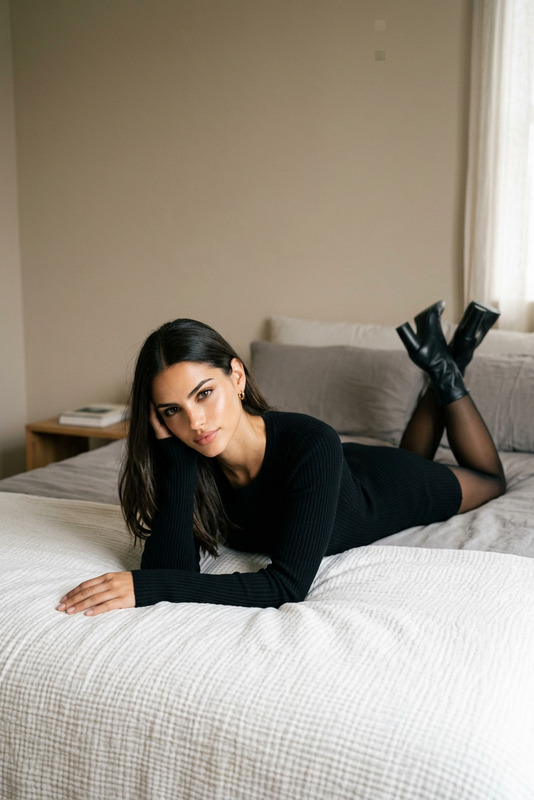
Garden Editorial
- Model
- Nano Banana 2
- Image
- 841 × 1264 px
Prompt
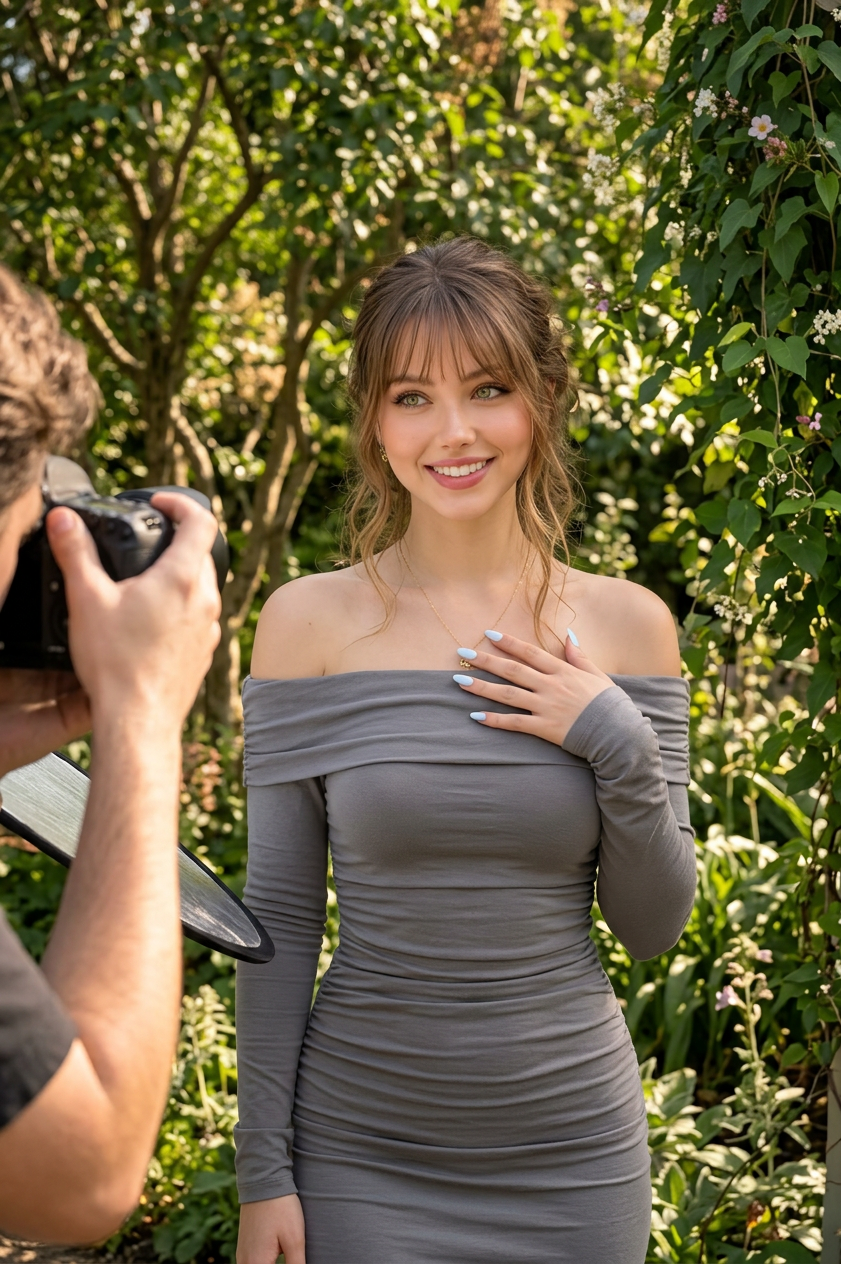
A straight-on medium shot captures a Latina / Hispanic subject standing outdoors in a lush, sunlit garden, with a photographer positioned at the left edge of the frame documenting the scene, creating a natural behind-the-scenes editorial moment. The subject wears a gray off-the-shoulder, long-sleeve ruched bodycon dress with a smooth, stretchy texture that closely contours the silhouette. The subject poses confidently with one hand placed on the chest, showing pale blue manicured nails, while natural curly hair frames the face softly. Makeup is subtle with warm undertones and defined eyebrows, complemented by a delicate necklace. The environment is a vibrant garden filled with leafy trees, climbing vines, and rich greenery, softly diffused by natural mid-morning or early afternoon sunlight that creates gentle, even shadows and enhances the lush tones of the surroundings. The color palette is grounded in earthy grays, greens, and browns, balanced with soft skin tones and the neutral dress. HEX palette: #010000, #4f4427, #241e17, #655939, #383531, #352e1c, #140f0d, #c2bfbf, #78684f, #ada89c, #d9d7da, #4e4944, #90826e, #f8f8f9. Shot with a modern digital camera and portrait lens, moderate depth of field keeps the subject in sharp focus while softly blurring the background foliage. Natural daylight, documentary-style editorial photography, clean composition, soft cinematic realism, intimate yet lively atmosphere, high-end fashion editorial behind-the-scenes aesthetic.
Any aspect ratio
Overview
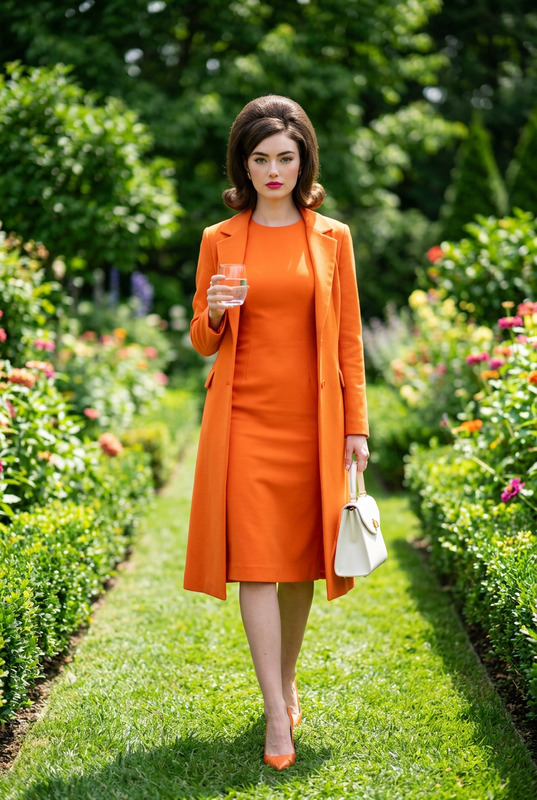
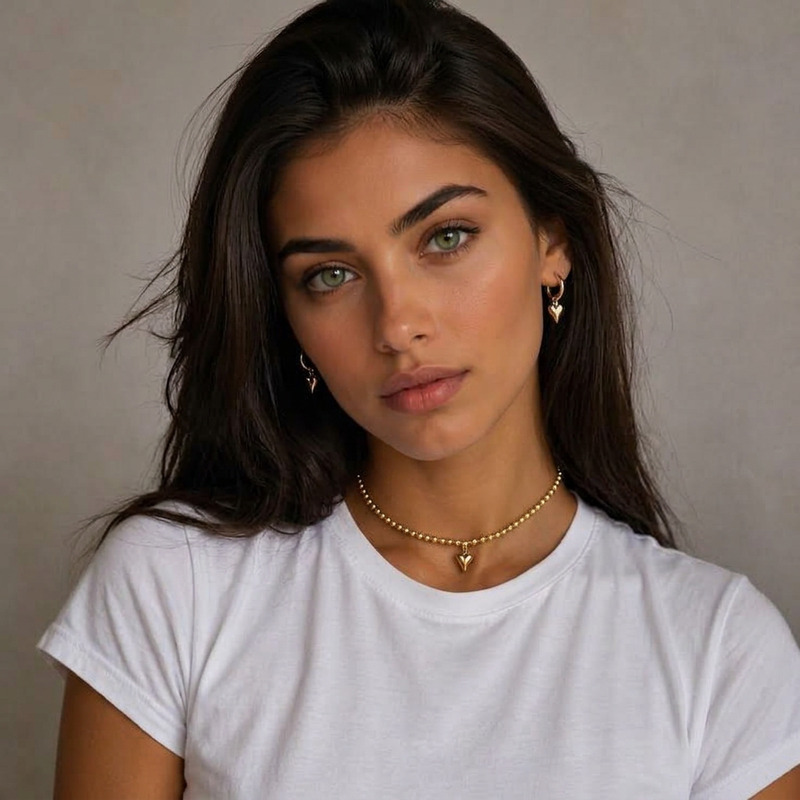
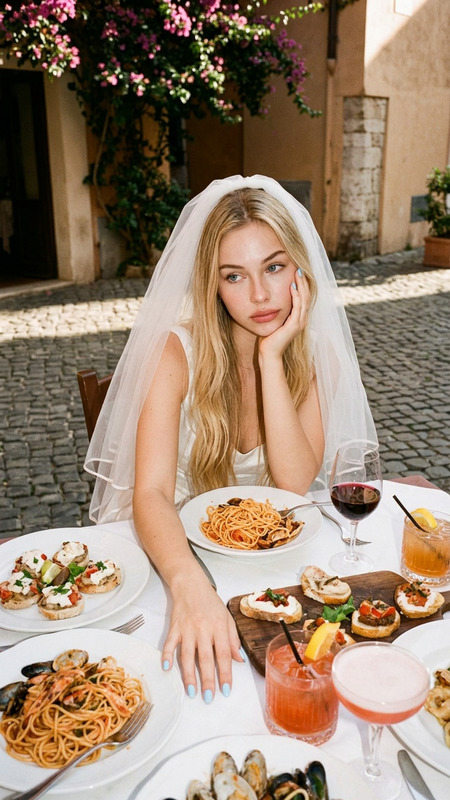
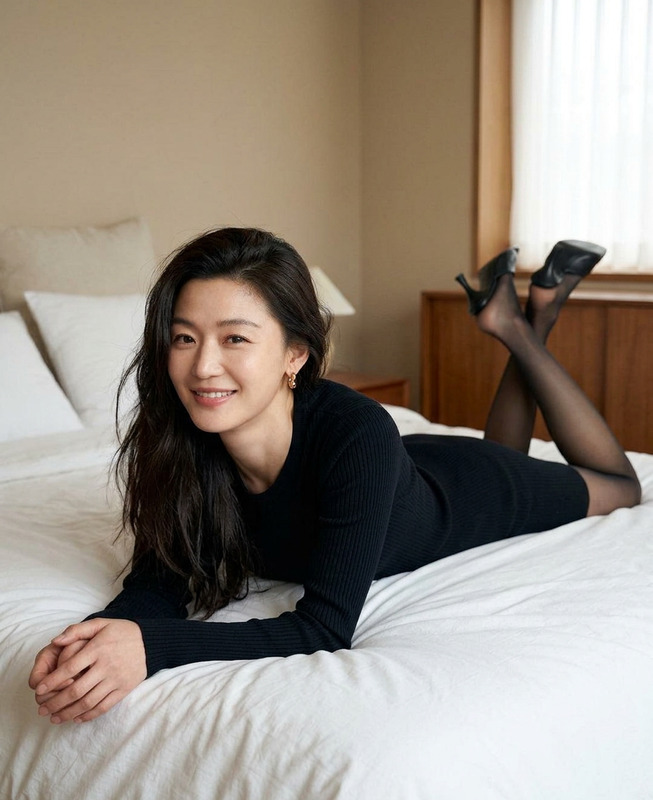
The Garden Editorial template for the AI Image Editor uses the nanotechnology-powered nano-banana-2 model to create an evocative behind-the-scenes garden photo shoot. Ideal for high-end fashion editorial visuals, this template sets a natural scene filled with lush greenery, balanced with a carefully curated color palette.
What It Does
This template allows you to transform your photos into professional editorial shots with ease. By incorporating elements like lighting, composition, and a vivid garden backdrop, it enhances your images with cinematic realism. Perfect for achieving that professional touch typically associated with top fashion editorials.
Who It's For
The Garden Editorial design is aimed at photographers, fashion brands, and marketing teams who require high-quality imagery without the need for an extensive setup. Whether you're crafting content for an Instagram Reels campaign or enhancing visuals for a product launch, this template offers the tools needed to stand out.
Summary
With the Garden Editorial template, your ordinary photos can be elevated to fashion-forward visuals, capturing the essence of a vibrant garden setting. This template delivers a holistic artistic approach suitable for anyone looking to create polished, editorial-style imagery. Explore more capabilities with our AI Image Generator for diverse aesthetic options.
How To
Choose Your Template

Customize Your Scene

Generate Your Image

Use Cases
Fashion Editorials
- Boost appeal of fashion line shoots
- Add texture and warmth to clothing collections
- Recreate an outdoorsy vibe inside a studio
Social Media Content
- Perfect for branding feeds on Instagram
- Ideal for LinkedIn professional shots
- Enhance Facebook Ads with standout imagery
Portfolio Enhancement
- Showcase versatility in style
- Highlight your unique outdoor sessions
- Add variety in presenting your work
Best Practices
Focus on Composition
Balance your image by properly aligning your subject. Utilize the depth-of-field feature to maintain focus where needed most.Leverage the Color Palette
Incorporate earthy tones and soft highlights found in the palette to give your image a consistent look and feel.Match Lighting with Mood
Adjust the brightness and shadow features to achieve a natural daylight effect, adding to the editorial style.