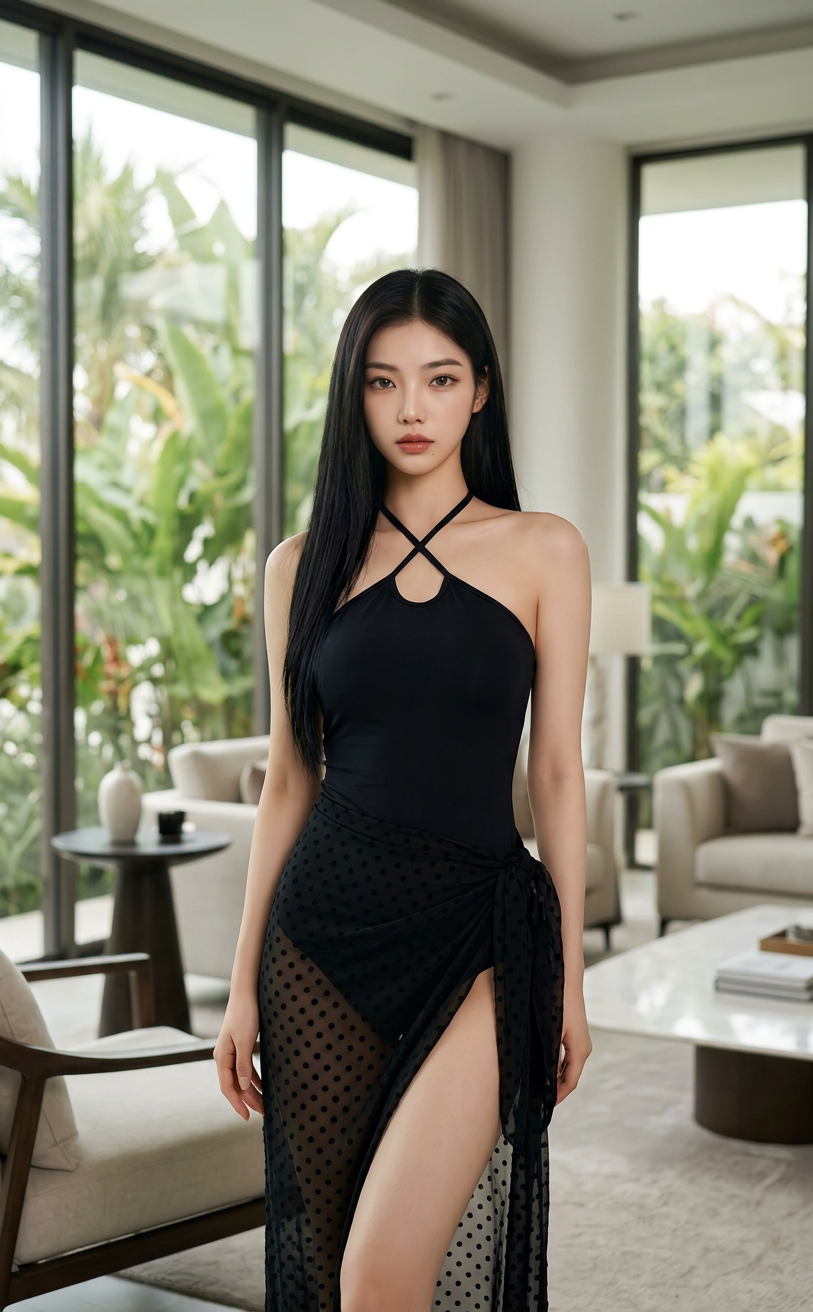
Tropical Luxe Interior Portrait
ai-image-editor
Any aspect ratio
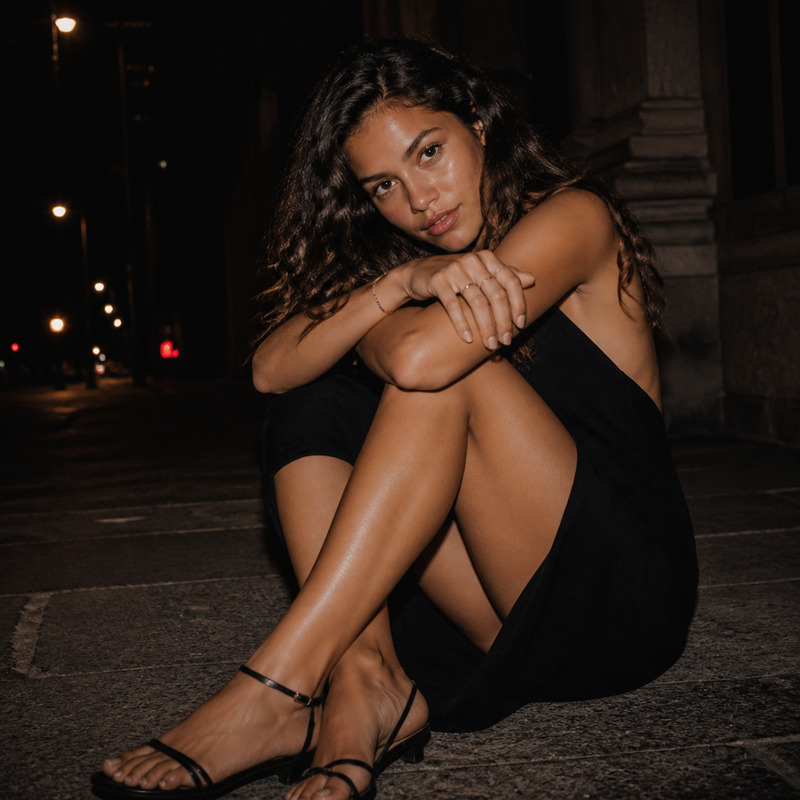
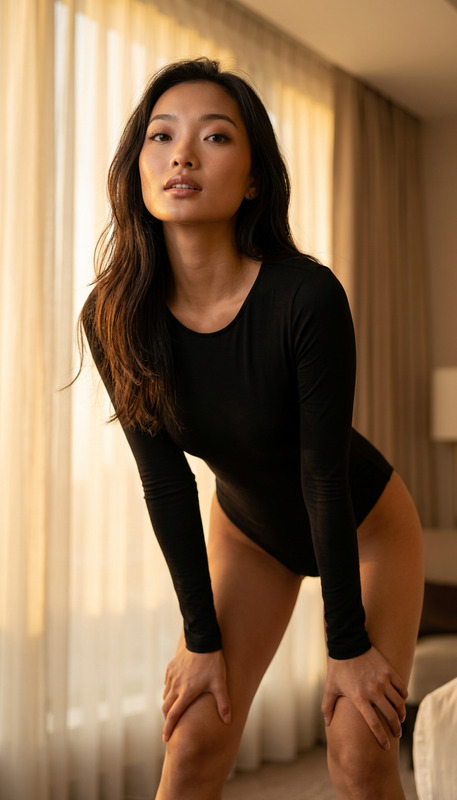
A cinematic fashion portrait of a subject with the exact same face, figure, and hairstyle as the reference image (100% match), posing elegantly in a luxurious, bright interior. The subject wears a black halter-neck bikini top with crisscross straps, paired with a sheer black polka-dot sarong tied at the hip, subtly revealing the leg. The space features large floor-to-ceiling windows overlooking lush tropical foliage, filling the room with soft natural light. The atmosphere is refined and relaxed, blending indoor luxury with tropical serenity. Lighting is bright yet diffused, creating soft highlights on skin and fabric with gentle shadows. The style is high-end editorial, clean and modern, with cinematic composition, natural color tones, and ultra-detailed textures.
AI Image Editor Template: Instantly Transform and Enhance Any Image
This template is built with the AI Image Editor, designed for fast, precise visual edits without manual Photoshop-style work. Use it as a starting point to clean up photos, remove distractions, replace backgrounds, or stylize images for campaigns, product launches, and social content.
You can remix this template directly in Magic Hour to create your own reusable editing workflow, then apply it across entire folders of images in minutes.
What this template is ideal for
This AI Image Editor–based template is optimized for:
- Content creators & marketers
- Social posts, ads, thumbnails, blog hero images, and email visuals
- Consistent brand look across multiple channels
- Startup & product teams
- Product shots (background cleanup, color consistency, object removal)
- Landing page imagery and app store screenshots
- Designers & developers
- Rapid concept visuals and mockups
- Iterations for clients, A/B tests, and experiments
Use it when you need high-quality edits fast, without a full design pipeline.
What you can do with this template
This template leverages the AI Image Editor to automate common, high-value editing tasks:
Remove unwanted objects and distractions
Clean up logos, text, people, or clutter using AI inpainting. For more targeted workflows, you can also explore the dedicated AI Remover and Remove Object from Photo tools.Replace or clean backgrounds
Swap messy or off-brand backdrops with clean, consistent environments. Pair this with the Image Background Remover or AI Background Generator to quickly create studio-style, lifestyle, or abstract backgrounds.Enhance quality and resolution
Sharpen low-res or blurry assets and prepare them for high-visibility placements using the AI Image Upscaler or Unblur Image.Restyle visuals for specific aesthetics
Turn photos into illustrations, manga, or on-brand art styles by combining this template with tools like:Prepare images for video & animation workflows
Use this template as a preprocessing step before turning images into:- Animated clips with Image to Video
- Talking portraits using AI Talking Photo
- Character animations via Animation Templates
How to remix this template in Magic Hour
You can adapt this template to your specific use case instead of starting from scratch. In Magic Hour, “remixing” means using an existing workflow as a base and customizing it for your brand, content type, or pipeline.
Typical remix steps:
Open the template in Magic Hour
Use this template as your starting point. All core AI Image Editor actions are already wired in.Swap in your own source images
- Upload product photos, portraits, marketing visuals, or UI mockups.
- For new concepts, generate base assets first using tools like the AI Photo Generator, AI Character Generator, or AI Art Generator.
Customize the editing behavior
- Define what should be removed, kept, or emphasized in your images.
- Decide if you want cleaner studio shots, lifestyle scenarios, or stylized art.
- Chain other products (like background generation or upscaling) into your workflow if relevant.
Create variants for different channels
Use the same base edit and spin off multiple versions for:- Ad creatives (square, vertical, and horizontal variants)
- Thumbnails using Thumbnail Maker
- Avatars or profile images via the Avatar Generator
Save your remix as a reusable template
Once you’ve tuned it for your brand and use case, save your remix so you or your team can:- Reuse it across campaigns
- Apply it in batch to new image sets
- Keep consistency without manually redoing edits
Example workflows you can build from this template
Use this AI Image Editor template as the base layer in more advanced pipelines:
E‑commerce product pipeline
- Step 1: Clean product shots (remove clutter, fix backgrounds) with AI Image Editor
- Step 2: Generate lifestyle scenes via AI Background Generator
- Step 3: Upscale for marketplaces using AI Image Upscaler
- Step 4: Turn hero images into short promos with Image to Video
Creator & YouTube thumbnail system
- Step 1: Use AI Image Editor to remove backgrounds and brighten subject
- Step 2: Add bold, on-brand backgrounds with AI Background Generator
- Step 3: Generate clickable thumbnails via Thumbnail Maker
- Step 4: Animate selected thumbnails into shorts or teasers via Text-to-Video or Image to Video
Founders & team headshots
- Step 1: Clean up and retouch portraits through this template and the AI Face Editor
- Step 2: Generate consistent, professional headshots using the AI Headshot Generator
- Step 3: Create on-brand profile images for pitch decks, LinkedIn, or your website
Character & IP development
- Step 1: Edit character concept art with AI Image Editor
- Step 2: Iterate alternate styles via AI Anime Generator, Animated Characters Generator, or Superhero Generator
- Step 3: Animate characters through Animation or Image to Video
Combine this template with other Magic Hour tools
This template is especially powerful when combined with other Magic Hour capabilities:
Face & identity
- Swap faces in GIFs or images: Face Swap and GIF Face Swap
- Create and refine faces: AI Face Generator, AI Selfie Generator
- Make portraits talk: AI Talking Photo
Video & motion
- Turn stills into animated clips: Image to Video
- Sync lips to audio: Lip Sync Template
- Transform video styles: Video to Video Template
- Enhance footage: Video Upscaler
- Add subtitles: Auto Subtitle Generator
Brand, marketing, and design
- Logos and brand marks: AI Logo Generator
- Covers and packaging: Album Cover Generator, Book Cover Generator
- Campaign visuals: AI Meme Generator, AI QR Code Generator
- Product & fashion visuals: AI Fashion Generator, AI Clothes Changer, AI Outfit Generator
Why use an AI Image Editor template instead of manual editing?
Research and industry usage show that AI-assisted editing can drastically reduce turnaround time and improve consistency across assets, especially at scale. For growing teams and solo creators, the key advantages are:
- Speed: Automate repetitive editing tasks that would otherwise require many manual steps.
- Consistency: Templates enforce the same visual logic across campaigns, products, and platforms.
- Scalability: Once you’ve remixed this template for your workflow, you can re-run it on new assets without rethinking the process each time.
- Experimentation: It’s easy to fork new versions of this template to test different looks, styles, or funnels.
Getting started
- Use this AI Image Editor template as your base.
- Remix it with your own images, brand style, and supporting tools.
- Save and reuse your custom template as a repeatable editing system.
From there, you can plug the outputs into face swaps, talking photos, text-to-video, or any other Magic Hour pipeline you use to ship content faster.