Squishy Toy Chaos
- Model
- Nano Banana 2
- Image
- 768 × 1370 px
Prompt
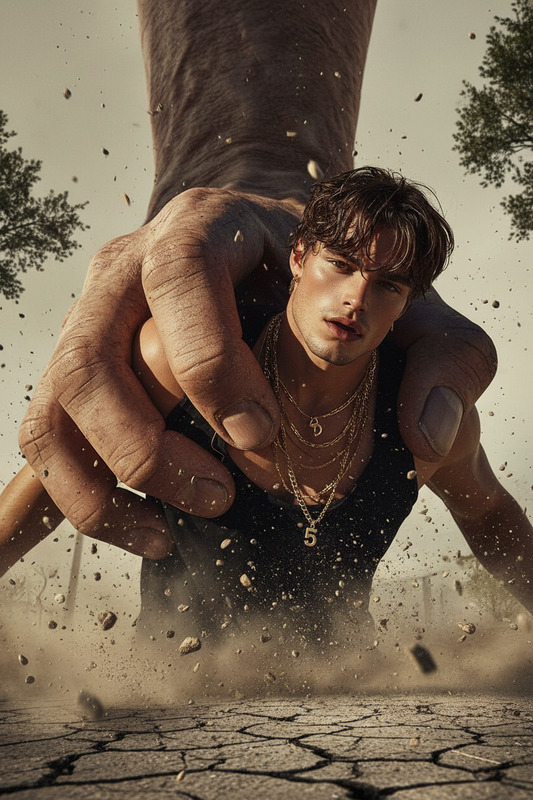
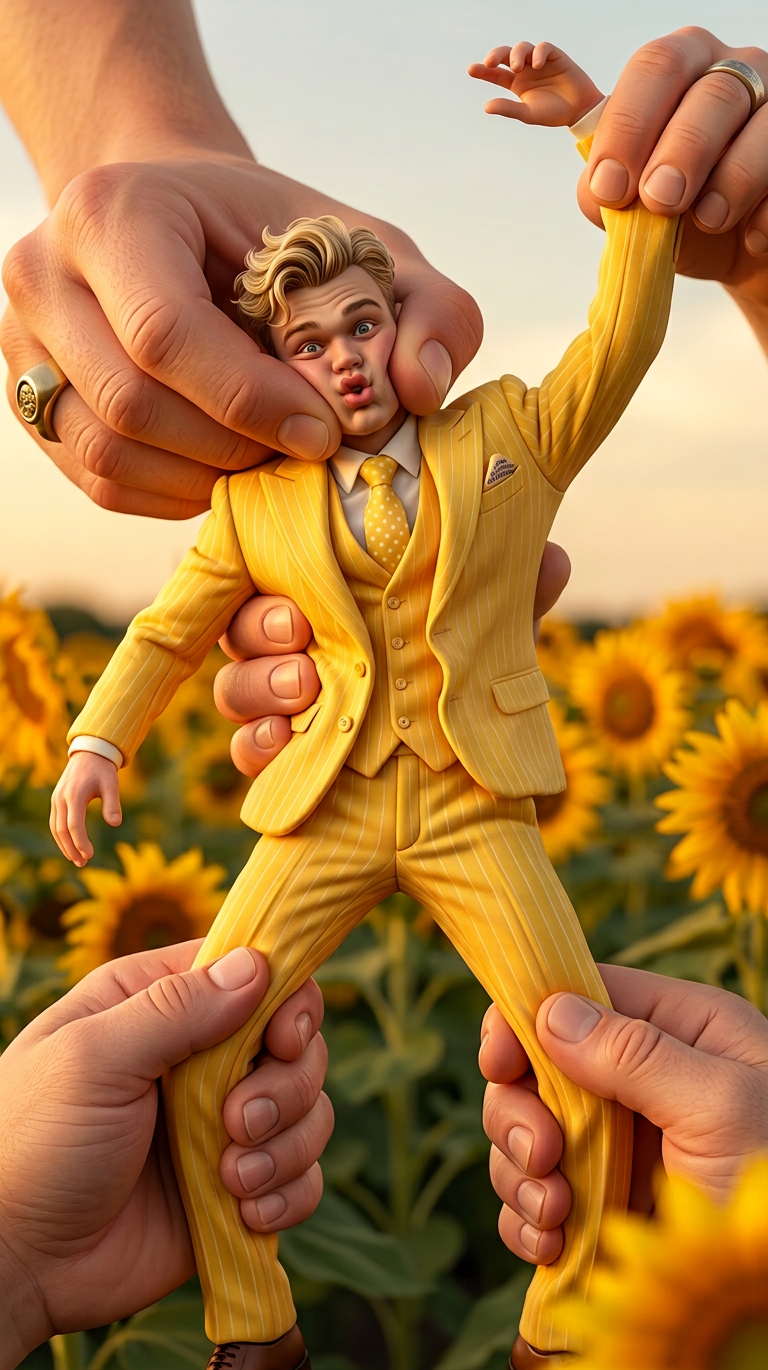
A subject is gently squished between two giant hands, then stretched and squeezed like a soft toy in a playful, exaggerated motion. The proportions are cartoonish and whimsical, with detailed hands and soft, squishy deformation effects. Soft lighting, slightly comedic atmosphere, and high-detail textures on both the subject and hands.
Any aspect ratio
Overview
Explore a new dimension of creativity with the Squishy Toy Chaos template, a feature of our AI Image Editor. Designed using the innovative nano-banana-2 model, this template allows you to craft surreal and whimsical visuals, characterized by exaggerated proportions and comedic effects.
What It Does
The Squishy Toy Chaos template animates your images by transforming elements into pliable, cartoonish forms. The template focuses on detailed hands creating playful deformation effects, enveloping and squeezing a subject into soft, elastic interpretations. These transformations add a whimsical touch, ideal for crafting eye-catching meme videos or social media ads.
Who It's For
Whether you're a digital artist, content creator, or marketing professional, the Squishy Toy Chaos template offers endless possibilities. It's perfect for anyone seeking to inject humor and creativity into their visual content, making it particularly useful for those targeting audiences with a love for vibrant and imaginative aesthetics.
Summary
Transform your visuals into a delightful visual spectacle with Squishy Toy Chaos. By integrating playful deformation effects and leveraging the powerful AI GIF Generator, you can not only enhance still images but also bring them to life in animated formats. This approach ensures your content stands out and captivates viewers.
How to Use
Choose the Template

Customize Your Image

Generate Your Creation

Use Cases
Social Media Content
- Enhance posts with vibrant, whimsical designs
- Perfect for playful brand messaging
Marketing Campaigns
- Suitably quirky for brand differentiation
- Easily captures attention in crowded feeds
Meme Creation
- Add comedic deformation effects
- Generate viral content effortlessly
Digital Storytelling
- Visuals that stand out
- Adds humorous elements to stories
Best Practices
Experiment with Proportions
Adjust proportions of the subject and hands for the most whimsical outcome. Extreme deformations can create a more dramatic visual effect.Focus on Details
Ensure the textures are set to high quality to enhance the realism of the whimsical effect, especially in the hands and squished elements.Match with Audience Humor
Align the comedic elements with your target audience's sense of humor for higher engagement.