Arcane Library Spell
ai-image-editor
Any aspect ratio
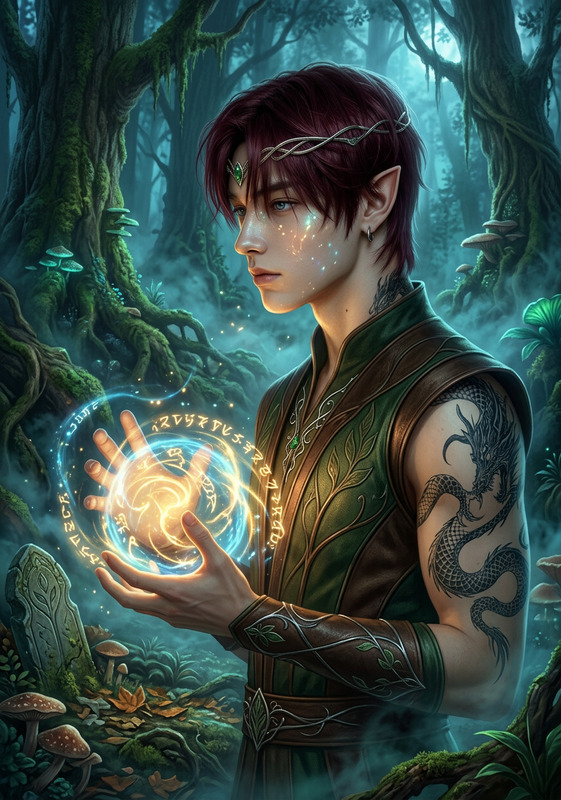
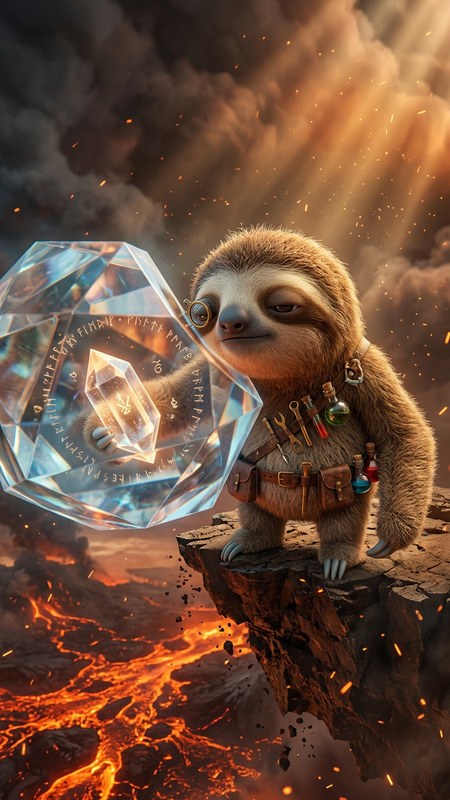
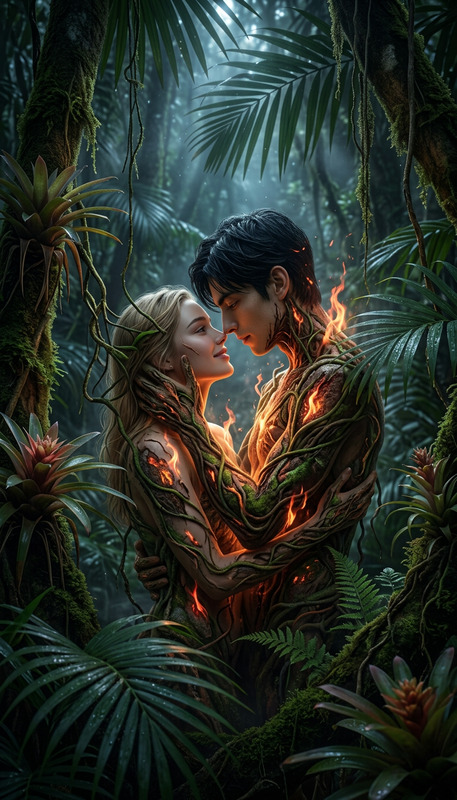
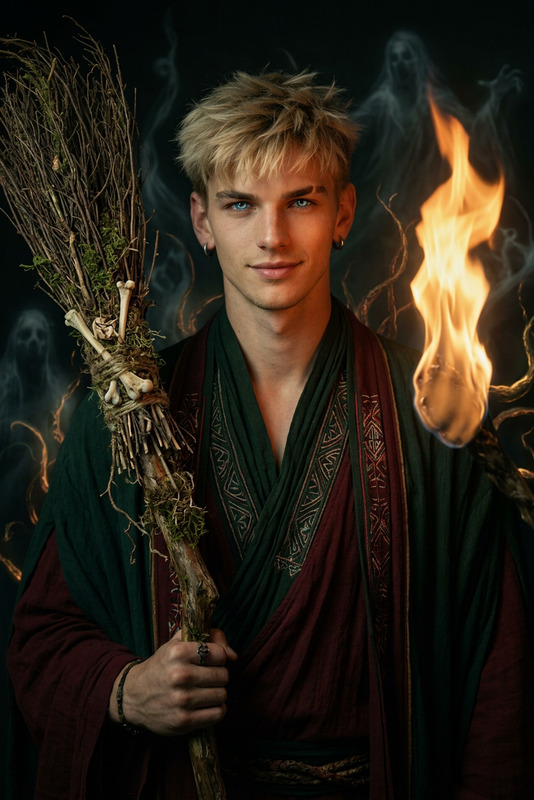
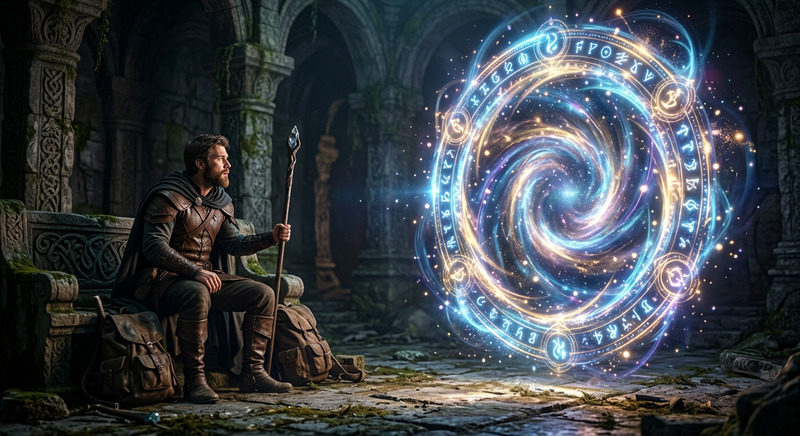
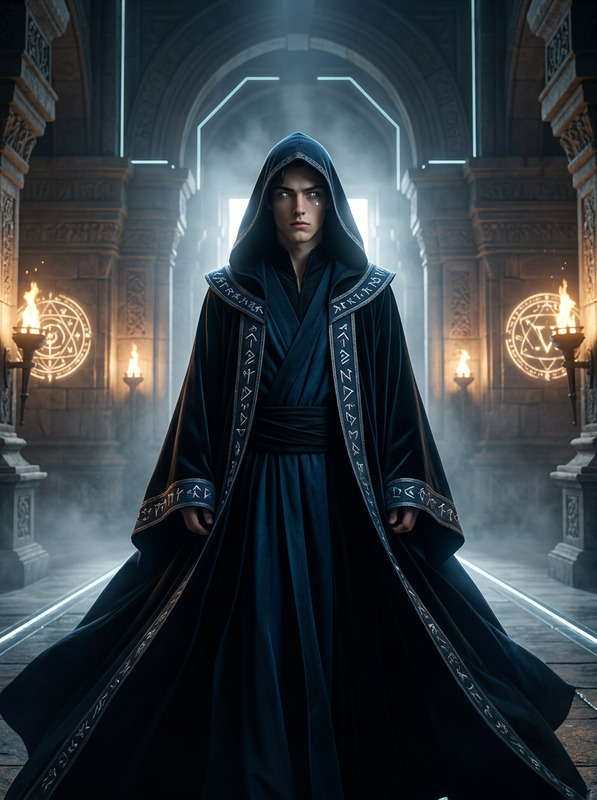
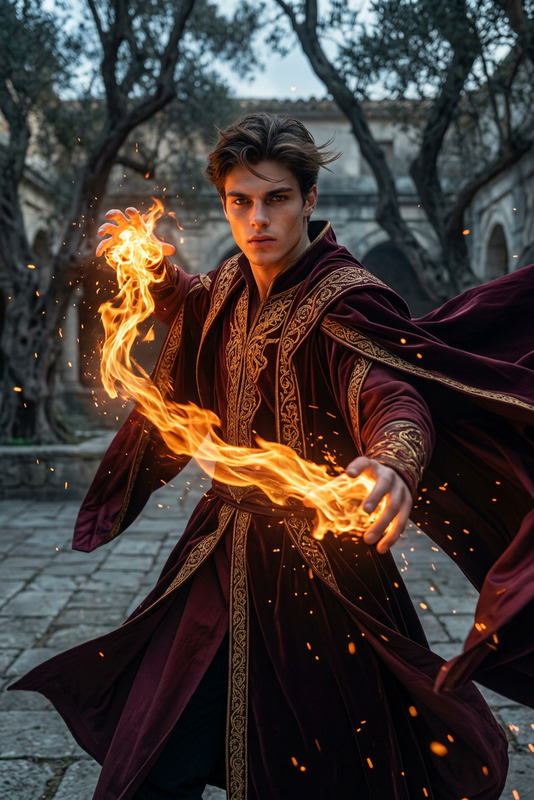
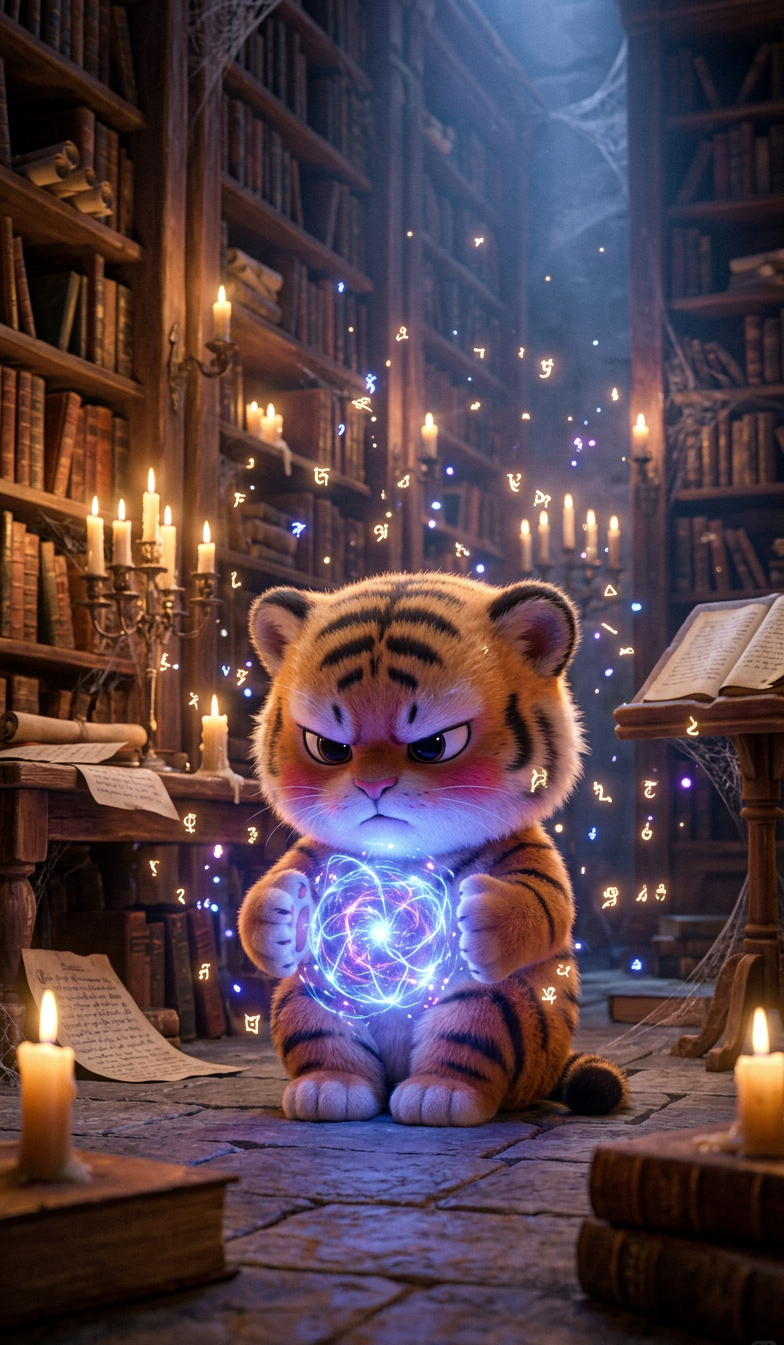
Cinematic scene of a subject casting a glowing magical spell from their hands inside an ancient library, floating particles and light energy forming between palms. Surrounded by tall bookshelves, old manuscripts, and candles. Warm ambient light mixed with magical glow, volumetric lighting, dust in the air, moody atmosphere, photorealistic, high detail, fantasy aesthetic, film grain, 8K.
AI Image Editor Template: Precision Image Editing for Fast, High-Quality Visuals
Use this template to quickly edit, enhance, and transform images with the AI Image Editor. It’s designed for creators, marketers, and builders who need production-ready visuals without spending hours in Photoshop.
What You Can Do With This Template
Remix this template in Magic Hour to:
Retouch and clean up photos
- Remove distracting objects or people with the AI Remover or Remove Object from Photo
- Fix imperfections in faces using the AI Face Editor
- Unblur and sharpen low-quality images via Unblur Image and AI Image Upscaler
Change backgrounds and environments
- Instantly swap busy or boring backdrops using the Image Background Remover
- Generate new scenes with the AI Background Generator or AI Art Generator
Edit faces, styles, and identities
- Modify facial features, expressions, or age with the AI Face Generator and Gender Swap
- Create polished portraits and profile images using the AI Headshot Generator and AI Selfie Generator
- Experiment with clothing and looks using the AI Clothes Changer or AI Outfit Generator
Style, brand, and creative exploration
- Turn photos into illustrations, anime, or stylized art with the AI Illustration Generator, AI Anime Generator, Manga Generator, or Comic Book Generator
- Generate on-brand visuals—logos, icons, covers—using the AI Logo Generator, AI Icon Generator, Album Cover Generator, and Book Cover Generator
- Design characters and avatars with the AI Character Generator, Avatar Generator, Full Body Generator, and Animated Characters Generator
Fix and restore images at scale
- Colorize black-and-white photos with Photo Colorizer
- Restore damaged or old photos via Old Photo Restoration
- Remove watermarks or text overlays with the Watermark Remover
How to Remix This Template in Magic Hour
You can clone this template’s workflow and adapt it to your own use cases in a few steps:
Start from this AI Image Editor template
- Open it in Magic Hour.
- Duplicate it so you can safely experiment without changing the original.
Swap in your own images and goals
- Replace the sample image with your product shot, portrait, logo, or marketing creative.
- Decide your primary outcome:
- Cleaner product image
- On-brand social asset
- Face/identity edit
- Concept art or moodboard visual
Chain in additional tools as needed
You can build multi-step image pipelines entirely inside Magic Hour by combining:- Generation: start from scratch with the AI Image Generator or AI Photo Generator
- Editing: refine with the AI Image Editor, AI Face Editor, and AI Background Generator
- Upscaling & quality: finalize with AI Image Upscaler or Unblur Image
Create variants for testing
- Duplicate your remix and change prompts, references, or target styles to create multiple visual directions.
- Use different style tools (for example: AI Fashion Generator, Graffiti Generator, Disney AI Generator, Dark Fantasy AI) and compare results across campaigns or platforms.
Export and reuse across content formats
Once you have a polished image from the AI Image Editor, you can:- Turn it into a short animated visual with the AI GIF Generator
- Convert it into motion using Image to Video
- Build thumbnails via the Thumbnail Maker for YouTube, landing pages, or ads
- Integrate it into AI-powered memes using the AI Meme Generator
Example Use Cases for Builders and Marketers
This template is especially useful if you’re:
Launching or iterating on a product
- Clean product shots, remove backgrounds, and generate multiple environments for A/B tests.
- Create platform-specific variants: clean white background for marketplaces, lifestyle scenes for paid ads, stylized art for social.
Building a brand or visual identity
- Generate logo and icon explorations with the AI Logo Generator and AI Icon Generator, then refine details in the AI Image Editor.
- Produce consistent avatar and headshot sets for your team with the AI Headshot Generator and polish them here.
Creating content at scale
- Build image pipelines for newsletters, social posts, and product updates using the AI Image Editor as the central editing step.
- Use AI Art Generator, AI Illustration Generator, and AI Background Generator to quickly explore angles and moods, then standardize everything for brand consistency.
Designing for niche or technical projects
- Draft concept art for interiors with the AI Interior Design Generator or buildings with the Architecture Generator, then refine details with the AI Image Editor.
- Build fictional worlds and maps using the Fantasy Map Generator, then annotate or enhance them with targeted edits.
Connect Image Editing to Video, Voice, and Interactive Experiences
This template focuses on static image editing, but you can link it with Magic Hour’s video and audio tools to build end-to-end content flows:
From edited images to dynamic video
- Turn your edited images into animated clips using:
- Image to Video
- Text to Video
- Video-to-Video for transforming existing footage into new styles
- Animation for stylized motion content
- Turn your edited images into animated clips using:
Make faces talk and move
- Use polished portraits from this template as input to:
Add voice and sound
- Pair talking images and video with:
- Automatically subtitle your final video using the Auto Subtitle Generator.
Polish final media quality
- Improve video resolution with the Video Upscaler
- Ensure consistent, crisp imagery by running your assets through the AI Image Upscaler before export.
Advanced Creative Workflows You Can Build From This Template
Because Magic Hour tools are composable, you can extend this AI Image Editor template into more specialized systems:
Marketing systems
- Generate product or campaign visuals with AI Photo Generator →
Clean and brand with AI Image Editor →
Turn into video snippets with Text to Video or Image to Video →
Auto-subtitle with Auto Subtitle Generator.
- Generate product or campaign visuals with AI Photo Generator →
Design and branding explorations
- Concept logos and marks with AI Logo Generator and AI Icon Generator →
Refine vector-like outputs and compositions with AI Image Editor →
Package them into covers and thumbnails using Book Cover Generator, Album Cover Generator, and Thumbnail Maker.
- Concept logos and marks with AI Logo Generator and AI Icon Generator →
Entertainment, games, and storytelling
- Generate characters with AI Character Generator, Superhero Generator, Pokemon Generator, or Animated Characters Generator →
Edit expressions, outfits, and scenes in AI Image Editor →
Turn them into animated shorts with Animation or Video-to-Video.
- Generate characters with AI Character Generator, Superhero Generator, Pokemon Generator, or Animated Characters Generator →
Specialized visuals
- Tattoos, optical illusions, manga, or comics:
- Use this AI Image Editor template to precisely adjust placement, clarity, and style before sharing with clients or collaborators.
Tips for Getting Strong Results With This Template
Start from the highest-quality source you have
Even though tools like Unblur Image and AI Image Upscaler can rescue low-quality inputs, you’ll get better results if you upload clear, well-lit images whenever possible.Think in steps, not one giant transformation
For complex edits (for example: change background + retouch face + add text), break the process into clear stages:- cleanup and removal, 2) environment and style, 3) detail and polish. This template is ideal as the “detail and polish” stage in a longer pipeline.
Use specialized tools where they shine
- Cleanup, removing objects, tweaking faces → AI Image Editor template + AI Remover, AI Face Editor
- Generating new images from scratch → AI Image Generator, AI Photo Generator
- Upscaling and restoration → AI Image Upscaler, Old Photo Restoration, Photo Colorizer
Related Templates and Tools to Explore
If you’re building a workflow around this AI Image Editor template, these starting points are useful:
- Face Swap Video Templates – swap faces in video using the images you’ve edited
- Lip Sync Templates – turn your edited headshots into talking clips
- Video-to-Video Templates – restyle or enhance existing footage after you’ve established your visual language
- Animation Templates – bring your AI-edited characters and scenes to life
Use this template as your reliable editing hub: generate, clean, refine, and then extend into video, audio, and interactive content—all within Magic Hour.