Arcane Gateway
- Model
- Nano Banana 2
- Image
- 1408 × 768 px
Prompt
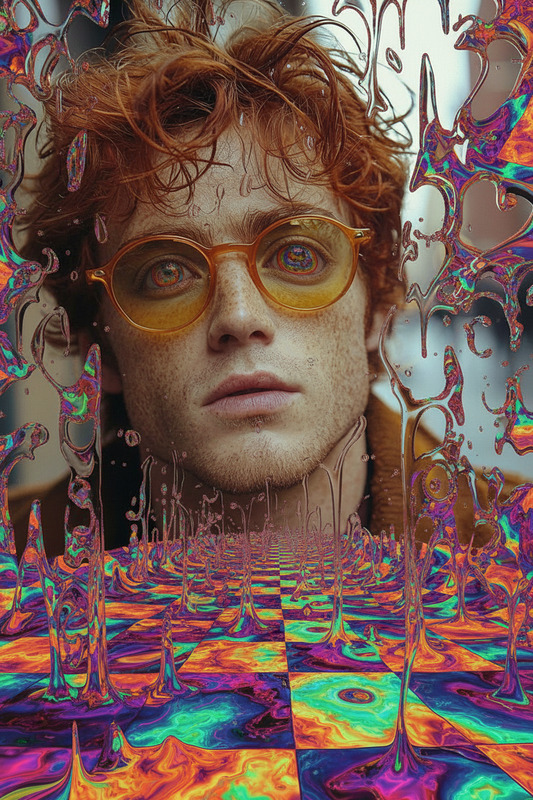
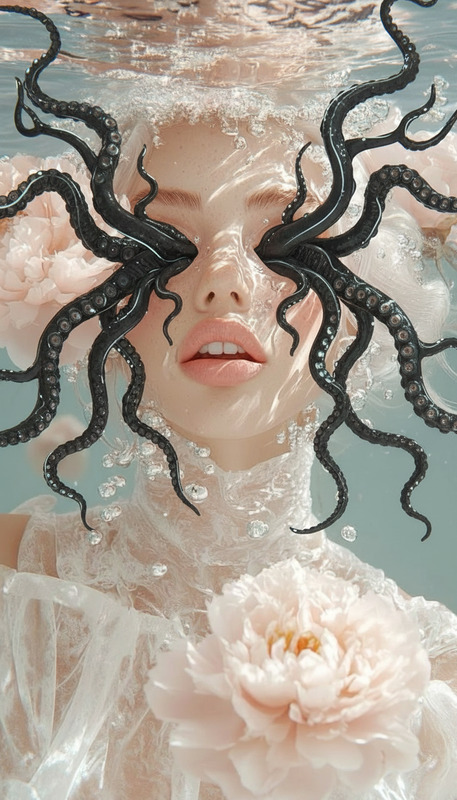
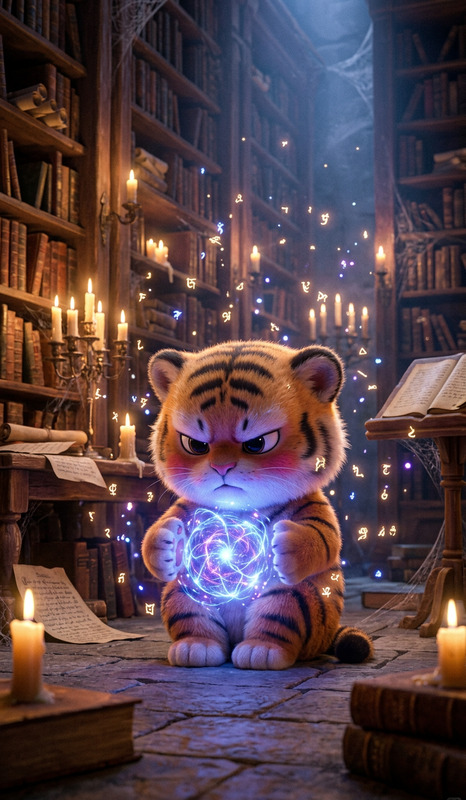
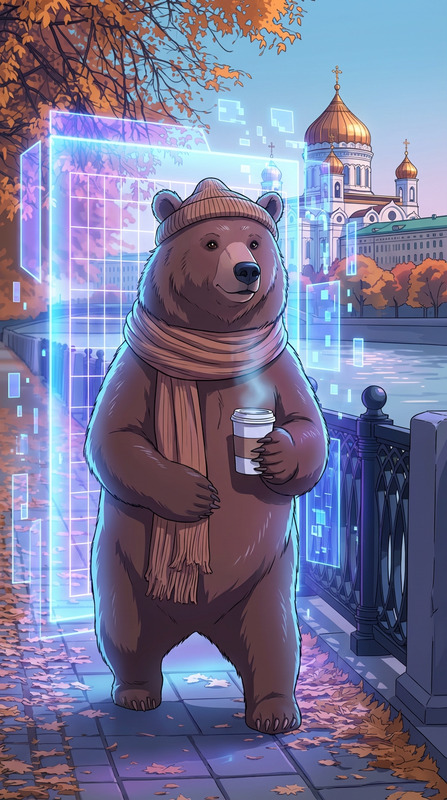
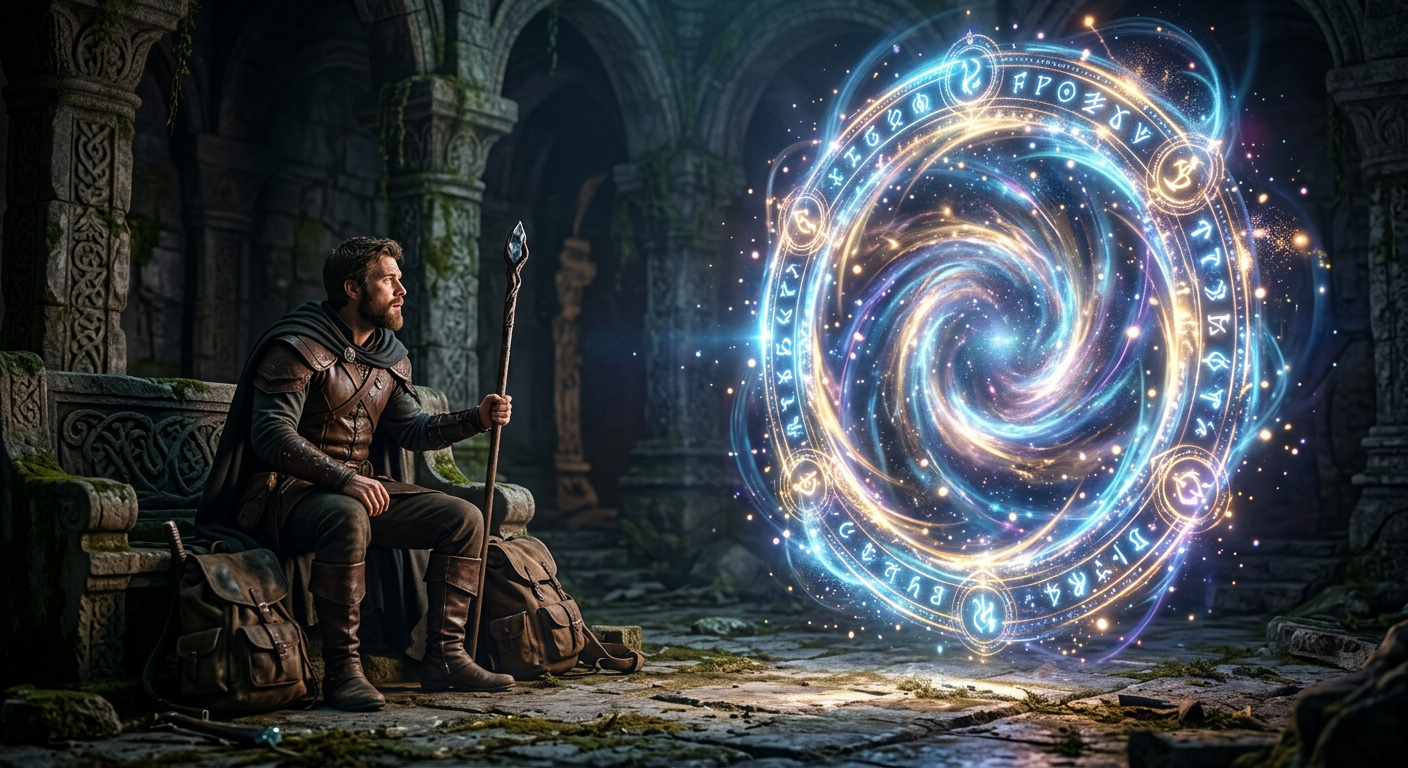
A glowing magical portal opens beside the subject, swirling with mystical energy, runes and light particles orbiting the ring, soft ethereal glow casting light on the scene, fantasy atmosphere, smooth energy flow, cinematic lighting, ultra-detailed, 4K.
Any aspect ratio
Overview
Welcome to the Arcane Gateway, a fascinating module of the AI Image Editor suite. This template empowers you to add a magical flair to your images with a stunning glowing portal. With this tool, transforming ordinary scenes into extraordinary fantasy settings becomes achievable, creating captivating visuals that resonate with viewers.
What It Does
The Arcane Gateway template is designed to infuse your imagery with a magical, cinematic quality. It overlays a glowing portal rich in mystical energy and runes, enhancing the fantasy atmosphere of your scene. This template offers ultra-detailed rendering to ensure a 4K quality output, adding depth and intrigue to your compositions.
Who It's For
This template is ideal for creators looking to produce high-quality fantasy visuals. Whether you are a filmmaker, a digital artist, or a social media content creator, the Arcane Gateway is perfect for enhancing your projects. It's particularly useful for those in the gaming cinematics and explainer videos domains.
Summary
Utilizing the nano-banana-2 model, the Arcane Gateway template brings precision and stunning detail to your images. Combined with the tools from Image to Video transitions, it offers an unparalleled creative experience that turns your fantasy concepts into reality. By integrating cinematic lighting and a smooth energy flow, your visuals will appear both dynamic and breathtaking.
How to Use Arcane Gateway
Choose Arcane Gateway

Customize Your Portal

Generate Your Image

Use Cases
Fantasy Movie Posters
- Add a mystical portal as a focal point
- Enhance the magical aura
Gaming Artwork
- Include runes and energy effects
- Boost visual storytelling
Social Media Campaigns
- Stand out with ethereal designs
- Increase engagement and shares
Best Practices
Lighting Adjustment
Ensure the scene's lighting complements the ethereal glow of the portal for a cohesive look.Detailing Focus
Pay attention to the details around the portal, such as the runes and light particles, to enhance realism.Integrating with Video
Combine with the AI Video Generator for seamless integration into video projects.