Ethereal Flame Conjurer
ai-image-editor
Any aspect ratio
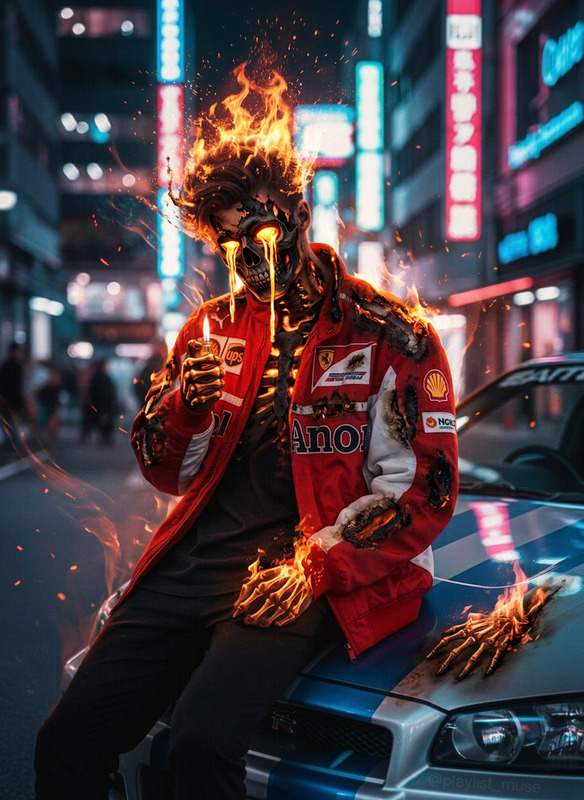
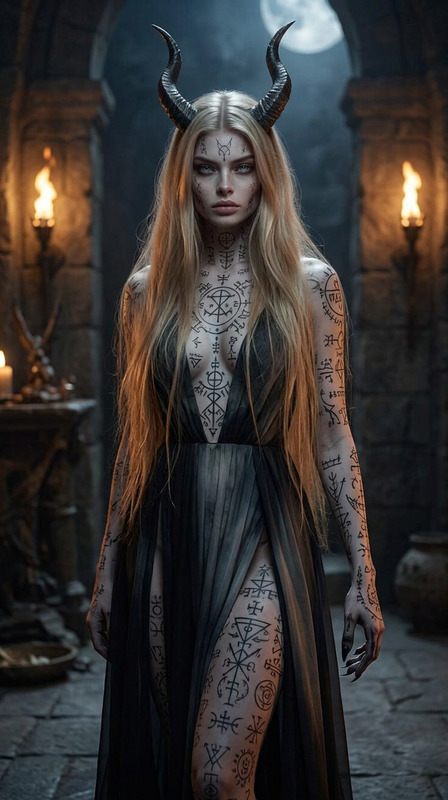
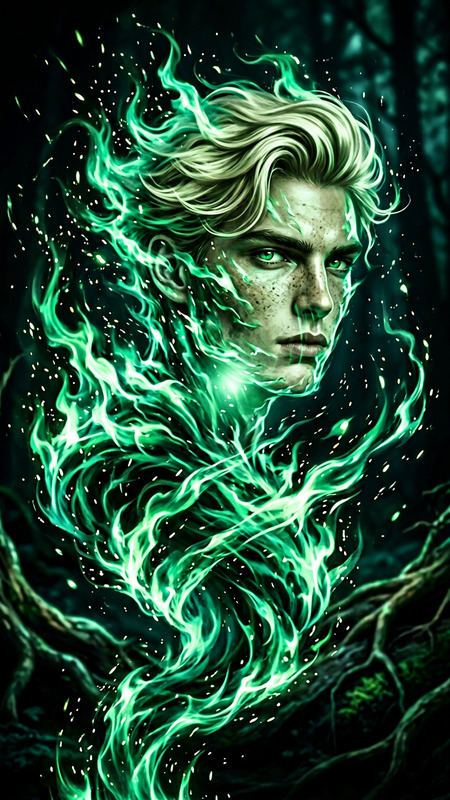
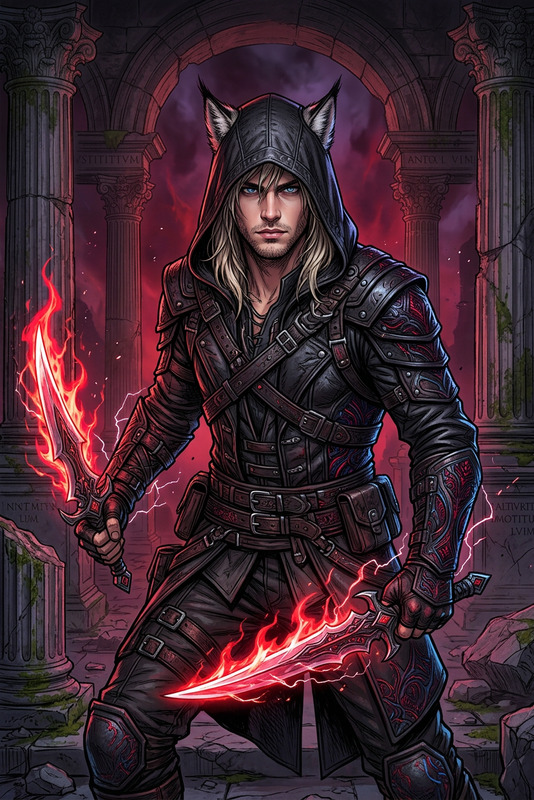
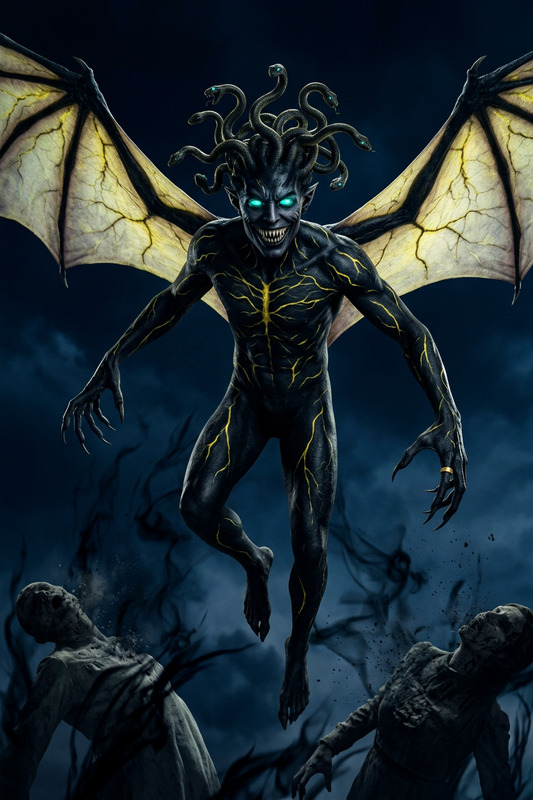
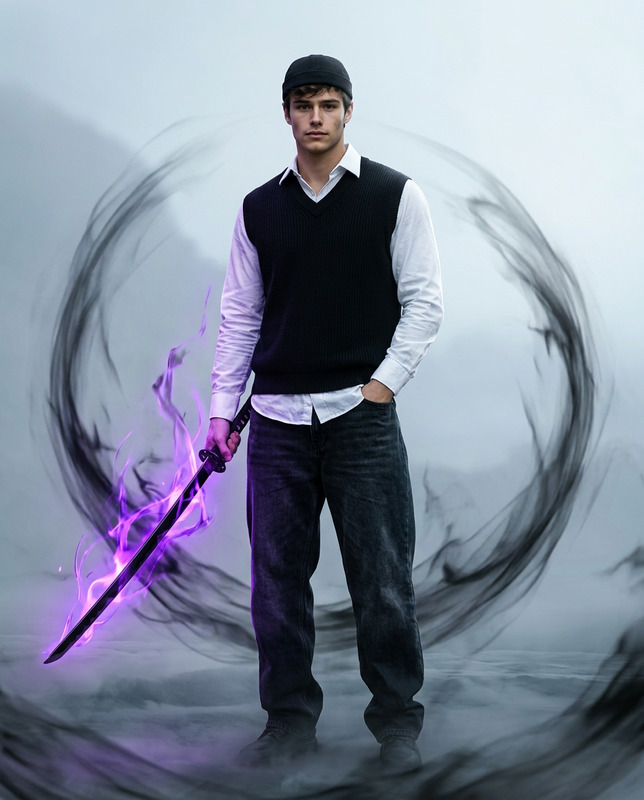
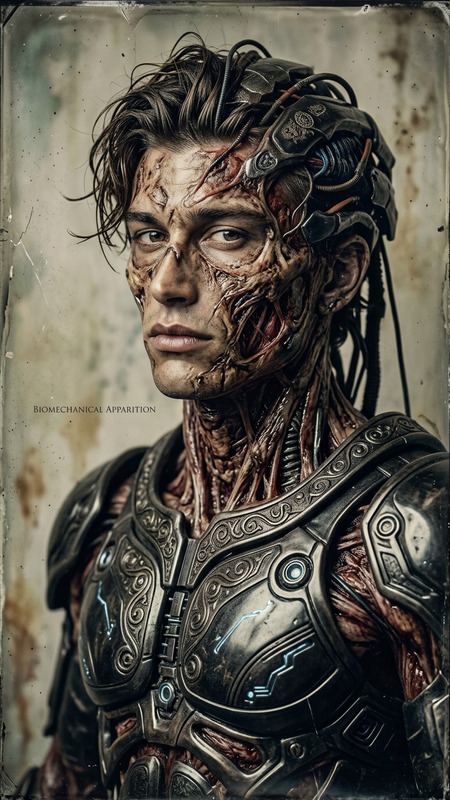
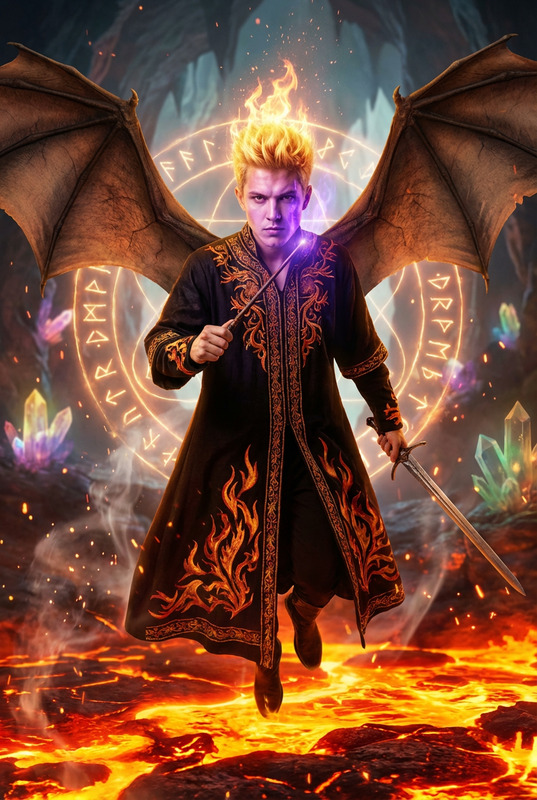
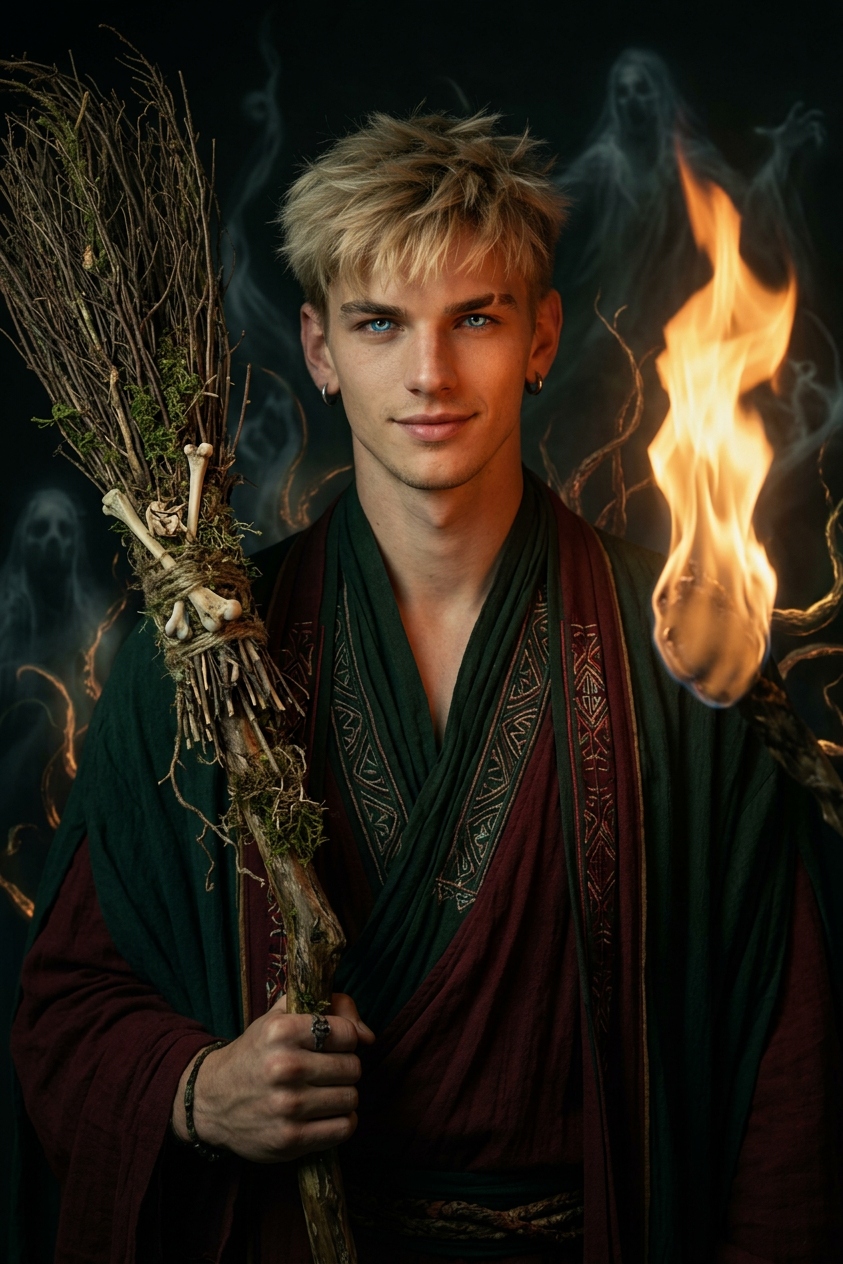
Mysterious portrait of the subject before an ethereal flame, flickering light casting deep shadows, glowing eyes with otherworldly intensity. Wearing dark green and deep red flowing garments, holding a living-like broomstick. Classical painterly style blended with intricate tribal textures, surrounded by gnarled tendrils and faint spectral figures, eerie zombiecore atmosphere, haunting yet elegant cinematic mood.
Transform Portraits into Dramatic Anime Renders with AI Image Editor
Use this template to turn any portrait into a stylized, cinematic anime character with clean lighting, striking colors, and high-detail line work. It’s built with the AI Image Editor, so you can quickly remix it, swap in different faces, and adapt it to your own brand or project.
What This Template Does
This template is designed for:
- Converting real photos into polished anime-style portraits
- Creating consistent character art for games, VTubers, and visual novels
- Generating branded avatars for startups, teams, and creators
- Rapidly exploring different looks for a single character (hair, outfit, mood)
Under the hood, the template uses:
- A strong anime-focused prompt structure
- Local edits via the AI Image Editor so you can keep key identity features while changing style
- Non-destructive editing — you can iterate without losing your original photo
How to Remix This Template in Magic Hour
You can recreate or adapt this template in a few minutes:
Open AI Image Editor
Go to the AI Image Editor.Upload Your Base Photo
- Choose a clear portrait with good lighting and visible facial features.
- For best results, use a high-resolution image; if your image is low-res or blurry, upsize it first with the AI Image Upscaler or fix blur using Unblur Image.
Apply the Anime Style Prompt
- Use the description from this template as a starting point.
- Emphasize: “anime style,” “clean line art,” “soft cinematic lighting,” “sharp focus,” and any genre tags (e.g., “cyberpunk,” “fantasy,” “slice-of-life”).
- Keep identity cues: hair color, eye color, accessories, or expression you want preserved.
Mask Only What You Want to Change
- In the Image Editor, focus edits on the areas you want stylized (e.g., face, hair, clothing) while preserving composition, pose, or background when needed.
- If you want a completely new background, pair this workflow with the AI Background Generator or Image Background Remover.
Iterate and Version Quickly
- Duplicate your best results inside Magic Hour and vary prompts for:
- Different outfits (use AI Outfit Generator or AI Fashion Generator)
- Different moods (serious, cheerful, mysterious)
- Different genres (shōnen, shōjo, dark fantasy via Dark Fantasy AI, sci-fi, school setting)
- Duplicate your best results inside Magic Hour and vary prompts for:
Export and Use Across Channels
- Download the final image for social avatars, Twitch/YouTube branding, product pages, or internal docs.
- If needed, generate matching full-body art using the Full Body Generator or Animated Characters Generator.
Best Practices for High-Quality Anime Portraits
To get consistently strong results:
Start with good source photos
- Clear, front-facing or 3/4 angle
- No heavy motion blur or extreme shadows
- One main subject in frame
Be explicit in your prompt
- Style: “anime,” “manga,” “Ghibli-inspired,” “webtoon,” “realistic anime,” etc.
- Camera feel: “portrait, medium close-up, shallow depth of field, bokeh background.”
- Detail level: “highly detailed,” “clean cel shading,” or “soft painterly style.”
Control character identity
- Mention distinctive traits: “freckles,” “short silver hair,” “round glasses,” “piercing on left ear.”
- For brand consistency, save and reuse the same prompt structure across images.
Combine with other Magic Hour tools
- Generate initial character concepts with the AI Character Generator or AI Face Generator.
- Turn your anime portraits into short animations or GIFs with AI GIF Generator.
- Create stylized manga panels from your character art using the AI Manga Generator or Comic Book Generator.
Turning Anime Portraits into Video, Avatars, and Content
Once you’ve created an anime-styled portrait with this template, you can extend it across other Magic Hour products:
Talking anime avatars
- Use AI Talking Photo to animate your portrait with lip sync and head movement.
- Pair with AI Voice Generator or AI Voice Cloner to give your character a unique voice.
Lip sync and performance
- Convert your character into a performing avatar with the Lip Sync template.
- This is ideal for short branded clips, VTuber intros, or promo videos.
Character animation and motion
- Use Image-to-Video or Text-to-Video to generate animated sequences.
- For more stylized movements, experiment with the Animation or Video-to-Video templates.
Face swapping for consistent identity
- If you want the same “person” across different scenes or styles, combine your anime portrait with Face Swap or the Face Swap Video template.
- For memes or short loops, try Face Swap GIF.
Example Use Cases for Creators, Teams, and Builders
This template is especially useful if you are:
A creator or VTuber
- Design your persona as high-quality anime key art with AI Image Editor.
- Generate matching profile photos and banners using Avatar Generator and Thumbnail Maker.
A startup or product team
- Create on-brand anime-style avatars for team pages, user onboarding, gamified dashboards, or loyalty programs.
- Generate themed illustrations for landing pages using AI Illustration Generator or AI Art Generator.
A game, comic, or visual novel developer
- Rapidly explore character variations (ages, outfits, moods) without redoing the entire design each time.
- Turn those characters into cover art via Book Cover Generator or Album Cover Generator.
A marketer or brand builder
- Produce campaign-specific anime mascots, social media posts, and promo art.
- Pair with the AI Meme Generator for fast, on-theme social content.
How to Build Your Own Version from Scratch
If you want to build an entirely custom anime portrait template inside Magic Hour:
- Start from a clean portrait image.
- Open it in the AI Image Editor.
- Write a detailed anime-style prompt that encodes your brand or project style.
- Save your prompt and workflow notes externally so your team can reuse them.
- Duplicate successful outputs, tweak prompts, and standardize on the variants that best match your visual identity.
- Combine with other tools (like AI Clothes Changer or AI Face Editor) to create a reusable, internal “character kit” for your team.
Over time, this becomes your own reusable anime-character pipeline implemented entirely inside Magic Hour.
Related Magic Hour Tools Worth Exploring
For deeper or adjacent workflows:
- AI Selfie Generator – fast stylized selfies in many aesthetics
- AI Headshot Generator – more realistic, professional portraits
- AI Anime Generator – broad anime-style image generation from text
- AI Tattoo Generator – design tattoos that fit your character’s style
- AI Icon Generator – turn your anime portrait into simple, usable icons
Use this template as a base, then refine it with the AI Image Editor and any of the tools above to build a repeatable, high-quality anime portrait workflow tailored to your brand, game, or content strategy.