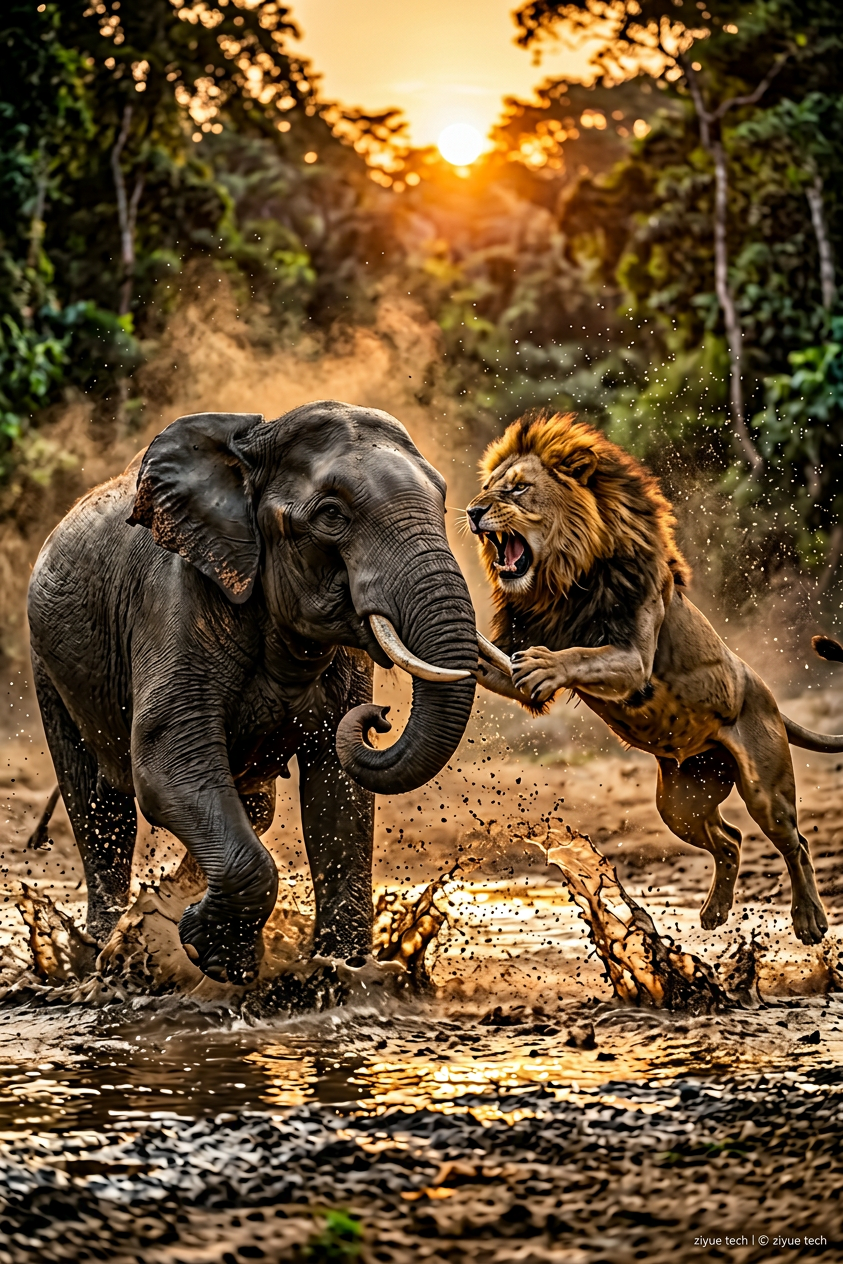
Wild Clash
ai-image-editor
Any aspect ratio
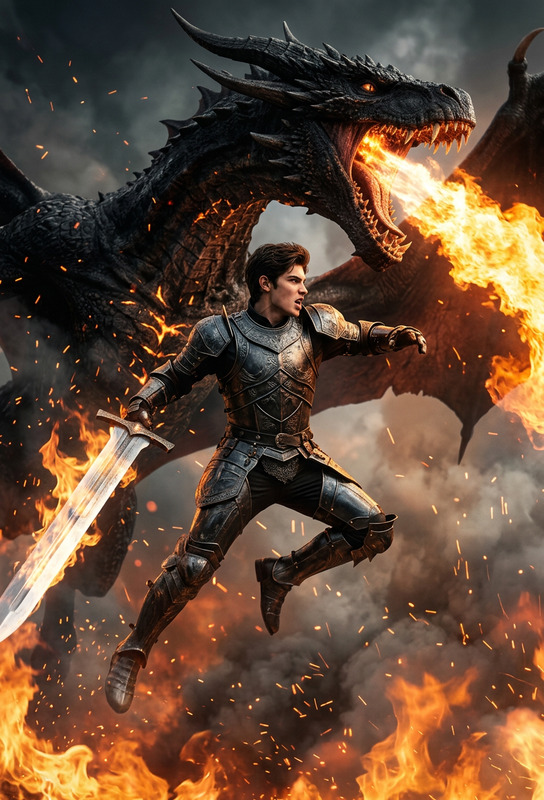
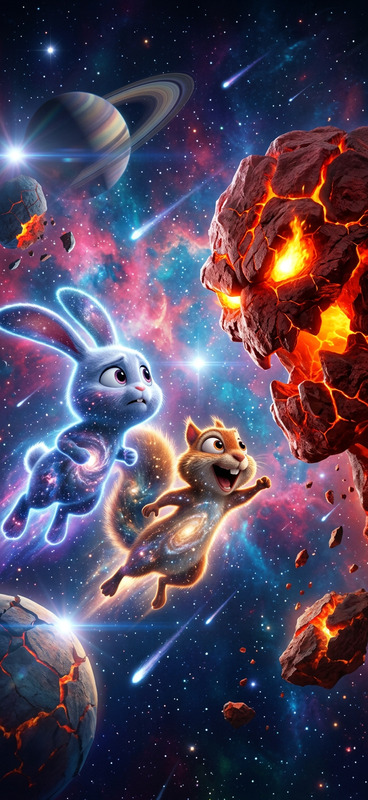
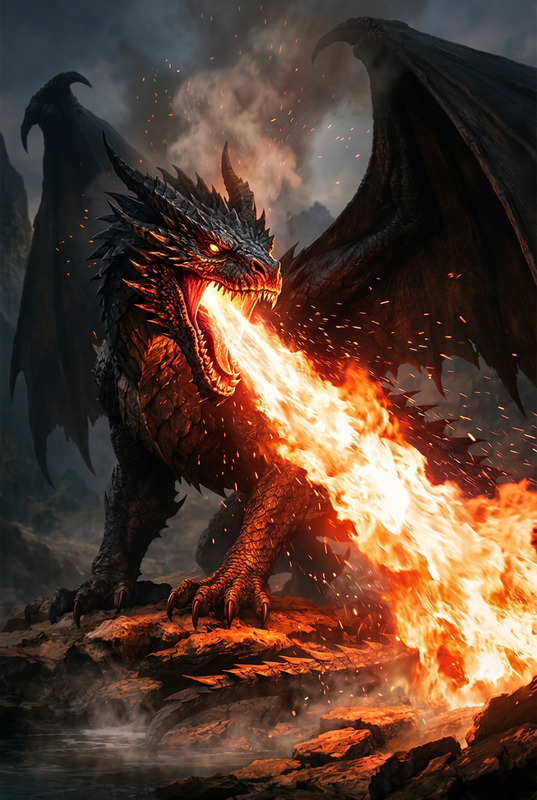
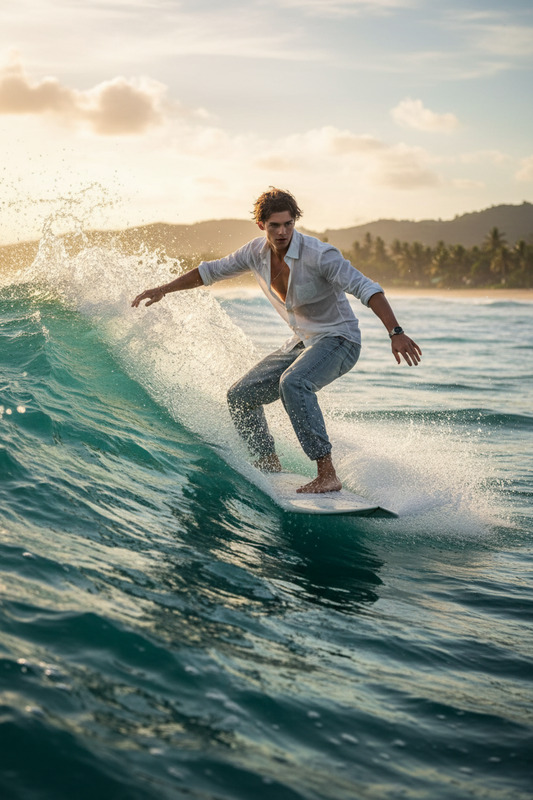
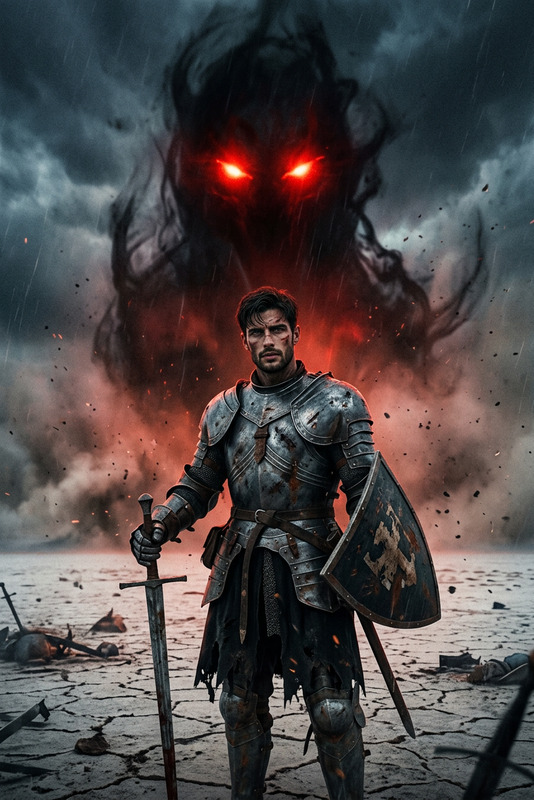
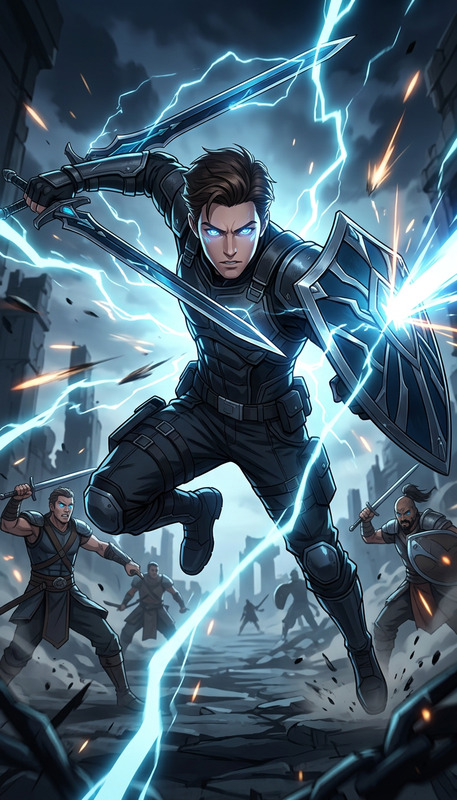
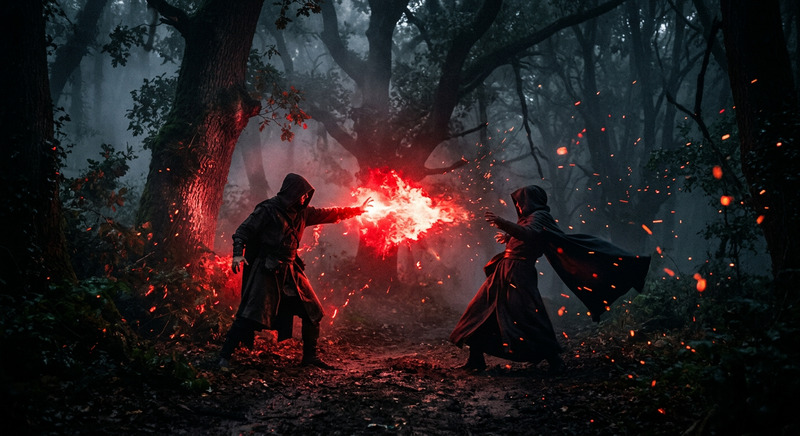
"Subject is a dramatic face-off between a {argument name=""subject one""} and a {argument name=""subject two""}; both in dynamic action, frozen mid-attack; splashing water, intense motion, and strong contrast; cinematic lighting, detailed textures, natural environment, high energy, sharp focus, epic wildlife scene."
Create Stunning AI Image Edits with This Magic Hour Template
This template is built on the AI Image Editor, so you can transform any photo directly in your browser—no Photoshop, no manual masking, no layers. It’s designed for creators, marketers, and founders who want production-ready visuals in minutes, not hours.
Use this template as-is, or remix it into your own reusable workflow for product shots, social content, ads, thumbnails, brand visuals, and more.
What This Template Is For
This AI Image Editor–based template is ideal for:
Product & ecommerce images
- Clean up backgrounds, fix lighting, remove distractions
- Generate multiple variations of a single product shot
- Pair with AI Image Upscaler to meet marketplace quality standards
Social and marketing creatives
- Reframe, restyle, or extend existing campaign imagery
- Quickly test new concepts for ads, email hero images, and landing pages
- Combine with the Thumbnail Maker for YouTube or course thumbnails
Brand and content experiments
- Try new visual directions without booking a shoot
- Generate on-brand backgrounds and scenes from existing photos
- Use with AI Background Generator and AI Art Generator to explore mood, style, and composition
Professional portraits & headshots
- Clean up portraits, remove objects, tweak lighting
- Then create polished professional variants using the AI Headshot Generator
Founders & creators building in public
- Rapidly prototype product visuals
- Create pitch deck imagery, social proof assets, and promo banners
- Turn one strong photo into an entire visual system for your brand
How to Remix This Template in Magic Hour
You can treat this template as a starting point and adapt it to your own workflow in a few minutes. A practical way to remix it:
Open the AI Image Editor
Visit the AI Image Editor. Upload any image: a product shot, a portrait, a sketch, a brand asset, or a screenshot.Define your editing goal
Before you click anything, decide what “done” looks like:- Remove or replace backgrounds
- Remove unwanted objects or text overlays
- Change style (realistic, cinematic, minimal, illustrated, etc.)
- Adjust composition (wider framing, extended canvas, more breathing room)
For object and background cleanup, the AI Remover and Remove Object from Photo tools are particularly useful.
Apply targeted edits
With this template as inspiration, you can:- Erase and replace backgrounds to match your brand palette (use the Image Background Remover or AI Background Generator)
- Clean up images (remove people, logos, watermarks using the Watermark Remover)
- Restyle people’s faces with AI Face Editor or AI Face Generator for consistent characters across campaigns
Generate multiple versions for testing
Instead of stopping at one good result, generate a small batch of variations:- Different backgrounds (studio, lifestyle, abstract)
- Color variations for A/B tests
- Alternate crops for vertical, square, and horizontal placements
Use AI Photo Generator or AI Image Generator alongside this template to create new options from the same starting point.
Upscale, refine, and export
Once you have a strong image:- Use the AI Image Upscaler or Unblur Image to get crystal‑clear output
- Color-correct or restore older visuals with Old Photo Restoration and Photo Colorizer
- Export in the format and size your platform needs
Example Workflows You Can Build from This Template
Because this template runs on the AI Image Editor, you can chain it with other Magic Hour tools to create repeatable pipelines.
1. Product Launch Visuals from a Single Photo
- Start with a raw product photo in AI Image Editor
- Remove and regenerate a clean brand-safe background
- Create lifestyle variants using AI Background Generator
- Upscale using AI Image Upscaler
- Turn your hero shot into animated launch content with Image to Video or AI GIF Generator
2. Founder / Team Headshots at Scale
- Edit an original photo with AI Image Editor to clean up lighting and distractions
- Generate consistent, professional versions using the AI Headshot Generator
- Extend the workflow into talking avatars for explainers or pitch videos with AI Talking Photo
3. Content Creators: Thumbnails and Visual Hooks
- Start with any frame or still image in the AI Image Editor
- Remove clutter, enhance key elements, or push into stylized art using AI Art Generator
- Design click‑worthy thumbnails with Thumbnail Maker
- Convert static imagery into hooks for Shorts/Reels with Image to Video
4. Character, Comic, and Storytelling Assets
If you’re building characters or illustrated content:
- Refine your base character image in AI Image Editor
- Explore styles with AI Anime Generator, Animated Characters Generator, or Comic Book Generator
- Keep the same character identity across scenes using AI Face Editor and AI Character Generator
Turning Static Images into Video and Interactive Media
Once your image edits are ready, you can extend this template into motion and audio:
Animate images and create motion content
- Use Image to Video to create smooth camera moves or subtle motion
- Transform your edited images into full animations using the Animation templates
Make faces talk or sing
- Turn a portrait into a talking avatar with AI Talking Photo
- Add voice with AI Voice Generator or clone your own using AI Voice Cloner
- Sync speech to lip motion using the Lip Sync template
Transform videos with the same aesthetic
- Apply the same style or look to footage using Video to Video templates
- Clean and upscale existing footage with Video Upscaler
- Auto-generate captions for social clips with the Auto Subtitle Generator
Advanced Use Cases for Builders and Marketers
If you’re running a product team, agency, or startup, this template helps you:
Standardize visual pipelines
- Define a repeatable editing flow for product shots, campaign imagery, or user-generated content
- Use this template as a base and remix it by pairing with tools like AI Logo Generator, Book Cover Generator, or Album Cover Generator
Create on-brand synthetic data and visuals
- Generate consistent synthetic product scenes to test message-market fit
- Develop a visual system around your brand characters using Avatar Generator, AI Selfie Generator, and Full Body Generator
Support experimentation across channels
- Reuse core assets across paid ads, landing pages, decks, and socials
- Quickly localize imagery and creative concepts by editing and regenerating scenes instead of reshooting
Related Magic Hour Tools Worth Exploring
To extend what you can do with this AI Image Editor template, explore:
- AI Image Editor – the core tool behind this template
- AI Image Generator – create original images from text
- AI Photo Generator – photorealistic images for campaigns and mockups
- AI Background Generator – generate custom scenes and backgrounds
- Image Background Remover – isolate subjects cleanly
- AI Image Upscaler & Unblur Image – refine quality for print or HD
- AI Talking Photo, Lip Sync, and Face Swap Video – bring edited faces to life in video
How to Make This Template Your Own
To create your own version of this template in Magic Hour:
- Open the AI Image Editor.
- Upload an image that’s representative of the kind of work you’ll do most (product shot, portrait, concept art, etc.).
- Run through the exact edit sequence you want to standardize (e.g., remove background → clean distractions → restyle → upscale).
- Note which additional tools you consistently chain (such as AI Background Generator, AI Image Upscaler, or Image to Video).
- Repeat and refine the flow on a few images until you have a reliable “recipe” you can follow and remix for each new asset.
Use this template as your baseline, then iterate. Over time, you’ll build a custom, AI-powered visual pipeline that turns a single raw image into a full set of polished, on-brand assets—ready for landing pages, ads, decks, socials, and product launches.