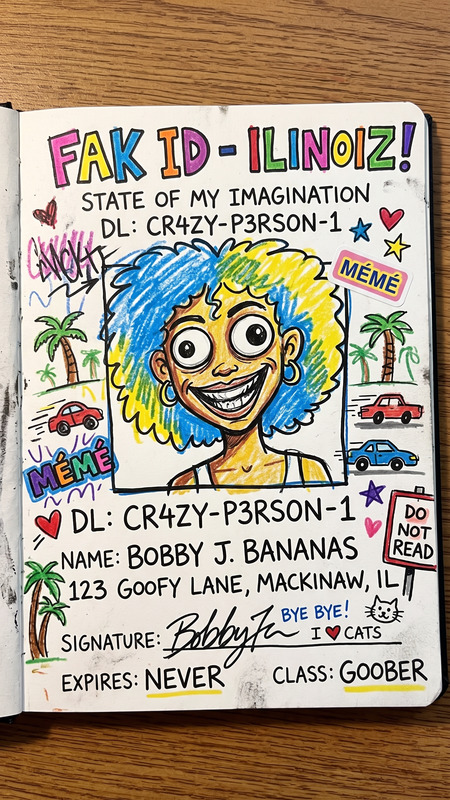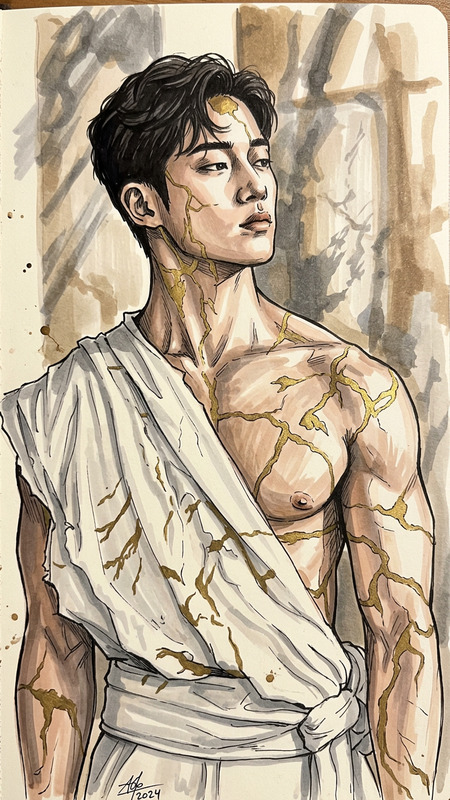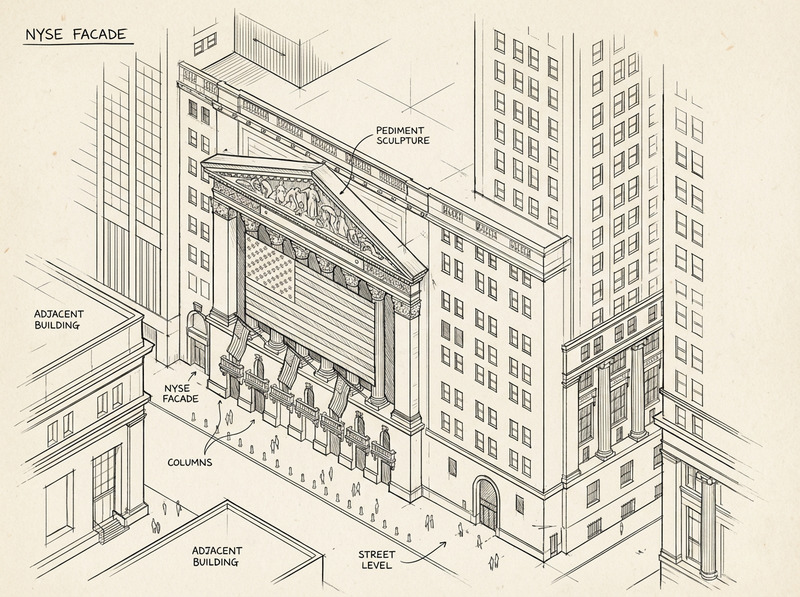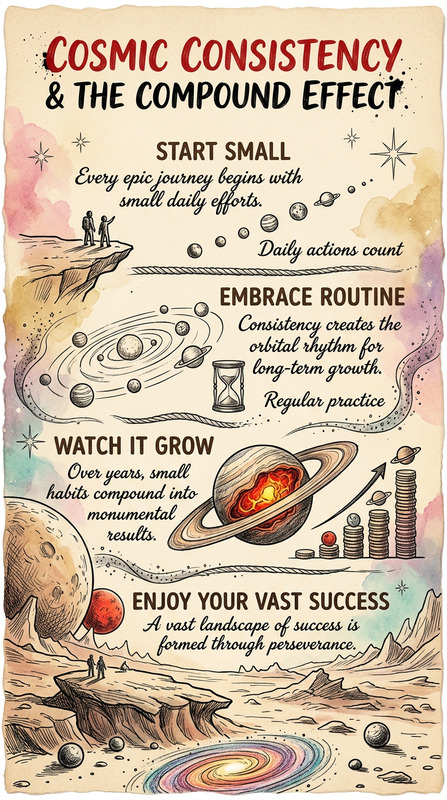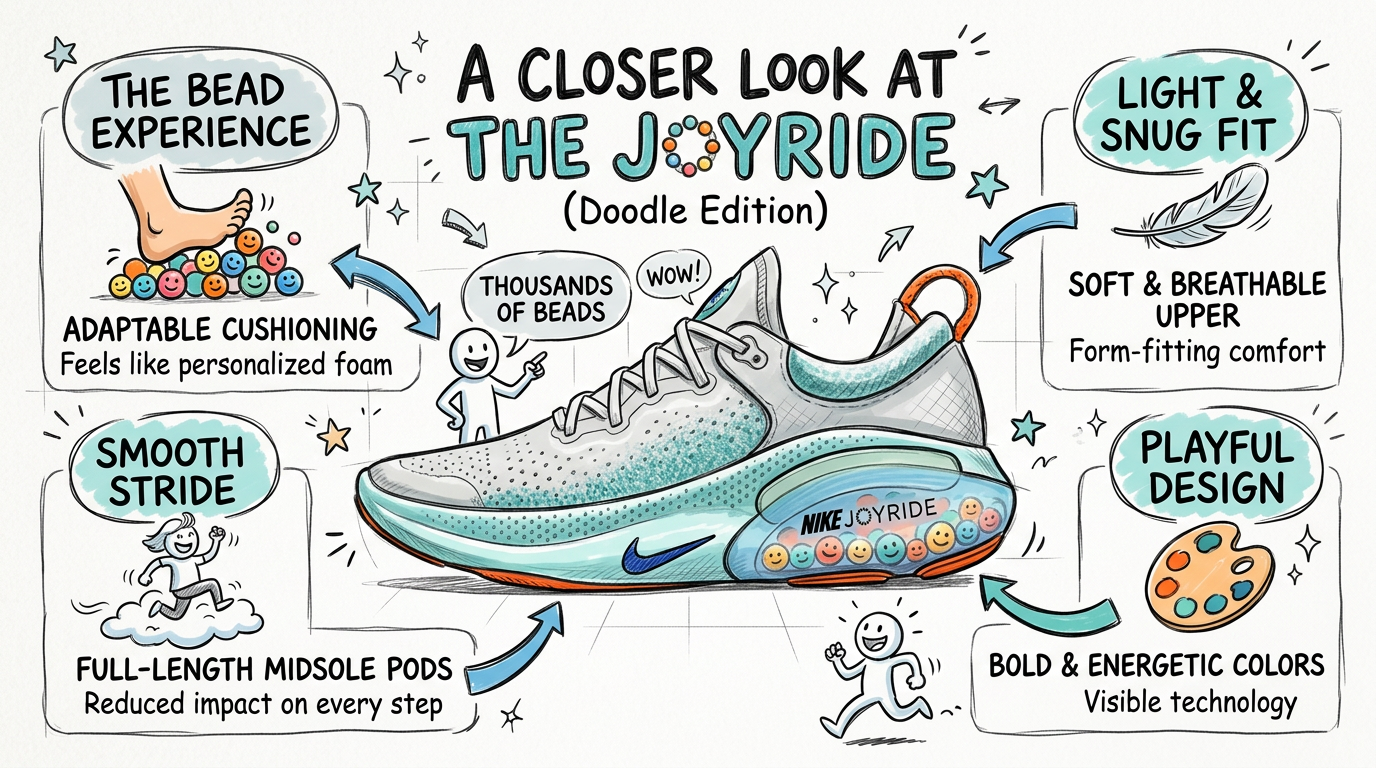
Sketchy Insight Infographic
- Model
- Nano Banana 2
- Image
- 1376 × 768 px
Prompt
Create a hand-drawn, cartoon-style infographic (16:9) with a sketchy, playful look using marker or pencil strokes. Include a few simple doodle icons or generic cartoon characters (avoid real or copyrighted figures). Keep everything in a consistent hand-drawn style—no realistic elements. Present concise keywords and core ideas with clear visual hierarchy (titles, arrows, highlights) and plenty of whitespace. Use the same language as the original content unless stated otherwise.
Any aspect ratio
Overview
The Sketchy Insight Infographic template is a versatile AI Image Editor tool designed to transform data into visual stories. By applying a playful, hand-drawn aesthetic, it brings your information to life without the need for realistic elements.
What It Does
This template allows for the creation of cartoon-style infographics with marker or pencil strokes. It incorporates doodle icons and cartoon characters, enhancing the storytelling aspect without using any copyrighted figures. The final result is an infographic that features a clear visual hierarchy with titles, arrows, and highlights.
Who It's For
The Sketchy Insight Infographic is ideal for educators and marketers looking to create engaging visual content. It's also perfect for professionals in the field of data-driven storytelling who want to present their information in a more accessible and entertaining way.
Summary
Whether you're aiming to captivate an audience at a presentation or make data more digestible on a website, this tool is perfect for delivering concise keywords and core ideas. It maintains a consistent hand-drawn style, ensuring a professional yet playful look.
How To
Choose Sketchy Insight Infographic

Customize Your Design

Generate and Export

Use Cases
Educational Content
- Lesson summaries
- Quick reference guides
Marketing Campaigns
- Product highlights
- Social media visuals
Corporate Communications
- Project updates
- Strategy overviews
Best Practices
Simplify and Clarify
Keep text concise and clear. Use whitespace effectively to avoid clutter and maintain readability.Consistent Style
Ensure all elements, from doodles to text, follow the hand-drawn theme for a cohesive look.Highlight Key Points
Use arrows and highlights to draw attention to essential information, guiding the viewer's eye through the infographic.