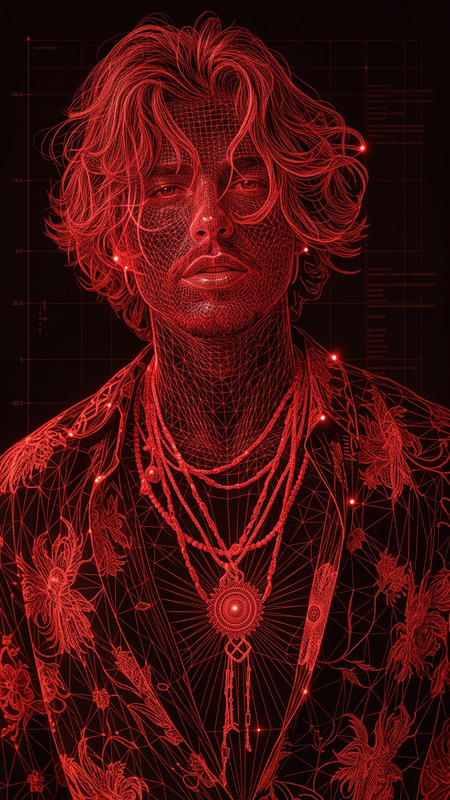
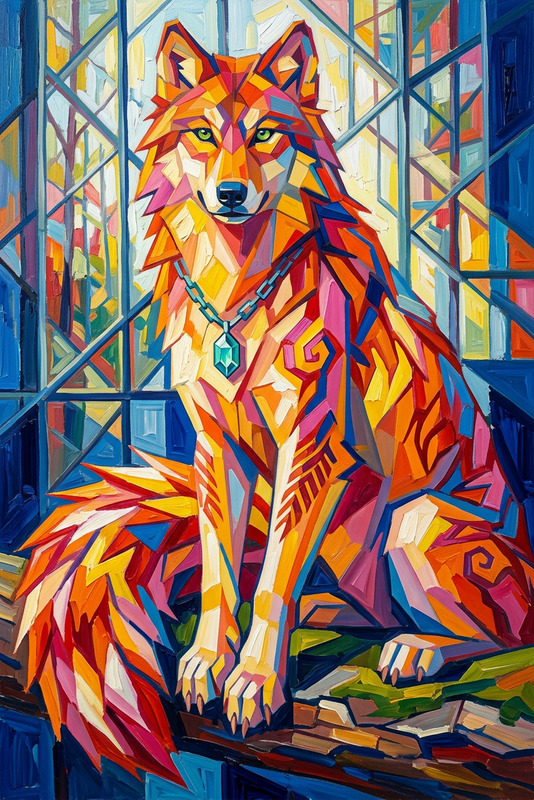
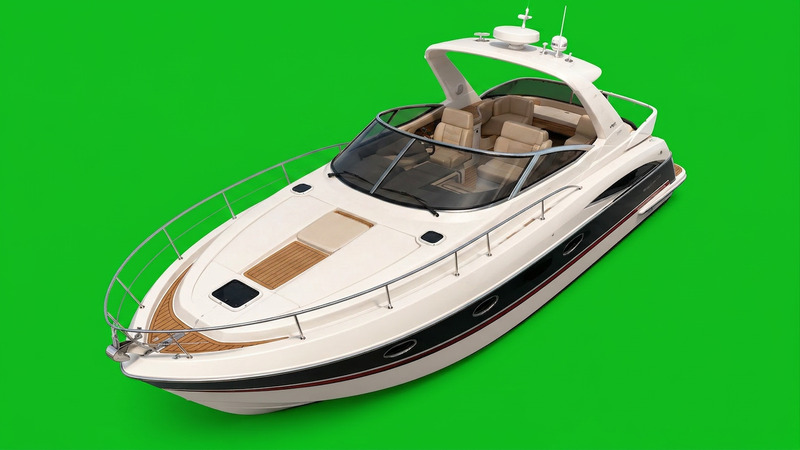
The "Remove Subject" template allows users to eliminate a specific subject from their image, creating a cleaner view by focusing on the background. Simply upload your photo, and the AI Image Editor will remove the specified subject, providing a broader perspective of the remaining scene.
How to
Follow these steps to remove a subject from your image.
01
Choose
Upload your photo to the template.
02
Customize
The AI uses the saved settings to identify and remove the specified subject.
03
Generate
Click 'Generate' to create and review your edited image without the subject.