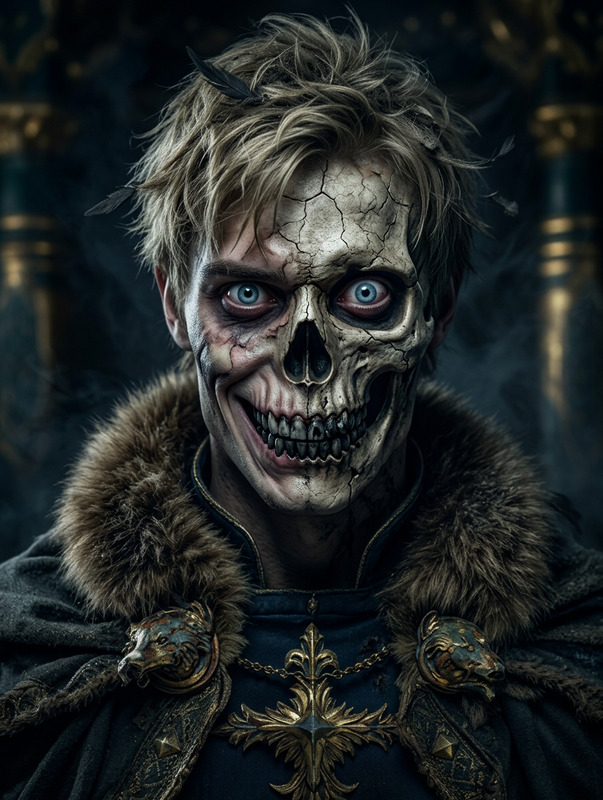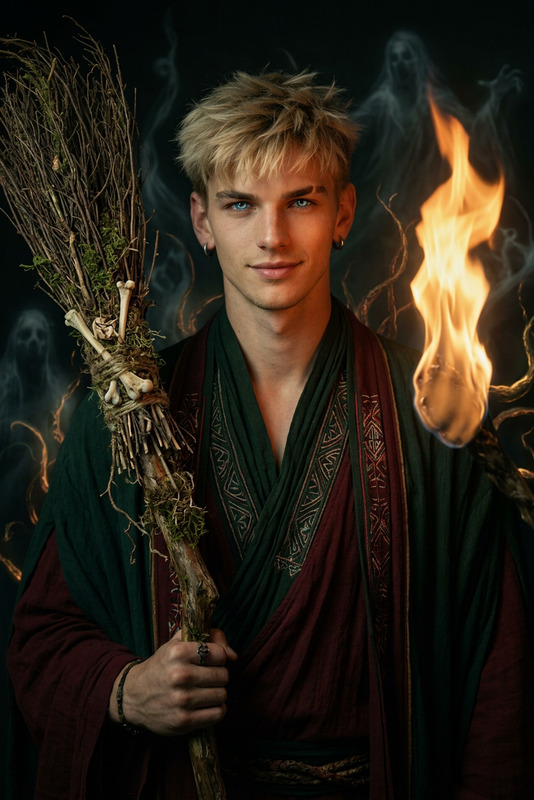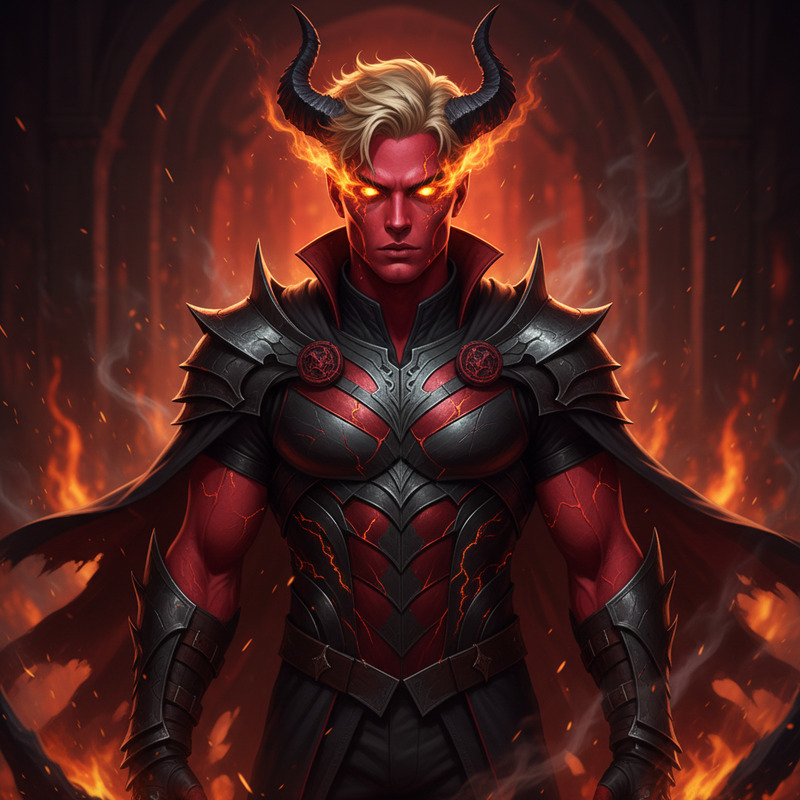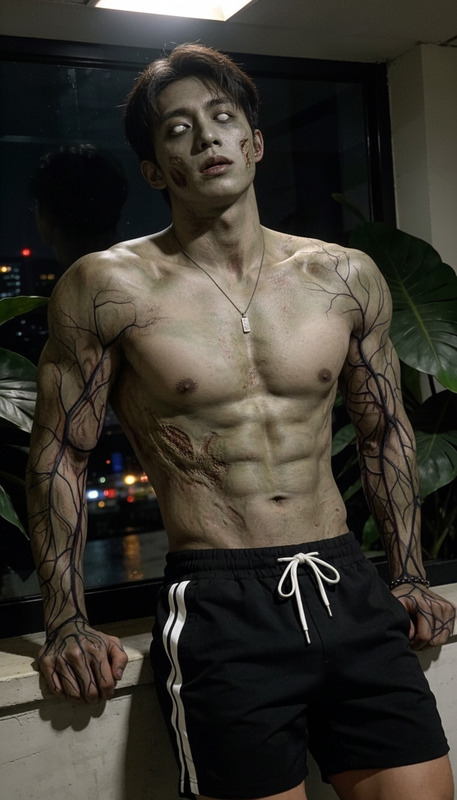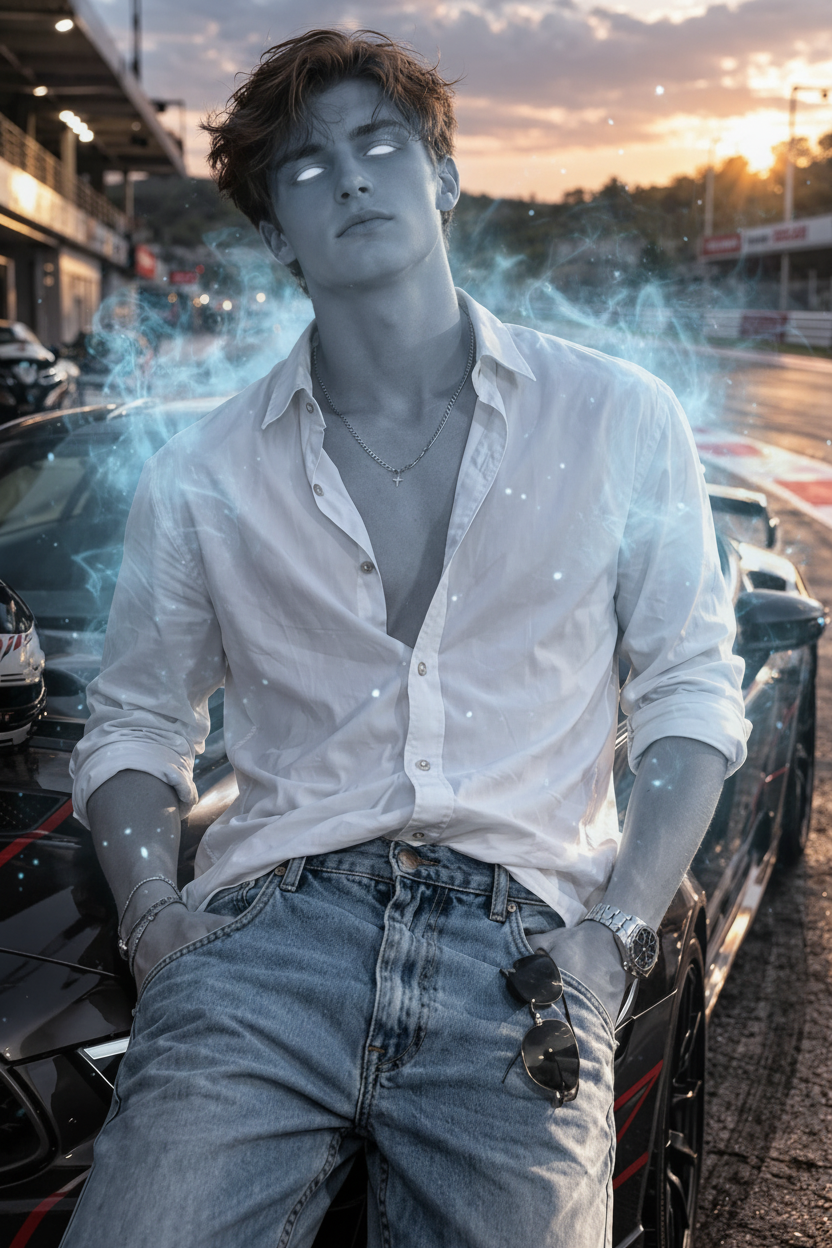
Ghostveil Awakening
- Model
- Nano Banana
- Image
- 832 × 1248 px
Prompt
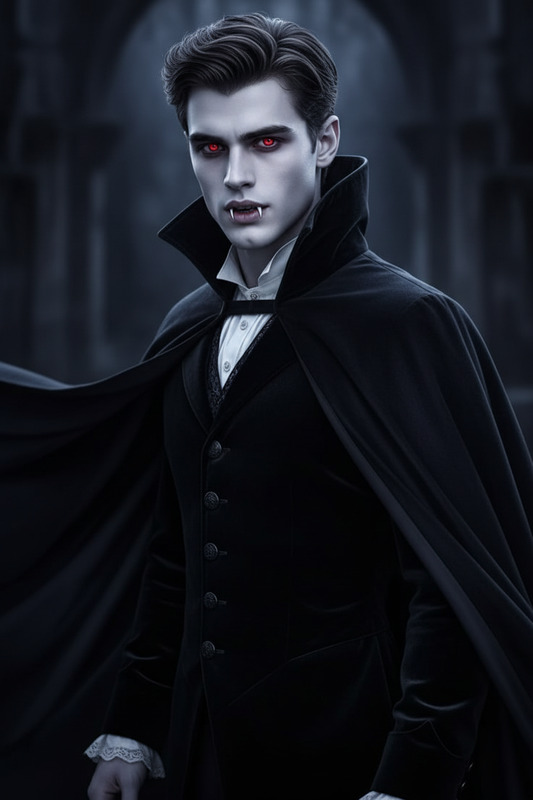
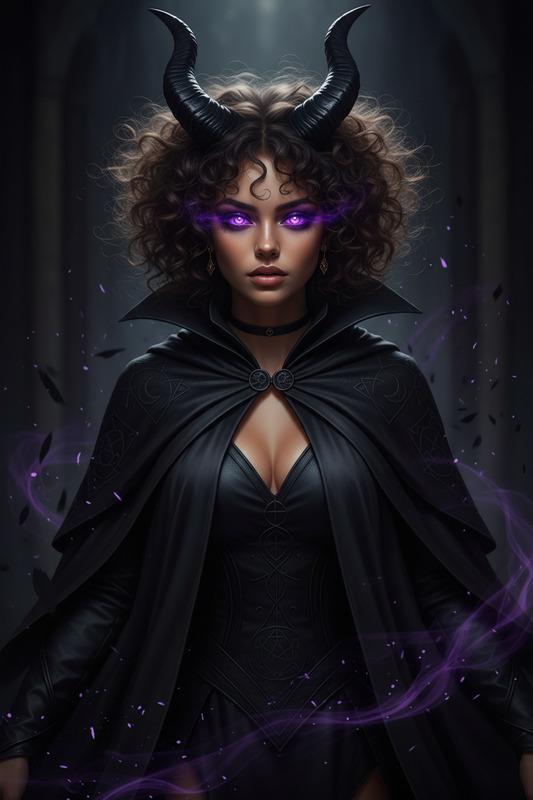
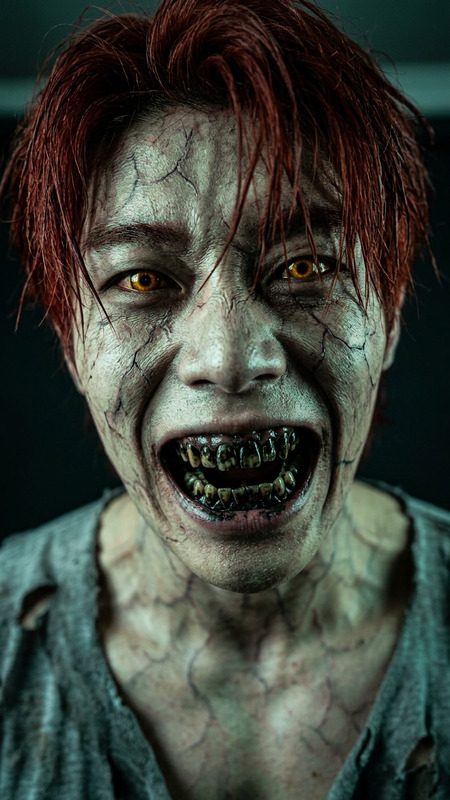
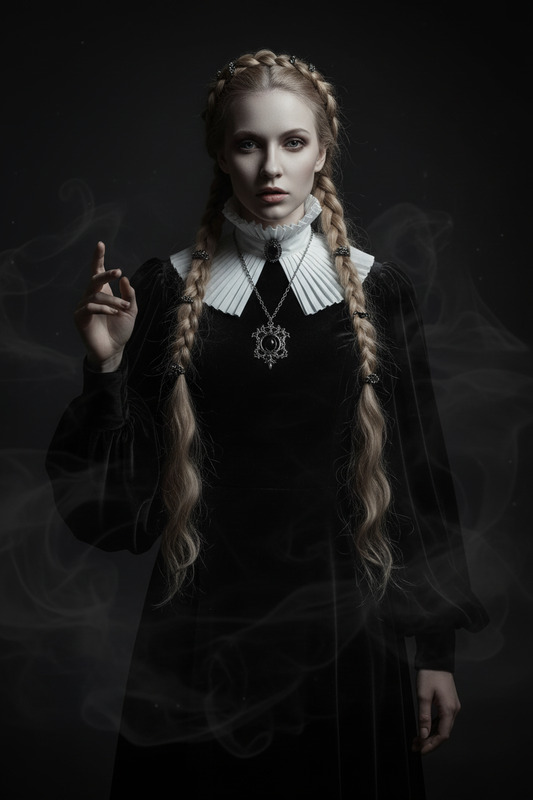
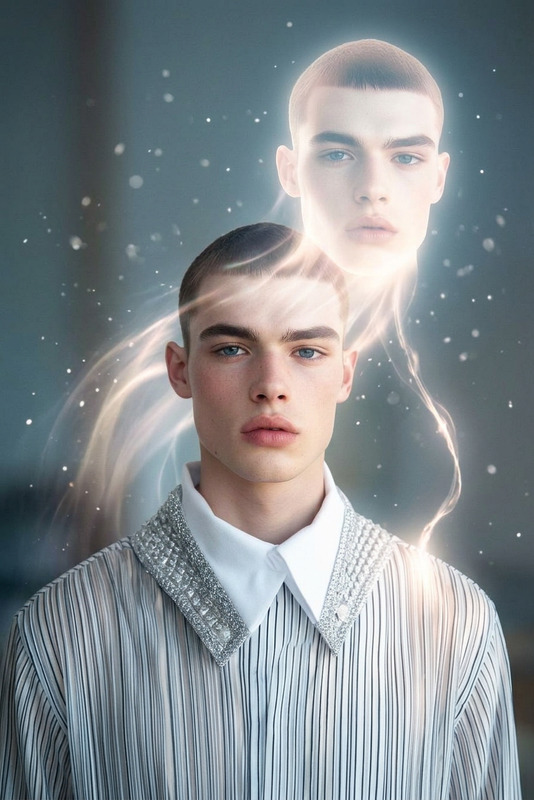
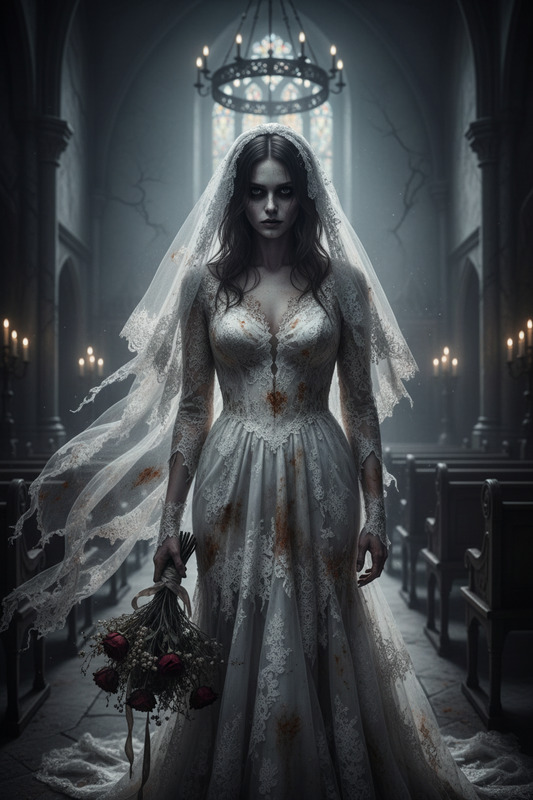
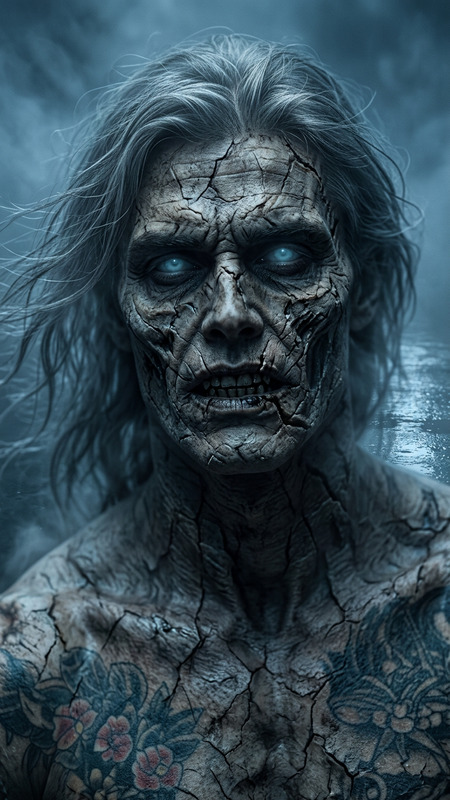
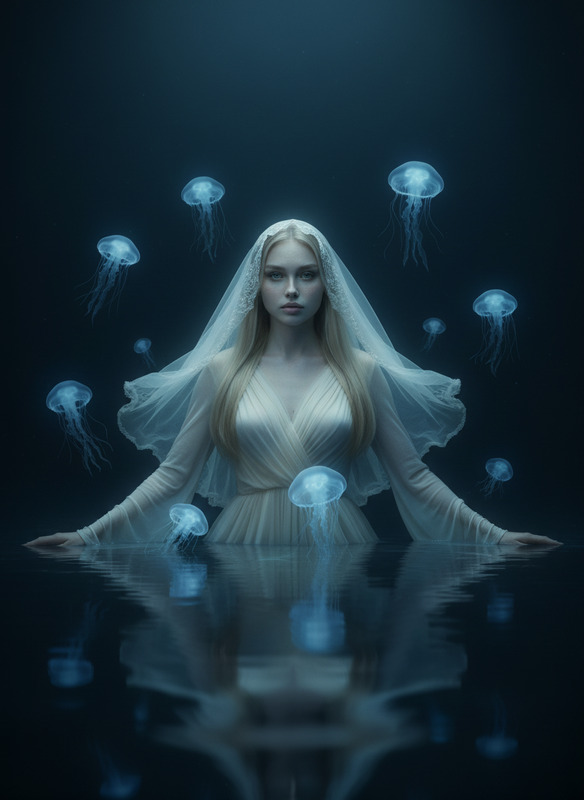
The subject transforms into pale bluish-gray skin with completely white glowing eyes, emitting an eerie supernatural light. Their expression remains calm yet haunting, creating an unsettling ghostly presence. The moment is captured mid-transformation with fading smoke trails and subtle energy particles in the air.
Any aspect ratio
Overview
Experience the power of the Ghostveil Awakening AI Image Editor template, leveraging the advanced capabilities of the nano-banana model. This template offers a unique transformation effect, turning subjects into ghostly apparitions with bluish-gray skin and glowing white eyes. The ethereal presence captured in this template is perfect for creating haunting visual narratives.
What It Does
Ghostveil Awakening modifies images by adding a spectral transformation effect. This AI Image Editor captures subjects in mid-transformation with specific features—pale bluish-gray skin, white glowing eyes, and a still expression that conveys an unsettling calm. Enhance your visuals with smoke trails and energy particles to emphasize the ghostly effect.
To complement this experience, explore our AI Image Editor for additional enhancements, ensuring your projects achieve the desired supernatural ambiance.
Who It's For
This template is tailored for digital artists, filmmakers, and content creators aiming to incorporate supernatural elements into their work. Whether you're crafting a narrative-driven video or enhancing a photographic project, Ghostveil Awakening provides the tools to create captivating, eerie visuals. It's also particularly useful for those in the Video to Video creative space seeking innovative transformations.
Summary
Ghostveil Awakening is your go-to template for haunting transformations, thanks to the robust capabilities of the AI Image Generator. Capture your audience's imagination with spectral visuals effortlessly generated from this template.
How to Use
Choose the Ghostveil Awakening Template

Customize the Transformation

Generate and Download

Use Cases
Supernatural Film Effects
- Enhance characters with ghostly features.
- Create unique transition effects.
Themed Photo Shoots
- Create ghostly portraits.
- Add mysterious backgrounds.
Digital Art and Illustrations
- Add depth to digital paintings.
- Create themed illustrations.
Best Practices
Select High-Quality Images
Ensure your input images are of high resolution to achieve the best effect and detail in transformations.Experiment with Intensities
Vary the glow and smoke trail intensities to find the perfect balance that complements your overall theme.Combine with Other Tools
For enhanced results, consider integrating with the AI Clothes Changer to further modify appearance alongside the ghostly effects.