Christmas Crystal Keeper
- Model
- Nano Banana Pro
- Image
- 768 × 1376 px
Prompt
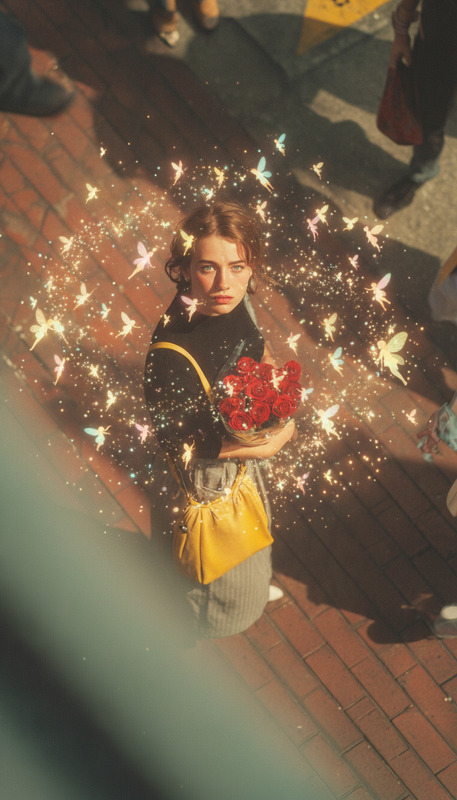
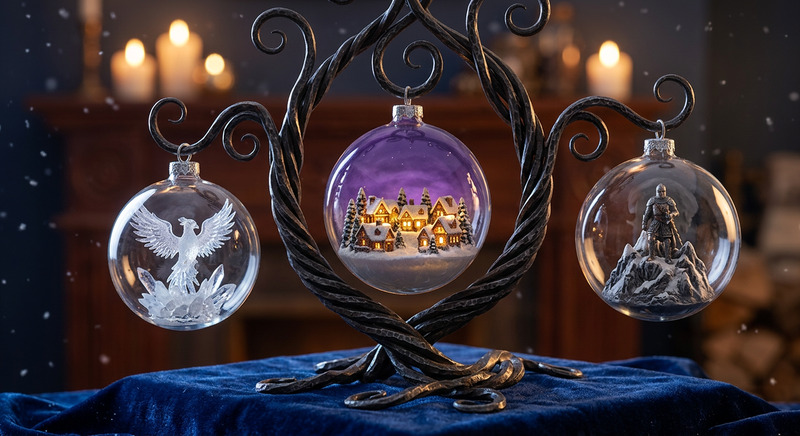
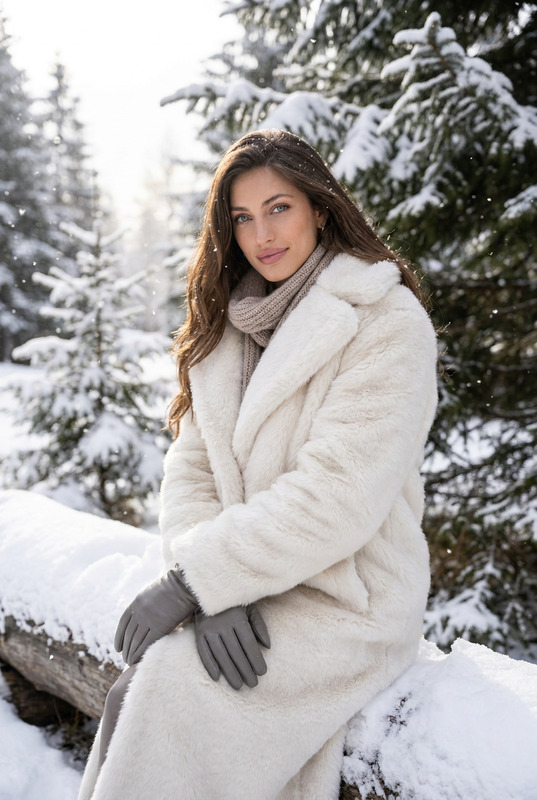
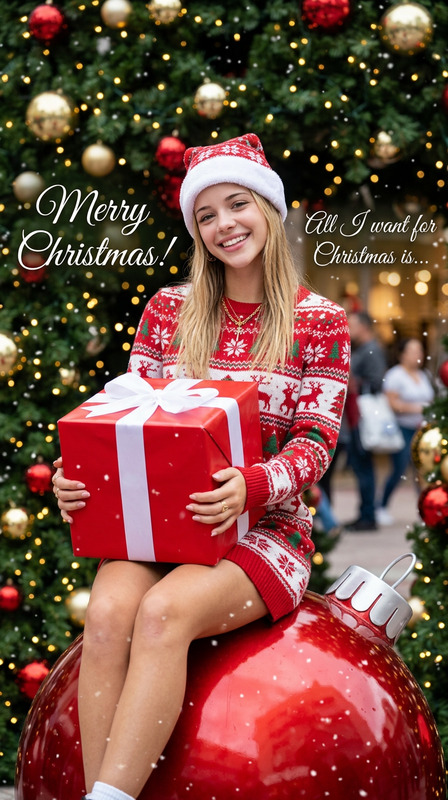
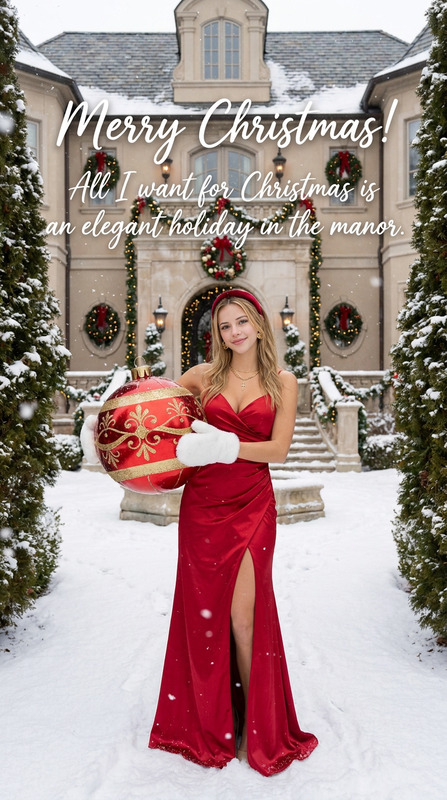
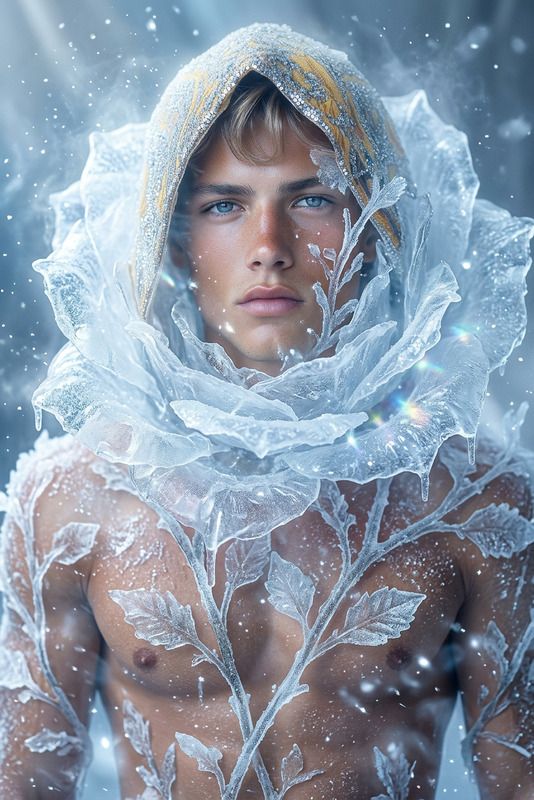
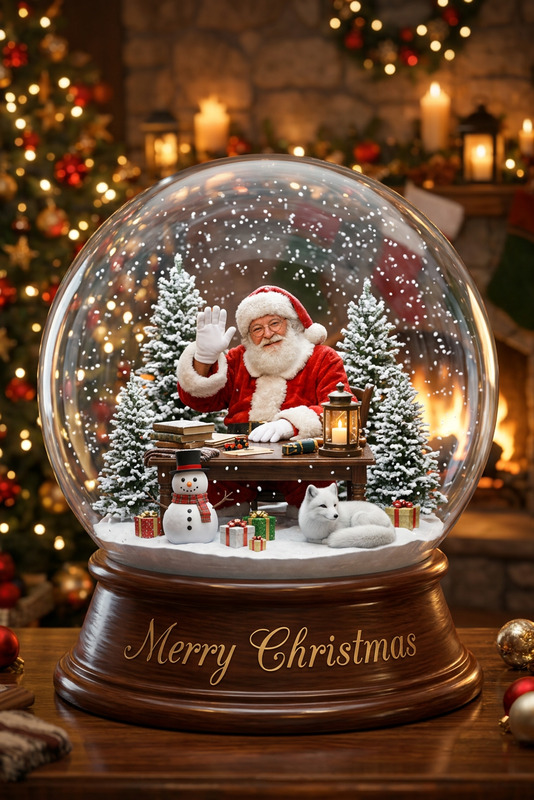
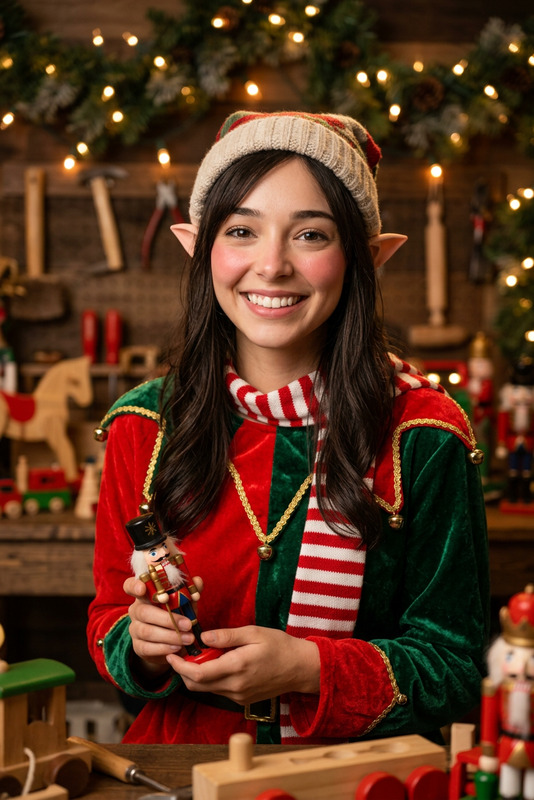
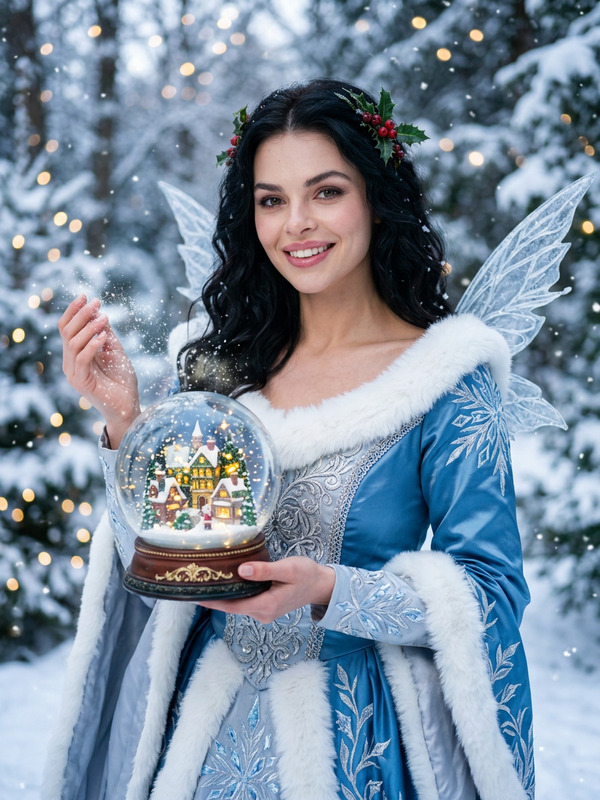
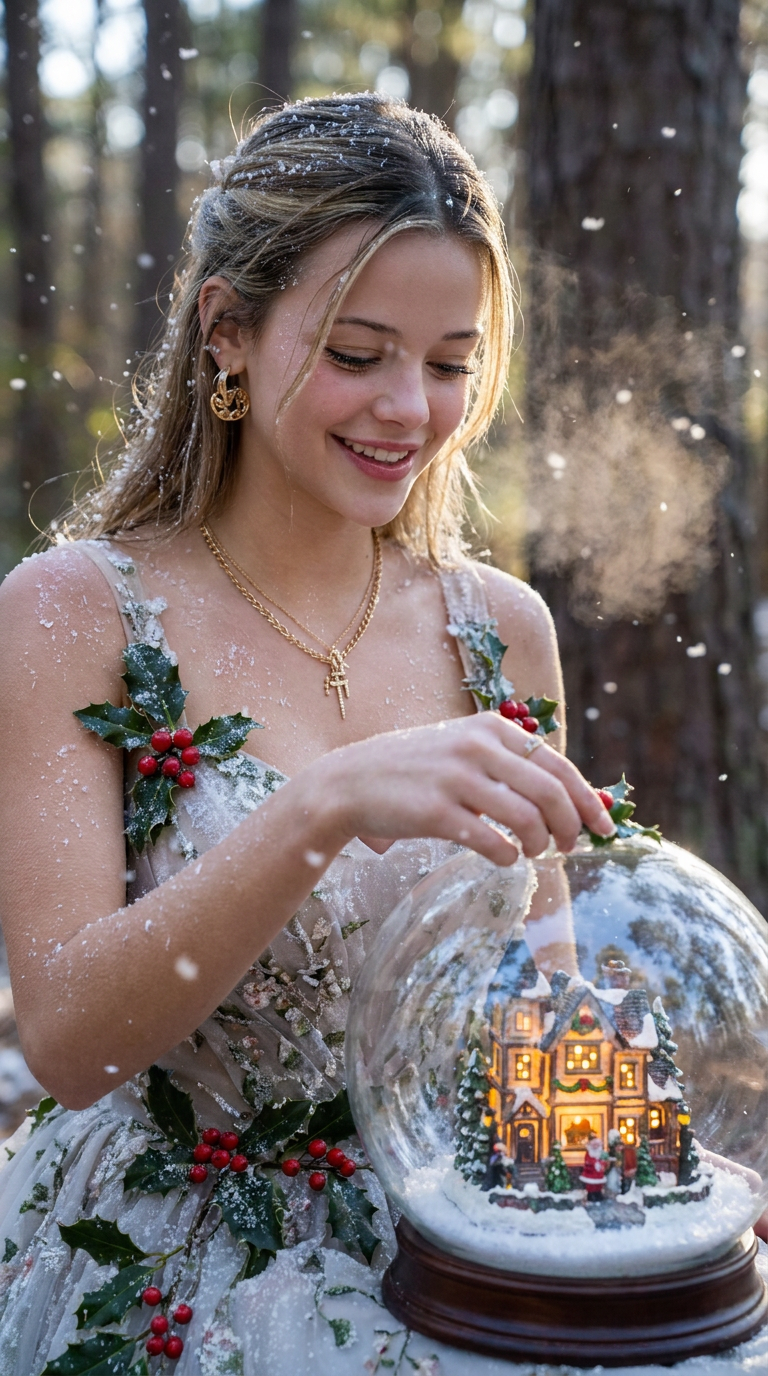
A breathtakingly realistic photo of the subject from the reference image, transformed into a graceful ice fairy. She is carefully placing a miniature, glowing Christmas village inside a giant, crystalline snow globe. Dressed in a gown of frost and holly, she smiles amidst a soft flurry of snow. Magical, ethereal, detailed, cinematic lighting.
Any aspect ratio
Overview
Welcome to the Christmas Crystal Keeper template, an exciting tool within the AI Image Editor domain that lets you elevate your visuals with enchanting holiday magic. Transform any subject into a breathtaking ice fairy that delicately interacts with a shimmering Christmas scene.
What It Does
This template uses the nano-banana-pro model to render stunningly detailed and ethereal images. By applying cinematic lighting and intricate visual effects, it crafts a scene where your subject is immersed in a winter wonderland, seamlessly intertwining fantasy with reality.
Use this template alongside the AI Talking Photo to animate your creation and narrate a tailor-made holiday story, capturing the warmth of the season with ease.
Who It's For
This template is designed for creators aiming to infuse their visual projects with a touch of holiday magic. Whether you're a graphic designer, content creator, or part-time hobbyist, this tool can enhance your portfolio with professionally crafted, magical scenes.
Pair it with tools like the Face Swap to personalize the subject, making it perfect for festive family photo albums or unique holiday cards.
Summary
The Christmas Crystal Keeper is your go-to for creating enchanting holiday visuals. By leveraging the capabilities of advanced models, it offers a straightforward yet powerful way to transform any image into a magical winter fairy-tale scene.
How To
Choose Your Template

Customize Your Scene

Generate Your Image

Use Cases
Magical Holiday Promotions
- Design eye-catching posters or social media posts
- Create unique holiday cards for your clients
Personalized Christmas Gifts
- Offer them as framed prints or digital downloads
- Create a unique, magical backdrop for family portraits
Fantasy Art Portfolios
- Add to your online portfolio or exhibitions
- Experiment with personalized fairy-tale stories
Best Practices
Select High-Quality Reference Images
For optimal results, use clear, high-resolution images as your reference. This will ensure detailed and realistic transformations.Leverage Lighting
Utilize cinematic lighting settings to enhance the magical atmosphere, focusing on creating depth and contrast to highlight details.Combine with Other Tools
Enhance your final output by pairing it with tools such as the Image to Video converter, adding motion to your creation.