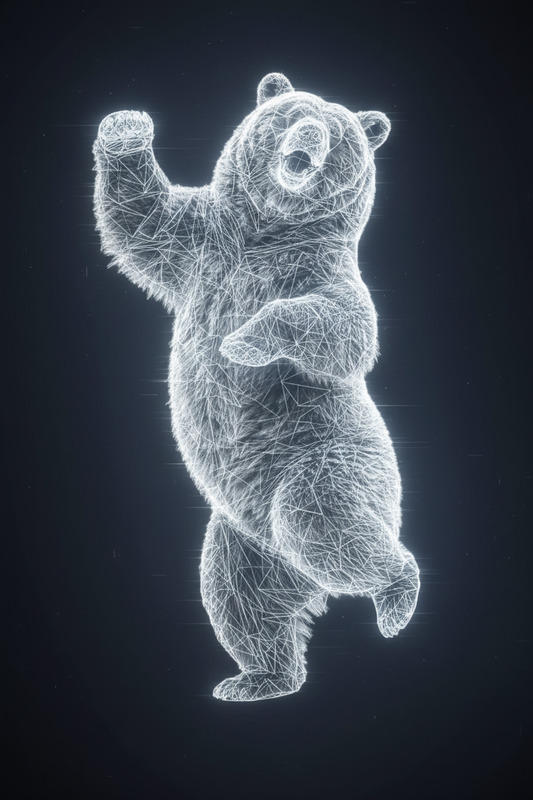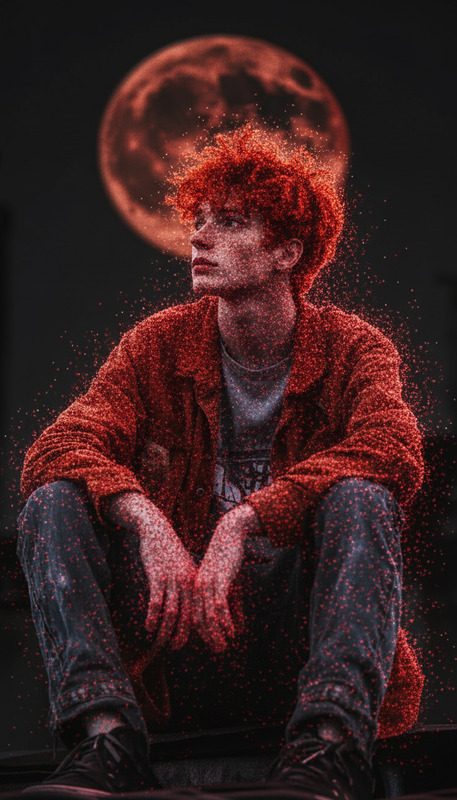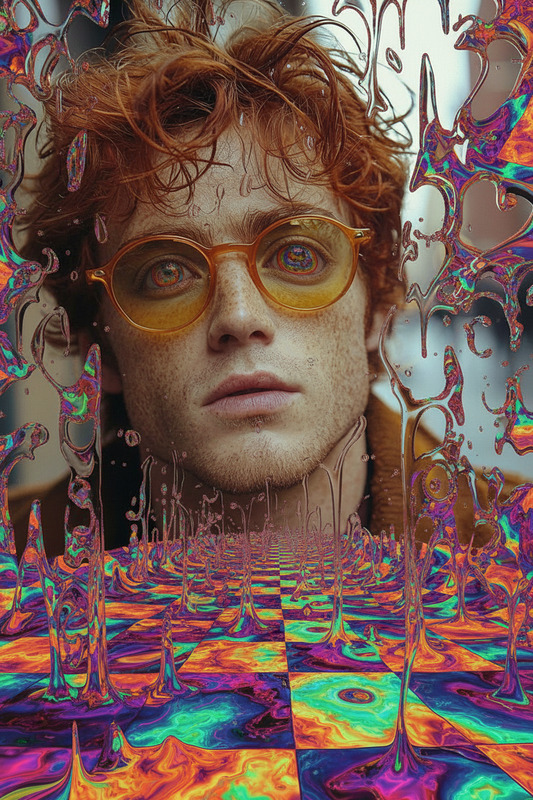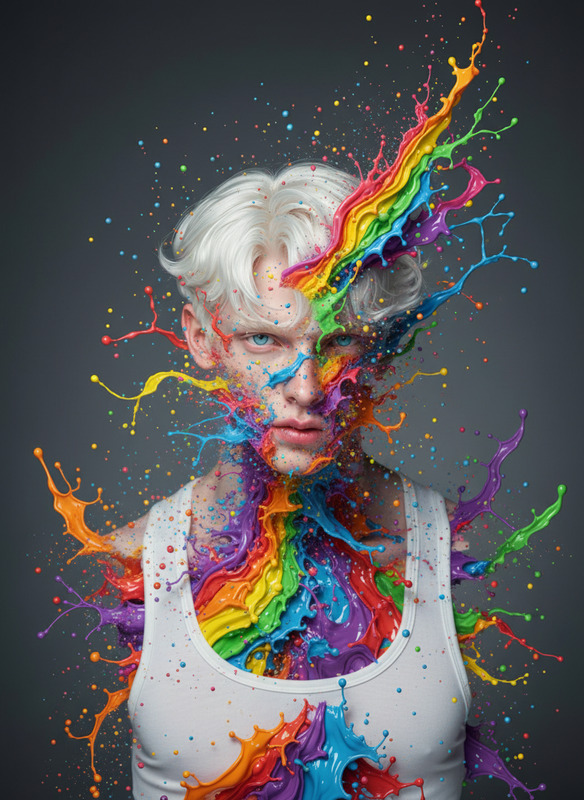
Point Cloud
- Model
- Nano Banana 2
- Image
- 768 × 1365 px
Prompt
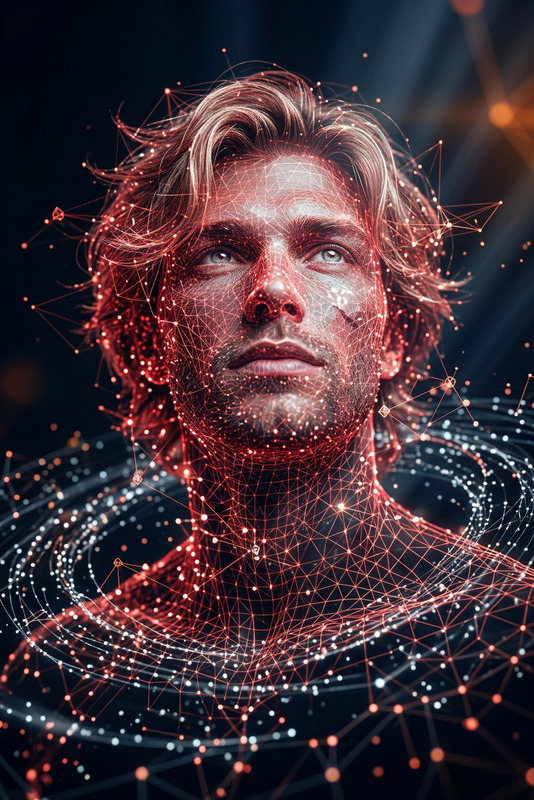
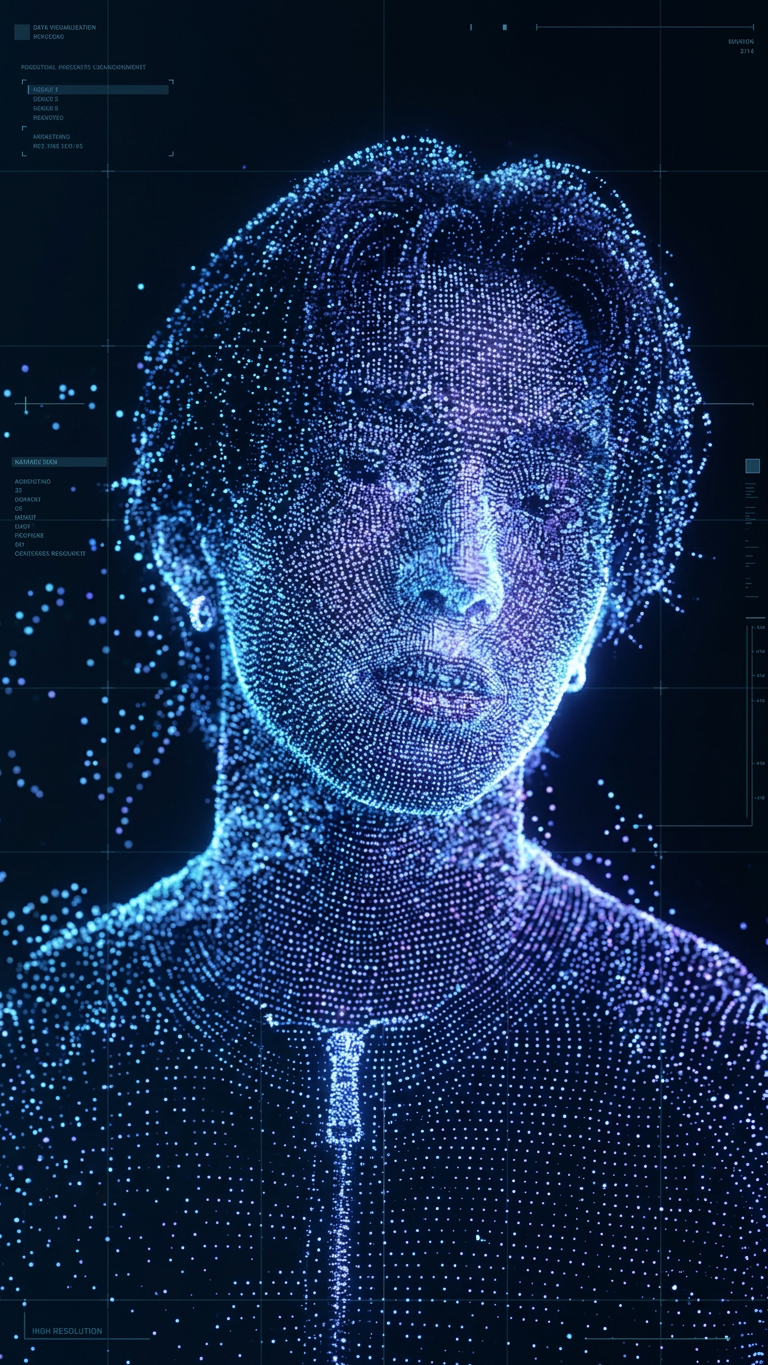
Subject transforms into a 3D point-cloud scan made of scattered glowing particles, body dissolving into floating dots with depth and motion, futuristic digital scan effect, dark background, soft glow.
Any aspect ratio
Overview
Transform your imagery with the Point Cloud template. This AI Image Editor effect utilizes the nano-banana-2 model to create dynamic, futuristic visuals. Elevate your project with a 3D point-cloud scan effect that dissolves the subject into glowing, floating particles. Ideal for advancing creative projects with a digital twist.
What It Does
The Point Cloud template scans your input image and transforms it into a vivid 3D point-cloud visualization. By simulating a digital scan effect, the subject dissociates into individual dots, generating depth and motion. This AI-driven template is perfect for creating stunning visual effects on a dark background, enhancing the surreal and futuristic look of your material.
Who It's For
This tool is designed for creators seeking to add digital sophistication to their projects. Whether you're a video producer, visual artist, or animator, the Point Cloud effect provides an advanced toolset. It's equally beneficial for those working in fields like gaming cinematics and storyboarding where unique visual narratives are key.
Summary
Equip your creative arsenal with the Point Cloud template to push the boundaries of visual storytelling. Leverage this template to integrate a AI Image Editor effect that captivates your audience with its striking point-cloud aesthetics. Ideal for use cases in numerous dynamic sectors.
How to Use the Template
Choose the Template

Customize Your Inputs

Generate Your Visuals

Use Cases
Visual Effects in Film
Game Design
Advertising
Best Practices
Optimal Image Selection
Select high-contrast images to maximize the 3D point-cloud effect's impact.Background Adjustment
Utilize dark backgrounds to enhance the glow and particle visibility.Motion Consideration
Experiment with motion in your input to enrich the depth effect in the output.