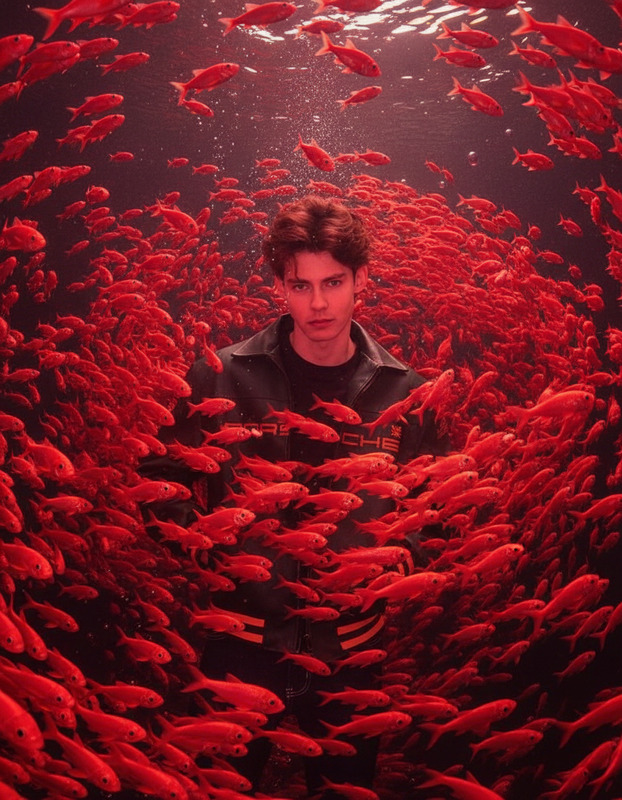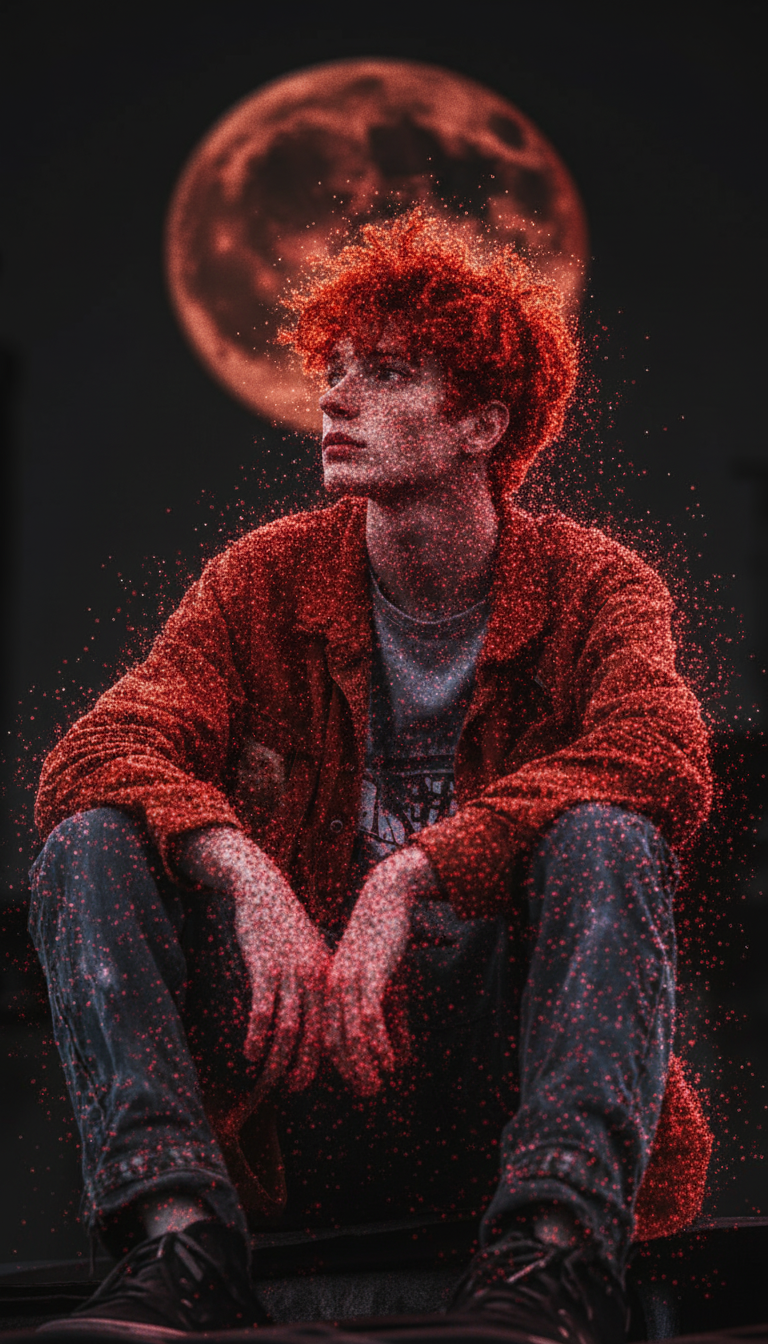
Red point cloud

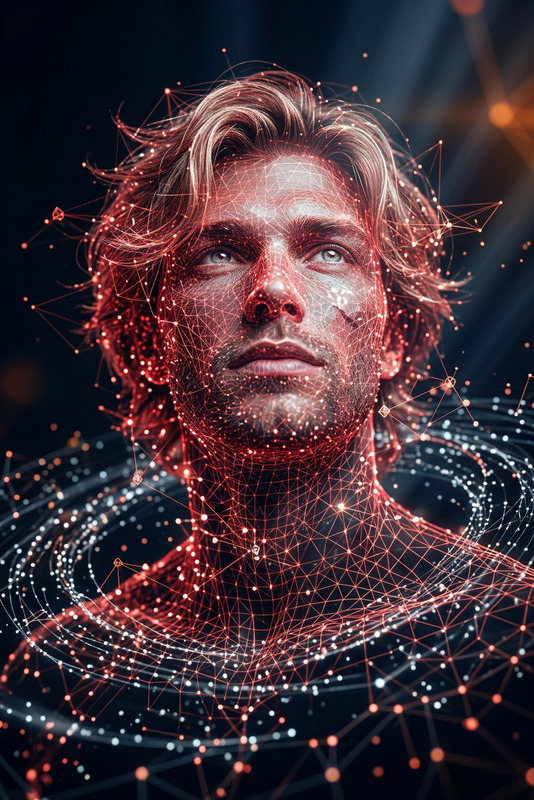
Red point cloud

ai-image-editor

1 clip
39 uses

Any aspect ratio

Prompt

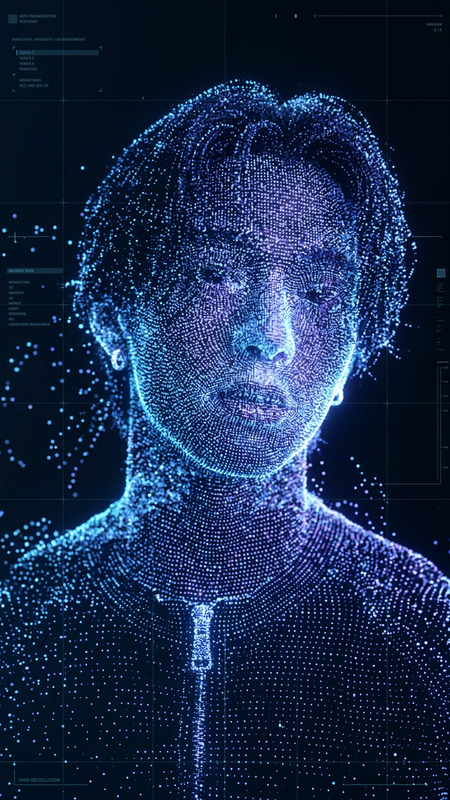
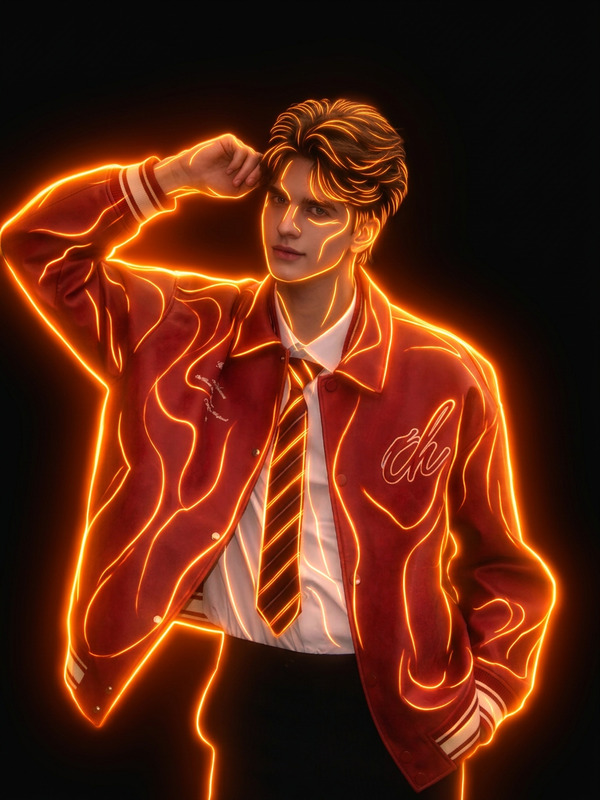
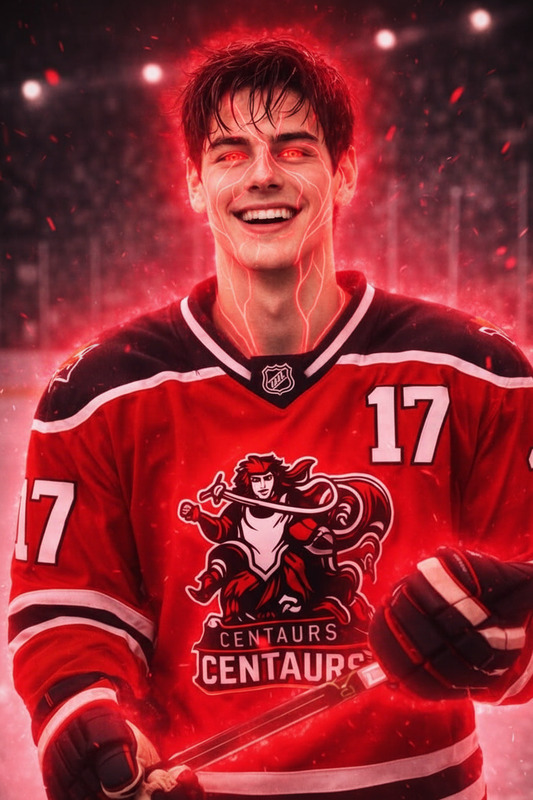
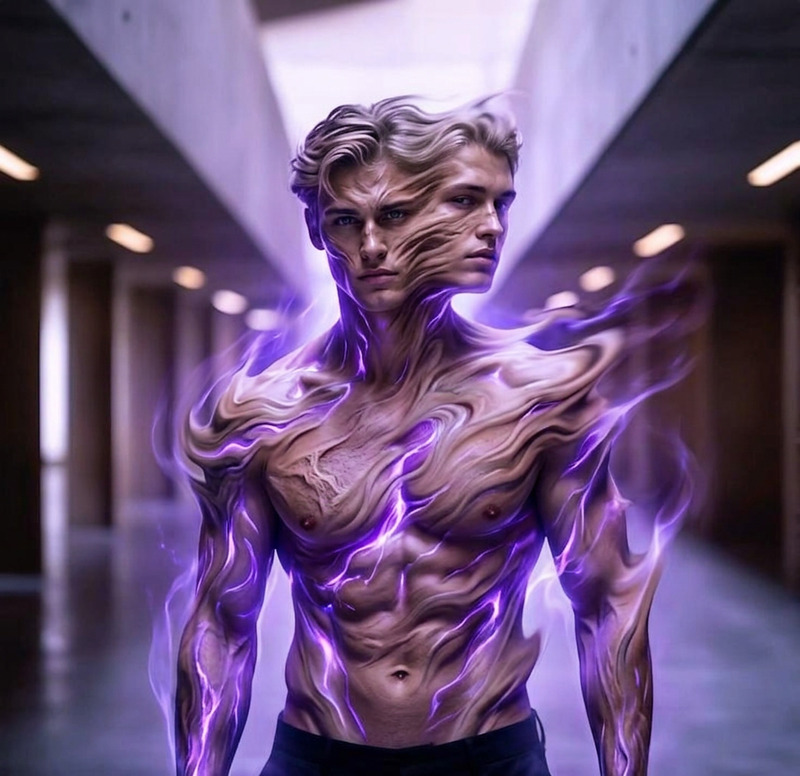
A subject formed entirely from scattered red point cloud particles, resembling a 3D scan in progress, semi-transparent and flickering, floating in a dark minimal space, particles subtly drifting and dissolving, soft glow, cinematic lighting, dreamy and futuristic atmosphere, ultra-detailed, 4K.

Tags

visual effectspopular

AI Image Editor Template: Smart Object Removal & Photo Cleanup

Clean up photos in seconds with this AI Image Editor–powered template. Remove unwanted objects, fix small mistakes, and polish your images for campaigns, product pages, social posts, and decks—without opening Photoshop.


What this template does

This template is built on the AI Image Editor and is optimized for:

  • Object removal: Cleanly erase people, logos, text, or distractions from photos.
  • Background cleanup: Remove clutter, signage, or artifacts while preserving lighting and depth.
  • Social- and ad-ready assets: Turn “almost good” shots into polished creative for landing pages, ads, and thumbnails.
  • Content repurposing: Adapt the same base image for different channels by hiding or changing specific elements.

Under the hood, the editor uses generative inpainting: it removes selected regions and fills them with context-aware pixels that match your image’s colors, lighting, and perspective.


How to remix this template in Magic Hour

You can use this template as-is or quickly adapt it to your own workflow inside Magic Hour:

  1. Duplicate / Remix the template

    • Open this template in Magic Hour.
    • Use it as a starting point for your brand or project (new prompt patterns, different image types, etc.).
  2. Upload your source image

    • Use any product photo, lifestyle shot, portrait, screenshot, or design mock.
    • Higher-resolution images give the model more context, which generally leads to more realistic fills.
    • If your source is low quality, you can enhance it first with the AI Image Upscaler or sharpen it with Unblur Image.
  3. Select what to remove

    • Use the selection tools inside the AI Image Editor to mark:
      • People or bystanders in the background
      • Logos, watermarks you own, or brand elements you control
      • Wires, trash, reflections, or visual noise
      • UI elements in screenshots (toolbars, personal info, timestamps)
    • The model will understand the surrounding context and attempt to reconstruct a clean, natural-looking background.
  4. Review and iterate

    • Generate multiple variants and pick the one that best fits your use case.
    • If needed, run another quick pass to remove additional details or refine edges.
    • For final touches (color, contrast, style) you can pass the result into:
  5. Save as your own reusable workflow

    • Once you like the flow (e.g., “remove extra people + clean signage + light polish”), save this remixed template.
    • Your team can reuse it for campaigns, photo shoots, or recurring content without reinventing the process.

Practical use cases

This AI Image Editor template is designed for creators and teams who need reliable, fast cleanup at scale:

Marketing & growth teams

  • Remove distracting bystanders from lifestyle photos for landing pages.
  • Clean up screenshots for documentation, onboarding flows, and pitch decks.
  • Localize assets by removing region-specific signage or text and then re-adding language variants with an AI Meme Generator or design tools.

E‑commerce & product teams

Founders & builders

  • Clean investor deck images, remove personal info from screenshots, and polish app mockups.
  • Create quick hero visuals for launch pages by removing noisy elements and combining this with the AI Photo Generator or AI Image Generator.

Creators & influencers


Combine with other Magic Hour tools

To build richer pipelines from this template, you can chain it with other Magic Hour products:


Best practices for higher-quality results

  • Start with the best version of your image

  • Remove in logical chunks

    • For complex scenes, remove large objects first, then run additional passes for small artifacts.
    • This gives the model more consistent context and typically yields more realistic textures.
  • Respect rights and privacy

    • Only remove watermarks, logos, and sensitive content you own or have rights to adjust.
    • Use Watermark Remover and Remove Object from Photo responsibly, especially for commercial work and client deliverables.
  • Optimize for downstream tools

    • If you know you’ll send the image into video or animation (e.g., Face Swap Video or Animation), keep edges, faces, and key features as clear as possible.
    • Consider one final pass with the AI Image Upscaler for crisp output.

Example workflows you can build from this template

You can easily remix this AI Image Editor template into repeatable workflows:

  1. Product hero creation pipeline

  2. Founder pitch and app-demo visuals

  3. Character and avatar content


Why use this template instead of manual editing?

For non-designers and busy teams, manual cleanup in traditional tools can be slow and inconsistent. This AI Image Editor template:

  • Delivers fast, repeatable results across large sets of images
  • Scales from a single social post to a full product catalog
  • Plays nicely with other Magic Hour tools, so you can build end-to-end workflows—from raw photo to final video, ad, or campaign asset

Remix this template, plug it into your existing stack, and treat image cleanup as a simple, automated step in your creative pipeline.

More Like This

Insufficient credits