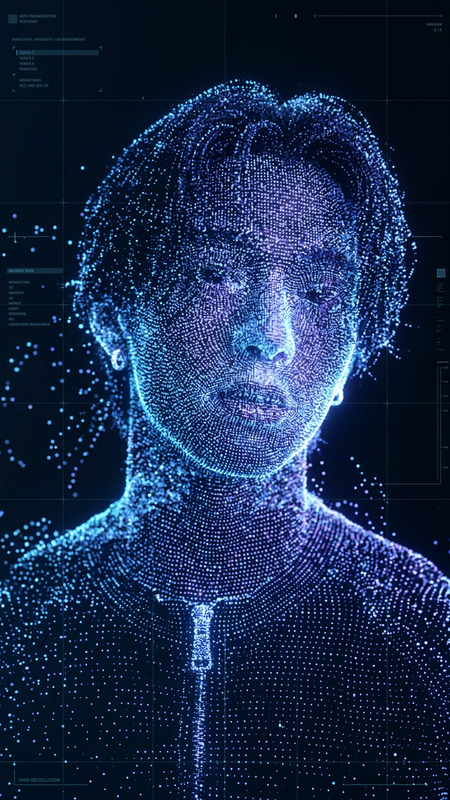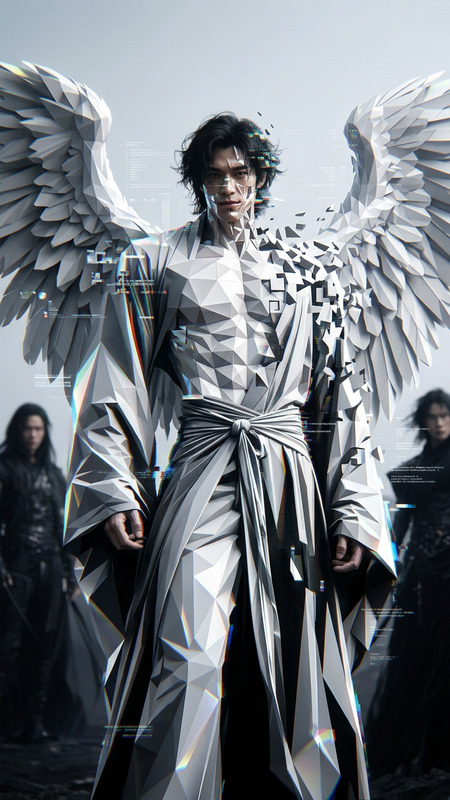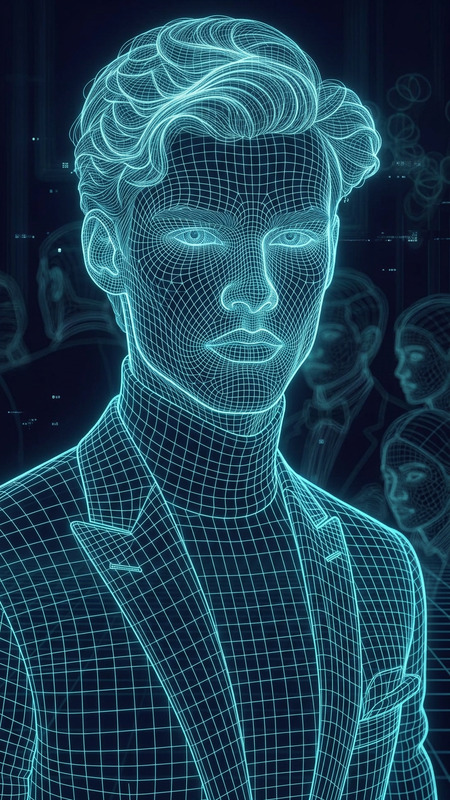
White digital wireframe
- Model
- Nano Banana
- Image
- 832 × 1248 px
Prompt
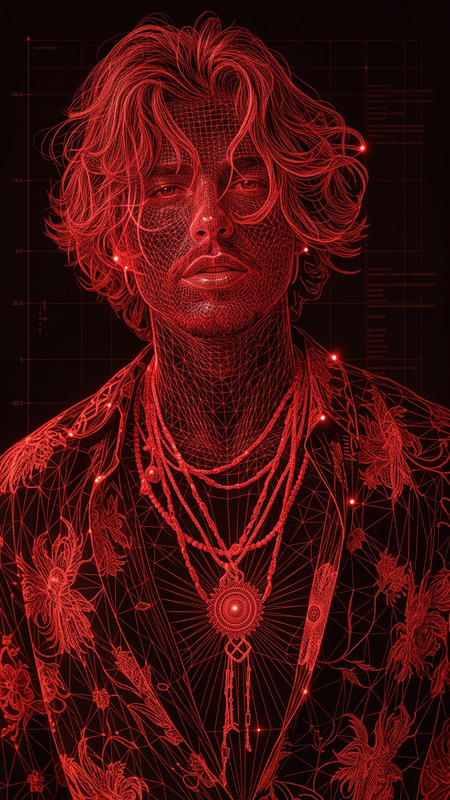
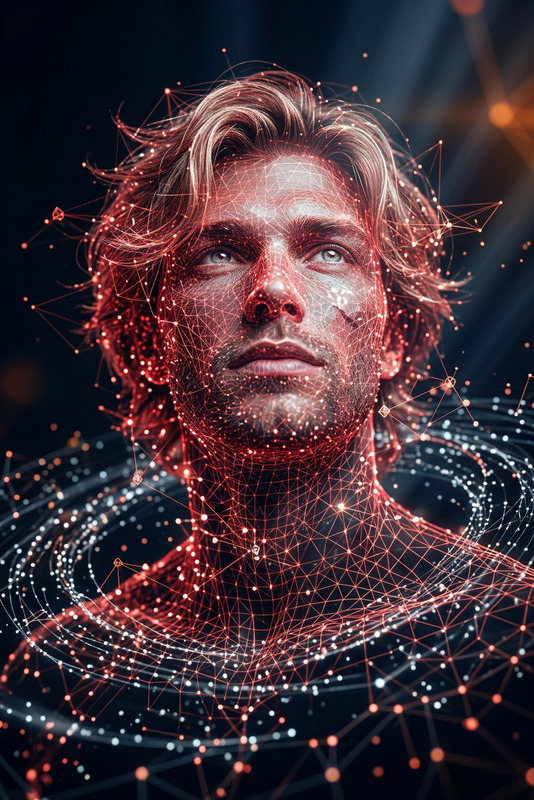
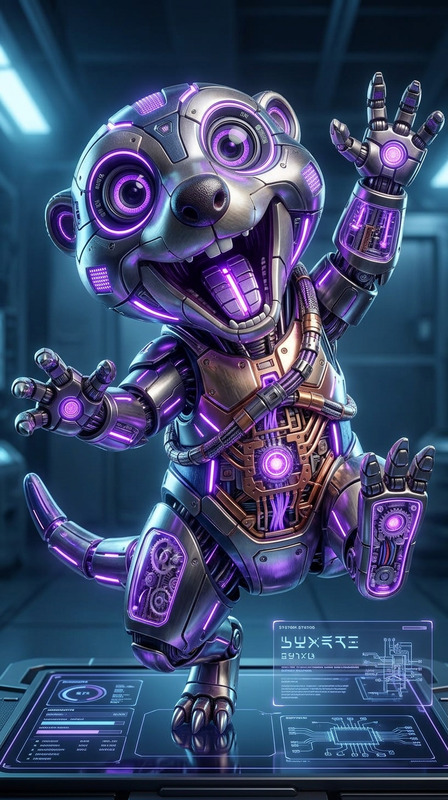
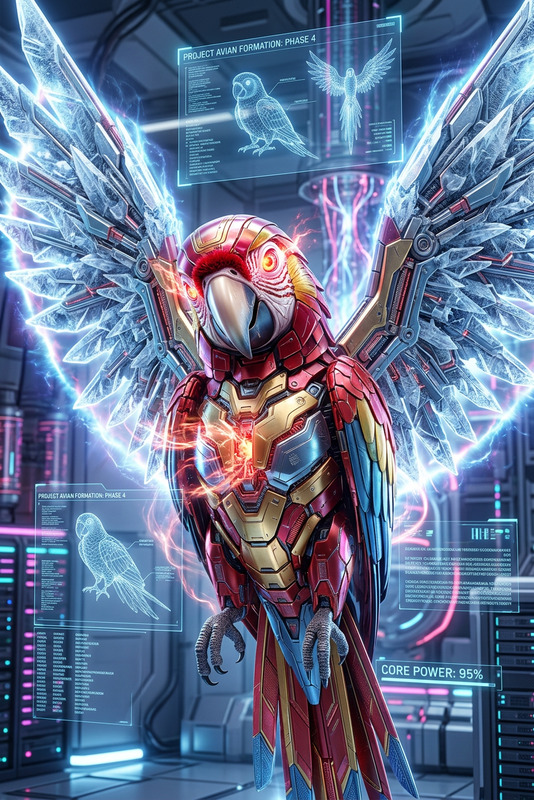
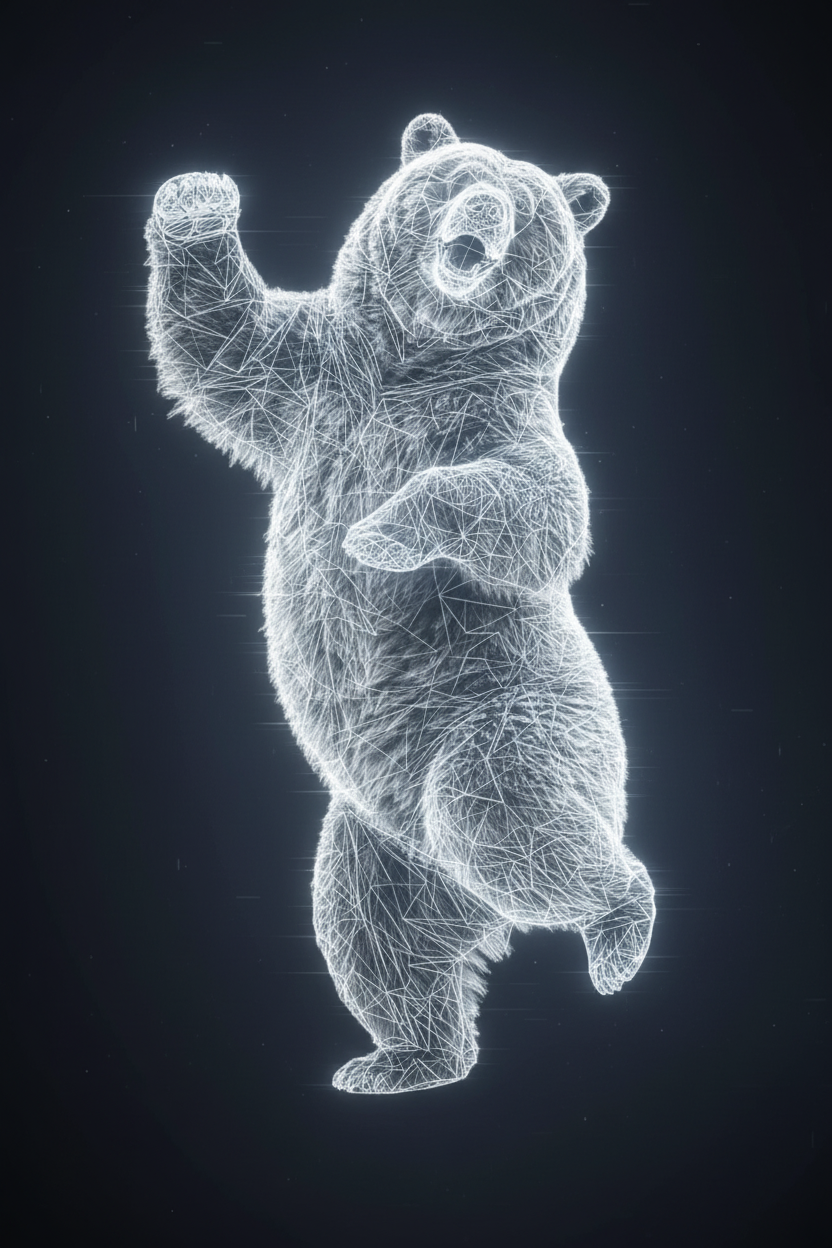
A subject transforms into a white digital wireframe. The solid form dissolves into glowing white lines and geometric meshes, revealing a full 3D wireframe structure of the body and face. Facial features remain recognizable through the grid lines. Subtle flickering and scanning effects run across the surface, with lines pulsing and shifting. Dark background enhances the bright white glow, creating a futuristic, holographic digital scan aesthetic.
Any aspect ratio
Overview
Enhance your visual projects with the White Digital Wireframe template available in our AI Image Editor. Immerse your audience in a futuristic, digital aesthetic where subjects are transformed into intricate 3D wireframes glowing against a dark background.
What It Does
This template allows you to create an engaging effect where a subject dissolves into a striking digital wireframe. It utilizes the nano-banana model to generate a 3D grid representation, maintaining recognizable facial features while adding pulsating lines and shifting patterns for a dynamic finish. The dark background enhances the white glow, providing a visually compelling contrast.
Who It's For
The White Digital Wireframe template is ideal for designers, digital artists, and content creators who aim to infuse their work with an innovative edge. It's a great fit for projects focused on digital art, tech-oriented visuals, or futuristic themes. Easily integrated into AI Multi-Angle Generator flows for added perspective.
Summary
Leverage the transformative power of our AI Image Generator with the White Digital Wireframe template. Perfect for creating standout visuals that captivate and convey a modern, tech-forward aesthetic. It's the tool of choice for those looking to explore the bounds of creative potential.
How-To
Choose the Template

Customize Your Visuals

Generate and Download

Use Cases
Tech-Themed Presentations
- Ideal for IT conferences
- Perfect for digital transformation pitches
Digital Art Displays
- Unique 3D wireframe artwork
- Animated loops for LED displays
Marketing and Branding
- Use in tech product ads
- Engage audiences with cutting-edge designs
Video Game Design
- Visualize character designs
- Craft sci-fi game scenery
Best Practices
Select High-Contrast Images
Use images with strong contrasts to emphasize the wireframe against the dark background.Balance Grid Density
Maintain recognizable features by balancing grid line density with facial details.Experiment with Effects
Vary the pulsing lines and scanning effects to achieve desired visual dynamism.