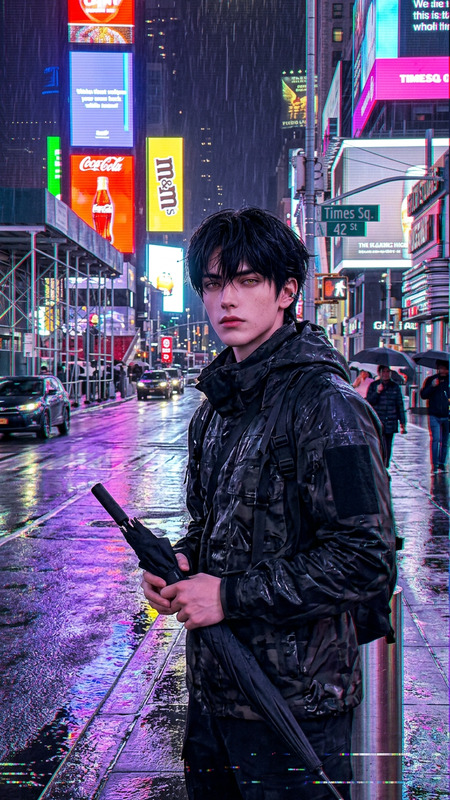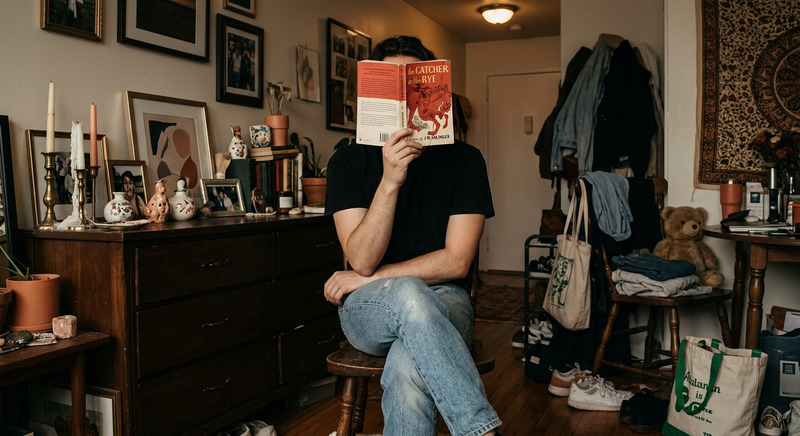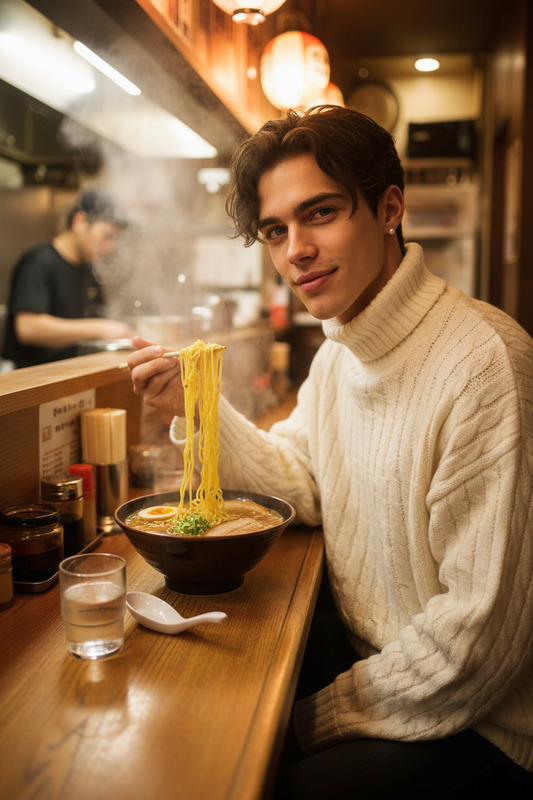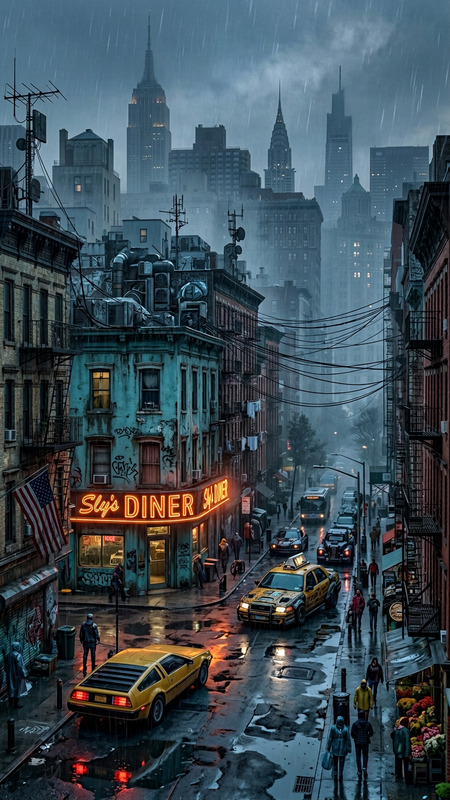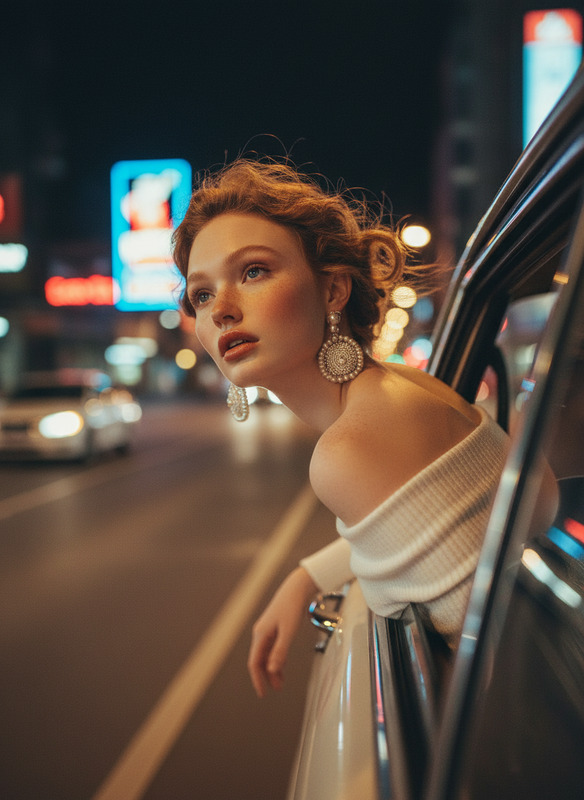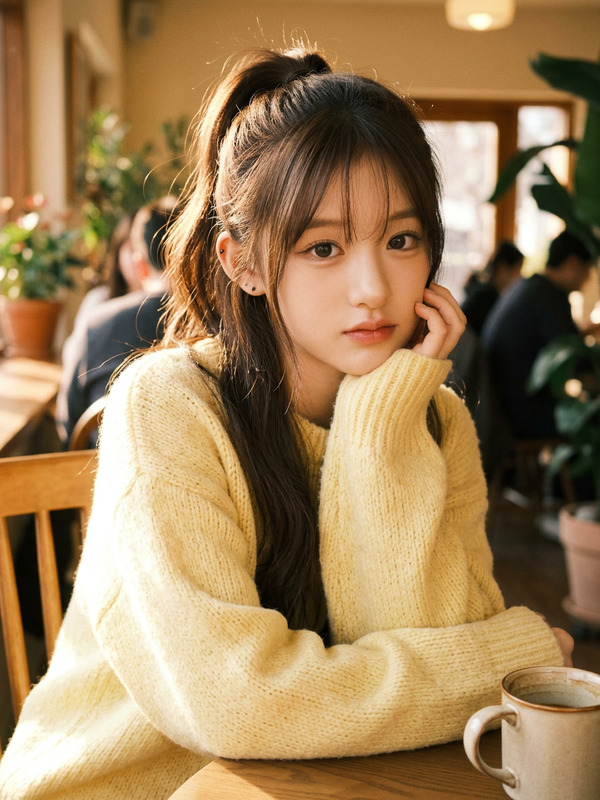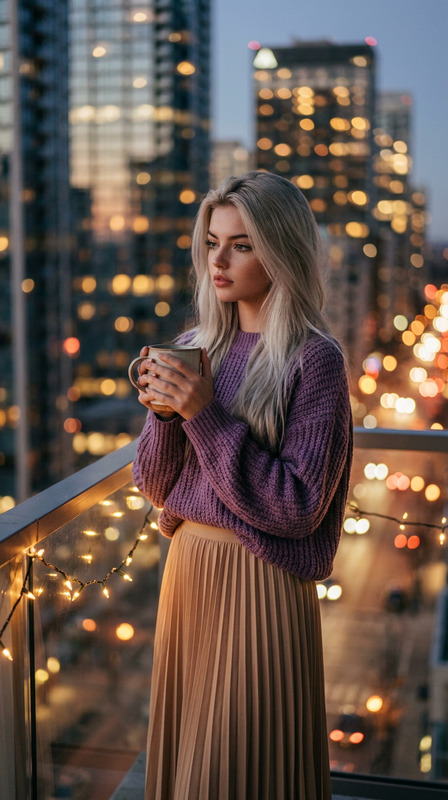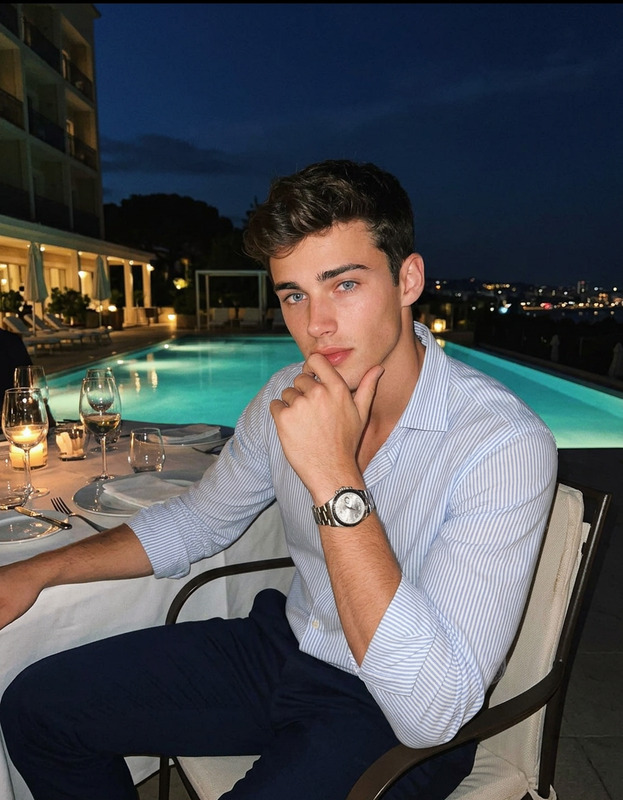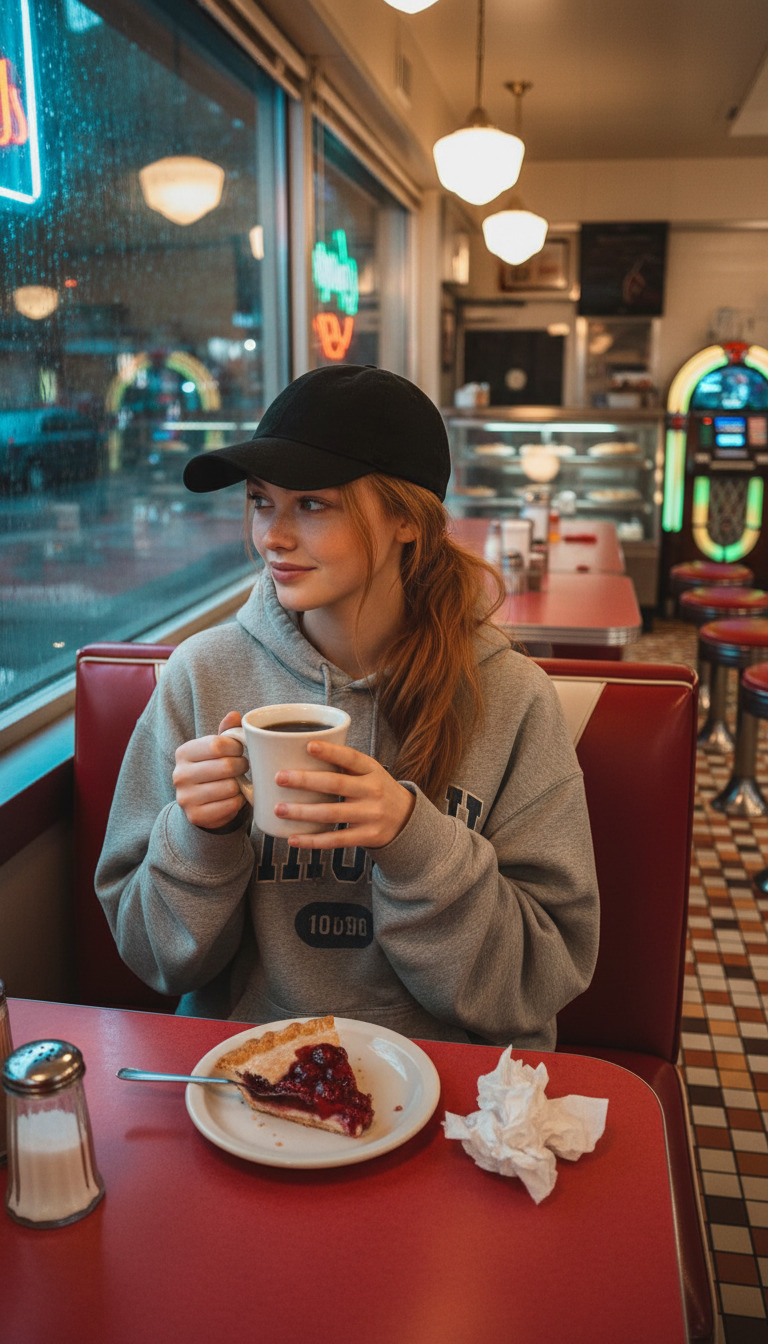
Late-night Dinner
- Model
- Nano Banana
- Image
- 768 × 1344 px
Prompt
Subject sitting in a red vinyl booth at a classic late-night diner, softly lit by warm fluorescent light reflecting off chrome counter and retro tiled walls. Wearing an oversized vintage grey collegiate hoodie and a black baseball cap with hair in a low ponytail. Holding a ceramic mug of black coffee with both hands, a half-eaten cherry pie on a white plate and crumpled napkin in front. Background shows red stools at a Formica counter, glass pie case, and rain through windows with neon reflections, jukebox glowing in distance. Looking out the rain-streaked window with a contemplative half-smile. Candid iPhone photo style, cinematic color contrast between warm interior and cool rainy exterior, late-night diner atmosphere.
Any aspect ratio
Overview
Transport your audience to a cozy late-night diner with the Late-night Dinner AI Image Editor template. Designed using the nano-banana model, this template captures the nostalgic, cinematic vibe of a classic diner scene. Craft visually appealing imagery perfect for capturing the essence of late-night reflections and warmth against a rainy backdrop.
What It Does
The Late-night Dinner template, powered by the AI Image Editor, allows you to create stunning images reflecting the warmth and nostalgia of a classic diner experience. Use it to highlight deep contrasts between warm interior lighting and a cool, rainy exterior, setting the perfect late-night scene.
Who It's For
This template is ideal for food bloggers, content creators, and videographers who wish to bring a nostalgic diner experience to their audience. Whether you're creating content for social media or personal projects, this template delivers rich detail with ease.
Summary
With the Late-night Dinner template, immerse your viewers in a scene straight out of a classic movie diner. Utilize the combination of soft, warm lighting and a rainy exterior to create compelling imagery that evokes emotion and storytelling.
How To
Choose

Customize

Generate

Use Cases
Food Blogging
- Enhance recipes with diner-style backdrops
- Showcase late-night comfort foods
Social Media Content
- Create engaging posts with diner themes
- Use for #ThrowbackThursday content
Cinematic Projects
- Build cinematic trailers or short films
- Develop storyboards with rich visuals
Best Practices
High-contrast Imagery
Utilize the contrasting light and shadows to enhance the visual appeal and narrative depth of your images.Focus on Detail
Incorporate small, detailed elements like neon reflections and raindrops to add authenticity.Model Selection
For best results, ensure your inputs align with the nano-banana model capabilities to achieve the desired aesthetic.